

CodingBunny LLMs.txt Generator
Advanced llms.txt generator with AI metadata, Schema.org types, canonical URLs, and differentiated licenses for optimal LLM indexing.
Plugin info
Maintenance & Compatibility
Maintenance score
Maintained • Last updated 128 days ago • Support resolved 100% • 1 reviews
Is CodingBunny LLMs.txt Generator abandoned?
Likely maintained (last update 128 days ago).
Compatibility
Similar & Alternatives
Explore plugins with similar tags, and compare key metrics like downloads, ratings, updates, support, and WP/PHP compatibility.
Description
CodingBunny LLMs.txt Generator creates an advanced llms.txt file to help AI systems discover and understand your content with rich semantic metadata.
Key Features
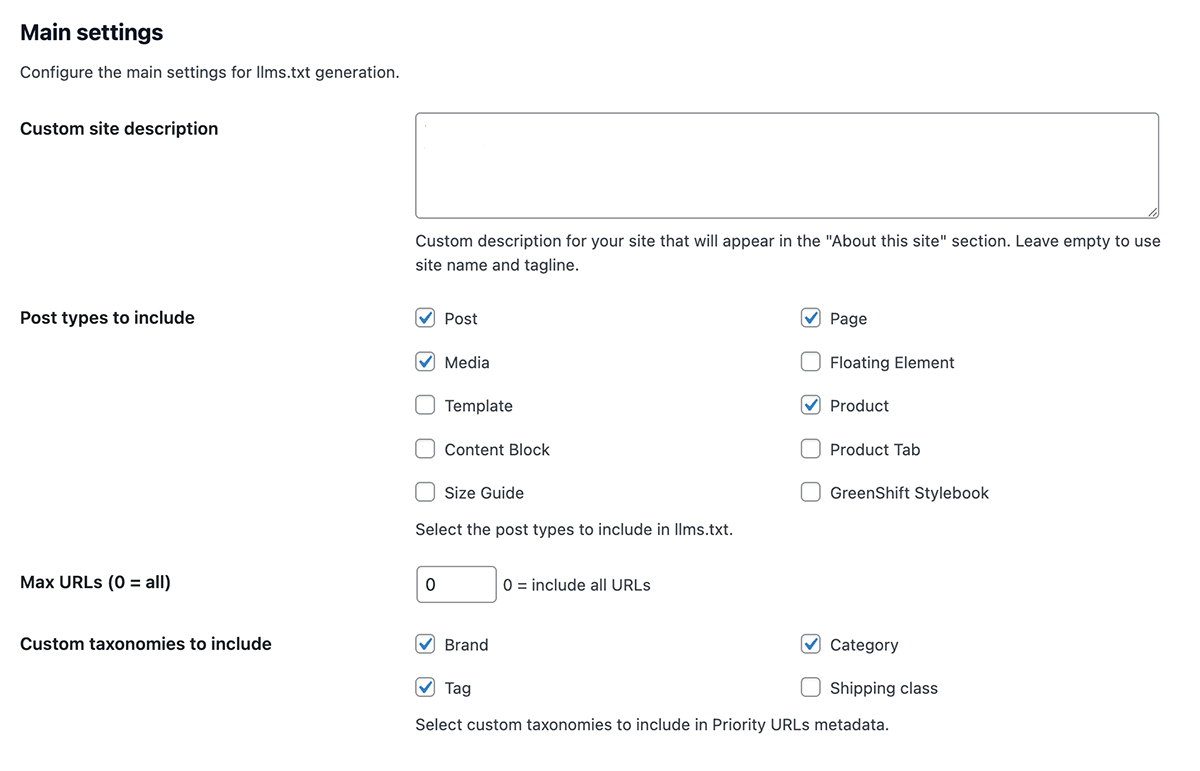
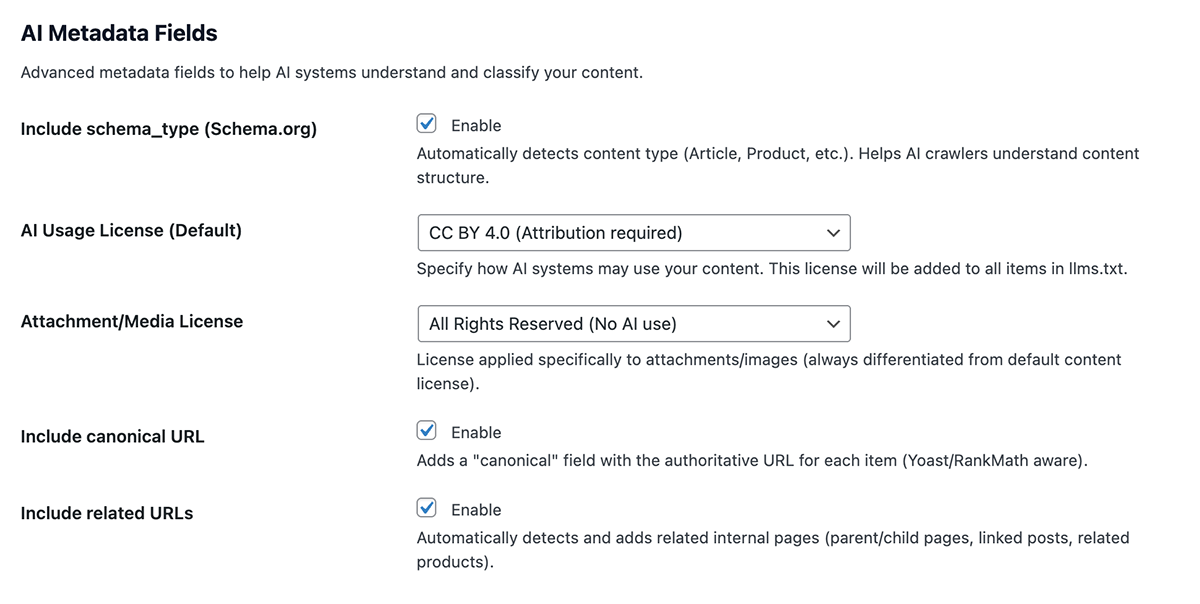
- AI Metadata: Schema.org types, canonical URLs, related content, differentiated licenses
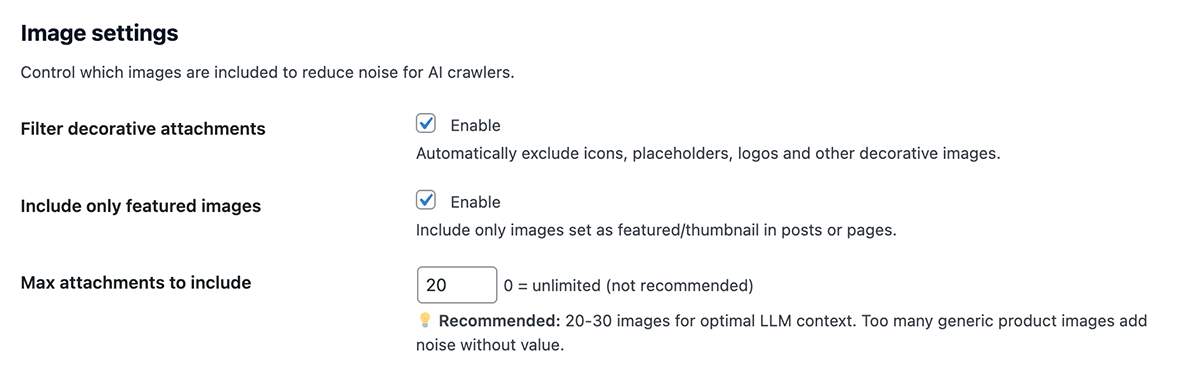
- Smart Filtering: Decorative image detection, featured-only option, configurable limits
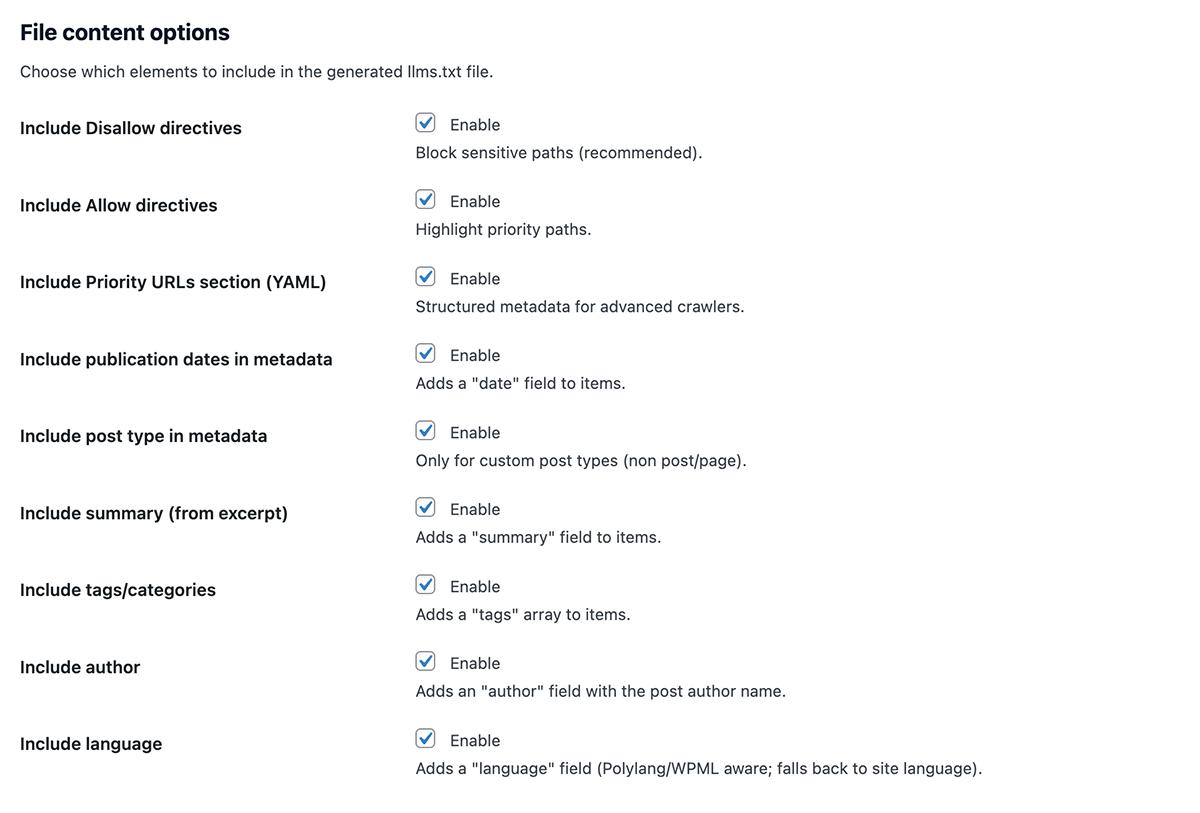
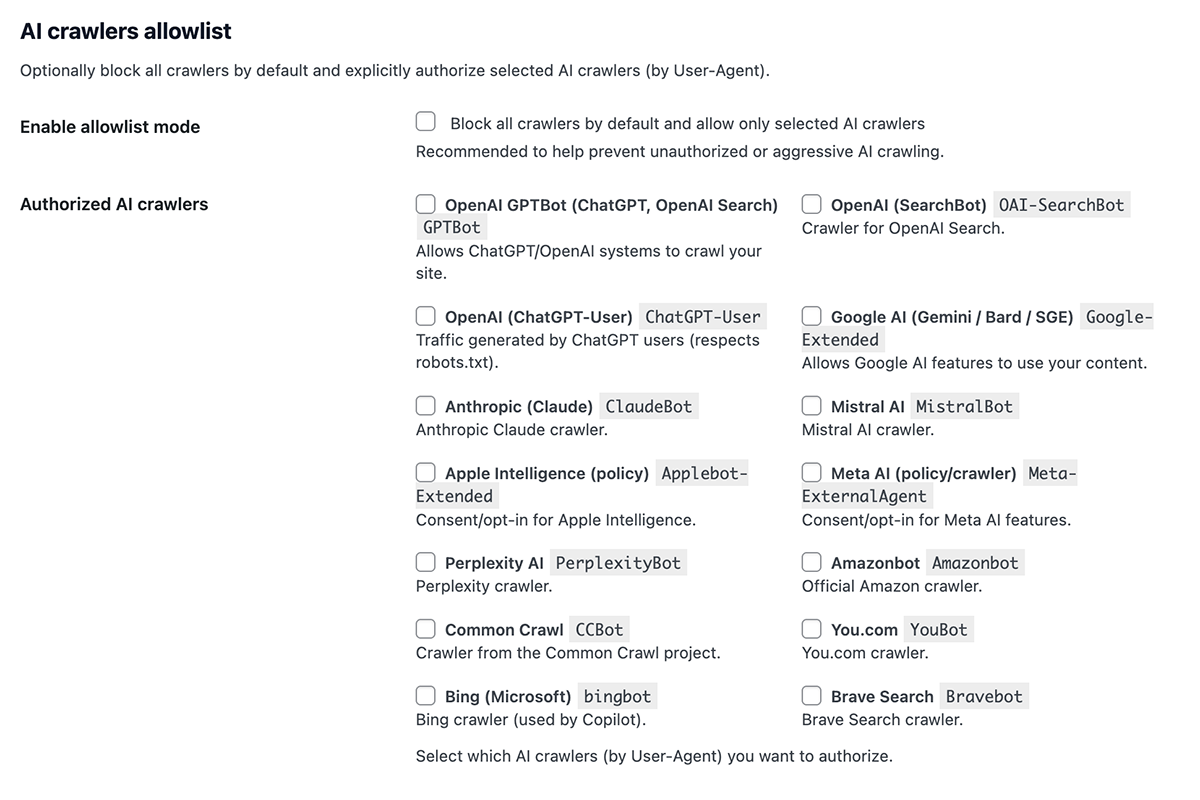
- Crawler Control: Allow/Disallow directives, AI bot allowlist, SEO noindex integration
- Rich YAML: Title, category, type, date, summary, author, language, tags, priority
- Automation: Daily/weekly scheduling, immediate on-publish, generation history
- Developer-Friendly: 20+ hooks/filters, WooCommerce support, multilingual ready
- Schema.org auto-detection (Article, Product, ContactPage, FAQPage, etc.)
- Canonical URLs (Yoast/RankMath compatible)
- Related URLs (parent/child pages, related posts/products)
- Differentiated licenses (content vs. media)
- HTML entity fixes and improved text normalization
Installation
- Upload the plugin folder to
/wp-content/plugins/ - Activate from “Plugins” menu
- Go to “Settings LLMs Generator”
- Click “Generate llms.txt”
Frequently Asked Questions
In your WordPress root: https://yoursite.com/llms.txt
- Max attachments: 20-30
- Filter decorative: Enabled
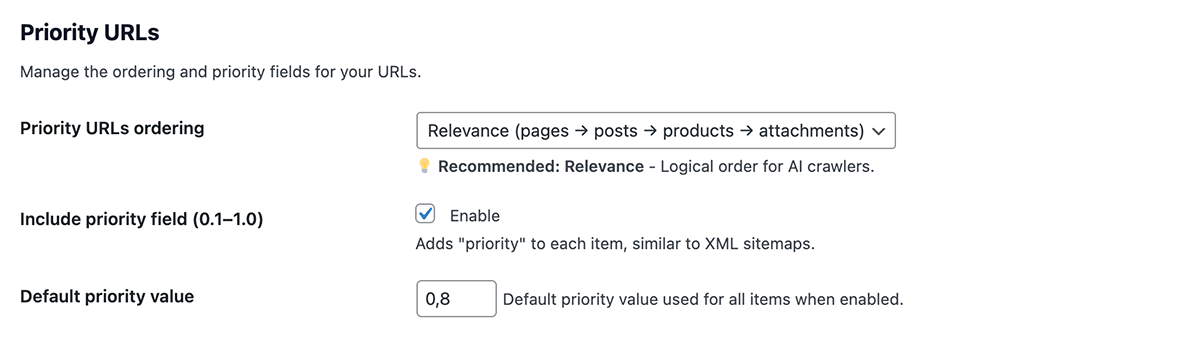
- Priority sort: Relevance
- Include schema_type: Enabled
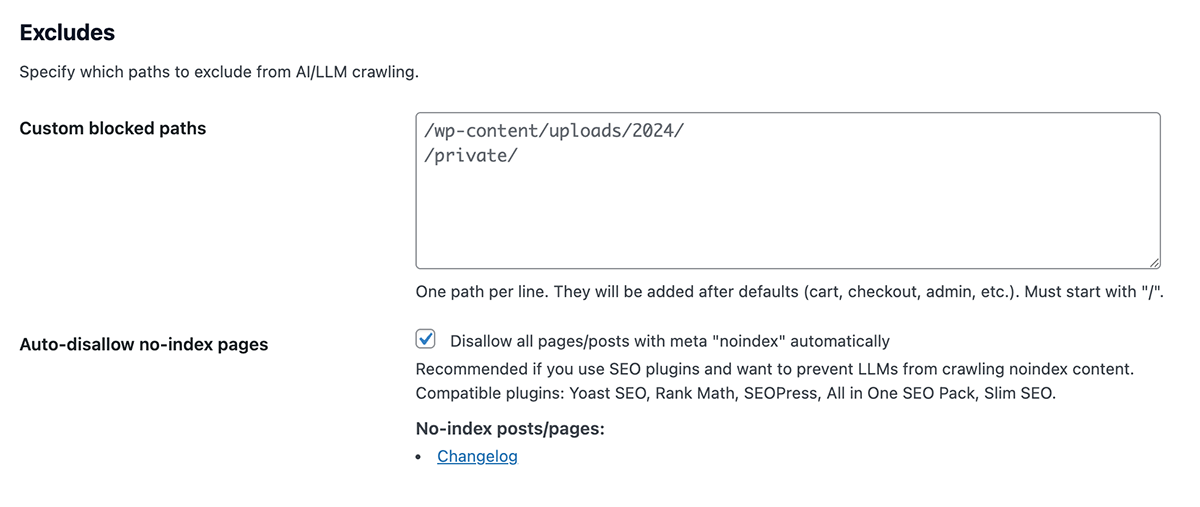
- Auto-disallow noindex: Enabled
Automatically detects:
* Post BlogPosting
* Product Product
* Page title “contact” ContactPage
* Page title “about” AboutPage
* Images ImageObject
Yes! Set “Default License” for posts/pages and “Attachment License” for images separately.
Auto-finds:
* Parent/child pages
* Related posts by category
* WooCommerce related products
Yes! Detects Polylang/WPML languages. Output: language: [en-US, it-IT]
Fully! Auto-excludes cart/checkout, detects products, includes product categories.
Review feed
Screenshots

Changelog
1.1.0: 2024-11-10
- New: Added comprehensive server configuration management
- New: Automatic .htaccess setup for Apache/LiteSpeed servers
- New: Server Tools admin page with real-time .htaccess preview
- New: Automatic server type detection (Apache, Nginx, IIS)
- New: Manual configuration instructions for all server types
- New: Real-time Content-Type header detection for llms.txt
- New: One-click add/remove .htaccess rules with visual feedback
- Improved: Enhanced uninstall process now removes .htaccess rules
- Improved: Better WordPress Coding Standards compliance
- Improved: All functions and variables now use proper plugin prefix
- Improved: Enhanced AJAX operations with nonce verification
- Improved: Added capability checks for all admin operations
- Fix: Corrected WPML integration with proper hook usage
- Fix: Improved code documentation with complete DocBlocks
1.0.3: 2024-11-06
- Improved: Improved UTF-8 encoding of the generated file.
1.0.2: 2024-10-29
- New: Publish to the WordPress repository.
1.0.1: 2024-10-17
- Fix: Corrected the display of special characters in browsers.
1.0.0: 2024-10-09
- New: Initial release