

CodingFreaks Cookie-Manager
Cookie Management made easy, use our Cookie Consent Manager Plugin to comply with the EU Cookie Law, and enjoy easy configuration.
Plugin info
Maintenance & Compatibility
Maintenance score
Maintained • Last updated 118 days ago
Is CodingFreaks Cookie-Manager abandoned?
Likely maintained (last update 118 days ago).
Compatibility
Similar & Alternatives
Explore plugins with similar tags, and compare key metrics like downloads, ratings, updates, support, and WP/PHP compatibility.
Description
CodingFreaks Cookie-Manager is a GDPR compliant plugin that makes cookie management easy. It supports lazy loading of iframes and divs for third-party content, easy custom implementation, and allows you to define different cookie categories with opt in/out toggle.
— Key features—
-
lazy Load Iframes and Divs for Thirdparty Content
-
Easy custom Implementation
-
Standalone (no external dependencies needed)
-
GDPR compliant
-
Support for multi language (Currently DE/EN Preconfigured)
-
WAI-ARIA compliant
-
Allows you to define different cookie categories with opt in/out toggle
-
Allows you to define custom cookie tables to specify the cookies you use
This plugin provides a solution for the EU Cookie law (ePrivacy, TTDSG). It allows loading of scripts, iframes, and content only after the user has given their consent. However, you don’t need to worry about the latest EU laws as this plugin manages your cookies.
DEMO / Quick-Start
Visit the Demo Website
Visit the QuickStart Guide
Product Website
Installation
This section describes how to install the plugin and get it working.
-
Upload
cf-cookiemanagerto the/wp-content/plugins/directory -
Activate the plugin through the ‘Plugins’ menu in WordPress
-
Login to your CodingFreaks Account, and copy your Credentials in to your WordPress CookieManager Settings.
-
Load the Backend Module and Enjoy your Cookie manager.
-
If you want more Tutorials, follow the Documentation Link in the CookieAPI Backend.
Frequently Asked Questions
No, currently all API Services are free to use.
Review feed
Screenshots
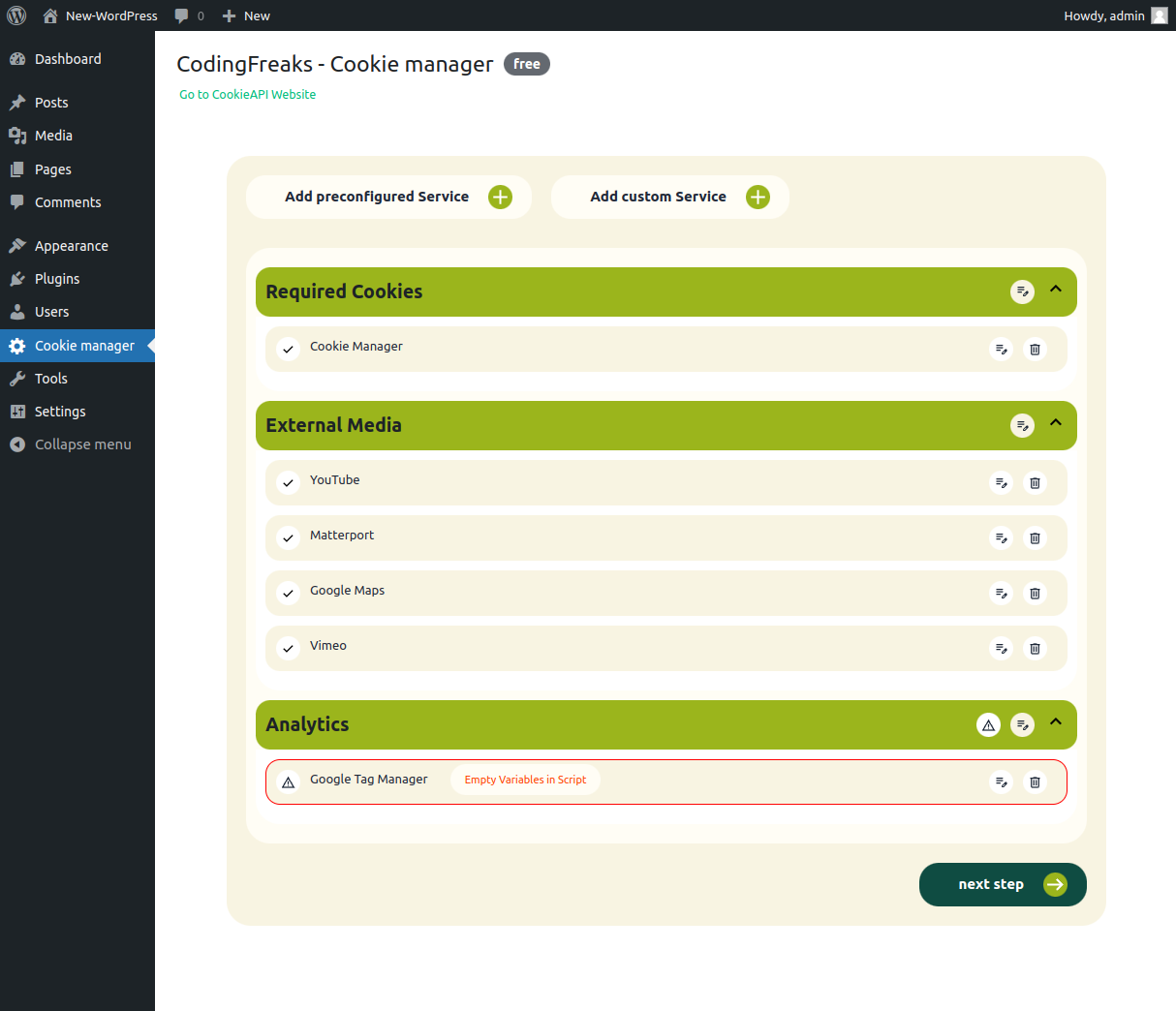
Backend view Services
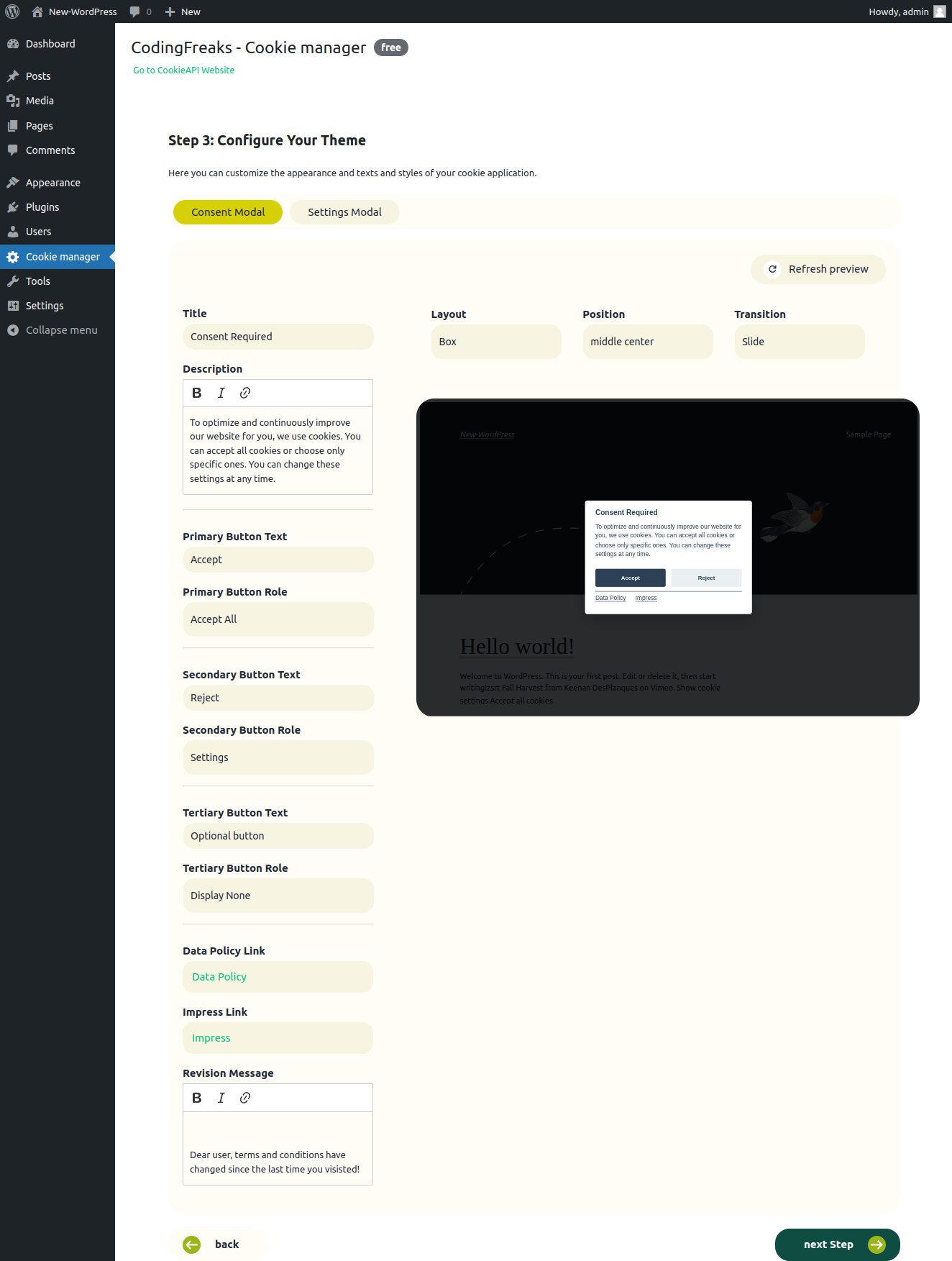
Backend view Theme
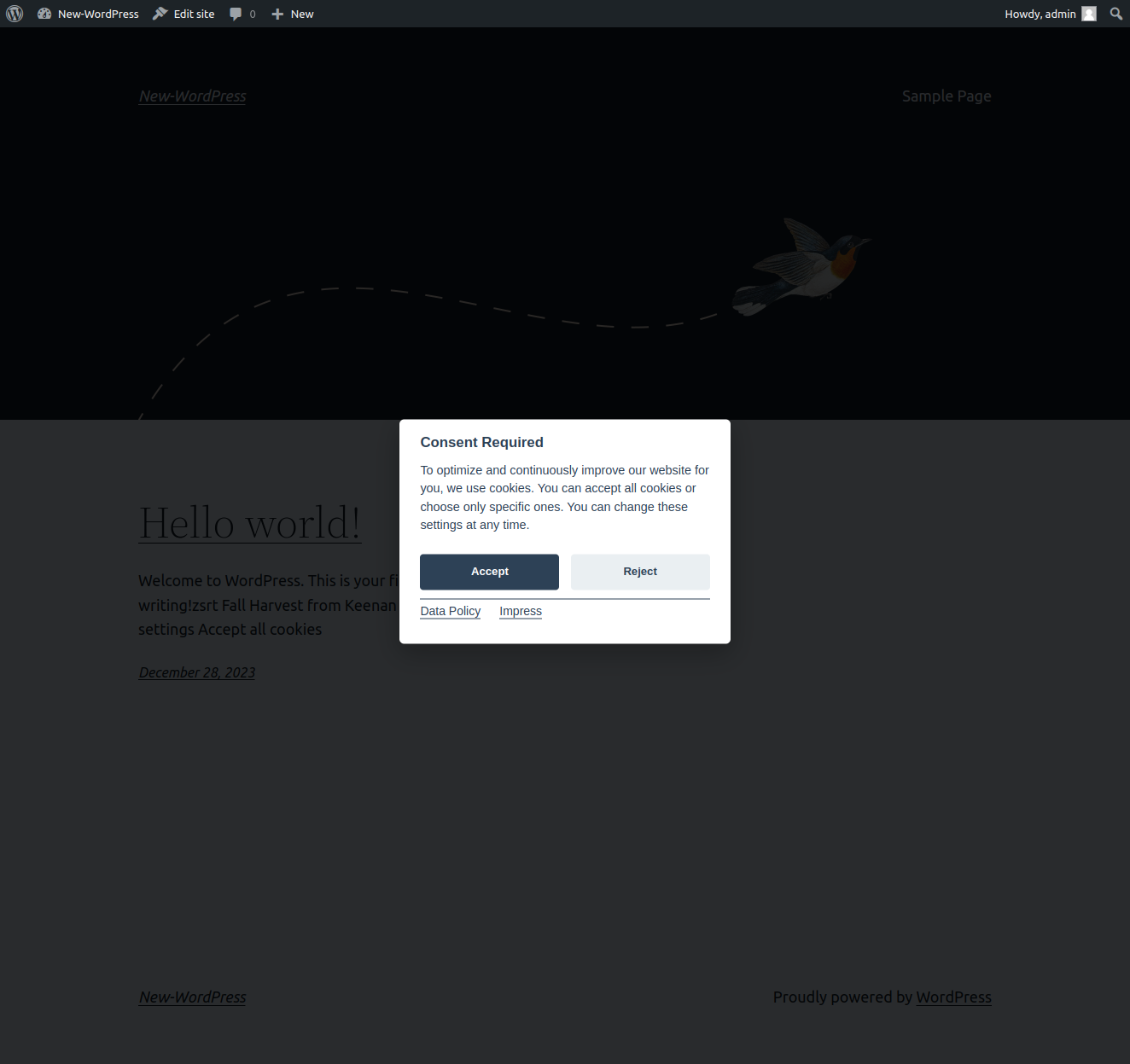
Frontend view Consent
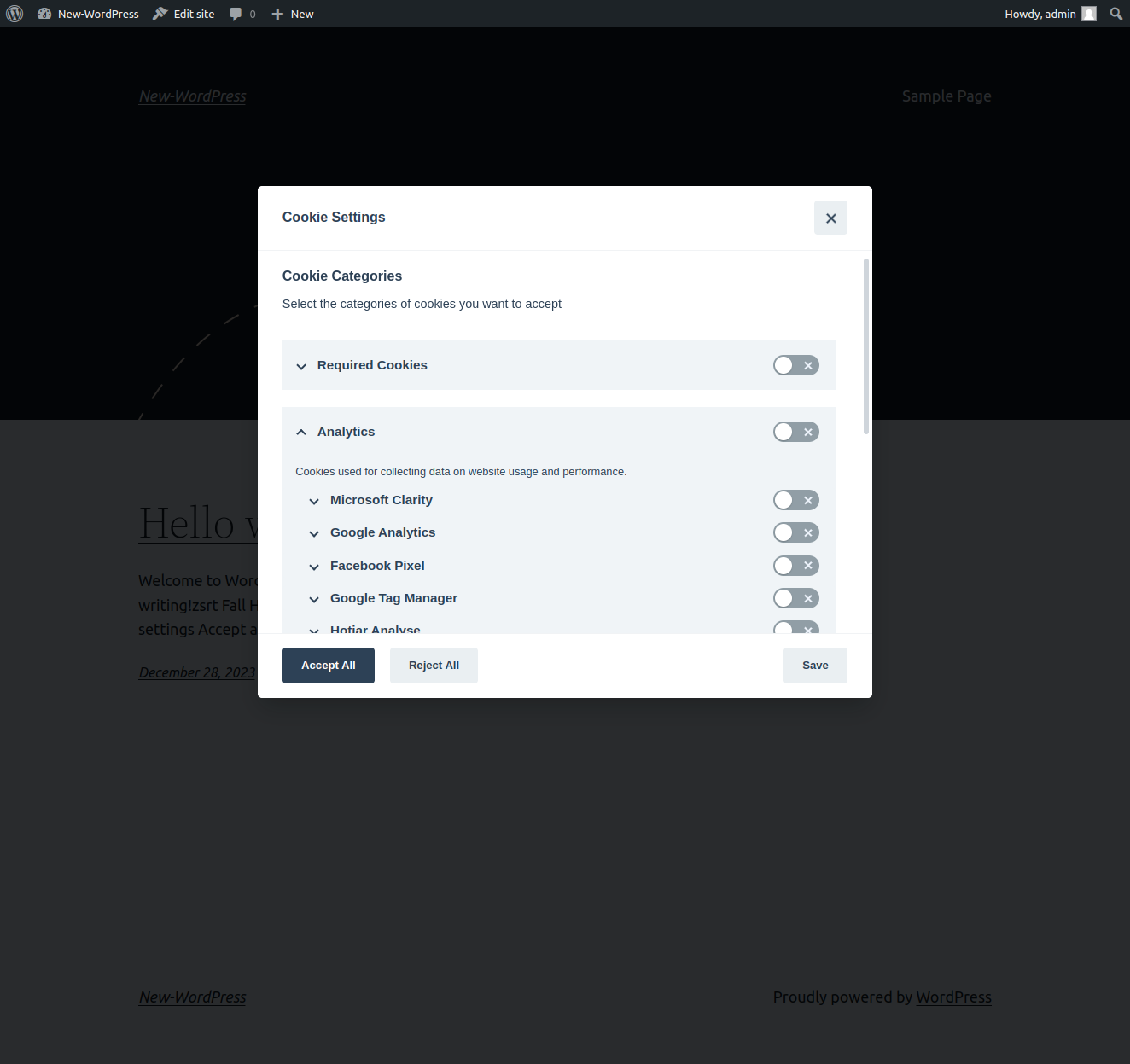
Frontend view Consent-Settings
Changelog
v1.0.2
- New API Service for Cookie-Manager and Auto-Configuration feature
v1.0.1
- Release
v1.0.1
- Initial release