

CoffeeCode – Checkout Stripe Pix for WooCommerce
CoffeeCode - Checkout Stripe Pix for WooCommerce
Plugin info
Maintenance & Compatibility
Maintenance score
Maintained • Last updated 137 days ago • Support resolved 0%
Is CoffeeCode – Checkout Stripe Pix for WooCommerce abandoned?
Likely maintained (last update 137 days ago).
Compatibility
Similar & Alternatives
Explore plugins with similar tags, and compare key metrics like downloads, ratings, updates, support, and WP/PHP compatibility.
Description
CoffeeCode – Checkout Stripe Pix for WooCommerce. Built with development best practices, providing more agility, security and sales conversion.
Support Coffee Code.
Requirements
- PHP version 7.4 or higher.
- WooCommerce version 7.0.x or higher.
Payment Methods
- PIX.
Features
- Payment with Pix.
- Dollar conversion via API (daily exchange rate).
- Manual dollar conversion (administration).
- Extra fees (optional):
- Fixed fee.
- IOF (Tax on Financial Operations).
External services
This plugin connects to two external services to operate:
-
Stripe API: The plugin uses the official Stripe API to process Pix payments. This is essential for the plugin to create and manage transactions, and for secure communication between your store and Stripe. No sensitive user data (such as credit card numbers) is sent, as Pix is a QR Code-based payment method. For more information, see Stripe Privacy Policy and Terms of Service.
-
Central Bank of Brazil (BCB) API: The plugin connects to the public API of the Central Bank of Brazil (OLINDA) to get the daily dollar exchange rate. This information is used to convert foreign currency values to Brazilian Reais and ensure that payments are processed with the correct exchange rate. No user data is sent to this API. For more information, see BCB Open Data Catalog.
Installation
- Upload this plugin to your WordPress and activate it;
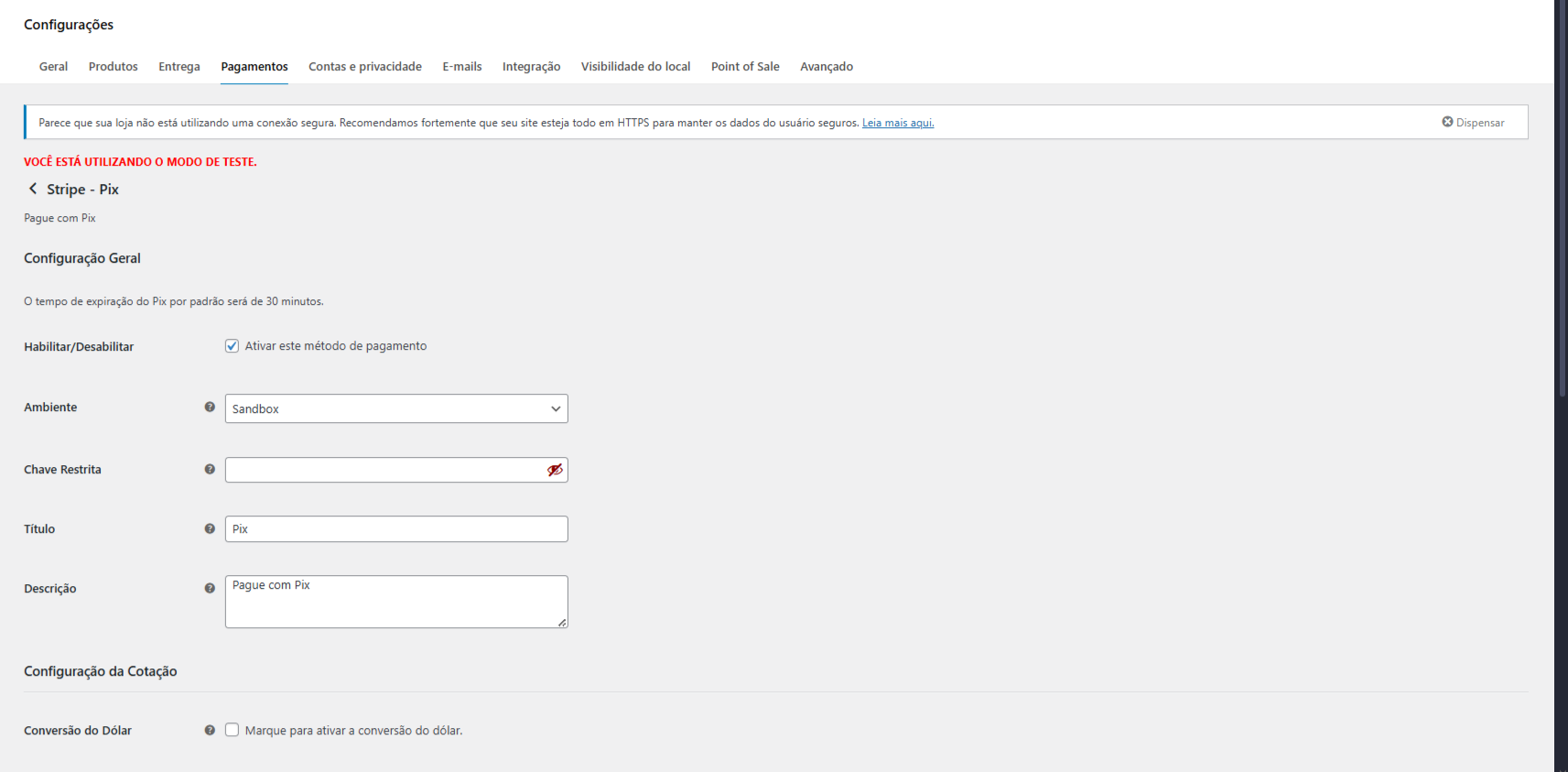
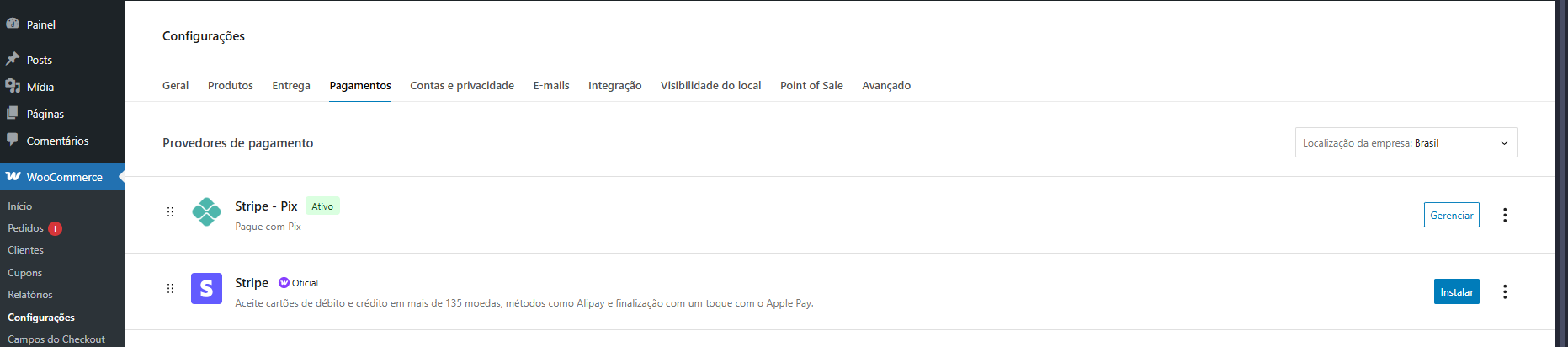
- Go to the side menu “WooCommerce > Settings > Payments”;
- Add the Stripe Secret Key.
- Add Title, Description, Checkout Title, Dollar conversion (optional), Fee settings.
Frequently Asked Questions
Review feed
Screenshots
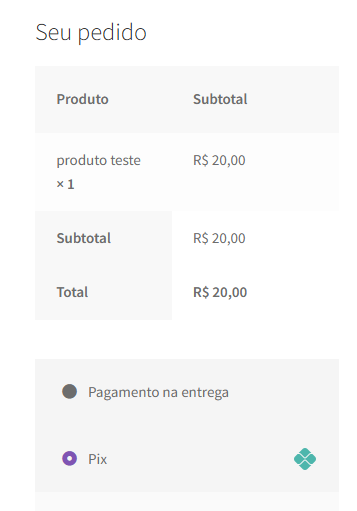
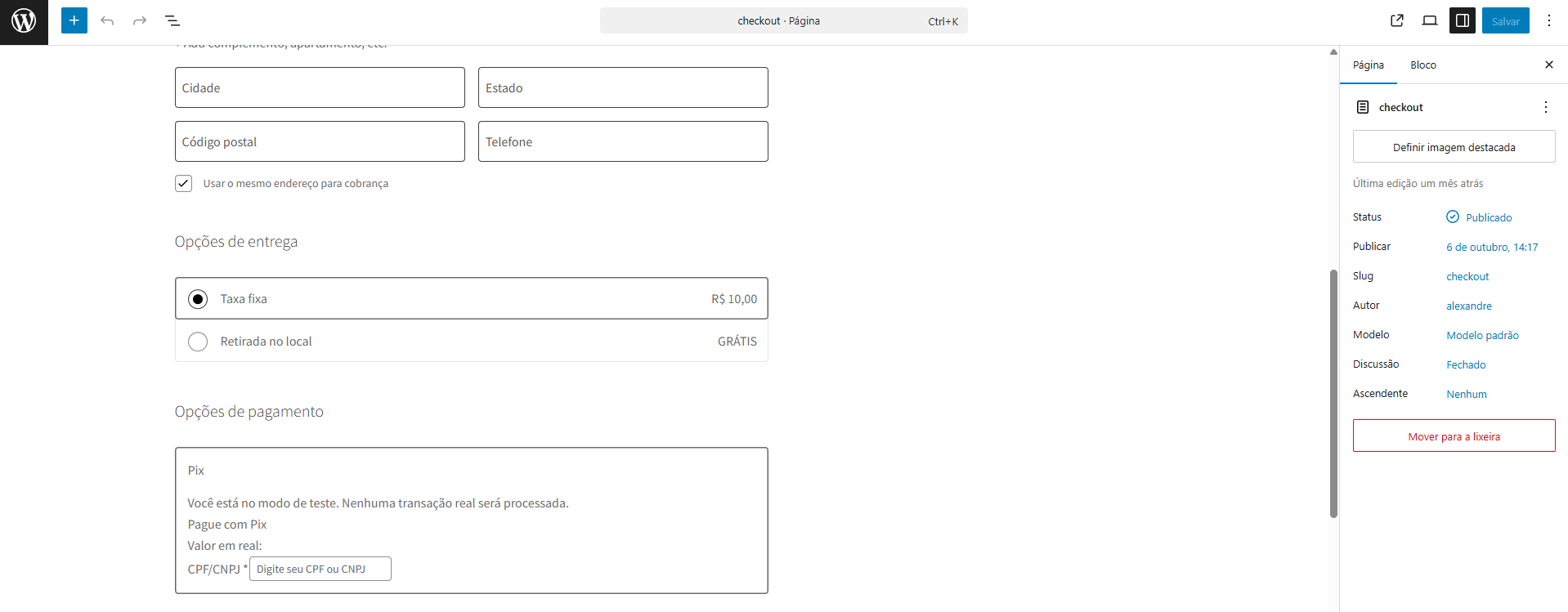
Checkout - PIX option available in the shopping cart/checkout (screenshot-1.png)
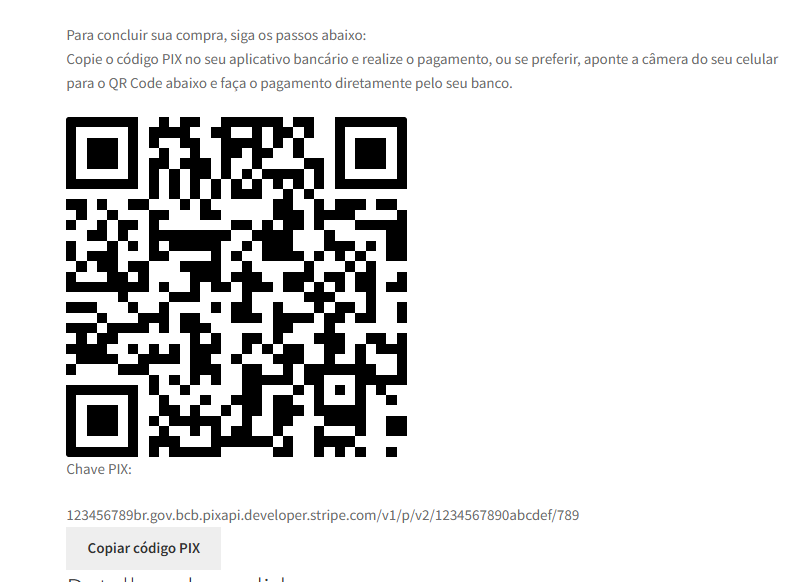
Payment screen / QR Code displayed after payment creation (screenshot-2.png)
Plugin settings page in WooCommerce > Settings > Payments (screenshot-3.png)
Plugin settings page in WooCommerce > Settings > Payments (screenshot-4.png)
Changelog
1.2 – 11/17/2025
- Feat: Woocommerce Block compatibility.
1.1.2 – 09/22/2025
- Doc: Update description.
1.1.1 – 09/22/2025
- Feat: Initial release.