

Coinpaprika
Coinpaprika Official WordPress Plugin generates cryptocurrency price widgets shortcodes for all available Coins you can find on coinpaprika.
Plugin info
Maintenance & Compatibility
Maintenance score
Possibly abandoned • Last updated 2736 days ago • 2 reviews
Is Coinpaprika abandoned?
Possibly abandoned (last update 2736 days ago).
Compatibility
Languages
Similar & Alternatives
Explore plugins with similar tags, and compare key metrics like downloads, ratings, updates, support, and WP/PHP compatibility.
Description
Coinpaprika Official WordPress Plugin generates cryptocurrency price widgets shortcodes for all available Coins you can find on coinpaprika.com – It is over 1500 coins and tokens you are able to choose & display! It uses API from coinpaprika, which delivers data straight from over 170 exchanges around the world!
Our main features include:
- Most Common Cryptocurrencies like – Bitcoin, Ethereum, Bitcoin Cash, Ripple, Litecoin, EOS, Cardano Monero Dash, etc.
- 1500+ cryptocurrencies & tokens available to display – every coin you can find on coinpaprika is possible to display
- Coin Widgets
- Various ways to modify the widget!
- Easy to implement and configure!
- Price Updates – All prices are always up to date with frequent updates!
Display your favorite coins and their price change with customizable design looks. Customise these virtual coin widgets as you like it! Interest & Intrigue your users with a classy & professional look of your website, and give them all they are looking for – best data on the market!
Installation
- Upload the plugin files to the
/wp-content/plugins/plugin-namedirectory, or install the plugin through the WordPress plugins screen directly. - Activate the plugin through the ‘Plugins’ screen in WordPress
- Add the widget in Appearance > Widgets or use shortcodes in your posts & pages text
Frequently Asked Questions
What is the source of data?
We are using Coinpaprika.com – a website which delivers full market data to the world of crypto, imported directly from 176 exchanges without any 3rd party member.
How to use shortcodes?
You have a lot of options to use:
[coinpaprika coin=”btc-bitcoin” quote=”usd|btc|eth” icon=”true|false” metric=”price|volume24h|marketcap|ath” change=”true|false”]
…but in common case, it’s as simple as [coinpaprika coin="btc-bitcoin"] to show Bitcoin price in US Dollars.
Review feed
Screenshots

Ticker widget

Widget configuration

Market widget
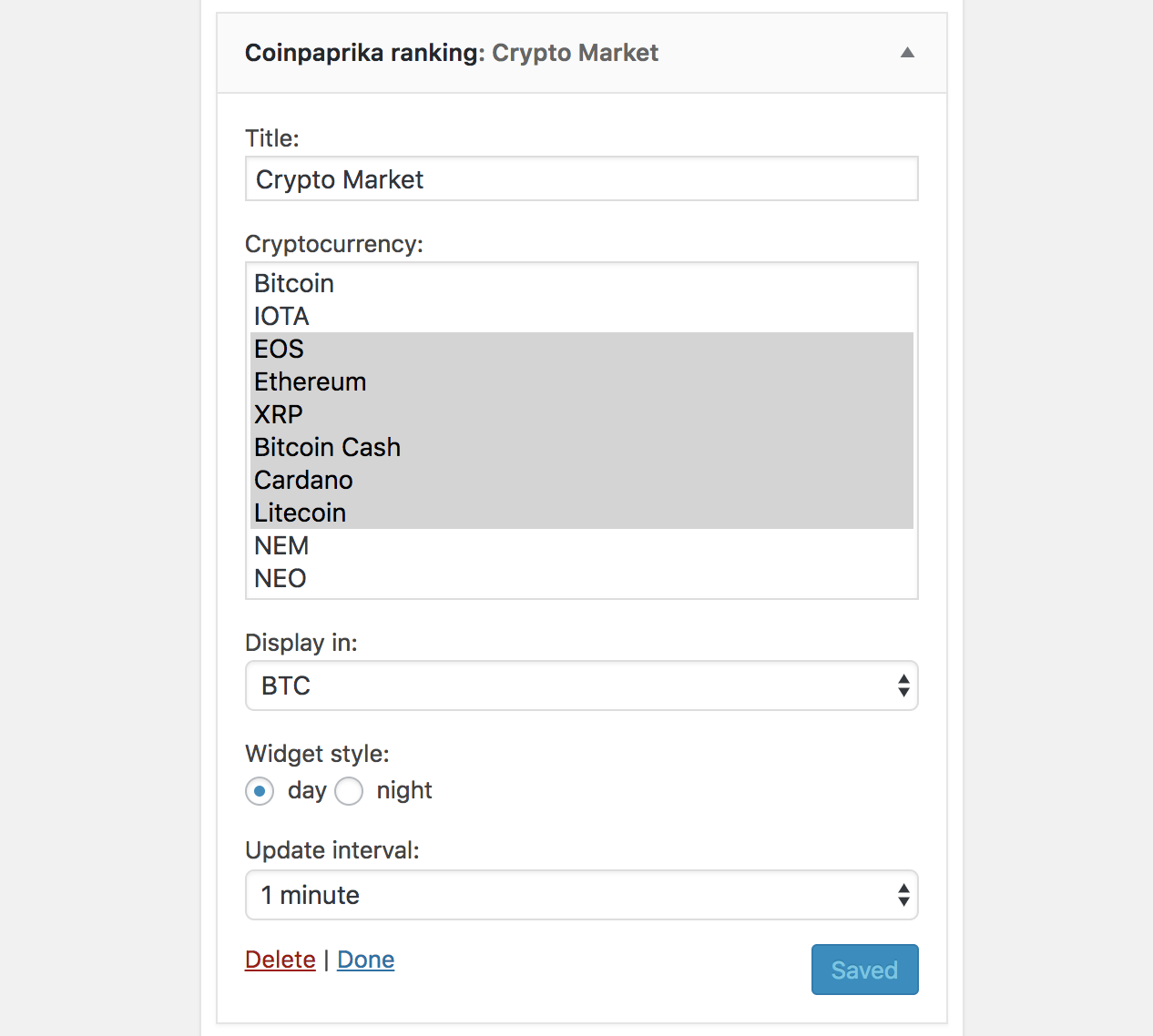
Widget configuration

Shortcodes in action

Shortcodes syntax
Changelog
1.2
- Add price chart to Ticker widget
1.1
- Market widget – cryptocurrencies of your choice, listed within one ranking
1.0
- Ticker widget – most important metrics for selected cryptocurrency
- Shortcodes – add cryptocurrency metric directly in your text