

Content Protection and Disable Right Click
Protect your content and disable right click, copy paste, text selection, and view source with this SEO-friendly plugin.
Plugin info
Maintenance & Compatibility
Maintenance score
Possibly abandoned • Last updated 444 days ago • 1 reviews
Is Content Protection and Disable Right Click abandoned?
Possibly abandoned (last update 444 days ago).
Compatibility
Similar & Alternatives
Explore plugins with similar tags, and compare key metrics like downloads, ratings, updates, support, and WP/PHP compatibility.
Description
PROTECT YOUR CONTENT FROM STEALERS
Are you worried by users that steal your content? Activate this plugin and forget all your nightmares, because visitors won’t be able to copy, select, or save your text.
SEO-friendly and lightweight code
This plugin contains lightweight code to be very fast to load, SEO-friendly, and it is developed to have full compatibility with WordPress 3.1 (2011) up to WordPress 5+ (2019), from PHP 5.6 up to PHP 7.3.
FEATURES:
- Choose what protection feature to activate
- Disable right click
- Disable text selection
- Disable F12 to inspect source code
- Lightweight code to quickly load the page and keep a good pagespeed score
- No cookies are set by this plugin to visitors
- Compatible with all resolutions: desktop, tablet, and smartphones
Explore the premium version with additional features designed to safeguard your content from copycats.
HOW TO USE:
In order to protect your content, you just activate this plugin, select what type of protection you want to activate, and that’s it. Enjoy!
Installation
In order to activate the plugin, just go to Plugins > Add New > Upload Plugin and select the .zip file of this plugin.
Then click on activate and the plugin has been installed correctly.
INSTALL FROM WITHIN WORDPRESS
- Visit the plugins page within your dashboard and select ‘Add New’;
- Search for ‘Content Protection and Disable Right Click’;
Frequently Asked Questions
There is not a bulletproof method, but with this plugin you will discourage 99% of stealers by disabling the text selection inside your posts and pages.
The easiest way to avoid people to copy parts of your content is to disable right click of their mouse.
Review feed
Screenshots
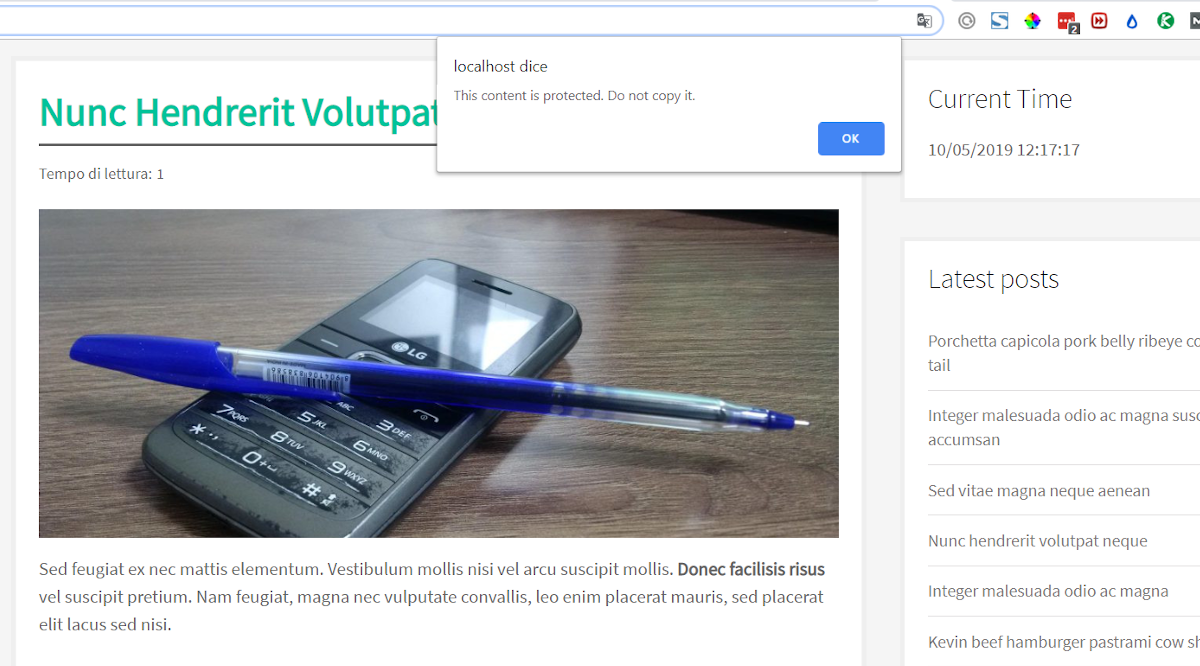
Visual aspect

Settings
Changelog
1.3
Release Date: January 13rd, 2025