

Cookie Guard
Complete GDPR and cookie compliance solution with customizable consent banner, smart script blocking, and consent logging.
Plugin info
Maintenance & Compatibility
Maintenance score
Maintained • Last updated 132 days ago
Is Cookie Guard abandoned?
Likely maintained (last update 132 days ago).
Compatibility
Similar & Alternatives
Explore plugins with similar tags, and compare key metrics like downloads, ratings, updates, support, and WP/PHP compatibility.
Description
Cookie Guard is a comprehensive GDPR compliance plugin that helps you manage cookie consent on your WordPress website. With smart script blocking, customizable banners, and detailed consent logging, Cookie Guard ensures your website meets GDPR, CCPA, and ePrivacy requirements.
Key Features
- Customizable Cookie Banner – Fully customizable text, colors, and positioning
- Smart Script Blocking – Three-tier system ensures compatibility with page builders
- Four Cookie Categories – Necessary, Functional, Analytics, and Marketing
- Sticky Cookie Icon – Users can change preferences anytime via bottom-left icon
- Consent Logging – Secure database logging with CSV export
- Page Builder Compatible – Works with Elementor, Divi, WPBakery, Beaver Builder, and more
- GDPR Compliant – Helps meet EU GDPR and ePrivacy requirements
- Shortcode Support – Display cookie settings button anywhere
How It Works
Cookie Guard uses an intelligent three-tier script blocking system:
- Whitelist Check – Essential scripts (WordPress core, page builders, forms) are never blocked
- Pattern Detection – Automatically detects and blocks known tracking scripts (Google Analytics, Facebook Pixel, etc.)
- Custom Scripts – Add your own patterns via the admin panel
Cookie Categories
- Strictly Necessary – Always enabled, essential for website functionality
- Functional – Optional, enables enhanced features like videos and live chat
- Performance/Analytics – Optional, helps measure and improve site performance
- Marketing/Targeting – Optional, used for advertising and remarketing
Sticky Cookie Icon
After users accept or reject cookies, a customizable cookie icon appears in the bottom-left corner. Users can click it anytime to review and change their cookie preferences.
Page Builder Compatibility
Fully tested and compatible with:
- Elementor & Elementor Pro
- Divi & Divi Builder
- WPBakery Page Builder
- Beaver Builder
- Oxygen Builder
- Bricks Builder
- Gutenberg (WordPress Block Editor)
Privacy & Data Storage
- Consent data stored securely in WordPress database
- Records: User ID (if logged in), IP address, timestamp, consent status, and preferences
- View and export logs from admin panel
- Full GDPR compliance for data handling
Additional Information
Support
For support, visit https://uxdesignexperts.com/support
Documentation
Full documentation available at https://uxdesignexperts.com/cookie-guard-docs
Author
Developed by UX Design Experts
https://uxdesignexperts.com
Cookie Guard is a tool to help with GDPR compliance. You are responsible for ensuring your website’s overall GDPR compliance, including having a proper privacy policy and terms of service.
Installation
Automatic Installation
- Go to Plugins > Add New in your WordPress admin
- Search for “Cookie Guard”
- Click “Install Now” and then “Activate”
- Go to Cookie Guard in your admin menu to configure settings
Manual Installation
- Download the plugin zip file
- Go to Plugins > Add New > Upload Plugin
- Choose the zip file and click “Install Now”
- Activate the plugin
- Configure settings at Cookie Guard menu in admin
Configuration
- Enable the plugin in General Settings
- Customize banner text and colors
- Set cookie icon colors
- (Optional) Add custom script patterns for blocking
- The banner will appear automatically on your site
Frequently Asked Questions
Yes! Cookie Guard helps you comply with GDPR, CCPA, and ePrivacy regulations by blocking non-essential scripts until users give consent and maintaining detailed consent logs.
Yes! Cookie Guard is compatible with all WordPress themes and has been specifically tested with major page builders like Elementor, Divi, and WPBakery.
No. Cookie Guard is lightweight (only 21KB) and only loads necessary scripts. It actually improves privacy and may help with performance by blocking unnecessary tracking scripts.
Yes! After users accept or reject cookies, a sticky cookie icon appears in the bottom-left corner. Users can click it anytime to open the settings and change their preferences.
Go to Cookie Guard > Settings > Script Blocker tab. Add your custom scripts in JSON format. See the example provided in the admin panel.
Yes! Google Analytics is automatically detected and blocked until users give consent for Analytics cookies.
Absolutely! You can customize banner background, text color, button colors, and the sticky cookie icon colors from the settings page.
Cookie Guard logs: User ID (if logged in), IP address, timestamp, consent status (accepted/rejected/partial), and category preferences. All data can be exported to CSV.
Use the shortcode [cookie_guard_settings] anywhere on your site to display a button that opens the cookie preferences panel.
Review feed
Screenshots

Cookie consent banner at bottom of page
Cookie preferences panel with toggles for each category
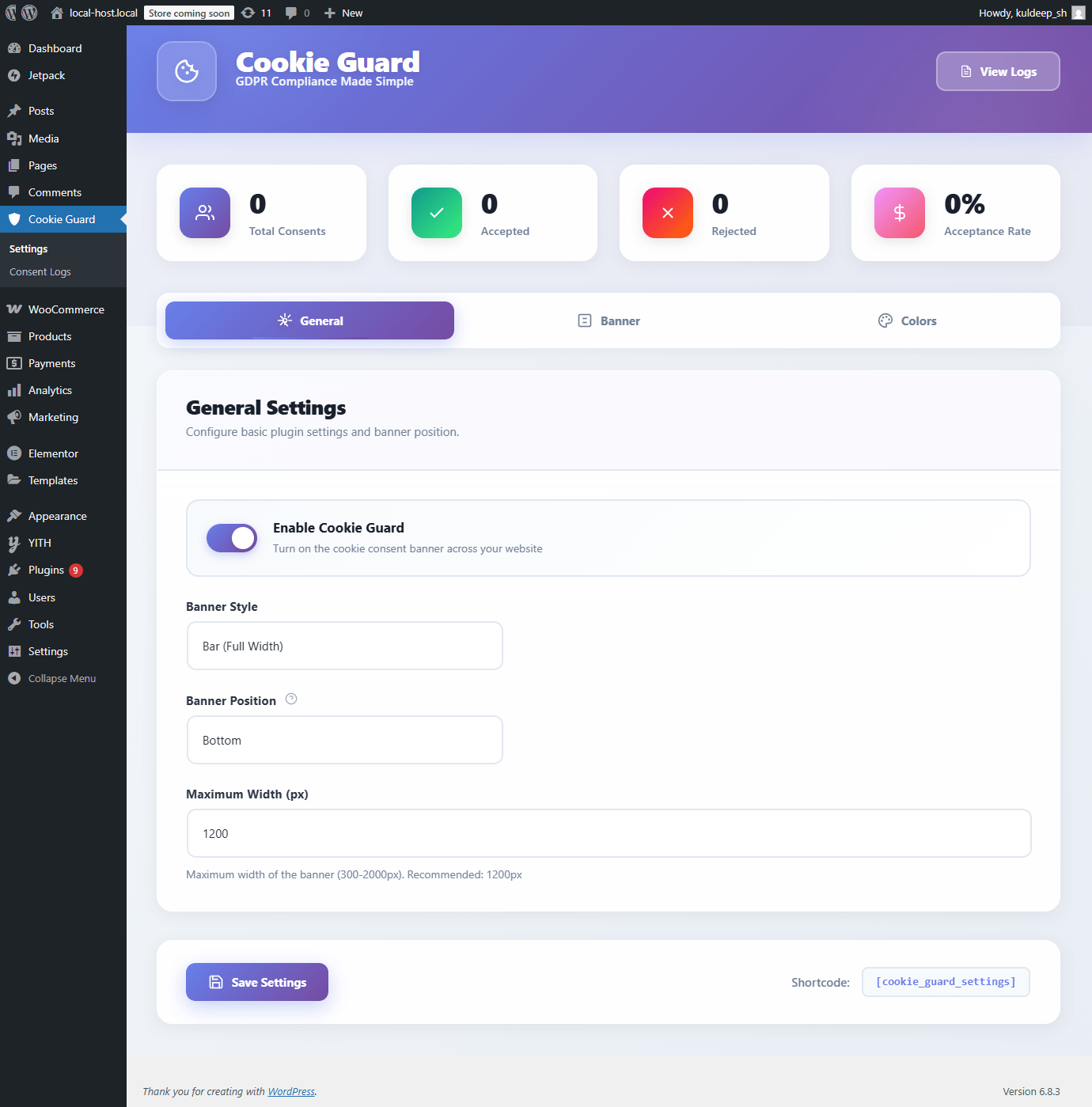
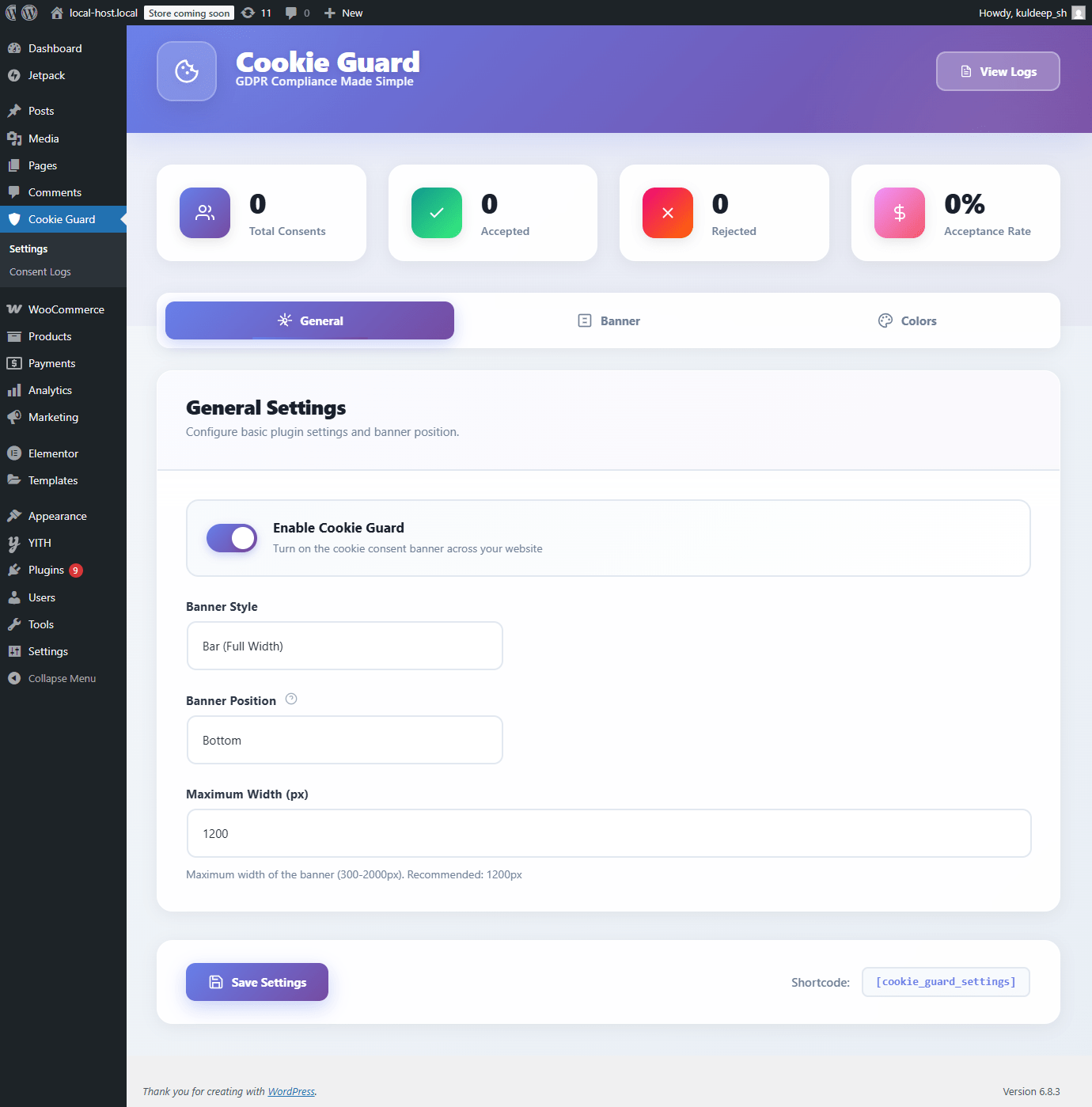
Admin settings page with customization options
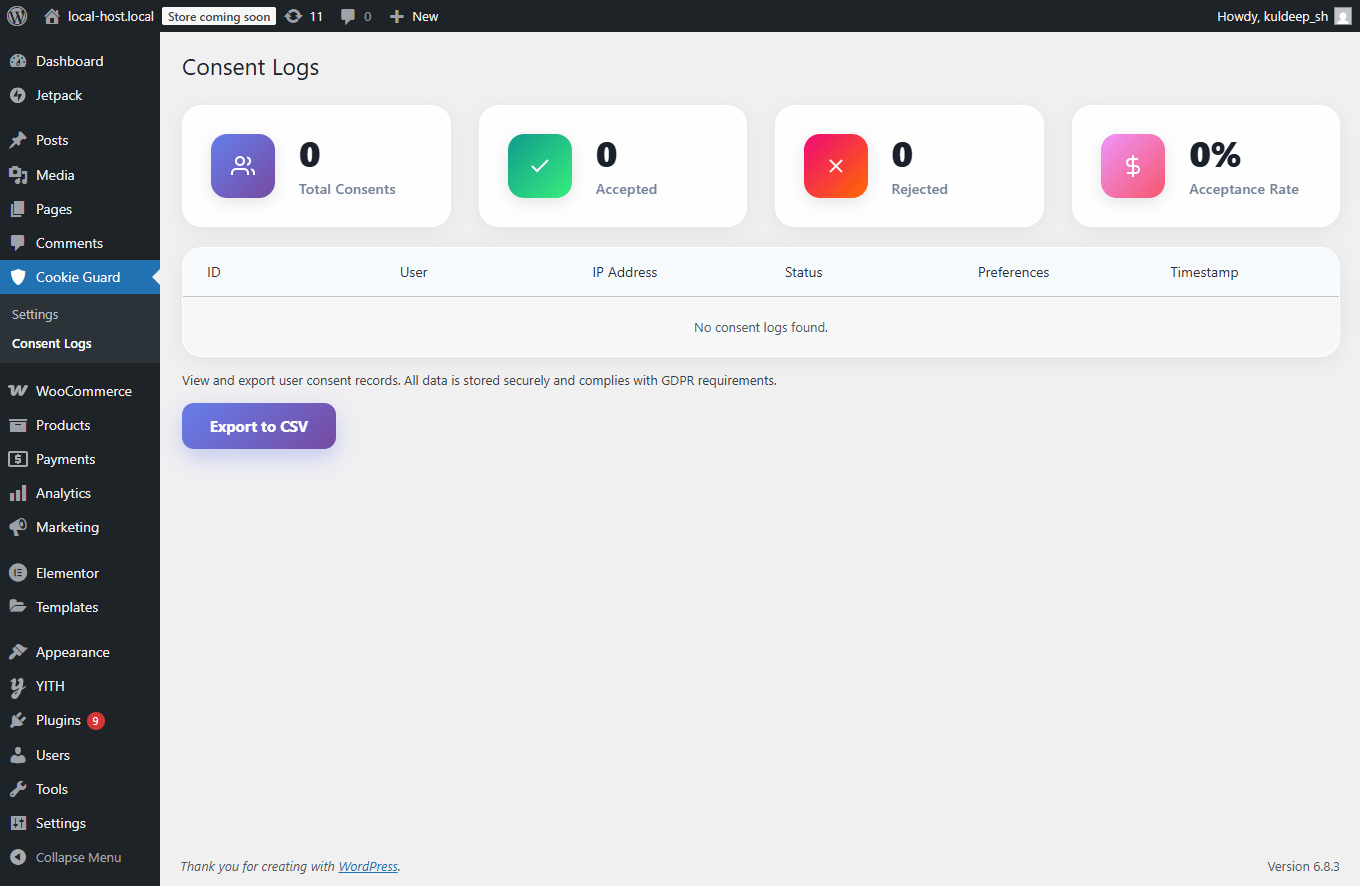
Consent logs with statistics dashboard
Sticky cookie icon in bottom-left corner
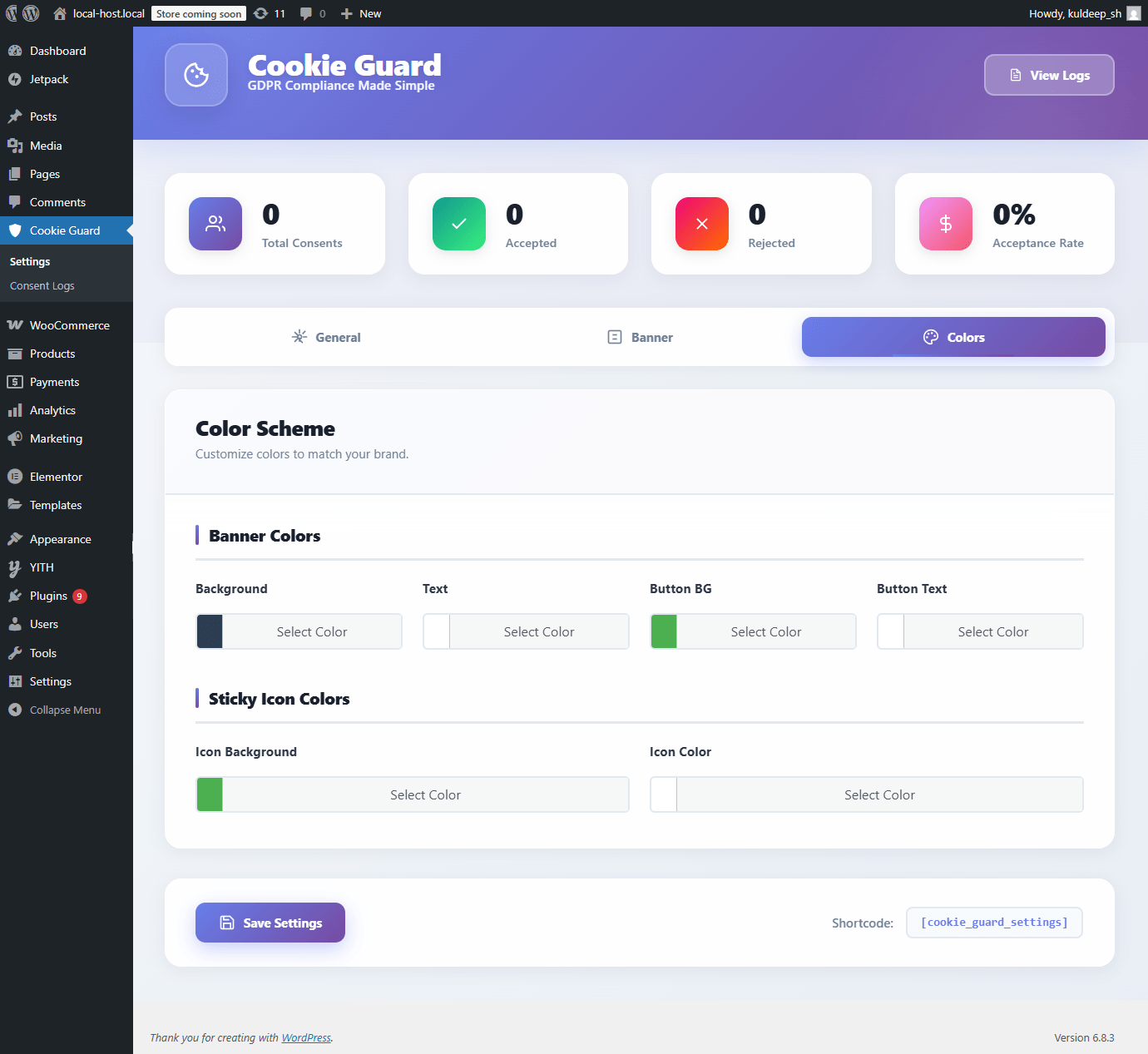
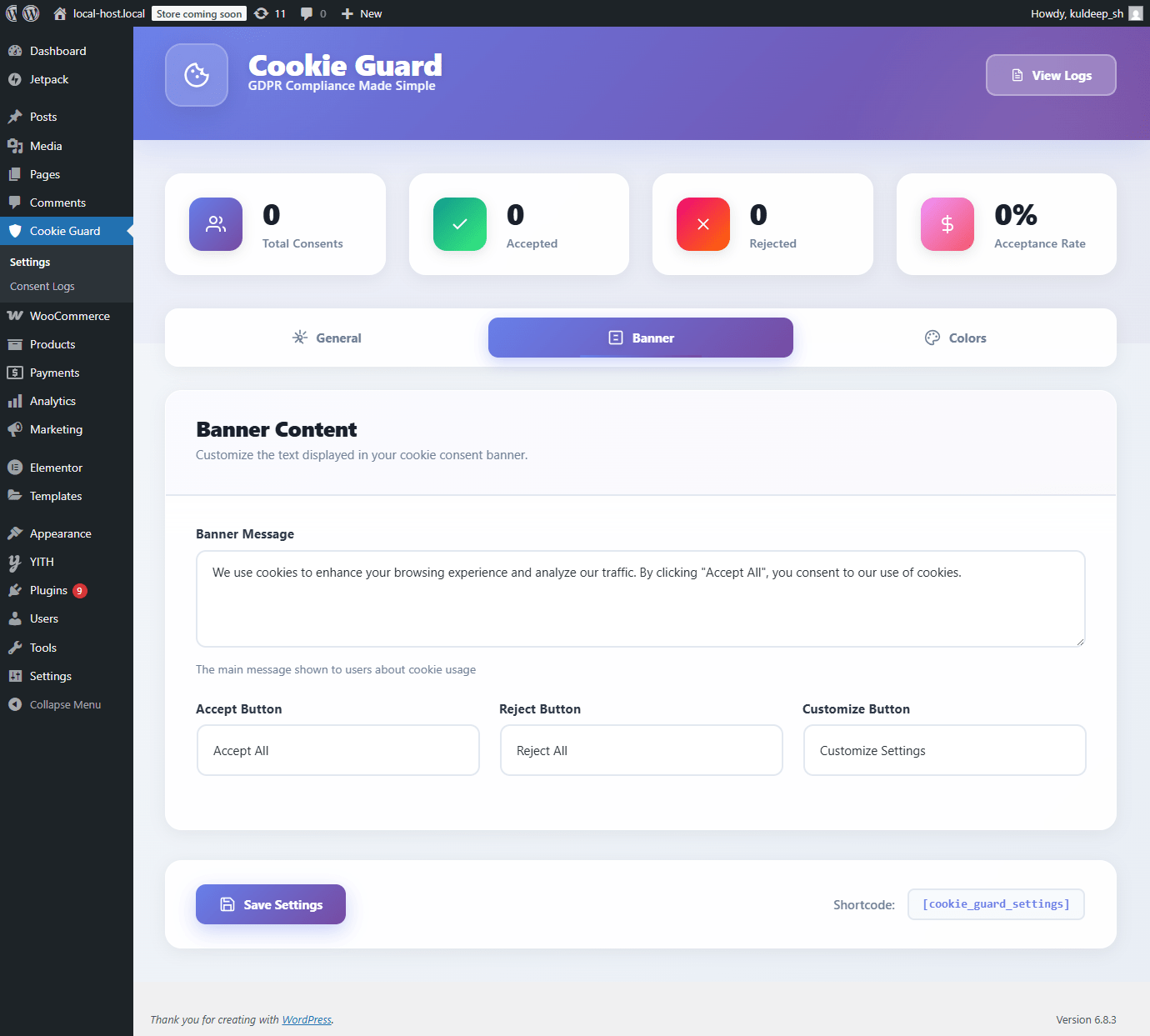
Color customization options
Changelog
1.0.8
- Fixed: Variable naming errors
- Fixed: No SQL compatibility errors.
1.0.7
- Removed: Custom script pattern feature (security requirement for WordPress.org)
- Enhanced: Improved automatic tracking script detection
- Fixed: Contributors username in readme.txt
- Note: The plugin still automatically blocks common tracking scripts like Google Analytics, Facebook Pixel, etc.
1.0.6
- Fixed: All WordPress Coding Standards compliance issues for repository submission
- Fixed: Input validation – added isset() checks for all $_POST variables
- Fixed: Cookie sanitization using proper WordPress functions
- Fixed: Preferences array sanitization in AJAX consent handler
- Fixed: All SQL queries now use $wpdb->prepare() with placeholders
- Fixed: Replaced date() with gmdate() for timezone-safe operations
- Technical: Added proper phpcs:ignore comments where necessary
- Technical: Code now passes all WordPress.org Plugin Directory checks
- Security: Improved input sanitization and validation throughout
1.0.5
- Fixed: Database table creation timing – now runs immediately on plugin load
- Fixed: Corrected hook timing issue that prevented automatic table creation
- Removed: Manual table creation button and warning notices (no longer needed)
- Enhanced: Popup Position field now only shows when Banner Style is “Popup (Box)”
- Enhanced: Improved settings form with smart field visibility
- Technical: Database check runs in constructor for reliable table creation
- Technical: Added JavaScript toggle for conditional field display
1.0.4
- Fixed: Database table now creates automatically on plugin load (fallback check)
- Fixed: Removed manual table creation button (no longer needed)
- Enhanced: CSS properly scoped to prevent theme/plugin conflicts
- Enhanced: All admin styles scoped under .cookie-guard-modern-wrapper
- Enhanced: All frontend styles scoped under .cookie-guard- prefix
- Technical: Added check_database() method that runs on plugins_loaded
- Technical: Table creation now guaranteed on activation and load
1.0.3
- Added: Popup banner style option (in addition to full-width bar)
- Added: Banner positioning options (left, center, right) for popup style
- Added: Maximum width control for banner (300-2000px)
- Fixed: Improved input field styling to match modern design
- Fixed: Enhanced color picker styling with better hover states
- Fixed: Better select dropdown styling
- Enhanced: Smoother animations for popup style banners
- Enhanced: Improved responsive design for popup banners on mobile
1.0.2
- Fixed: PHP deprecated warning for number_format() with null values
- Fixed: Database errors when table doesn’t exist on first install
- Fixed: Added table existence checks before running queries
- Enhanced: Added manual table creation button in admin
- Enhanced: Better error messaging when table is missing
- Technical: All database queries now properly handle missing tables
- Technical: All count values are cast to integers to prevent null warnings
1.0.1
- Enhanced: Modern dashboard design with glassmorphism effects
- Enhanced: Improved animations and transitions throughout the interface
- Enhanced: Better visual hierarchy and spacing
- Enhanced: Upgraded form elements with better focus states
- Enhanced: Sticky save bar for better accessibility
- Enhanced: Improved mobile responsive design
- Fixed: Added “Tested up to: 6.8” header for WordPress compatibility
- Fixed: Created /languages directory to resolve domain path warning
- Technical: Clarified database table name in code comments
- Technical: Optimized CSS for better performance
1.0.0
- Initial release
- Cookie consent banner with full customization
- Four cookie categories (Necessary, Functional, Analytics, Marketing)
- Smart three-tier script blocking system
- Page builder compatibility (Elementor, Divi, WPBakery, etc.)
- Sticky cookie icon for easy preference changes
- Consent logging with CSV export
- Admin settings panel with tabs
- Shortcode support
- Full GDPR compliance features
- RTL language support
- Accessibility features