

Cost Calculator for Elementor
With Cost Calculator for Elementor you can create forms with dynamically calculated fields to display the calculated values!
Plugin info
Maintenance & Compatibility
Maintenance score
Maintained • Last updated 125 days ago • 2 reviews
Is Cost Calculator for Elementor abandoned?
Likely maintained (last update 125 days ago).
Compatibility
Languages
Similar & Alternatives
Explore plugins with similar tags, and compare key metrics like downloads, ratings, updates, support, and WP/PHP compatibility.
Description
DEMO: https://calculator.add-ons.org/
Elementor Calculator which allows you to easily create quote or price estimate forms for Elementor. You can create forms with dynamically calculated fields to display the calculated values.
Calculated Fields Form can be used for creating both single and complex calculations, for example, general calculators, ideal weight calculators, calorie calculators, calculate quotes for hotel booking and rent a car services, calculate quotes for appointments and services, loan & finance calculators, date calculators like pregnancy calculators,…
Features
- Easy use
- Creating forms with automatically calculated fields
- Support radio field
- Support checkbox field
- Support select field
- Support payment field
- Cross browser’s compatible
- Custom format total field
- Finance calculators
- Quote calculators
- Booking cost calculators
- Add one or more calculated fields
- And more…
Basis Functions
- Addition operator: number + number
- Subtraction operator: number – number
- Multiplication operator: number * number
- Division operator: number / number
- Opening and Closing Parenthesis: (number + number ) / number
Advanced Functions
- Conditional Statements: if(test, true result, false result)
- Nesting IFs to handle more conditions: if(test, true result, if(test, true result, false result) )
- DAYS function: days(end_date, start_date)
- MONTHS function: months(end_date, start_date)
- YEARS function: years(end_date, start_date)
- AGE function: age(birth_date)
- AGE2 function: age2(end_date, start_date)
- ROUND function: round(number1)
- ROUND2 function: round2(number1)
- FLOOR function: floor(number1)
- FLOOR2 function: floor2(number1)
- CEIL function: ceil(number1)
- MOD function: mod(number1,number2)
- AVERAGE function: avg(number1, number2, number3,…)
- MIN function: min(number1, number2, number3,…)
- MAX function: max(number1, number2, number3,…)
- ABS function: abs(number)
- SQRT function: sqrt(number1)
- MAX function: max(number1, number2, number3,…)
- RANDOM function: random(number_start, number_end)
- POW function: pow(number1, number2)
- SIN, COS function: sin(0) cos(0)
- SUM function: sum(number1, number2, number3,…)
- Round up to the next multiple of number: rounded_multiple(7,5)
- Custom function: If you need a formula that’s not here, we’ll add it
Pro version
- Format numbers, currency
- Advanced Calculations
- Conditional statements.Create intricate calculations with comparison operators.
- 30-day money-back guarantee
- 1-year support
Download Pro Version: https://add-ons.org/plugin/elementor-forms-cost-calculator/
Installation
Normal installation
- Download the repeater-field-for-elementor.zip file to your computer.
- Unzip the file.
- Upload the
repeater-field-for-elementordirectory to your/wp-content/plugins/directory. - Activate the plugin through the ‘Plugins’ menu in WordPress.
- Document: https://add-ons.org/document-elementor-forms-cost-calculator/
Frequently Asked Questions
Review feed
Author
Screenshots
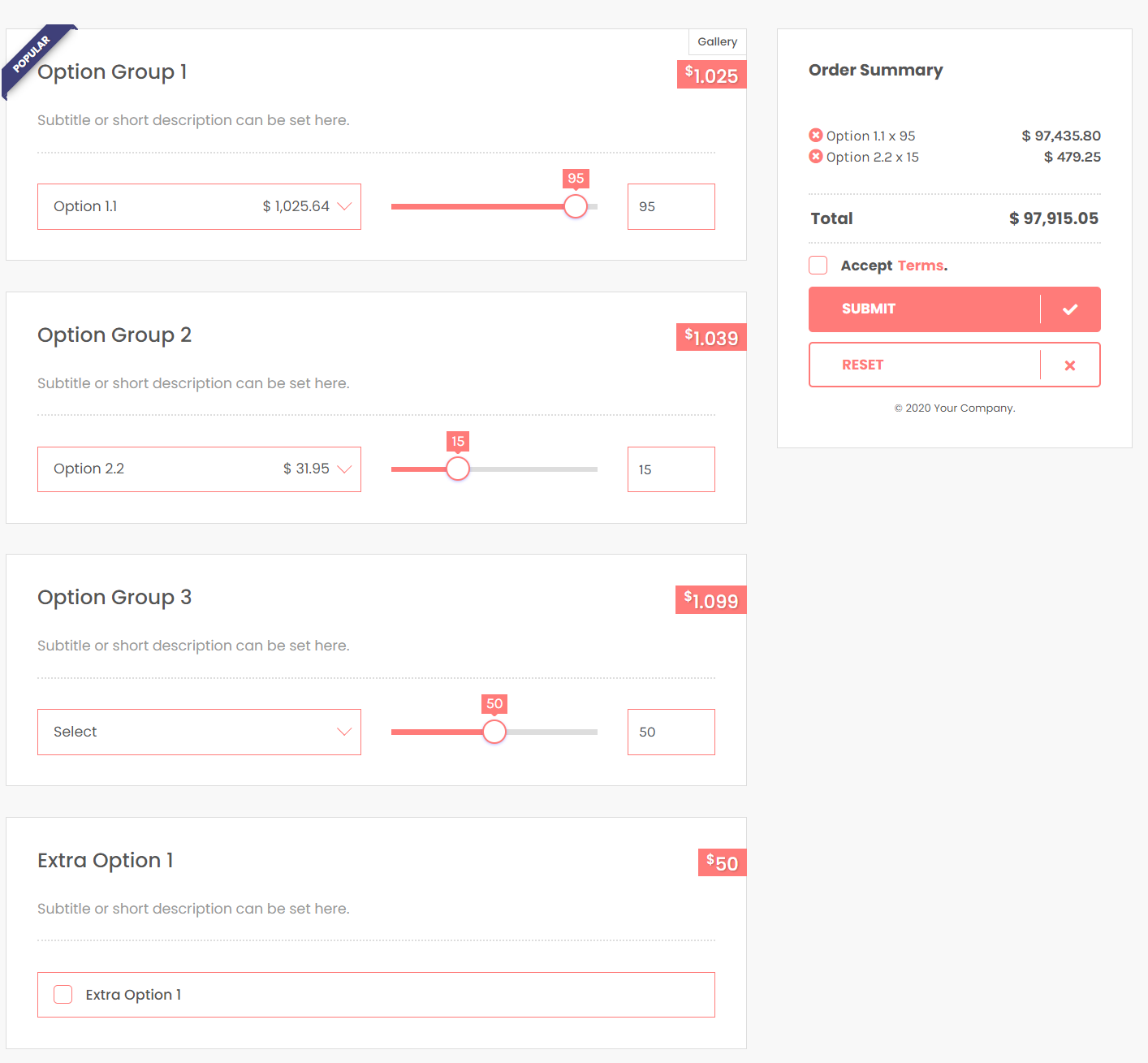
Frontend Working
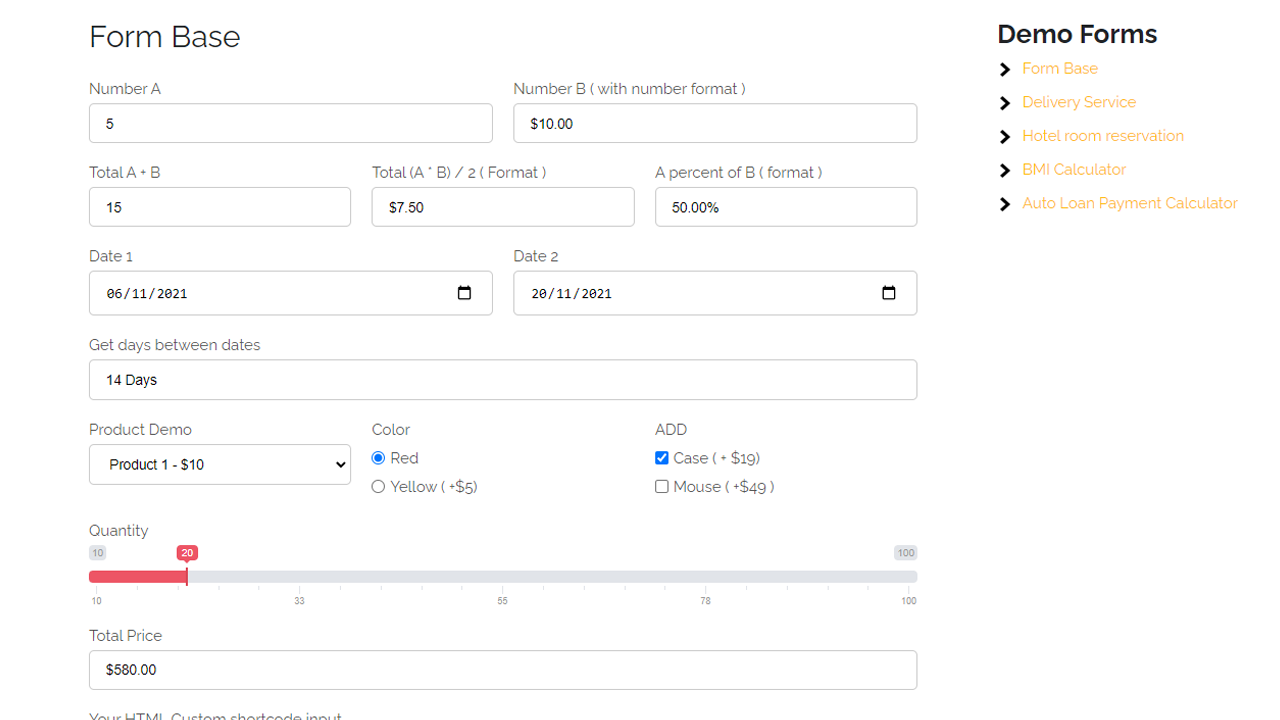
Set formula field
Changelog
1.3.3
- Added: Custom ADV field
1.3.2
- Added: if value == emty then value = 0
1.3.1
- Added: sum function
1.3.0
- Added: min, max, avg, log, sqrt function
1.2.9
- Added: fomula rounded_multiple(7,5);
1.2.8
- Fixed: Select
1.2.7
- Fixed: + checkbox
1.2.6
- Compatible with WordPress 6.5.3= 1.2.6 =
- Compatible with WordPress 6.5
1.2.5
- Big update