

Count Characters, Words and Paragraphs while typing
Displays real-time counts of characters, spaces, words, and paragraphs while typing in the WordPress visual/text editor or custom textarea fields.
Plugin info
Maintenance & Compatibility
Maintenance score
Possibly abandoned • Last updated 428 days ago • 6 reviews
Is Count Characters, Words and Paragraphs while typing abandoned?
Possibly abandoned (last update 428 days ago).
Compatibility
Similar & Alternatives
Explore plugins with similar tags, and compare key metrics like downloads, ratings, updates, support, and WP/PHP compatibility.
Description
The Count CWP WordPress Plugin enables real-time tracking of character, space, word, and paragraph counts while writing in posts, pages, or custom textarea fields. Ideal for authors, editors, and content managers who require precise text measurements.
Video Description
Basic Features
- Enable or disable character, space, word, or paragraph counts via
Settings > Count CWP. - Display counters directly below the WordPress editor or any custom textarea field.
Installation
This plugin is simple to install:
- Download the zip file
count-cwp.zip. - Extract the contents.
- Upload the
count-cwpdirectory to/wp-content/plugins/. - Navigate to the Plugins page and activate the plugin.
- Configure the settings via
Settings > Count CWP.
Frequently Asked Questions
This plugin is useful for writers, marketers, and editors who need to keep track of text limits for SEO, content planning, or ad copy creation.
Review feed
Screenshots
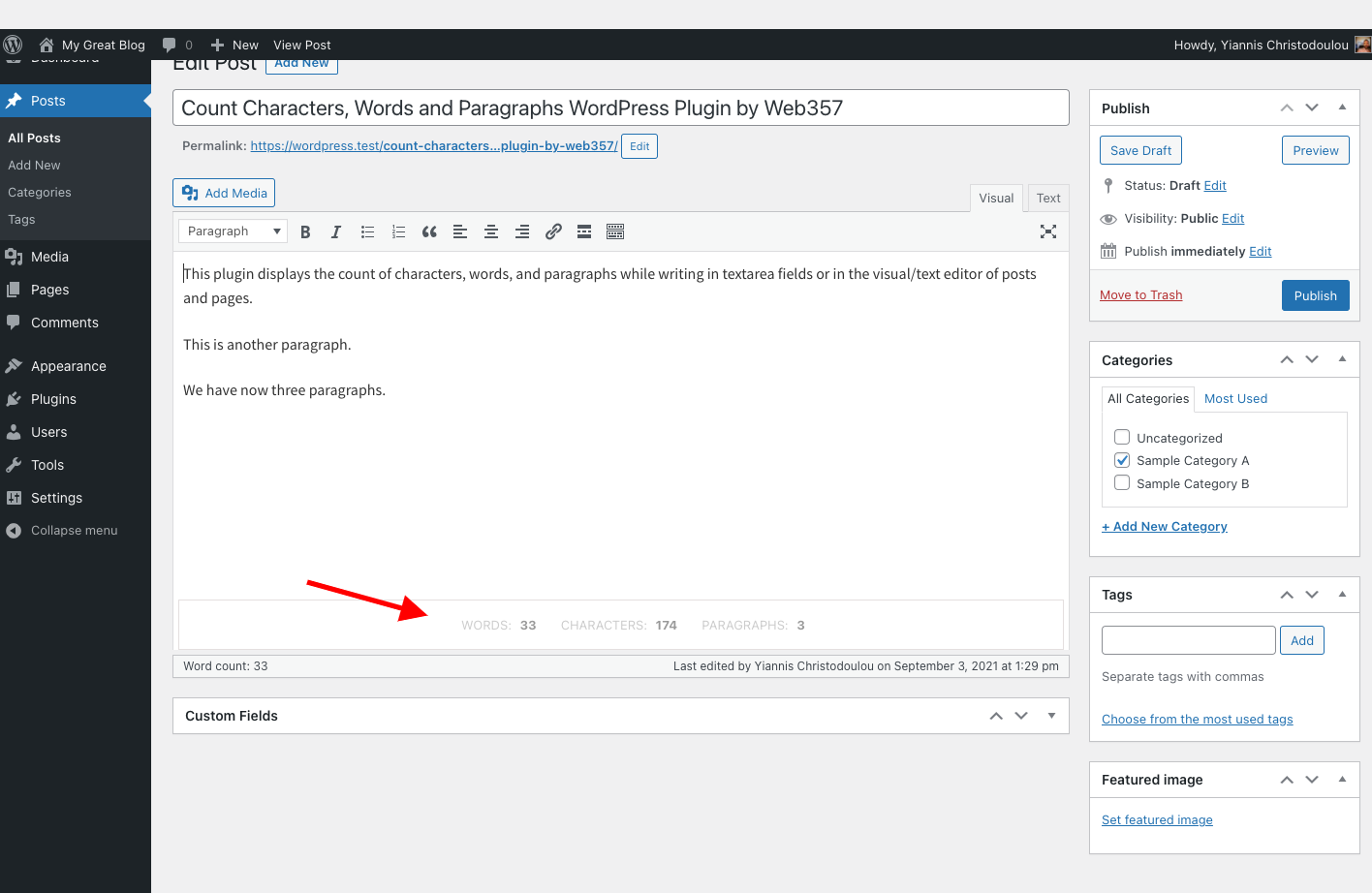
Displays character, word, and paragraph counts below the editor or custom text fields.
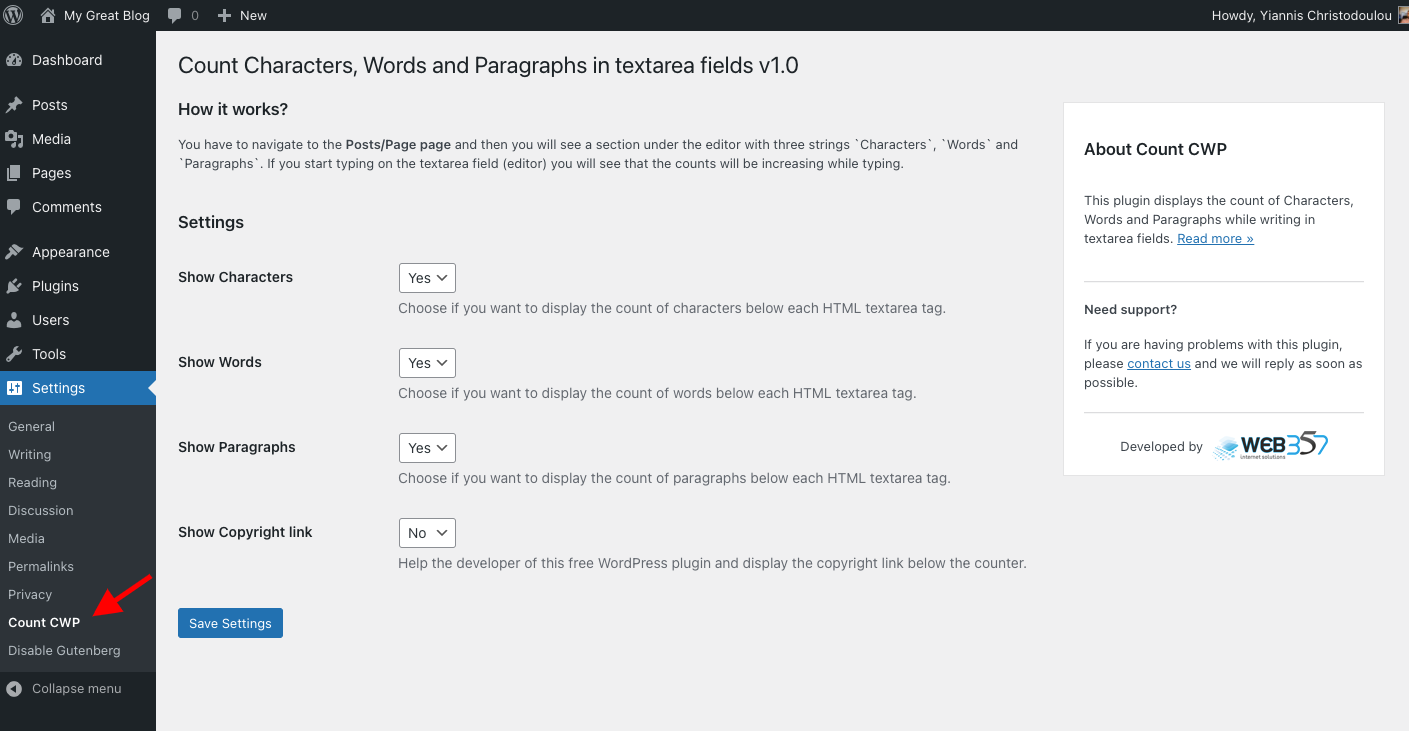
Plugin settings panel.
Changelog
31-Jan-2025 : v1.0.7
- New Feature: Added a column in the admin posts list displaying word, character, paragraph, and space counts for each post.
- New Feature: Automatic batch processing to calculate and store word, character, paragraph, and space counts upon activation.
- Bug Fix: Resolved deprecated property warning in
class-admin.php. - Full compatibility with WordPress 6.7.x.
- Minor fixes and improvements.
18-Apr-2024 : v1.0.6
- Full compatibility with WordPress 6.5.x.
- Minor fixes and improvements.
23-Oct-2023 : v1.0.5
- Full compatibility with WordPress 6.3.x.
- Minor fixes and improvements.
07-Jun-2023 : v1.0.4
- Compatibility: Fully compatible with WordPress 6.2.
- Minor fixes and improvements.
05-Sep-2022 : v1.0.3
- New Feature: Display space count below HTML textarea fields (Enable via settings).
- Minor fixes and improvements.
14-Jun-2022 : v1.0.2
- Compatibility: Fully compatible with WordPress 6.0.
- Minor fixes and improvements.
11-Feb-2022 : v1.0.1
- Compatibility: Fully compatible with WordPress 5.9.
- Minor fixes and improvements.
03-Sep-2021 : v1.0.0
- Initial beta release.