

Country State City Dropdown CF7
Add country state city dropdown CF7 in contact form 7 plugin. In PRO you can use these features on any type of form.
Plugin info
Maintenance & Compatibility
Maintenance score
Stale • Last updated 276 days ago • 30 reviews
Is Country State City Dropdown CF7 abandoned?
Likely maintained (last update 276 days ago).
Compatibility
Developers
Similar & Alternatives
Explore plugins with similar tags, and compare key metrics like downloads, ratings, updates, support, and WP/PHP compatibility.
Description
Country dropdown for contact form 7 with dynamic states and cities. Country State City Dropdown CF7 plugin is an add-on of Contact Form 7 plugin to show country, state and city dropdown. This plugin add three new form tag fields that is (form-tag: country drop-down) and (form-tag: state dropdown) and (form-tag: city dropdown) in Contact form 7.
Country State City dynamic dropdown PRO supports to any form.
Features Of PRO Plugin
1. Supports to any type of Form (WP Forms, Ninja, Divi Contact Module, Elementor Module, Custom PHP Form etc).
2. Select Default Country with User’s IP.
3. Select Default Specific Country from list of All Countries.
4. Select Specific one or more Countries to display in the dropdown.
5. If State/City is missing then shows input text field to enter manually.
6. Have feature to add missing states/cities manually.
7. Multiple forms on same page.
8. Multiple country/state/city fields in same form.
9. Append only Cities from Country Dropdown.
10. See more at Official Website Trusty Plugins
This helps you in creating a country drop-down list with state and city. The tag field will automatically add countries name in standard drop-down field of contact form 7. State and city auto populate according to selected country from country dropdown field.
How to add the fields in the contact form 7
1.) Once you have installed, activated the Country State City Auto Dropdown plugin.
2.) Add the form-tag “country drop-down” and “state dropdown” and “city dropdown” to your form and save the changes.
Requirments:
* Contact form 7 must be active plugin.
Recommended Plugins
The following plugin is recommended :
* Contact form 7 by takayukister – With Conact form 7, you can use this plugin. Without contact form 7 this plugin have no needs.
Installation
- Upload the entire
country-state-city-dropdown-cf7folder to the/wp-content/plugins/directory. - Kindly make sure ‘contact form 7’ plugin active before activate this plugin.
- Activate the plugin through the ‘Plugins’ menu in WordPress.
- Add form tags in desired contact form
You will find three new field types in your contact form 7 field list.
Frequently Asked Questions
All countries will display automatically.
All States will display automatically according to selected country from dropdown field.
All Cities will display automatically according to selected country and state from dropdown field.
Review feed
Great one..!
This Plugin Helps Me
Screenshots
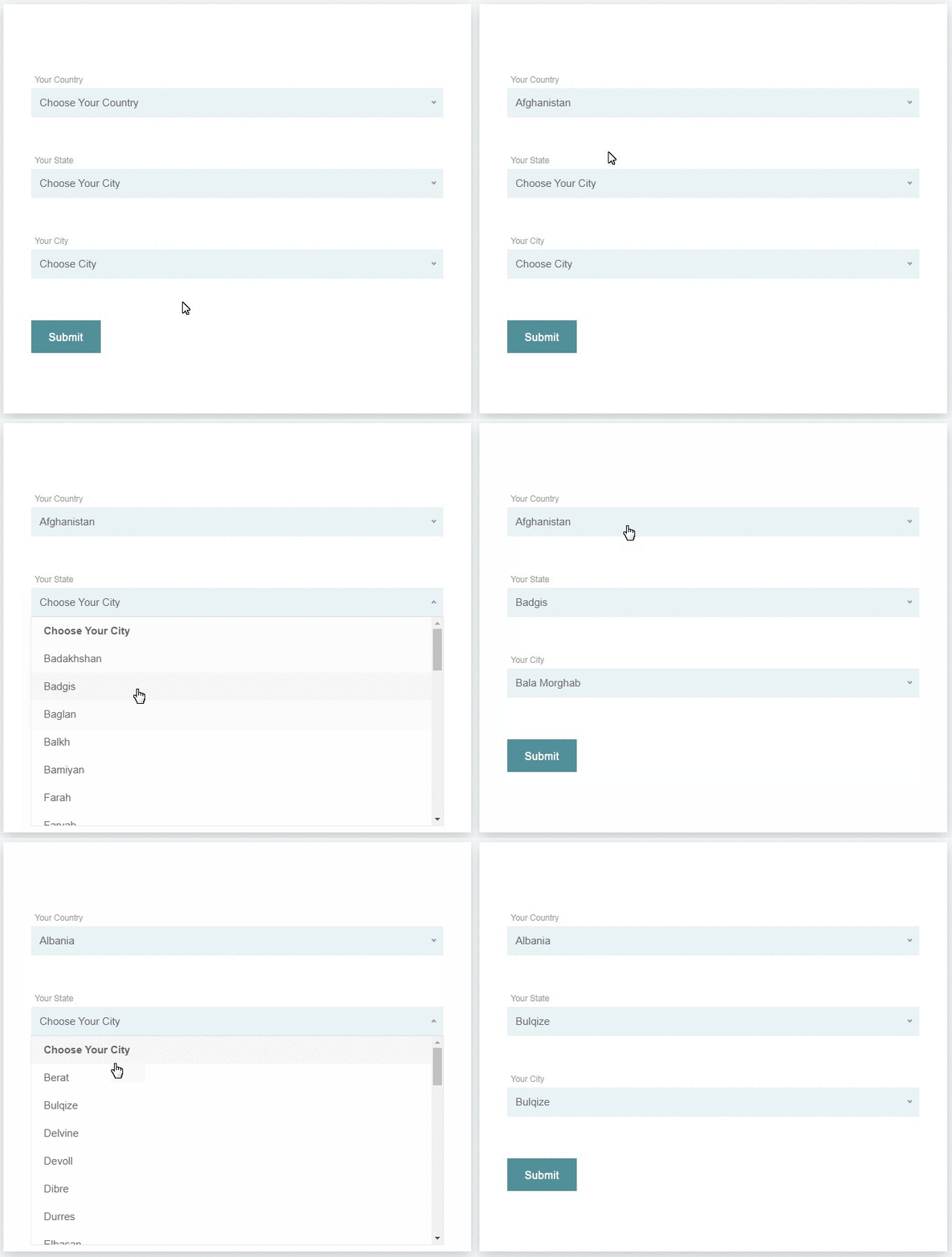
screenshot-1.png
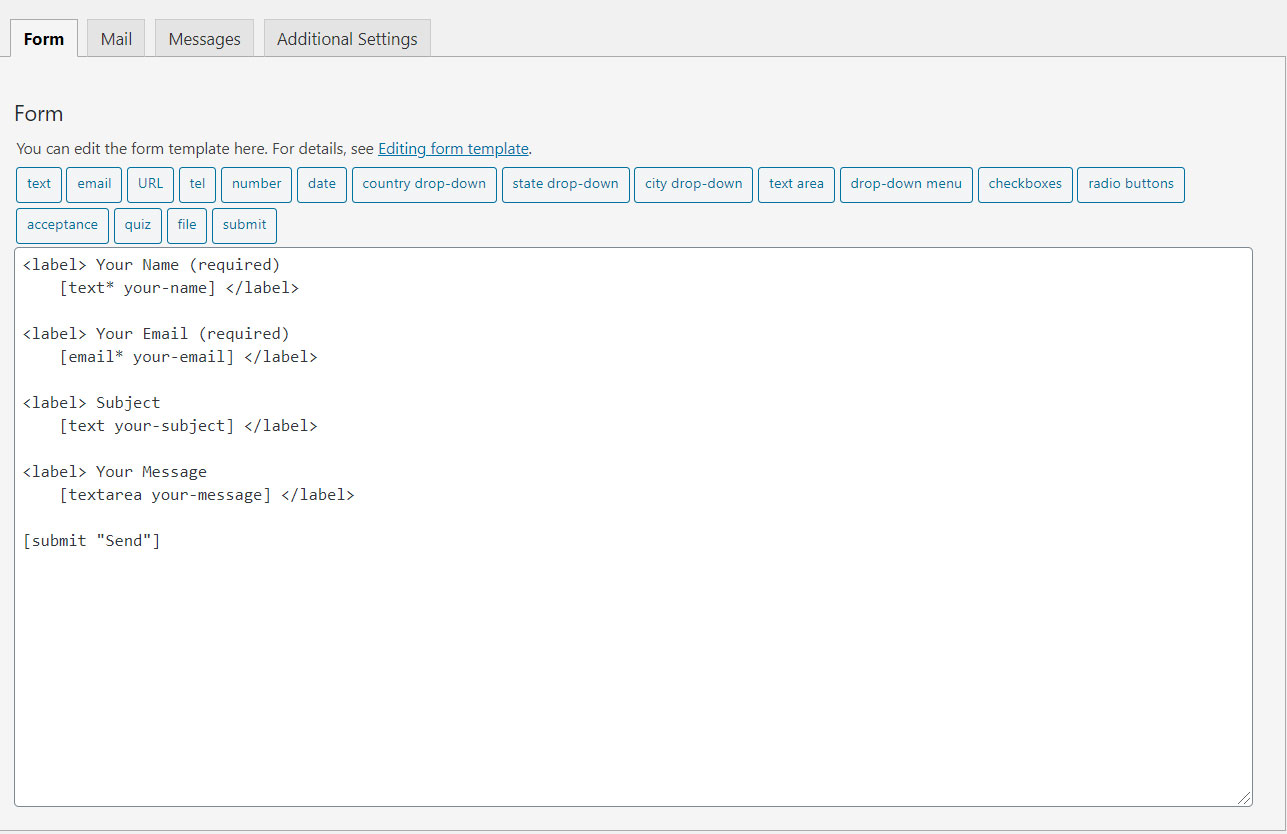
screenshot-2.png
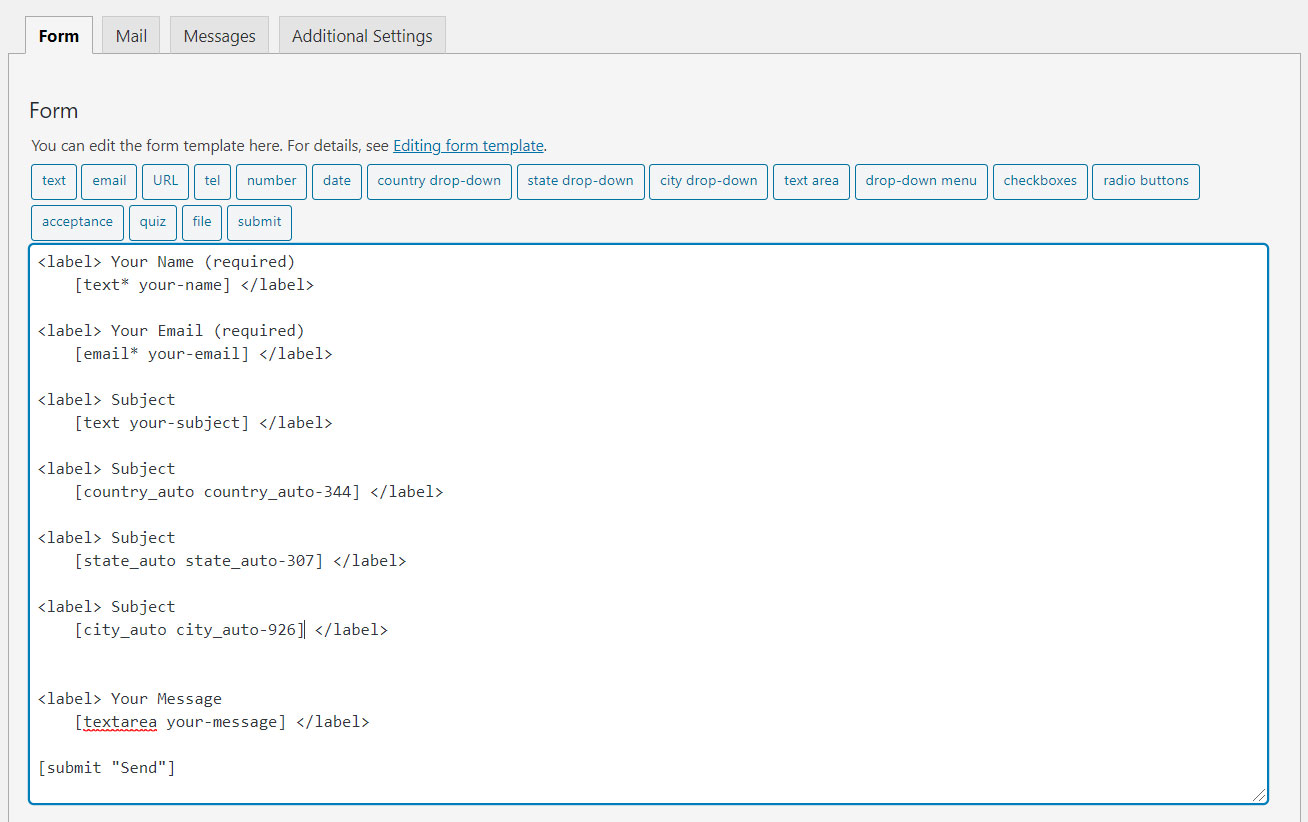
screenshot-3.png
Changelog
2.7.6
- Form Tag generator upgraded to version 2 [contact form 7]
2.7.5
- Validation error issue has been fixed.= 2.7.4 =
- State, City List not appending (Issue Fixed)
2.7.3
- Plugin vulnerability Fixed= 2.7.2 =
- vulnerability Fixed
2.7.1
- ABSPATH function added to files
2.7
- Added support to multiple CF7 forms on page
- Added Missing ‘West Bengal’, ‘Ladakh’ State/Cities Updated
- A Patch feature added to fix missing State/Cities
2.6
- Javascript Bug Fixed
2.5
- Bug Fixed
2.4
- internationalization and localization
2.3
- Bug Fixed
2.2
- Plugin’s PRO version has been released
2.1
- Fixed the issue of Alphabetical order of States/Cities
2.0.0
- Added many more missing cities
- Added missing States
1.0.0
- First version of plugin.