

Create a payment request. Donation form (Stripe)
Stripe payment gateway. You can create a payment request for your client. There is functionality to create a Donation page.
Plugin info
Maintenance & Compatibility
Maintenance score
Possibly abandoned • Last updated 951 days ago
Is Create a payment request. Donation form (Stripe) abandoned?
Possibly abandoned (last update 951 days ago).
Compatibility
Similar & Alternatives
Explore plugins with similar tags, and compare key metrics like downloads, ratings, updates, support, and WP/PHP compatibility.
Description
You can create a payment request for your client. This plugin will create special link for the client.
Your customer will receive an email with the details of the upcoming payment and will be able to pay you via an invoice on your website.
Donation page
You can create a donation page to allow your users to make donations. You just should fill in the information on the Settings page and place the shortcode to the particular page.
Shortcodes:
Create a payment request – [mxcpfc_payment_confirm_page]
Donation page – [mxcpfc_payment_donation_page]
Testing data: https://stripe.com/docs/payments/3d-secure#regulatory-cards
Stripe dashboard: https://dashboard.stripe.com/test/payments?status%5B%5D=successful
How does it work?
Installation
From your WordPress dashboard
- Visit ‘Plugins > Add New’
- Search for ‘Create Payment (Stripe Gateway)’
- Activate the plugin from your Plugins page.
From WordPress.org
- Download ‘Create Payment (Stripe Gateway)’.
- Upload the ‘Create Payment (Stripe Gateway)’ directory to your ‘/wp-content/plugins/’ directory, using your favorite method (ftp, sftp, scp, etc…)
- Activate ‘Create Payment (Stripe Gateway)’ from your Plugins page.
Frequently Asked Questions
Review feed
Screenshots

Create Payment Dashboard
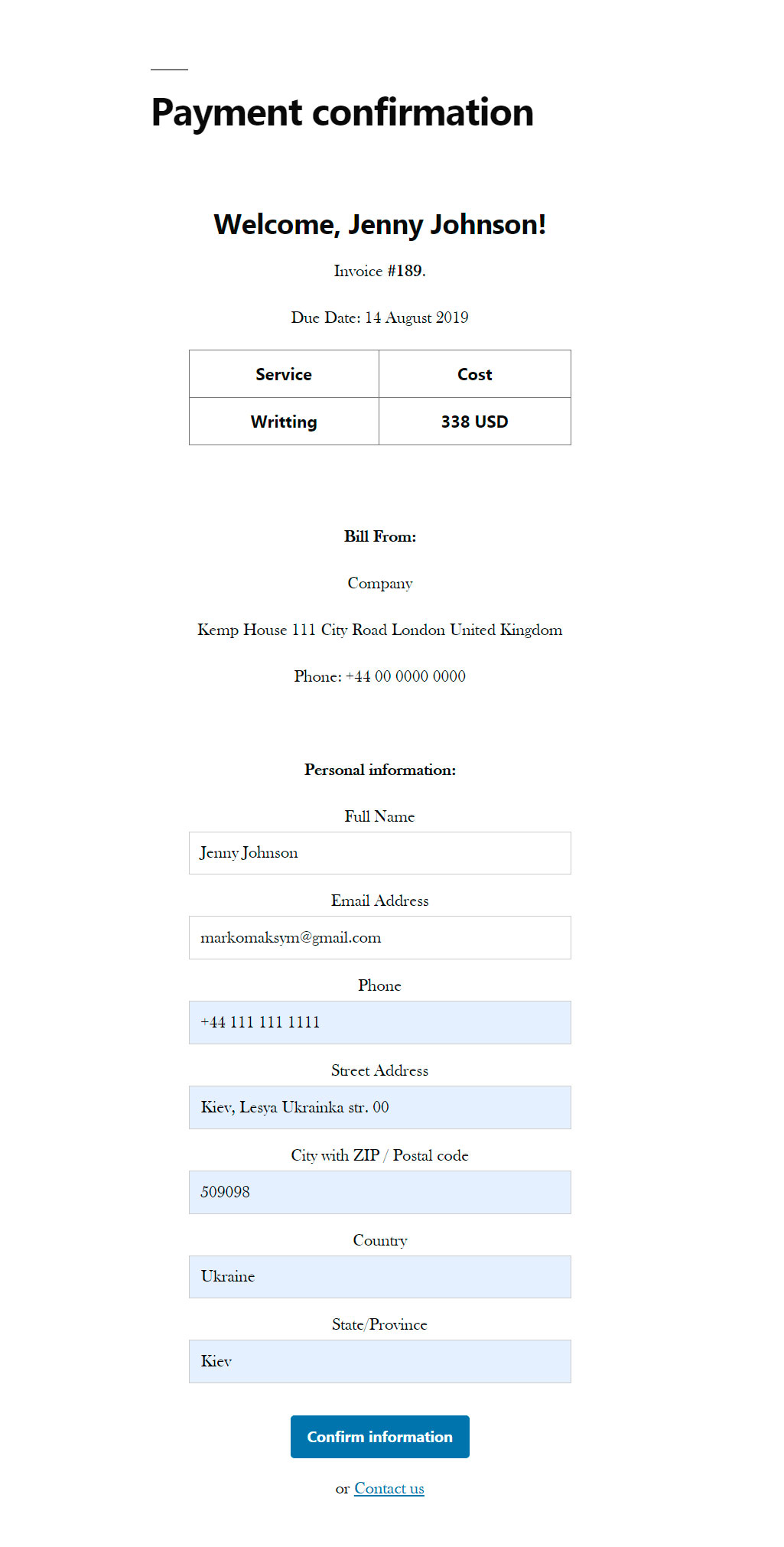
Payment confirmation page

Stripe Card element

Admin dashboard
Changelog
4.1
- Tested up to WP 6.3. Fixed bugs. Changed stripe-php package.
4.0
- You can create a donation page to allow your users to make donations.
3.0
- IBAN payment method
2.0
- Admin panel for payment settings
1.0
- Create Payment. Stripe Card