

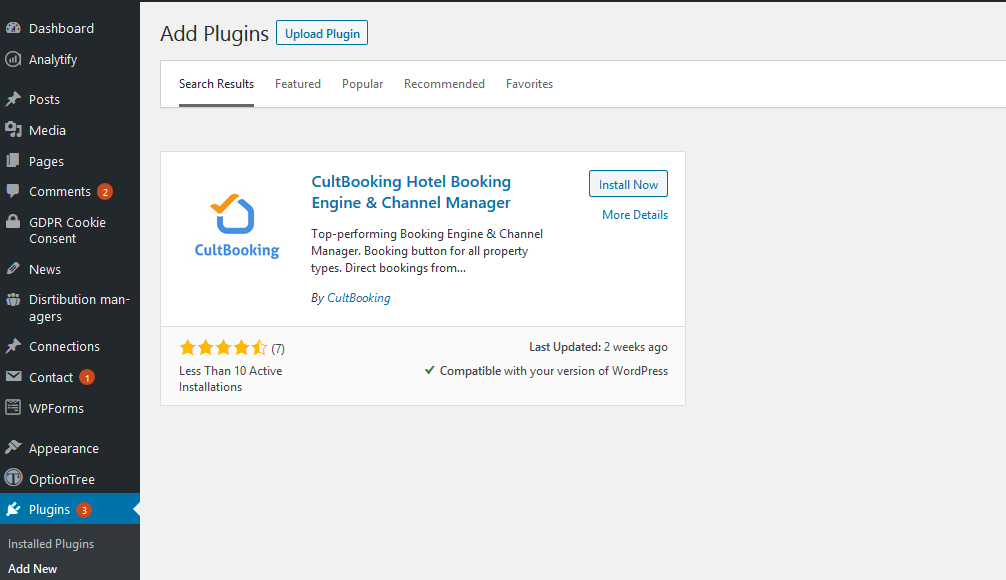
CultBooking Hotel Booking Engine
CultBooking Engine for WordPress is a powerful and easy-to-use plugin that allows you to manage your bookings and channels from your WordPress site.
Plugin info
Maintenance & Compatibility
Maintenance score
Possibly abandoned • Last updated 588 days ago • 11 reviews
Is CultBooking Hotel Booking Engine abandoned?
Possibly abandoned (last update 588 days ago).
Compatibility
Similar & Alternatives
Explore plugins with similar tags, and compare key metrics like downloads, ratings, updates, support, and WP/PHP compatibility.
Description
CultBooking Engine for WordPress is a powerful and easy-to-use plugin that allows you to manage your bookings and channels from your WordPress site. Whether you run a hotel, a vacation rental, a B&B, or any other accommodation type, CultBooking Engine can help you increase your direct bookings and revenue.
With CultBooking Engine, you can create a customized booking button that matches your website’s design and style. You can also integrate with popular channel managers like Booking.com, Expedia, Airbnb, and more to sync your availability and rates across multiple platforms. You can access your admin dashboard from any device and manage your reservations, guests, payments, and reports with just a few clicks.
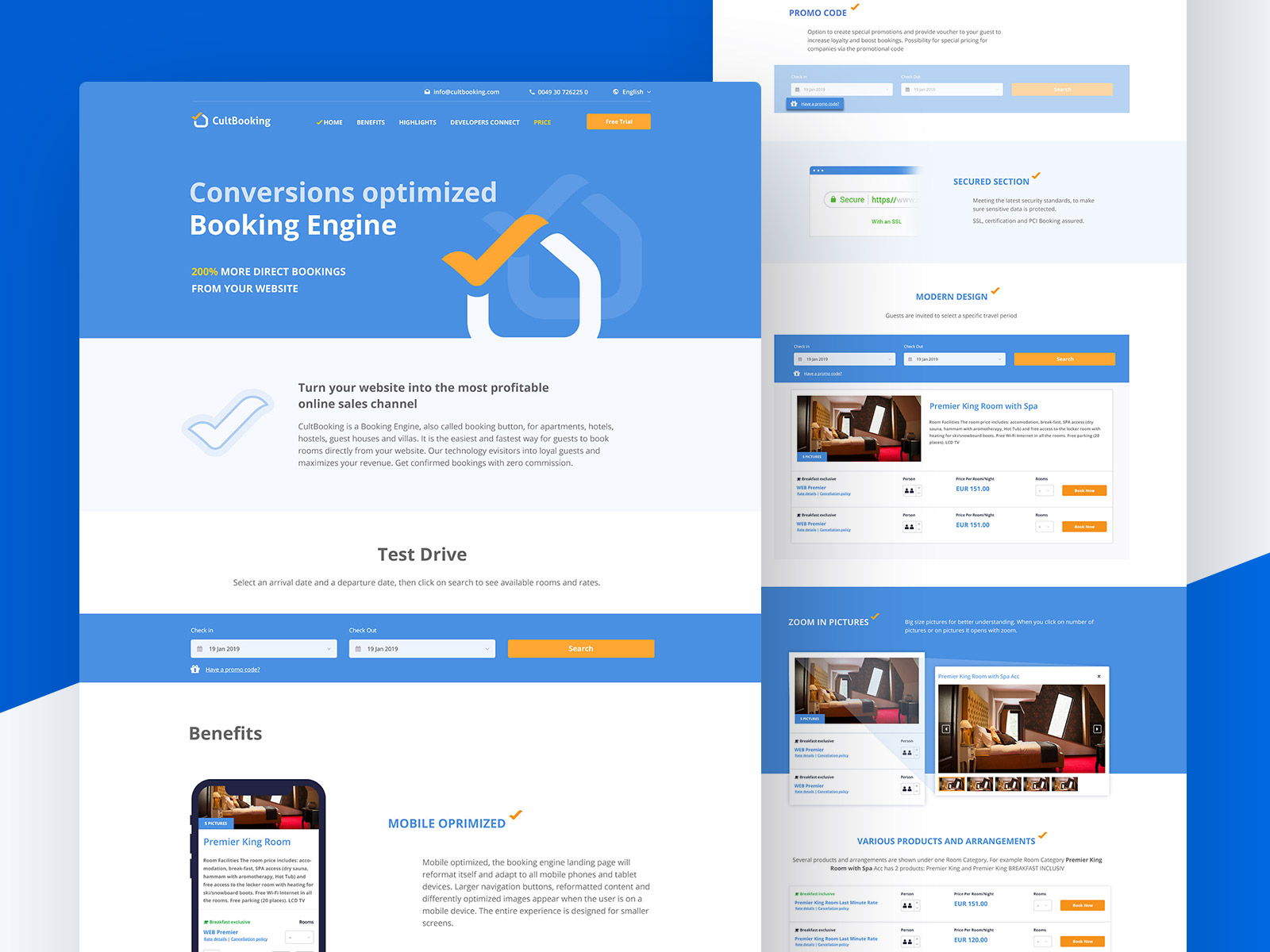
CultBooking Engine is trusted by thousands of property owners around the world who use it to simplify their operations and grow their businesses. Here is an example of a website that uses CultBooking Engine technology:
CultBooking is PCI Compliant, 100% secure to use for hotel owners and guests. The Hotel Booking Engine is used by hundreds of properties every day. CultBooking has top performing conversion rate and is also made for: developers, marketing and web-agencies, designers, website admins, webmasters and anyone in the hospitality industry. It is the reservations software plugin that you, or your client, have been searching for.
Visit https://www.cultbooking.com/en/ for more details.
Visit Plugin Documentation for more plugin parameters.
Link to apply for a Demo account: https://admin.cultbooking.com/register
Hotel booking engine features:
- Unlimited properties management (unlimited rooms in a hotel, beds in a hostel)
- One property management (one apartment, villa, room, etc.)
- Customizable front-end (logo, brand colors, pictures, booking form, etc.)
- Custom rate plans (Non Refundable, Flexible, Last-minute rates)
- Various pricing models: Per Occupancy, Per Day, By LOS etc..
- Multi-language
- Smart calendar (showing prices, MinLOS, available days and much more)
- Extra services (guests can optionally add cleaning, parking or other extra service)
- Min and max stay periods
- Discount coupons and promo codes
- Children per room test2
- Payment gateway, accept automatic payments to your bank account via PayPal, Visa, MasterCard, American Express, Klarna and much more.
- Channel Manager connections. CultBooking is a certified Channel Manager provider
Link to open an account: https://admin.cultbooking.com/register
Installation
To install the CultBooking Hotel Booking Engine plugin on your WordPress site, follow these steps:
- Download the plugin from the WordPress plugin directory.
- Upload the plugin to the wp-content/plugins/ folder on your WordPress site.
- Go to the ‘Plugins’ menu in WordPress and click ‘Activate’ for the CultBooking Hotel Booking Engine plugin.
- Go to the CultBooking Booking Engine admin menu and enter your Hotel ID. For more information visit the FAQ section.
- Copy the shortcode from the admin menu and paste it into the pages where you want to display the booking engine.
- To customize the appearance and functionality of the booking engine, refer to this documentation https://www.cultbooking.com/en/cultbooking-plugin-documentation/
Frequently Asked Questions
You may copy and paste [CultBooking] into the desired pages. It will display the booking engine automatically.
Register for a Free account here: https://admin.cultbooking.com/register
After you Login, the hotel ID will appear on the top right corner.
We offer both Freemium and Paid models. You may refer to this link for more info https://www.cultbooking.com/en/pricing/
Yes. This is made on request and soon will be a self-service feature inside the CultBooking admin dashboard.
Please write to: [email protected]
Please contact us via email: [email protected]
Review feed
Hotel Booking Engine & Channel Manager
Screenshots




Changelog
2.1
- Dynamic Height Calender