

Currency Converter Calculator
❤️ Is a magic real-time and easy-to-use with beautiful UI widget. Included 195+ world currencies with popular cryptocurrencies.
Plugin info
Maintenance & Compatibility
Maintenance score
Maintained • Last updated 122 days ago • 6 reviews
Is Currency Converter Calculator abandoned?
Likely maintained (last update 122 days ago).
Compatibility
Similar & Alternatives
Explore plugins with similar tags, and compare key metrics like downloads, ratings, updates, support, and WP/PHP compatibility.
Description
❤️ Is a magic real-time and easy-to-use with beautiful UI widget. Included 195+ world currencies with popular cryptocurrencies.
📌 About
Simple and powerful real-time Currency Converter widget for your website or blog. Included 195+ world currencies with popular cryptocurrencies. Automatically update exchange rates. Multi Language support: English, Русский, Italiano, Français, Español, Deutsch, 中国, Português, 日本語, Bahasa Indonesia, हिन्दी.
🔔 Note
Note: This plugin is compatible with newer versions of WordPress only when used alongside the Classic Widgets plugin. Please ensure the Classic Widgets plugin is installed and activated for proper functionality.
⭐️ FEATURES ⭐️
- 195+ Currencies and Popular CryptoCurrencies;
- You can use the plugin on any page using shortcode;
- Does not create a load on the site, all data is processed on a third-party server;
- Updates automatically;
- Multi languages and SSL support;
- Responsive design.
📌 Installation
= From your WordPress dashboard =
1. Visit “Plugins > Add New”
2. Search for “Exchange Rates Widget”
3. Activate Exchange Rates Widget from your Plugins page.
4. Add widgets on yourdomain.com/wp-admin/widgets.php page.
📌 From WordPress.org
- Download Exchange Rates Widget.
- Upload the “Exchange Rates Widget” directory to your “/wp-content/plugins/” directory, using your favorite method (ftp, sftp, scp, etc…).
- Activate Exchange Rates Widget from your Plugins page.
- Add widgets on yourdomain.com/wp-admin/widgets.php page.
📌 From WordPress “Add Plugins”
- Download Exchange Rates Widget.
- Go to yourdomain.com/wp-admin/plugin-install.php
- Press button “Upload Plugin”
- Choise “Exchange Rates Widget” zip archive and press button “Install Now”.
- Add widgets on yourdomain.com/wp-admin/widgets.php page.
🍩 Donations
ℹ️ Official website & 💹 Source: CurrencyRate
💰 Your might like it:
🔵 Exchange Rates Widget
🟢 Crypto Converter ⚡ Widget
🟡 Cryptocurrency Price Widget
Installation
Frequently Asked Questions
- You can generate a shortcode manual
Example:
[ccc_currency_converter_calculator lg=”ru” tz=”0″ fm=”EUR” to=”USD” st=”info” bg=”FFFFFF” lr=”1″ rd=”0″][/ccc_currency_converter_calculator]
Params:
lg=”ru” – languages, use: en, ru, it, fr, es, de, cn, pt, ja, id, hi
tz=”0″ – timezone
fm=”EUR” – currency code from (list of currency codes: http://currencyrate.today/different-currencies)
to=”USD” – currency code to (list of currency codes: http://currencyrate.today/different-currencies)
st=”info” – theme (color scheme) primary, info, danger, warning, gray, success (used bootstrap3 color classes)
bg=”FFFFFF” – background color of iframe, if you use param: rd = “0”
lr=”1″ – large widget
rd=”0″ – 1 – straight corners, 0 – rounded corners - You can generate a shortcode automatic
a. Go to yourdomain.com/wp-admin/widgets.php page;
b. Add widget “Currency Converter Calculator”;
c. Select options, click save;
d. Copy shortcode from textarea. - Languages
en – English
ru – Русский
it – Italiano
fr – Français
es – Español
de – Deutsch
cn – 中国
pt – Português
ja – 日本語
id – Bahasa Indonesia
hi – हिन्दी
Review feed
Useful widget
Screenshots
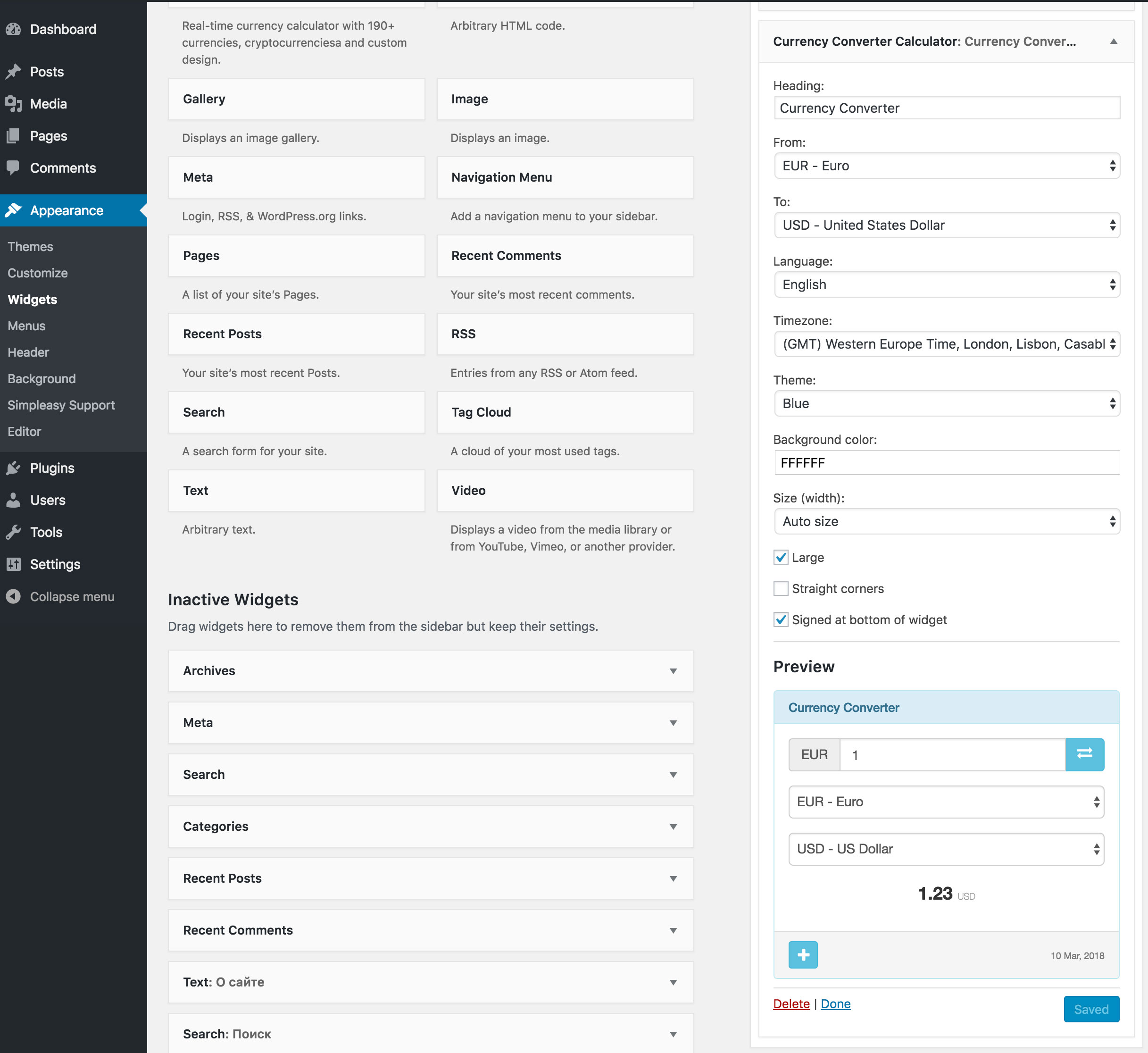
screanshot-1.jpg - Widget settings
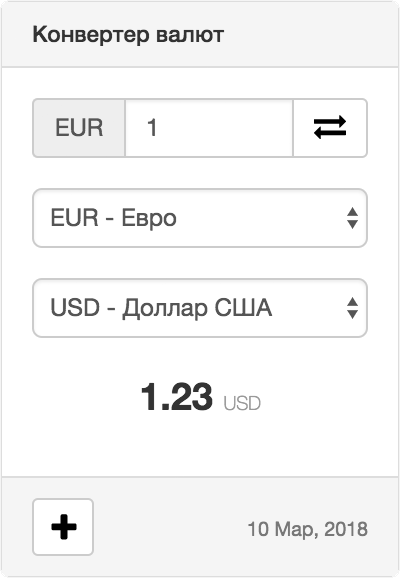
screanshot-2.jpg - Gray theme

screanshot-3.jpg - Red theme
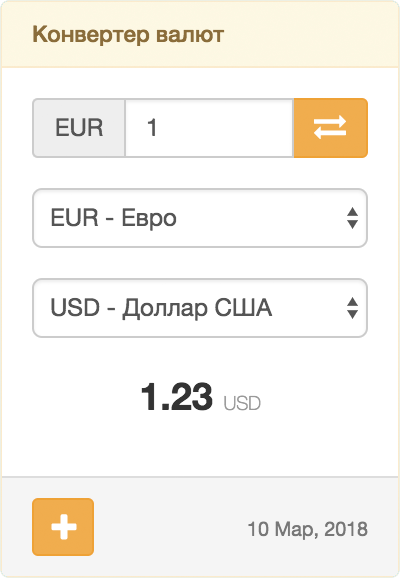
screanshot-4.jpg - Yellow theme
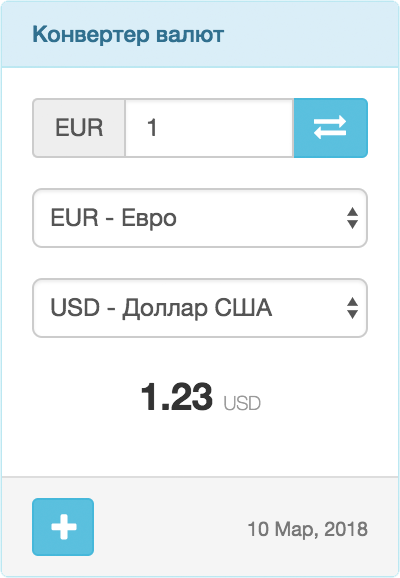
screanshot-5.jpg - Blue theme

screanshot-6.jpg - Dark blue theme
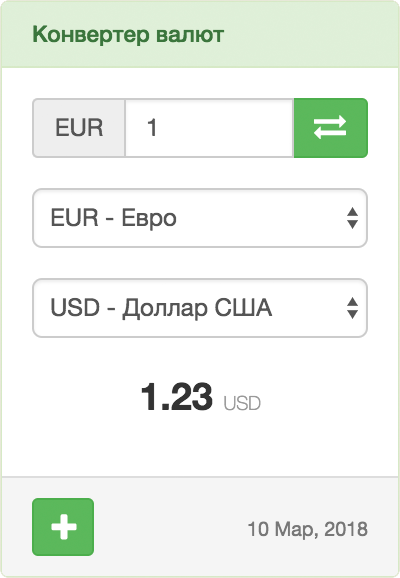
screanshot-7.jpg - Green theme
Changelog
1.4.1
- Minor bug fixed
1.4.0
- Fixed security bugs
- Minor bug fixed
- Add language POT file
1.3.2
- Fixed security bugs
- Minor bug fixed
1.3.1
- Add Binance coin
- Minor bug fixed
1.3.0
- Minor bug fixed
- Add accessibility
1.2.2
- Important fixed
- Minor fix
1.2.0
- Minor bug fixed
1.1.0
- Add new languages: Português, 日本語, Bahasa Indonesia, हिन्दी
1.0.2
- Minor bug fixed
1.0.1
- Fix bug (generated shortcode $params with empty value)
1.0.0
- First release