

Custom Post Type UI
Admin UI for creating custom content types like post types and taxonomies
Plugin info
Maintenance & Compatibility
Maintenance score
Maintained • Last updated 119 days ago • Support resolved 40% • 271 reviews
Is Custom Post Type UI abandoned?
Likely maintained (last update 119 days ago).
Compatibility
Languages
Similar & Alternatives
Explore plugins with similar tags, and compare key metrics like downloads, ratings, updates, support, and WP/PHP compatibility.
Description
Custom Post Type UI provides an easy-to-use interface for registering and managing custom post types and taxonomies for your website.
Custom Post Type UI Extended
CPTUI helps create custom content types, but displaying that content can be a whole new challenge. Custom Post Type UI Extended was created to help with displaying your crafted content. View our Layouts page to see available layout examples with Custom Post Type UI Extended.
Plugin development
Custom Post Type UI development is managed on GitHub, with official releases published on WordPress.org. The GitHub repo can be found at https://github.com/WebDevStudios/custom-post-type-ui. Please use the WordPress.org support tab for potential bugs, issues, or enhancement ideas.
Installation
Admin Installer via search
- Visit the Add New plugin screen and search for “custom post type ui”.
- Click the “Install Now” button.
- Activate the plugin.
- Navigate to the “CPTUI” Menu.
Admin Installer via zip
- Visit the Add New plugin screen and click the “Upload Plugin” button.
- Click the “Browse…” button and select zip file from your computer.
- Click “Install Now” button.
- Once done uploading, activate Custom Post Type UI.
Manual
- Upload the Custom Post Type UI folder to the plugins directory in your WordPress installation.
- Activate the plugin.
- Navigate to the “CPTUI” Menu.
That’s it! Now you can easily start creating custom post types and taxonomies in WordPress.
Frequently Asked Questions
Please see https://docs.pluginize.com/tutorials/custom-post-type-ui/
Review feed
Good, but missing a bunch of options.
One of the worst documented plugins I saw
Amazing Plugin
really useful
Great piece of software
Screenshots

Add new post type screen and tab.

Add new taxonomy screen and tab.
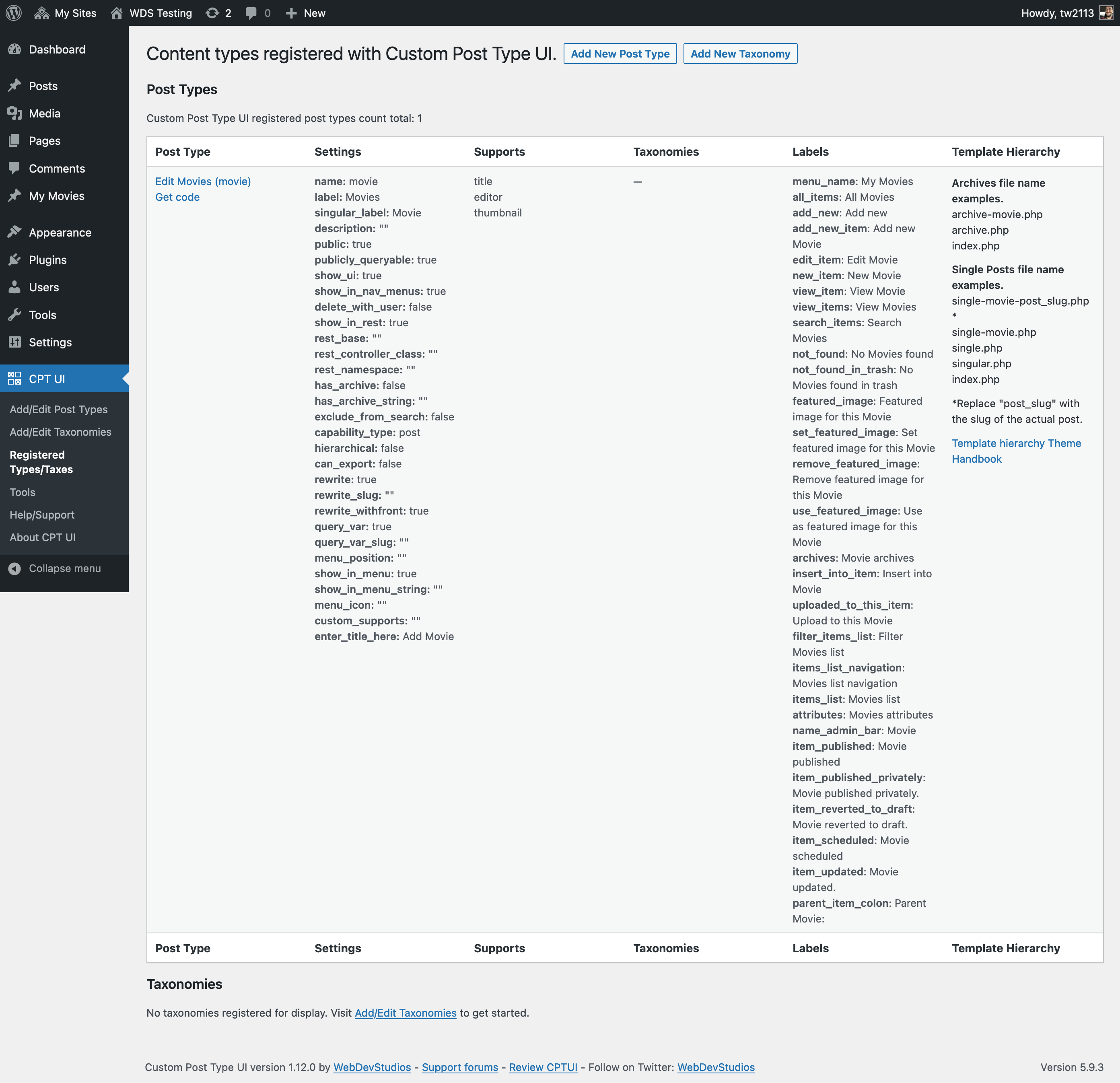
Registered post types and taxonomies from CPTUI
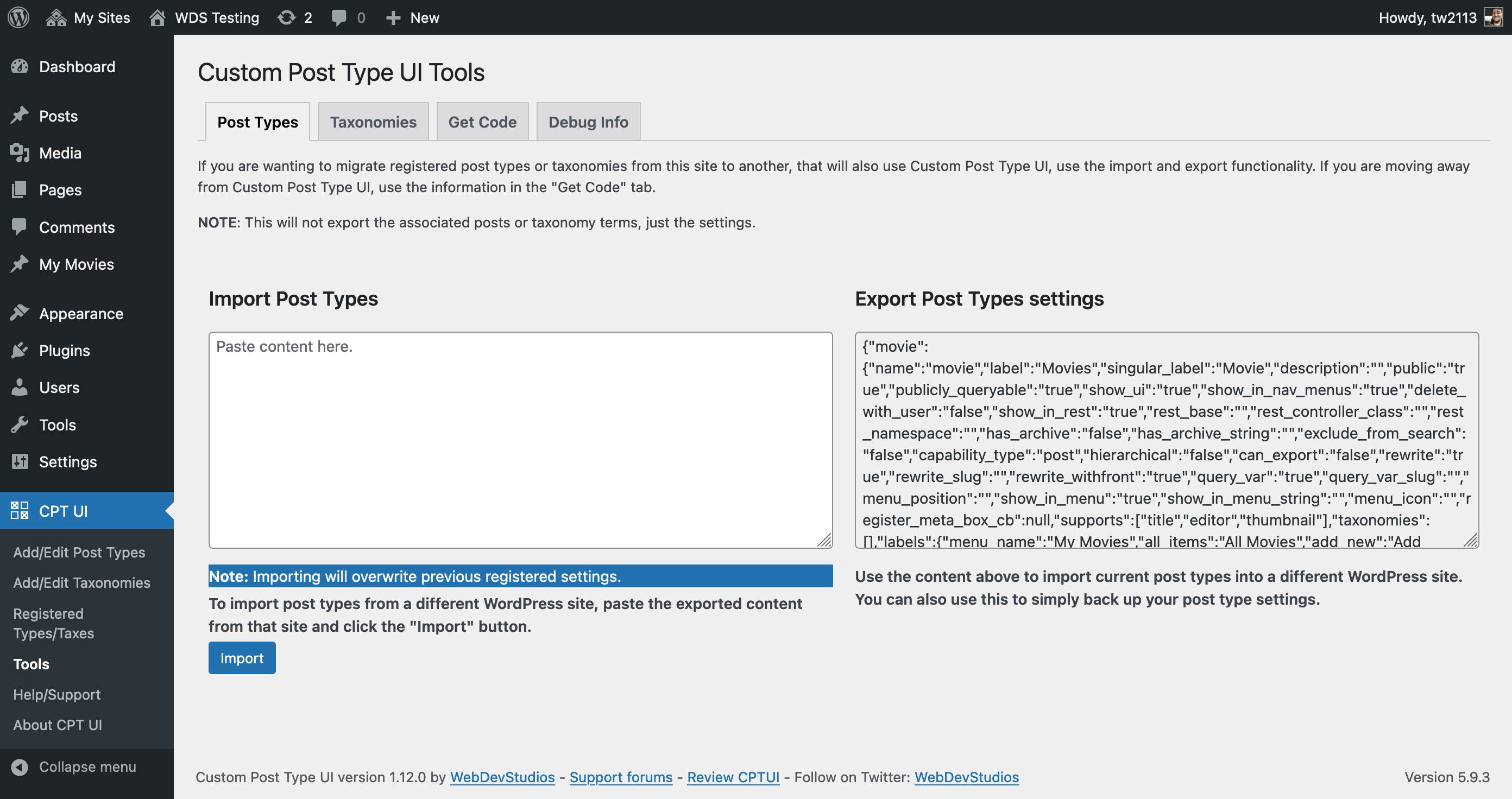
Tools screen.
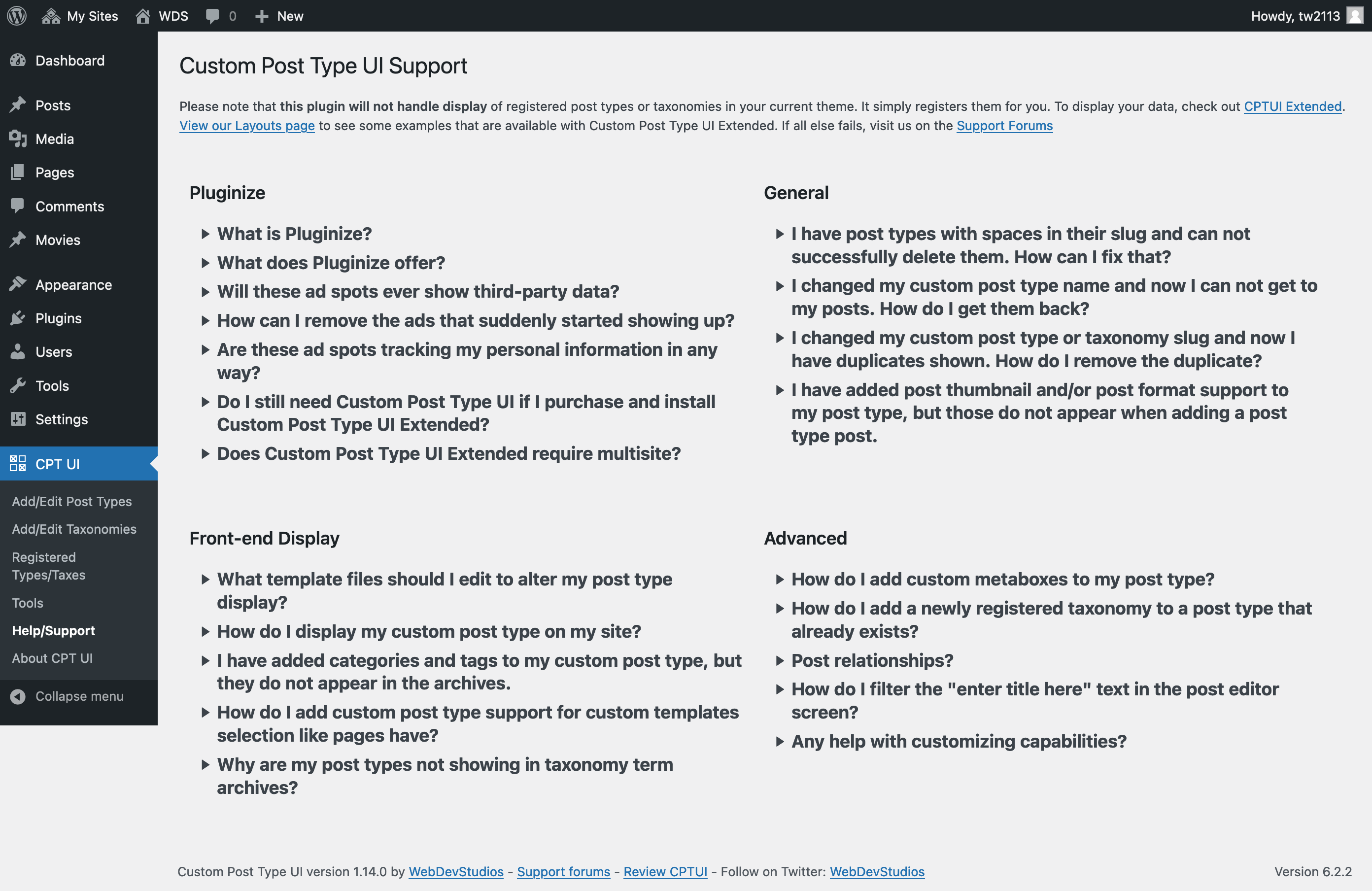
Help/support screen.
Changelog
1.18.2 – 2025-12-05
- Fixed: Security issue around Get Code functionality.
- Fixed: Potential security issue around post type descriptions.
- Updated: various internationalization details.
1.18.1 – 2025-11-20
- Fixed: Potential authorization access issues around content type modification.
- Fixed: JS issue regarding warning user when changing content type slugs.
- Updated: Revised “new tab” and ‘rel=”noopener”‘ link behavior and attributes.
- Updated: Cleaned up CPTUI About screen.
1.18.0 – 2025-07-29
- Added: “template_name” label support.
- Fixed: Typo in “games” Dashicon classname.
- Updated: CPTUI “ad” graphics. Added ThemeSwitcher Pro.
- Updated: touched up some label usage for post type registration screen.
1.17.3 – 2025-04-21
- Fixed: PHP notices around foreach loops in cptui_post_thumbnail_theme_support().
- Fixed: PHP notices around empty variable values with get code section.
- Fixed: PHP notices around false values with taxonomy listings with post type registration.
- Updated: Confirmed compatibility with WordPress 6.8
1.17.2 – 2024-11-19
- Fixed: PHP warnings around empty description variables from tools page.
- Updated: Confirmed compatibility with WordPress 6.7
1.17.1 – 2024-06-27
- Fixed: Missed re-showing of autolabel fill links for js enabled browsers.
1.17.0 – 2024-06-17
- Added: “sidebars” as a reserved slug for post types.
- Added: Blueprint for trying Custom Post Type UI on wordpress.org before installation.
- Updated: Reworked javascript files to be more modular with the build process.
1.16.0 – 2024-04-08
- Added: Added a wpml-config.xml file.
- Updated: Added “search_terms” to disallowed taxonomy list.
- Updated: Began converting our javascript away from jQuery dependency.
- Updated: tested up to WP 6.5
1.15.1 – 2023-11-08
- Fixed: Fixed up some Right-to-Left language styling issues.
- Fixed: Fixing forgot to update about page and some PHP constants for CPTUI version.
1.15.0 – 2023-11-06
- Added: Checkbox to indicate you intend to migrate a post type into CPTUI in event of matching slugs. Props @ramsesdelr
- Added: “item_trashed” post type label support from WordPress 6.3
- Updated: confirmed compatibility with WordPress 6.4.
- Updated: PHP8 compatibility.
- Updated: Minimum WordPress version to version 6.3, minimum PHP version to 7.4.
1.14.0 – 2023-08-07
- Added: “Scroll to top” links in CPTUI pages. Props @aslamatwebdevstudios
- Added: Remembers toggled states for CPTUI settings panels. Props @aslamatwebdevstudios and @ramsesdelr
- Updated: Notes about slugs for both post types and taxonomies.
- Updated: Support/FAQ section with more accurate links.