

Custom Tabs for Products WooCommerce
Custom Tabs for Products WooCommerce: Custom Product Tabs for individual product or all products or products in special category
Maintenance 20/1001146d since update
Active installs
0
Downloads
583
Reviews
0
Age
3.1y
Plugin info
Total downloads: 583
Active installs: 0
Total reviews: 0
Average rating: 0
Support threads opened: 0
Support threads resolved: 0 (0%)
Available in: 2 language(s)
Contributors: 1
Last updated: 2/11/2023 (1146 days ago)
Added to WordPress: 2/11/2023 (3 years old)
Minimum WordPress version: 5.0
Tested up to WordPress version: 6.1.9
Minimum PHP version: f
Maintenance & Compatibility
Maintenance score
Possibly abandoned • Last updated 1146 days ago
20/100
Is Custom Tabs for Products WooCommerce abandoned?
Possibly abandoned (last update 1146 days ago).
Compatibility
Requires WordPress: 5.0
Tested up to: 6.1.9
Requires PHP: f
Similar & Alternatives
Explore plugins with similar tags, and compare key metrics like downloads, ratings, updates, support, and WP/PHP compatibility.
WPB Product Tabs Manager for WooCommerce – Add, Edit, Re-order, and Remove Tabs
Rating 4.5/5 (13 reviews) • Active installs 600
Ultimate Product Tab
Rating 5.0/5 (1 reviews) • Active installs 10
Easy Product Tabs For WooCommerce – Adding custom tabs for all products
Rating 0.0/5 (0 reviews) • Active installs 0
Woocommerce Custom Tabs
Rating 3.8/5 (19 reviews) • Active installs 1,000
Product Tabs Manager – Tailor Your Store Product Tabs Effortlessly
Rating 0.0/5 (0 reviews) • Active installs 10
Description
Custom Product Tabs for individual product or all products or products in special category
Features
- Easy tab content handling
- Native WordPress Wysiwyg editor for editing custom content
- Tab page positioning (priority)
- Hide empty tabs
- Default Tab for all Product.
Pro Features
- Unlimited Tabs
- Custom tabs for products in special category
- Custom default woocommerce’s tabs like Description, Review…
Installation
- Upload the plugin folder to your /wp-content/plugins/ folder.
- Go to the Plugins page and activate the plugin.
Frequently Asked Questions
Answer to the question
Simply deactivate and delete the plugin.
Review feed
No reviews available
Screenshots
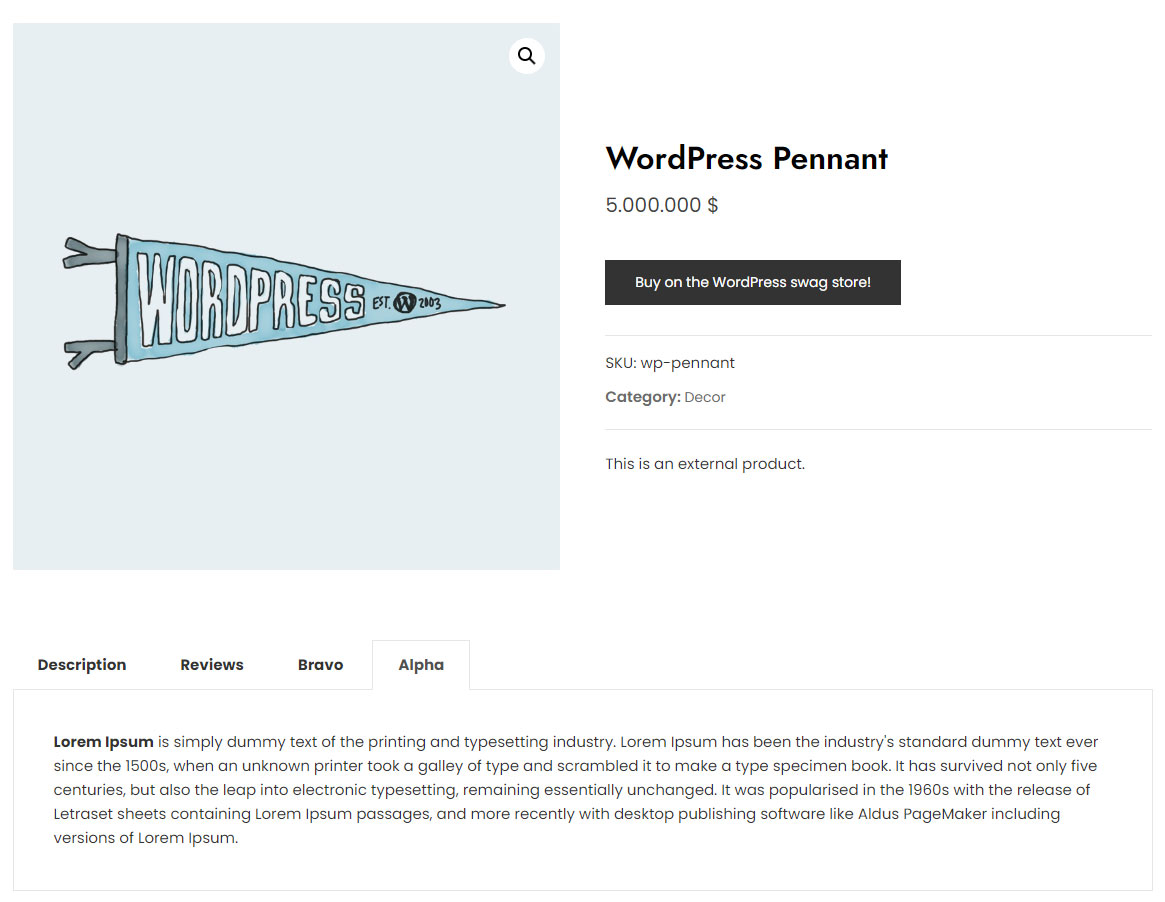
Product Tabs Front-end

Product Tabs Admin

Default tabs for all products.
Changelog
1.0.0
- Plugin released.