

Custom Text Formats
Custom Text Formats lets you add custom text formats to the Gutenberg Editor
Plugin info
Maintenance & Compatibility
Maintenance score
Possibly abandoned • Last updated 702 days ago • 4 reviews
Is Custom Text Formats abandoned?
Possibly abandoned (last update 702 days ago).
Compatibility
Similar & Alternatives
Explore plugins with similar tags, and compare key metrics like downloads, ratings, updates, support, and WP/PHP compatibility.
Description
Custom Text Formats lets you add custom text formats to the Gutenberg Editor. Register a new format by adding a class to a chosen tag and add a format icon. There are several to choose from but you can also add your own. You can set the format as a regular selection wrap but you can also render out content in a single block, like an icon or other text or html content. Then add css styling to the class to control the behavior of the text format. You can use different css for backend and frontend.
Not for the code allergic
This plugin requires basic css and html skills so if you are allergic to code, this plugin is not for you.
Suggestions and opinions
If you like this plugin, I would be really happy if you would rate and review it! If you don’t like it and/or have ideas and suggestions for improvement, please let me know in the support forum.
Installation
Frequently Asked Questions
Review feed
Screenshots

Example of a preamble text format.
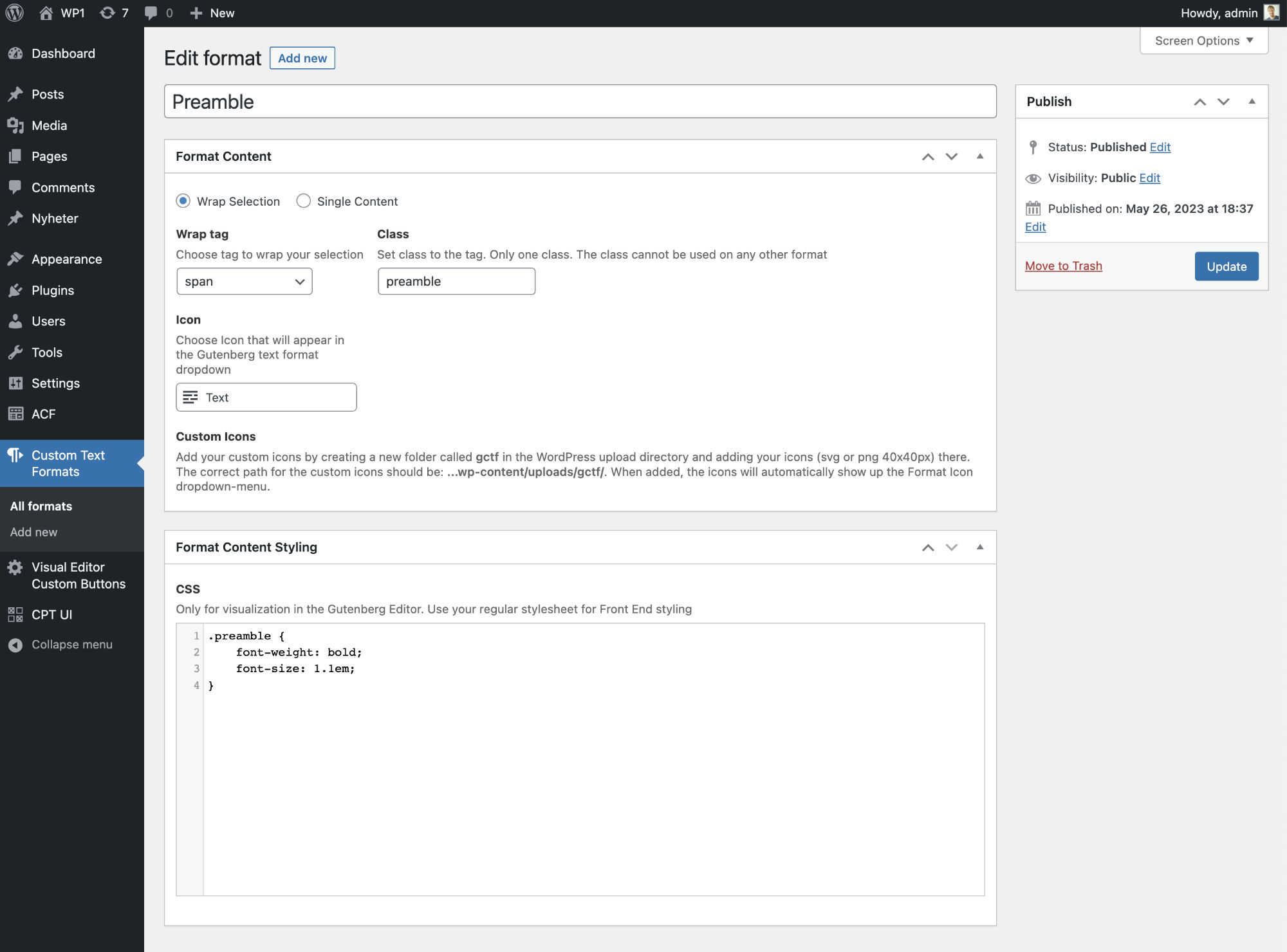
The preamble text format in editor view.

Example of a yellow marker text format.

The yellow marker text format in editor view.
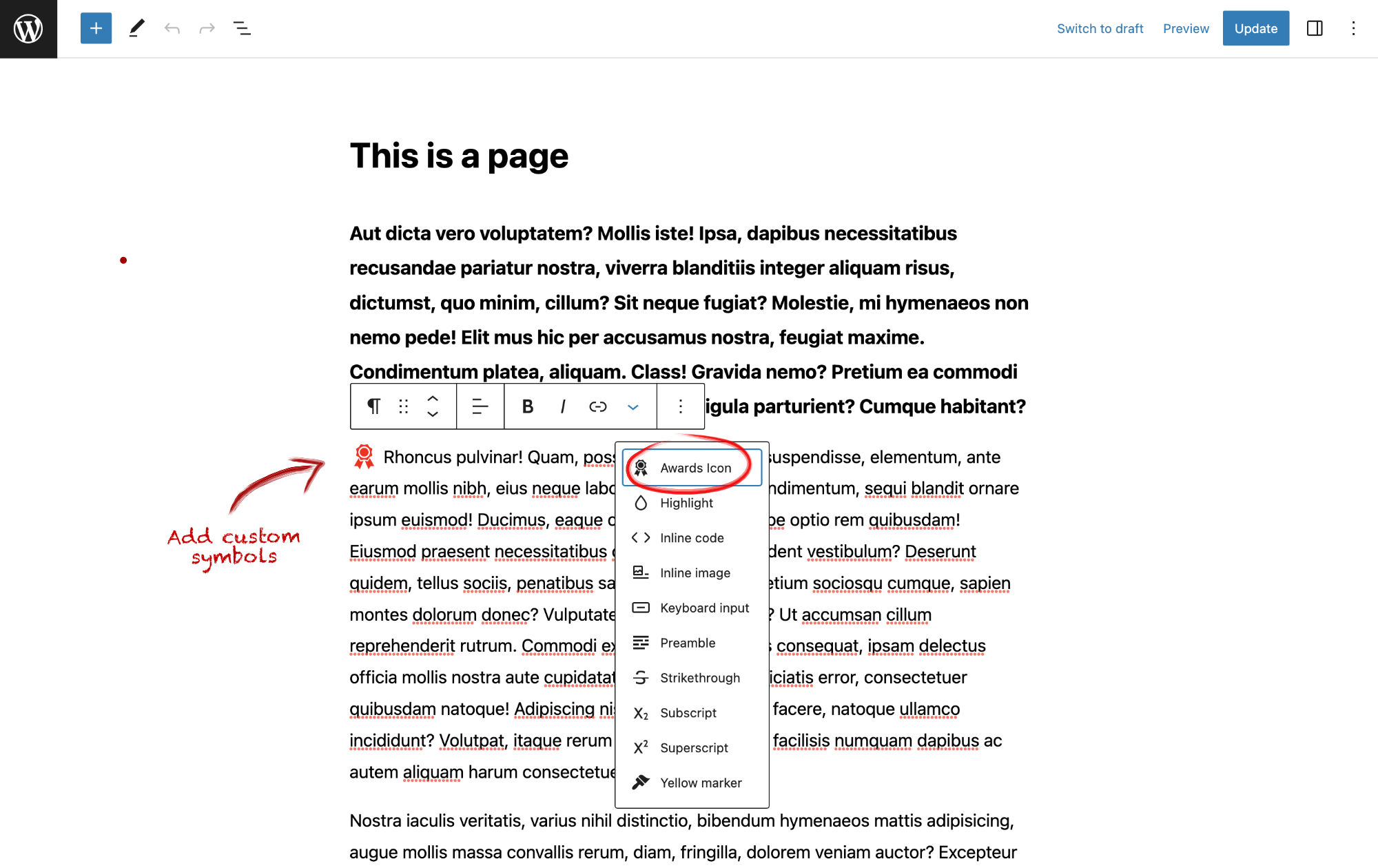
Example of a Award Icon text format. This is an example of a single content format. Instead of wrapping a text selection, you just place the cursor where you want the content and click the format button, and the content, in this case an award icon, will be placed at thecursor position.

The award icon text format in editor view.
Changelog
1.1
- Fixed custom icons bug – Thanks darri
- Minor descriptive text changes