

Plugin info
Maintenance & Compatibility
Maintenance score
Possibly abandoned • Last updated 608 days ago • 27 reviews
Is Dark Mode for WP Dashboard abandoned?
Possibly abandoned (last update 608 days ago).
Compatibility
Similar & Alternatives
Explore plugins with similar tags, and compare key metrics like downloads, ratings, updates, support, and WP/PHP compatibility.
Description
Adds a smooth dark mode to the default WordPress dashboard interface. The dark mode can be disabled per user in the profile page.
Plugins officially supported:
* Advanced Custom Fields
* Jetpack
* Nested Pages
* Yoast SEO
* Yoast SEO Premium
* Yoast SEO Local
* Yoast SEO News
* Yoast SEO WooCommerce
* WooCommerce
* Better Search Replace
* AIOSEO
* Google Analytics for WordPress by MonsterInsights
* Gutenberg Blocks by Kadence Blocks
Contribution:
Submit custom added style via the wordpress.org forums or via the offical Github repository.
How to compile: sass --watch assets/scss/app.scss assets/css/dark-mode-dashboard.css
Installation
- Upload the plugin package to the plugins directory.
- Activate the plugin.
- Done! Your WordPress dashboard is now in dark mode 🙂
Frequently Asked Questions
Review feed
This is the one to install
Small, simple, and effective
Perfect
Screenshots
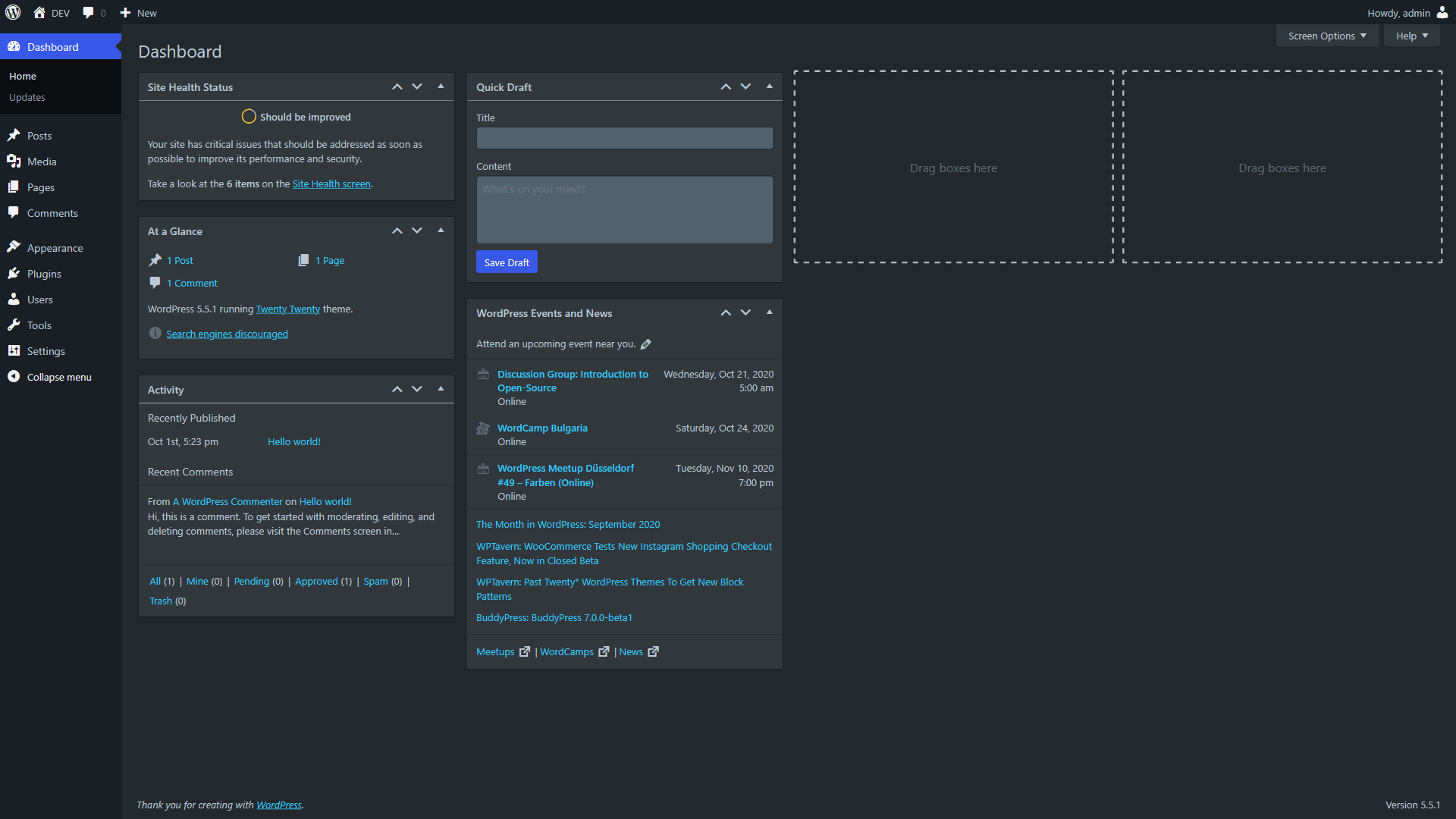
Dashboard

Plugins

Themes
Changelog
1.2.4
- Update: Added nonce to requests
1.2.3
- Update: Added a toggle in the WP Admin toolbar. Also added support for Gutenberg Blocks by Kadence Blocks and fixed minor Gutenberg issues
1.2.2
- Fixed: Minor issue with ACF Group field
1.2.1
- Update: Added support for Google Analytics for WordPress by MonsterInsights & WP to Twitter
1.2.0
- Update: Added support for Yoast SEO Premium, Yoast SEO Local, Yoast SEO News, Yoast SEO Video, Yoast SEO WooCommerce & AIOSEO. Some minor fixes
1.1.3
- Update: Added Better Search Replace support
1.1.2
- Update: Added Advanced Custom Fields support
1.1.1
- Update: Fixed Gutenberg editor
1.1.0
- Update: Added the option to disable the dark mode in the user profile.
1.0.7
- Fixed: Issues with the graphs within the Jetpack plugin
1.0.6
- Fixed: Some issues with the Jetpack plugin
1.0.5
- Added: WooCommerce support
1.0.4
- Added: Nested Pages (plugin) support
1.0.3
- Update: Ownership change
1.0.2
- Added: Jetpack support
1.0.1
- Fixed: Notice: wp_register_style was called incorrectly.
1.0.0
- First public version