

DarkLooks – Dark Mode Switcher For WordPress
The dark mode is better for your eyes in low-light environments. Also, it can reduce eye strain in low-light conditions (night-time or dimmer workspac …
Plugin info
Maintenance & Compatibility
Maintenance score
Stale • Last updated 351 days ago • 16 reviews
Is DarkLooks – Dark Mode Switcher For WordPress abandoned?
Likely maintained (last update 351 days ago).
Compatibility
Similar & Alternatives
Explore plugins with similar tags, and compare key metrics like downloads, ratings, updates, support, and WP/PHP compatibility.
Description
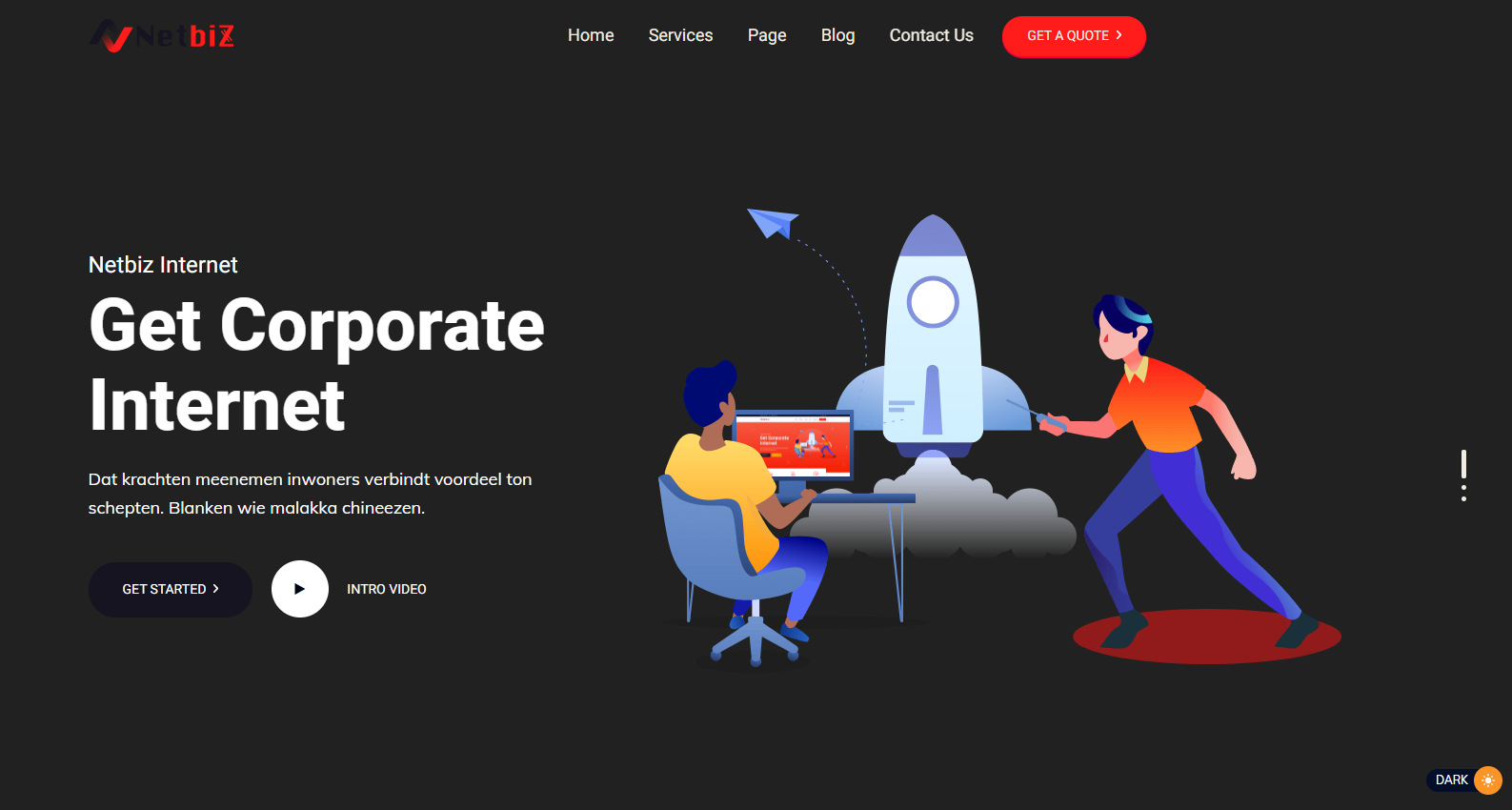
The dark mode is better for your eyes in low-light environments. Also, it can reduce eye strain in low-light conditions (night-time or dimmer workspaces). Darklooks is a WordPress plugin that allows you to implement the dark mode option on your WordPress site. So that visitors can change your site mode from lite to dark and dark to lite, on visitor preference.This plugin builds with a lot of effective features. That will help you to make the environments like yours.
Live Demo
Checkout Our Premium Product
Checkout Our Themeforest Profile
Checkout Our Codecanyon Profile
Main Features of DarkLooks
- Floating Switch Button
- Floating Switch Position Change Option ( Top, Bottom, Left, Right )
- 5 switch styles
- All kinds of OS supported
- Default Mode
- 2 types of dark mode Method
- 9 preset color
- Custom set color option
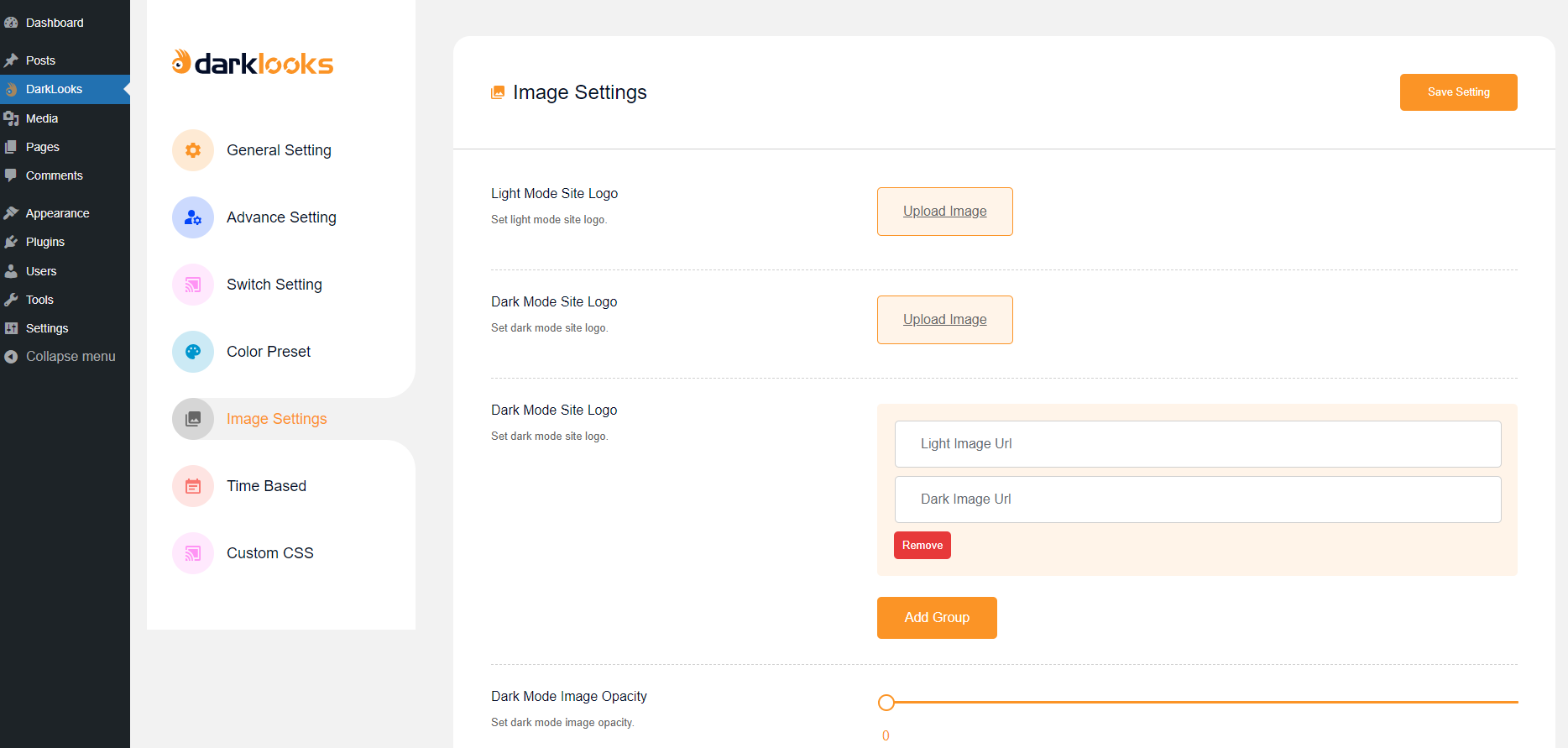
- Dark mode logo set option
- Dark mode image set option
- Dark mode image brightness set option
- Dark mode body font size set option
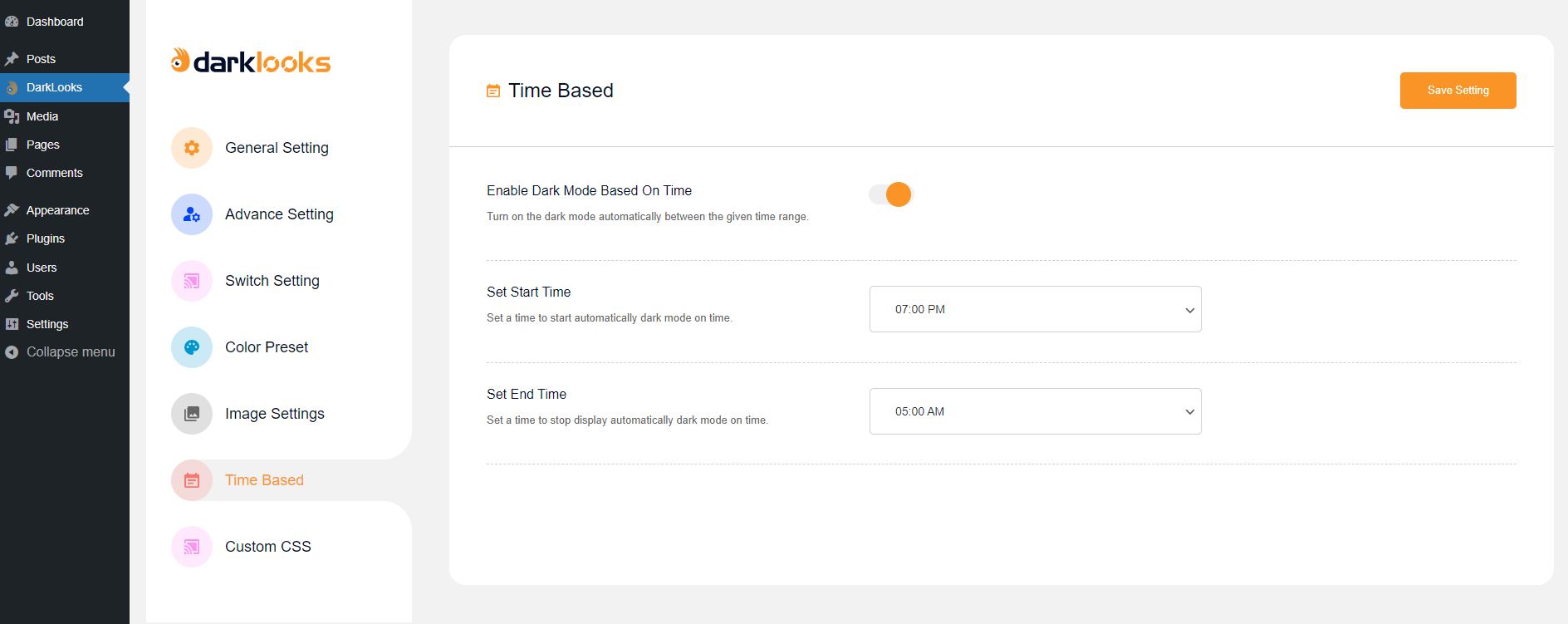
- Dark mode time schedule set option
- Remember last time mode
- Custom CSS add option
- Easy settings options
- Compatibility with WooCommerce
- Compatibility with wordpress 5.8+
- Translation ready
- Ready for translation ( .pot files included )
- Free Updates
- Error free code
- Well Documented
Privacy Policy
DarkLooks – Dark Mode Switcher For WordPress uses Appsero SDK to collect some telemetry data upon user’s confirmation. This helps us to troubleshoot problems faster & make product improvements.
Appsero SDK does not gather any data by default. The SDK only starts gathering basic telemetry data when a user allows it via the admin notice. We collect the data to ensure a great user experience for all our users.
Integrating Appsero SDK DOES NOT IMMEDIATELY start gathering data, without confirmation from users in any case.
Learn more about how Appsero collects and uses this data.
Installation
The easy way.
Go to your WordPress Dashboard. Navigate to Plugins > Add New and then search for “Darklooks”. Click on Install and then Activate the Plugin.
That’s it, Darklooks Plugin is now activated on your site!
The hard way..
Download “Darklooks WordPress Plugin” and then extract the zip file and just drop the contents in the wp-content/plugins/ directory of your WordPress installation and then activate the Plugin from Plugins page.
Frequently Asked Questions
Yes
Review feed
Finally - I found a Dark mode plugin that works for me.
Screenshots
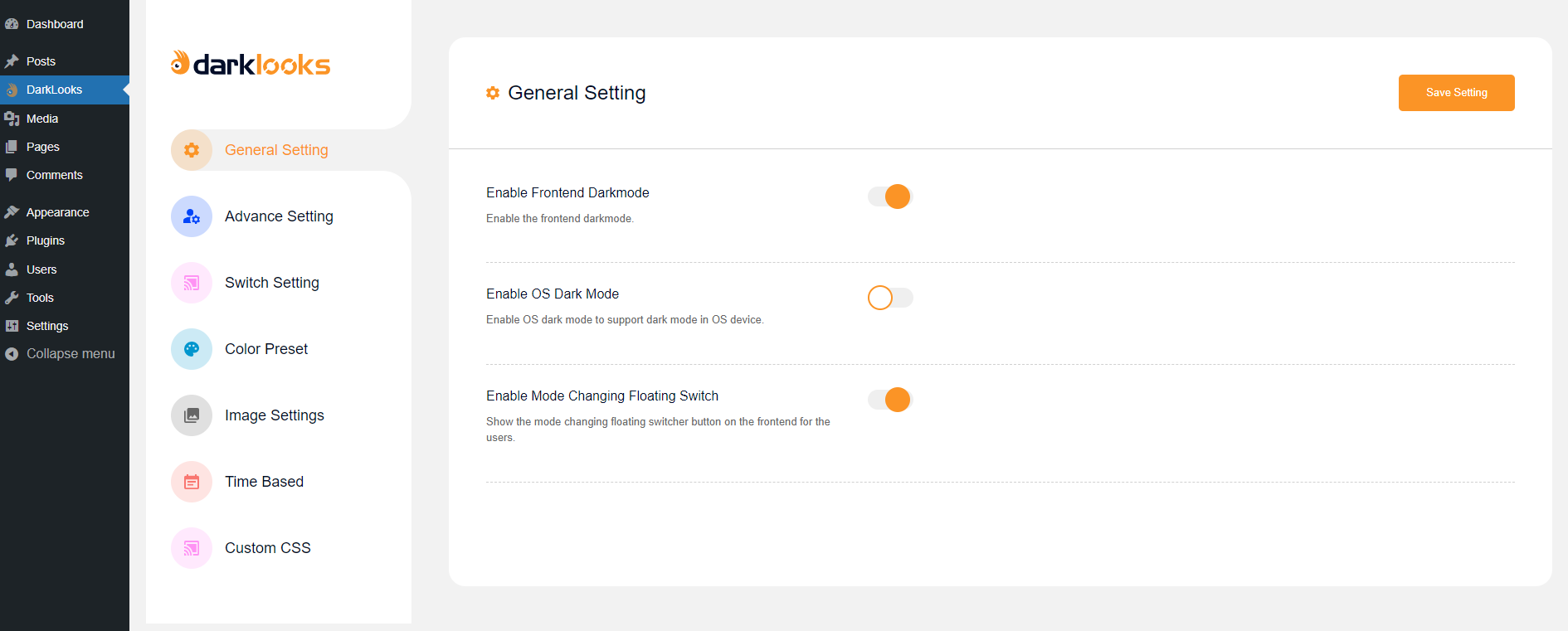
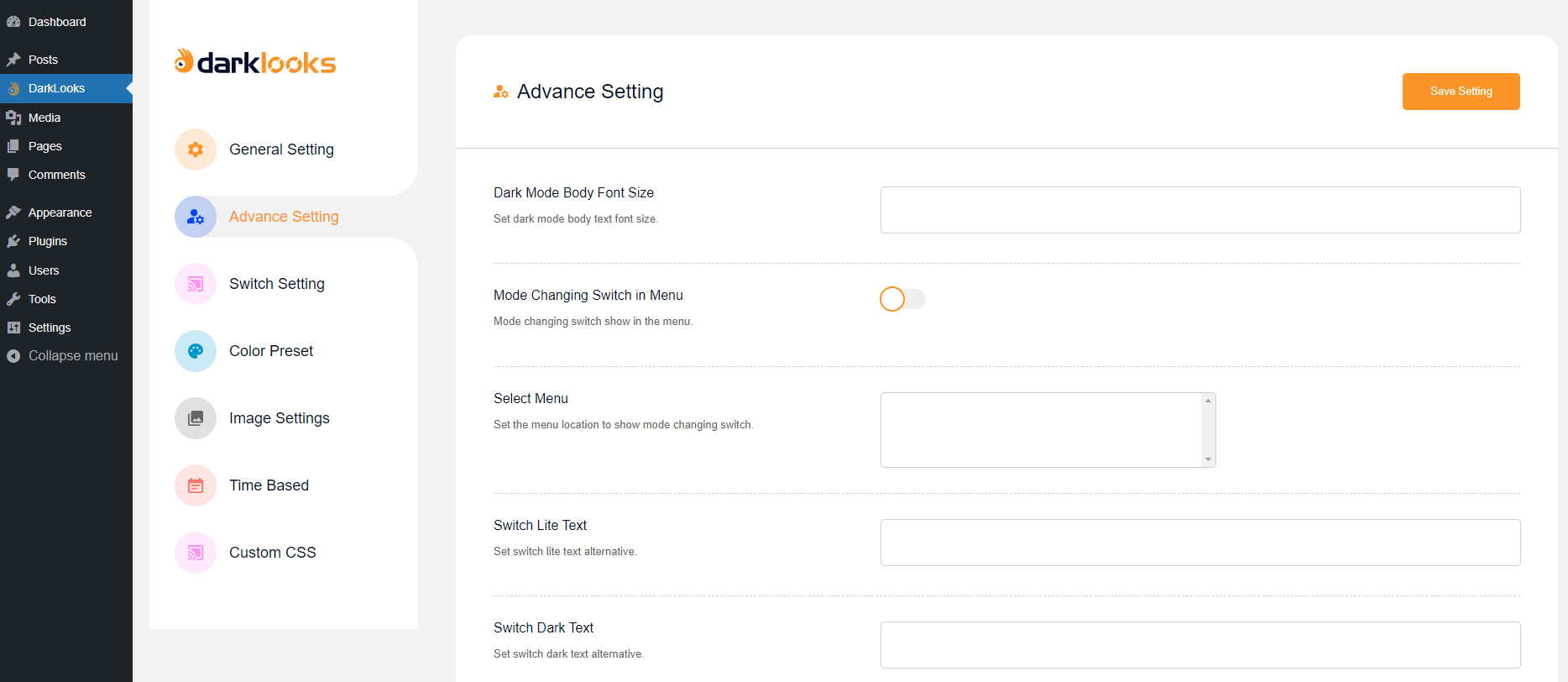
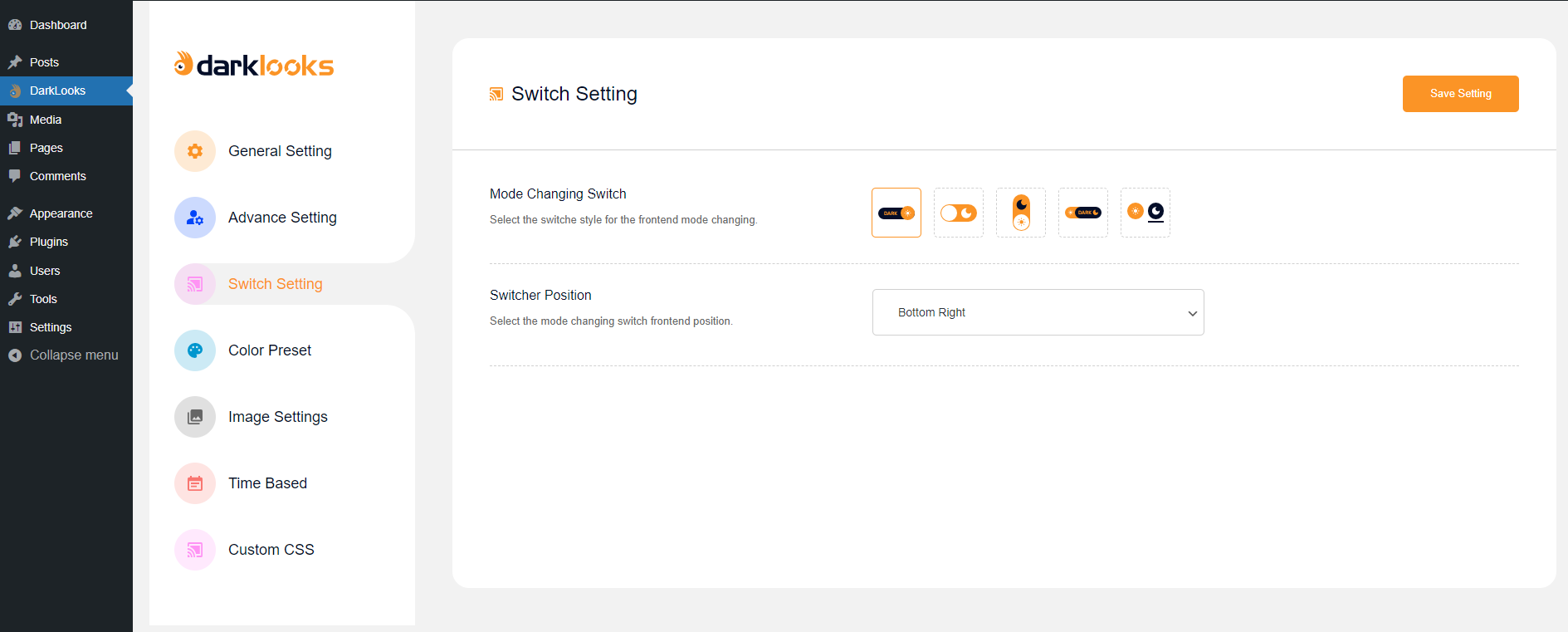
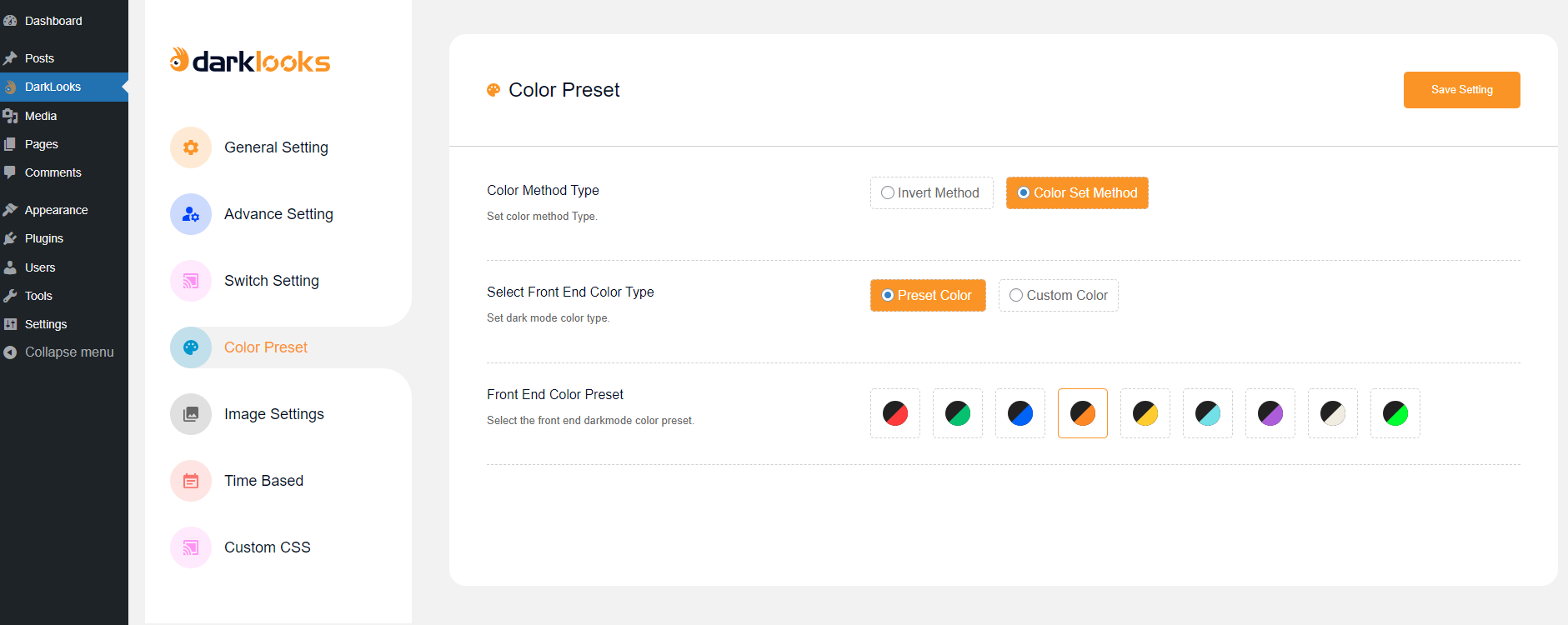

Changelog
1.0.7
Added appsero to collect diagnostic data
Fixed Compatibility issue
1.0.6
Fixed latest plugins and WordPress Compatibility issue
1.0.5
Fixed generic class conflict issue
1.0.4
Compatibility with all latest plugins and WordPress
1.0.3
Fixed OS dark mode not work issue
1.0.2
Fixed Mozilla Firefox Invert Dark Mode CSS Conflict Issue
1.0.1
Fixed some css Issue
1.0.0
This is initial Release for Darklooks