

Data Tables – Responsive and Sortable Table Generator
Create and display Wonderful tables for your data with many options.
Plugin info
Maintenance & Compatibility
Maintenance score
Maintained • Last updated 150 days ago • 2 reviews
Is Data Tables – Responsive and Sortable Table Generator abandoned?
Likely maintained (last update 150 days ago).
Compatibility
Languages
Similar & Alternatives
Explore plugins with similar tags, and compare key metrics like downloads, ratings, updates, support, and WP/PHP compatibility.
Description
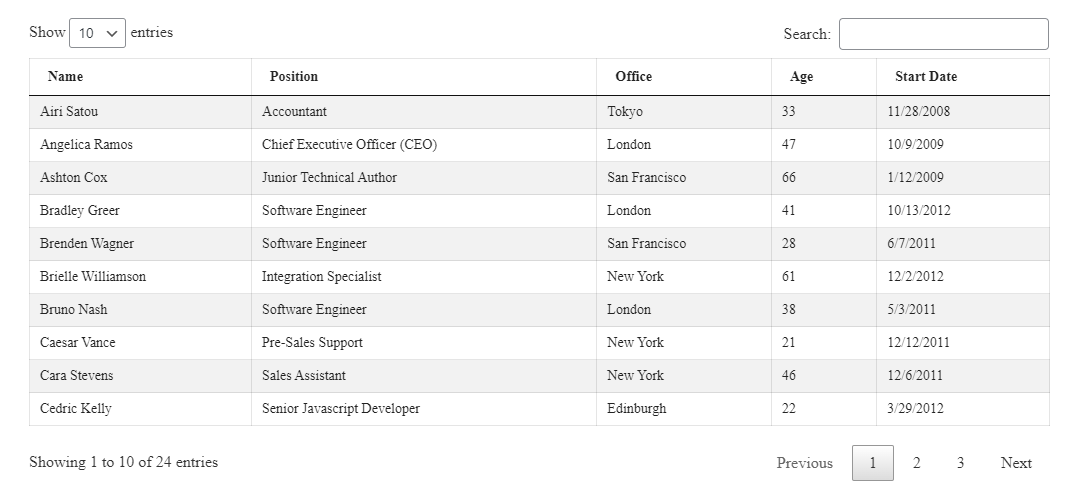
Create and display Wonderful tables for your data with many options. Data Tables plugin will give you a Gutenberg block to make data tables visually. It also have ShortCode options to embed the table in multiple areas.
You can create a table and then use the same table in posts/pages/widgets. It support sorting, paging ,filtering and More options to make Data table with minimal effort.
Wanna see how it works?
Live Demo
Installation
This section describes how to install the plugin and get it working.
e.g.
- Upload
plugin-directoryto the/wp-content/plugins/directory - Activate the plugin through the ‘Plugins’ menu in WordPress
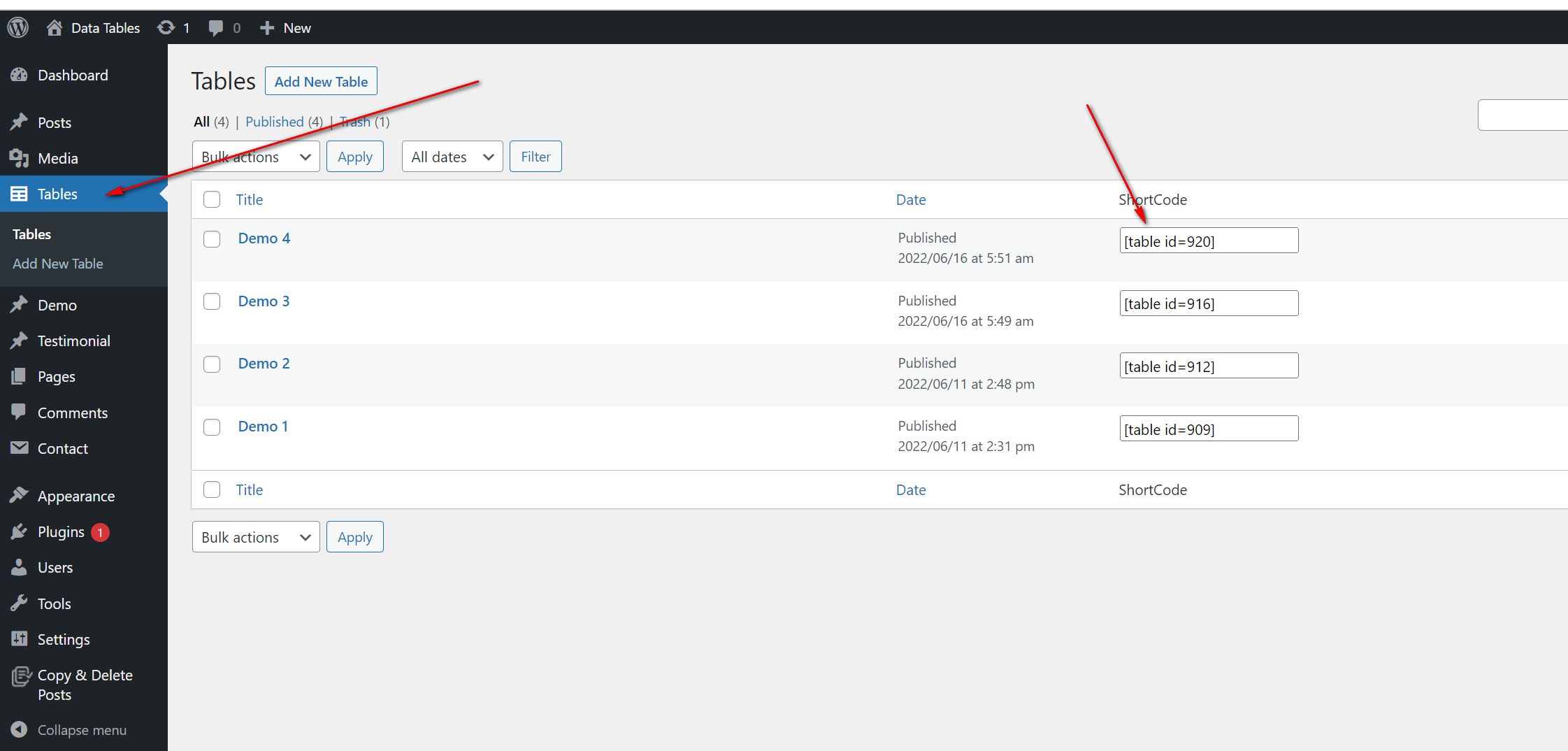
- Use shortcode in page, post or in widgets.
- If you want to use in your theme php, Place
<?php echo do_shortcode('YOUR_SHORTCODE'); ?>in your templates
Frequently Asked Questions
You can install as others regular wordpress plugin. No different way. Please see on installation tab.
You can publish unlimited table
Review feed
Really, REALLY GOOD !!!
Screenshots


Changelog
1.1.2 – 26 July, 2025
- Fixed: Can’t edit table content
1.1.1 – 25 Dec, 2024
- Fixed: undefined index error
1.1
- Added Option to add Serial
- Added option to enabled Attachment Column
1.0
- Initial Release