

Datalayer for WooCommerce FREE
The Data Layer is an object that makes available in real time the information that is executed by users while browsing the WooCommerce Store.
Plugin info
Maintenance & Compatibility
Maintenance score
Stale • Last updated 324 days ago
Is Datalayer for WooCommerce FREE abandoned?
Likely maintained (last update 324 days ago).
Compatibility
Languages
Similar & Alternatives
Explore plugins with similar tags, and compare key metrics like downloads, ratings, updates, support, and WP/PHP compatibility.
Description
The Data Layer is an object that makes available in real time the information that is executed by users while browsing the WooCommerce Store.
With Datalayer for WooCommerce FREE enabled, you will have some actions available in an easily readable javascript object via Google Tag Manager or code and thus evaluate the following advanced eCommerce activities:
- Product Detail Impressions
- Related Products in Product Page
- Purchase
Need all available events, all tags (Google Analytics 4, Google Ads, Meta Ads, Pinterest Ads, TikTok Ads, Microsoft Ads), all features and support for all tools?
Get the PRO version from the Official WooCommerce Store: Datalayer for WooCommerce PRO
Discover our demo store:
Demo Shop
Installation
- Upload the plugin files to the
/wp-content/plugins/datalayer-for-ecommerce-freedirectory, or install the plugin through the WordPress plugins screen directly. - Activate the plugin through the ‘Plugins’ screen in WordPress
- Use the WooCommerce > Datalayer for WooCommerce -> screen to configure the plugin
Configuration
Google Tag Manager ID -> Enter the GTM-XXXXXX ID to activate the Google Tag Manager code snippet
DataLayer for WooCommerce Ecommerce GA4 -> Enable this option if you use only Google Analytics 4 (GA4)
Show user info -> Select if user information show or not when logged
Import Google Tag Manager
- Download the workspace.zip file in WooCommerce > Datalayer for WooCommerce > Download import File GTM.
- Go to Google Tag Manager > Admin > Import Container
- Select the file you want to import: GTM-GA4-FREE.json
- After selecting the file, import the tags.
Settings Google Analytics 4
- In GTM, go to the tag GA4 – Tag and add your measurement id and click save.
Frequently Asked Questions
Review feed
Screenshots
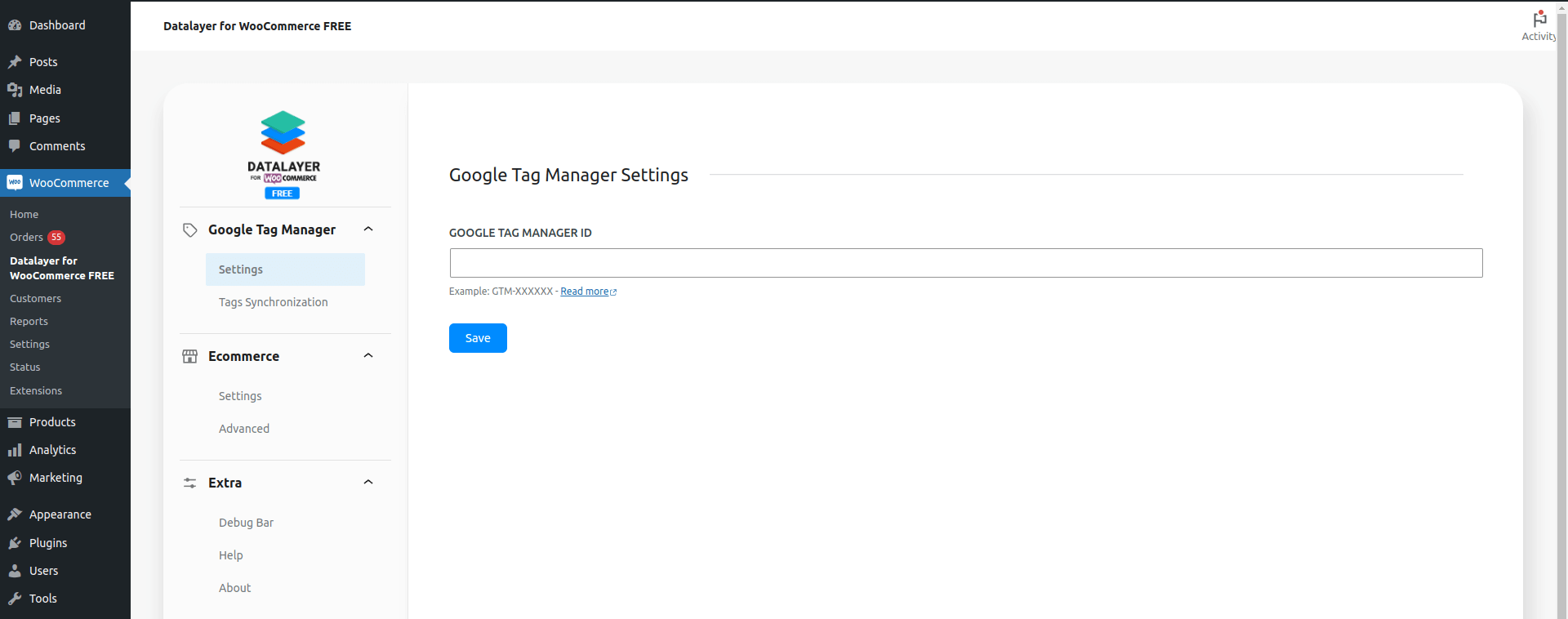
Google Tag Manager Settings screen plugin.
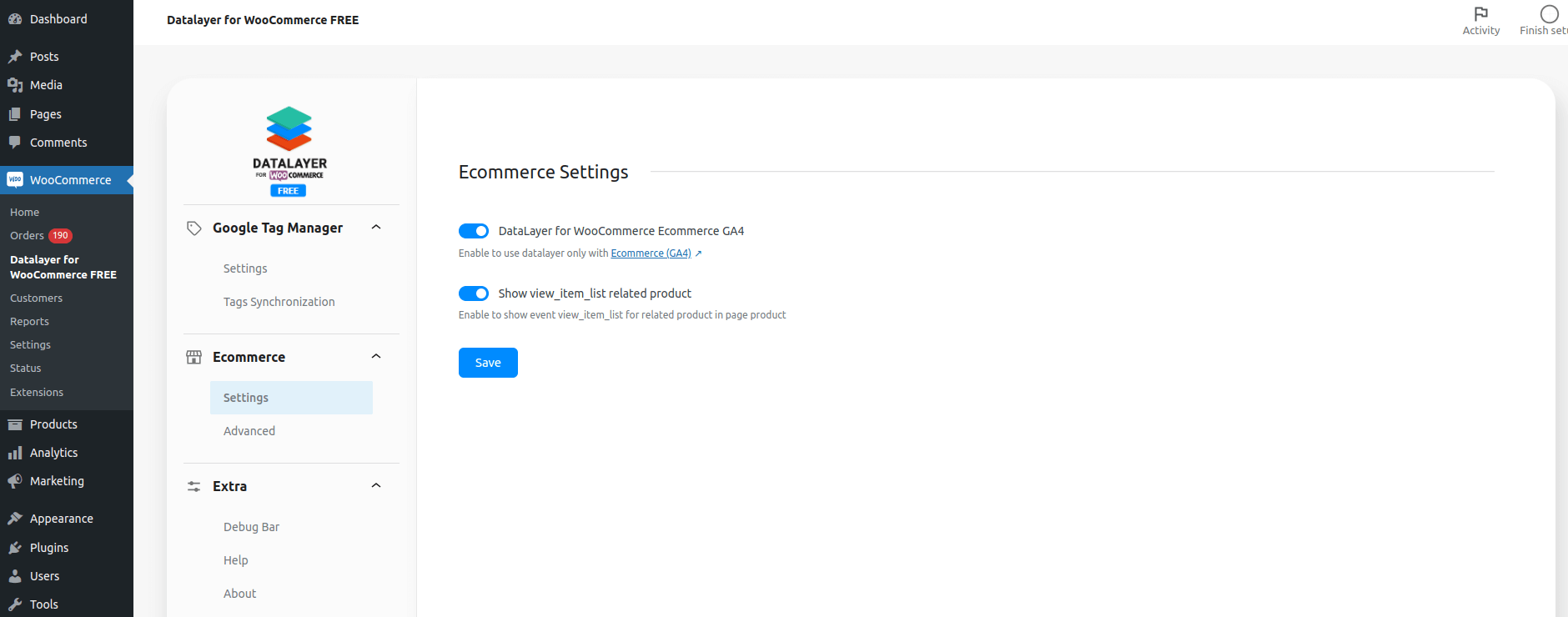
Ecommerce Settings screen plugin.
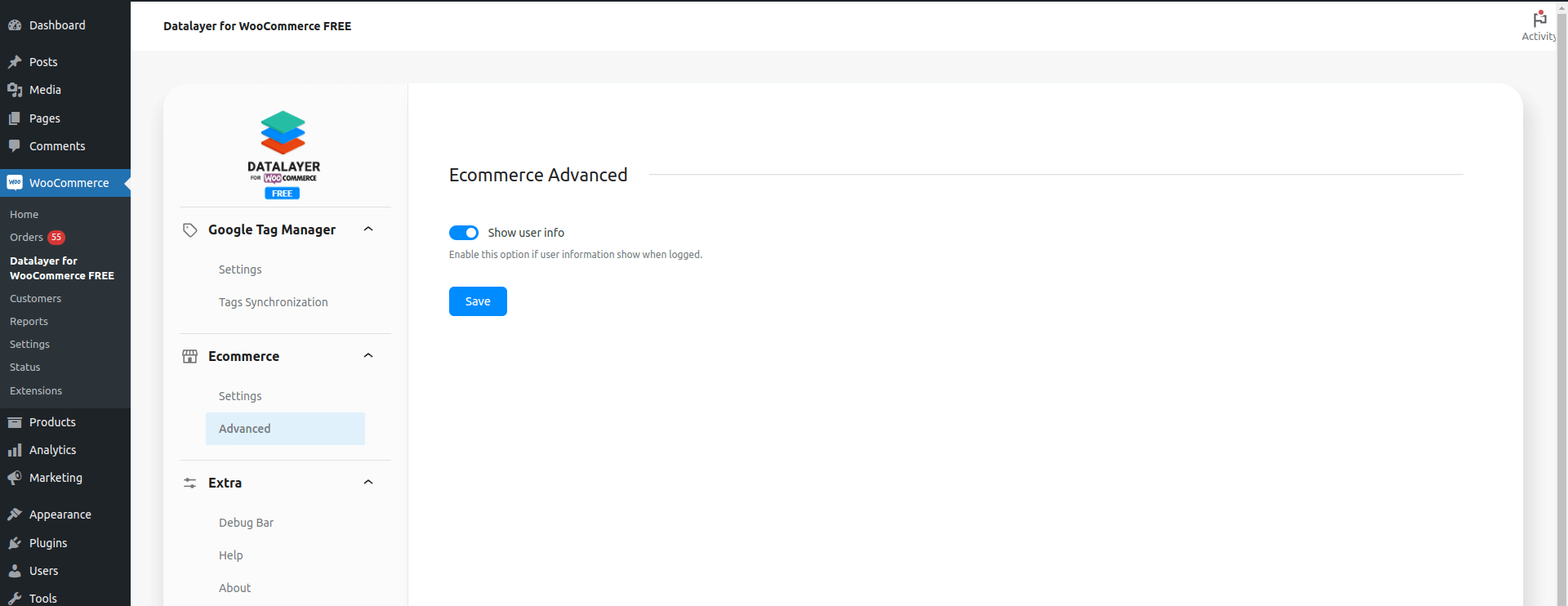
Ecommerce Advanced screen plugin.
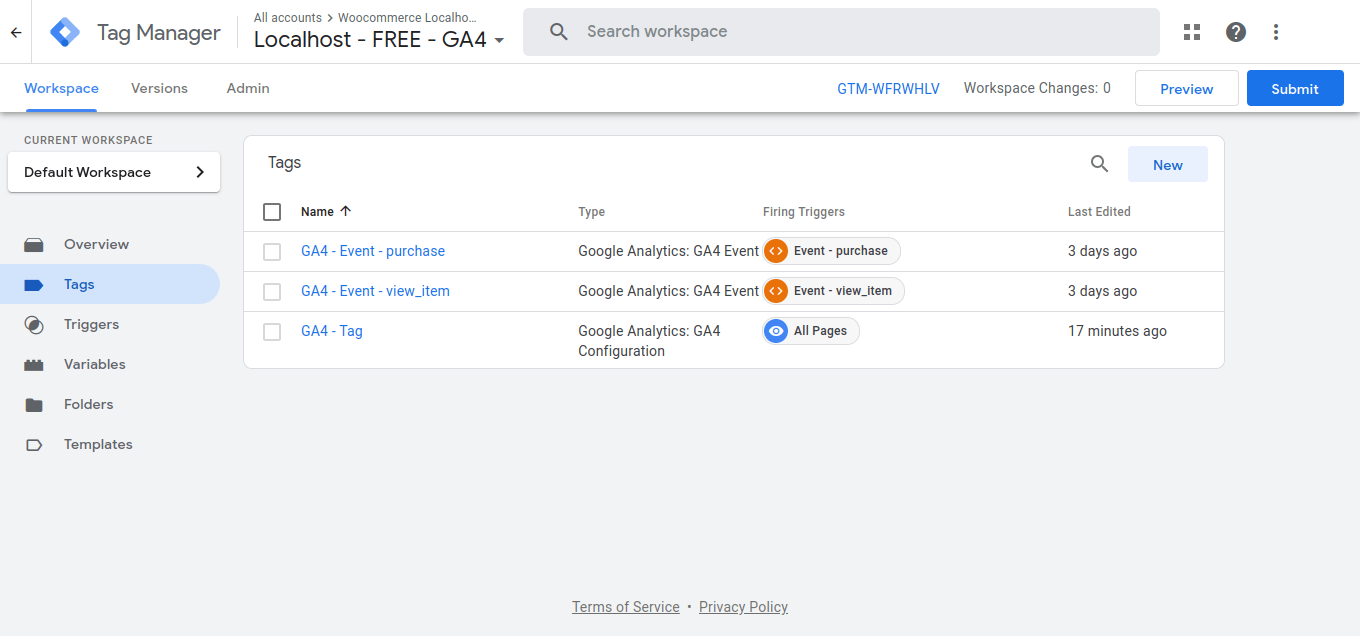
Tags Google Analytics 4 imported
Changelog
4.8.0 – 2025-05-14
- Support: Support -> WP 6.8.1 WC 9.8.5
4.6.0 – 2025-01-29
- Update: Packages dependencies
- Support: Support -> WP 6.7.1 WC 9.6.0
4.3.0 – 2024-10-28
- New: Option Show view_item_list related product in product page
- Support: Support -> WP 6.6.2 WC 9.3.3
4.0.0 – 2024-07-03
- Remove: Option DataLayer for WooCommerce Enhanced Ecommerce removed
- Support: Support -> WP 6.5.5 WC 9.0.2
3.4.0 – 2024-06-10
- Update: Push Datalayer function without jQuery
- Update: Get Country Code Phone Number User
- Support: Support -> WP 6.5.3 WC 8.9.2
3.3.0 – 2024-03-27
- New: Parameter item_category with multiples categories in all events
- Fix: Php 8.2 deprecated function get options
- Fix: Product tax update in item price
- Support: Support -> WP 6.4.3 WC 8.7.0
3.2.0 – 2023-12-15
- Update: Compatibility with multicurrency WPML plugin
- Support: Support -> WP 6.4.2 WC 8.4.0
3.1.0 – 2023-11-29
- Update: Select only one datalayer type in ecommerce settings
- Support: Support -> WP 6.4.1 WC 8.2.2
3.0.0 – 2023-10-30
- New: Full compatibility with WooCommerce Blocks
- New: New Modern Admin Page
- Support: Support -> WP 6.3.2 WC 8.2.1
2.7.0 – 2023-06-21
- New: Select if user information show or not when logged
- New: Full Compatibility HPOS – High-Performance order storage (COT)
- Support: Support -> WP 6.2.2 WC 7.8.0
2.4.0 – 2023-03-29
- Support: Support -> WP 6.1.1 WC 7.5.1
- Update: optimization and improvement of the code that triggers the events
2.0.2 – 2022-09-21
- Support: WP 6.0.2 WC 6.9.3
- Fix: Multisite full support check WooCommerce Active
2.0.0 – 2022-06-22
- First Release