

DB Sync for Microsoft Excel
Sync database tables with Excel for easy import/export, backups, and live editing directly from the WordPress dashboard.
Plugin info
Maintenance & Compatibility
Maintenance score
Maintained • Last updated 148 days ago • 1 reviews
Is DB Sync for Microsoft Excel abandoned?
Likely maintained (last update 148 days ago).
Compatibility
Similar & Alternatives
Explore plugins with similar tags, and compare key metrics like downloads, ratings, updates, support, and WP/PHP compatibility.
Description
DB Sync for Microsoft Excel is a powerful admin tool for syncing WordPress database tables with Excel files. Import .xlsx files, export tables, restore backups, and edit data live — all directly from the WP dashboard.
Perfect for site administrators, developers, and data-heavy use cases. No external services. No manual SQL. Just Excel and WordPress — in sync.
🔑 Key Features
- Excel import – Upload
.xlsxfiles to update existing tables. Preview and confirm before saving. - Excel export – Download one or multiple tables as Excel files, bundled in a single ZIP.
- Live editing – Browse tables, edit cells inline, save changes instantly or cancel them.
- Backups & restore – Automatically back up tables before imports. Restore or delete backups as needed.
- Action logging – All data-changing operations are logged with timestamps.
- Lightweight & secure – No external API connections. Everything runs locally inside WordPress.
Installation
- Upload the plugin files to the
/wp-content/plugins/db-sync-for-excel/directory, or install it via the WordPress plugin screen. - Activate the plugin through the “Plugins” menu in WordPress.
- Open “DB Sync for Microsoft Excel” in the admin menu and start importing/exporting.
Frequently Asked Questions
Yes. The plugin needs write access to the following folder:
/wp-content/uploads/db-sync-for-excel/
This is where backups and temporary Excel files are stored.
Yes. All tables in your database are accessible — including custom tables added by plugins or themes.
Yes. The file must:
– Be in .xlsx format
– Contain column headers in the first row
– Use column names matching those in the database table (case-insensitive)
Yes. A backup of the affected table is created automatically before every import, and you can restore it via the “Restore from Backup” section.
Currently, the plugin supports single-site installations only. Multisite compatibility is planned for a future release.
No. DB Sync for Microsoft Excel is developed independently and is not affiliated with or endorsed by Microsoft.
Review feed
Super useful plugin.
Screenshots
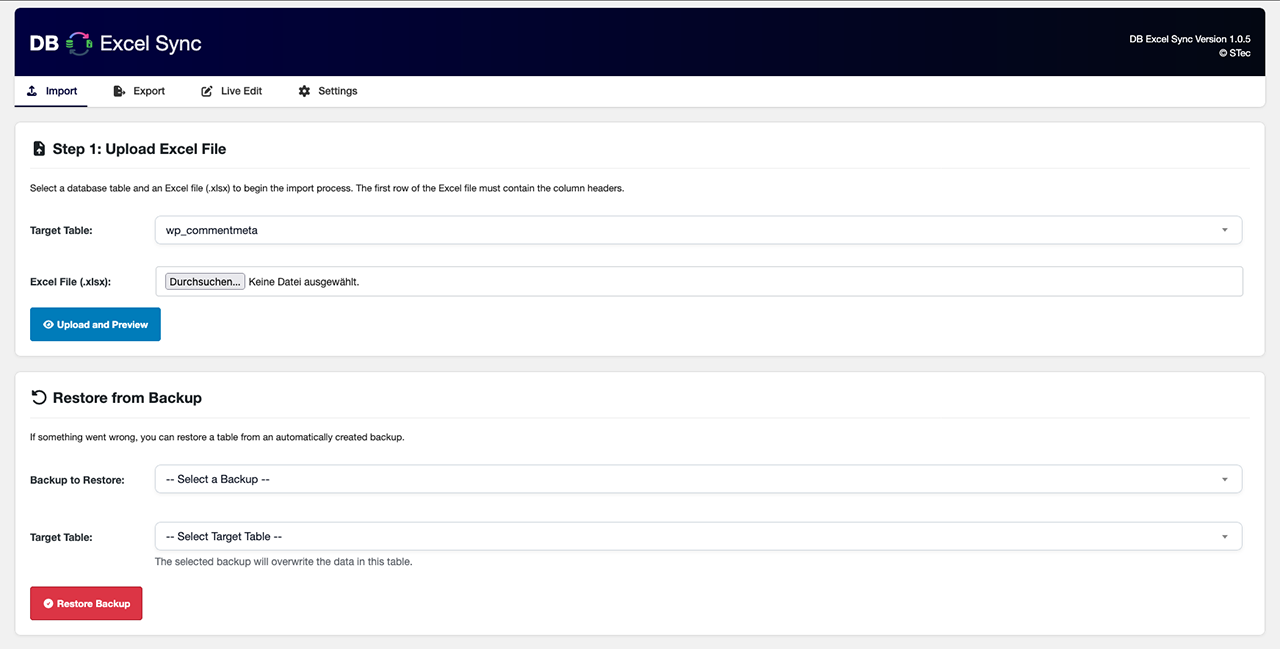
Main interface with Excel file upload and database restore from backups. Select a target table and import
.xlsxfiles or restore a previous state.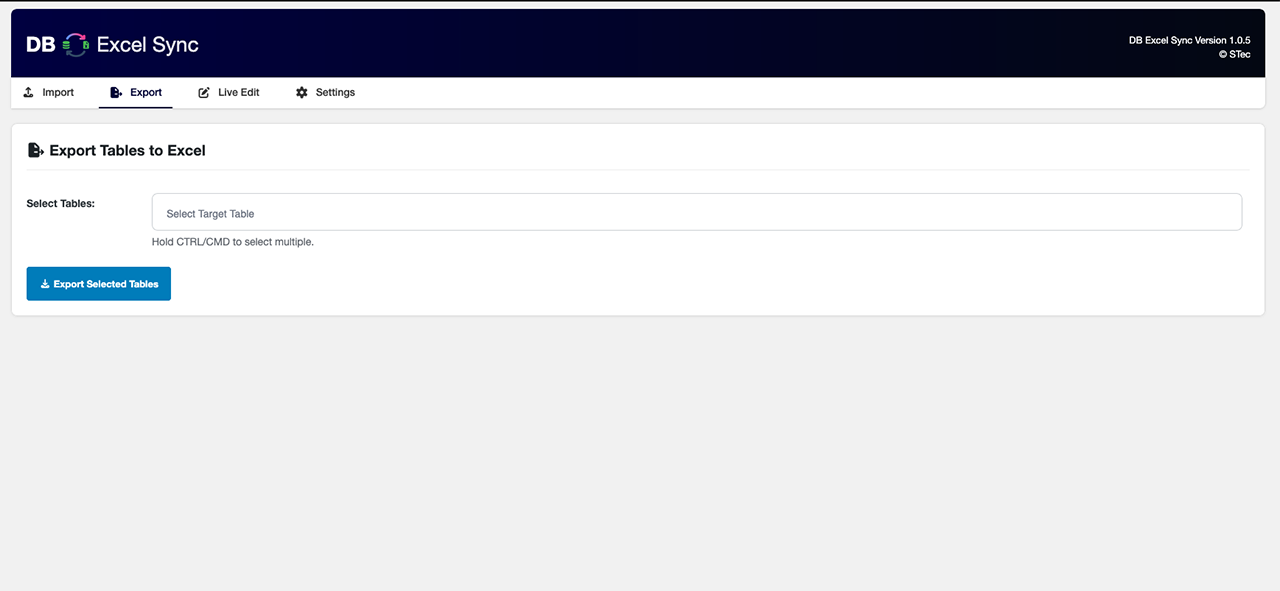
Export interface for downloading one or more selected database tables as Excel files.
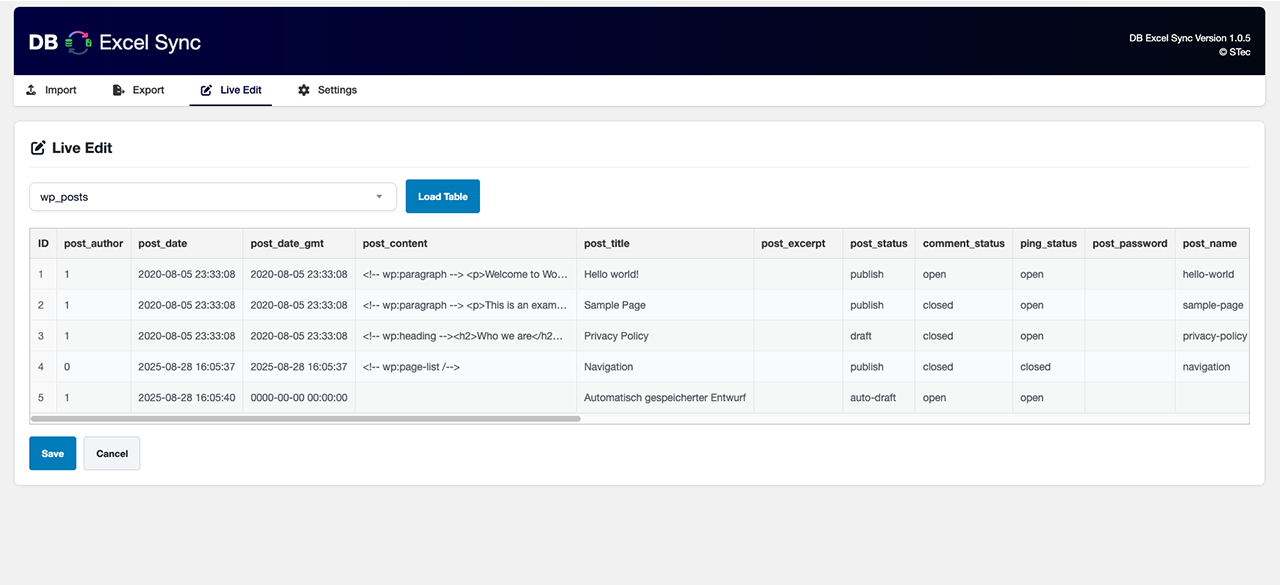
Live Edit view for editing WordPress database tables directly in the browser, with full control over option values.
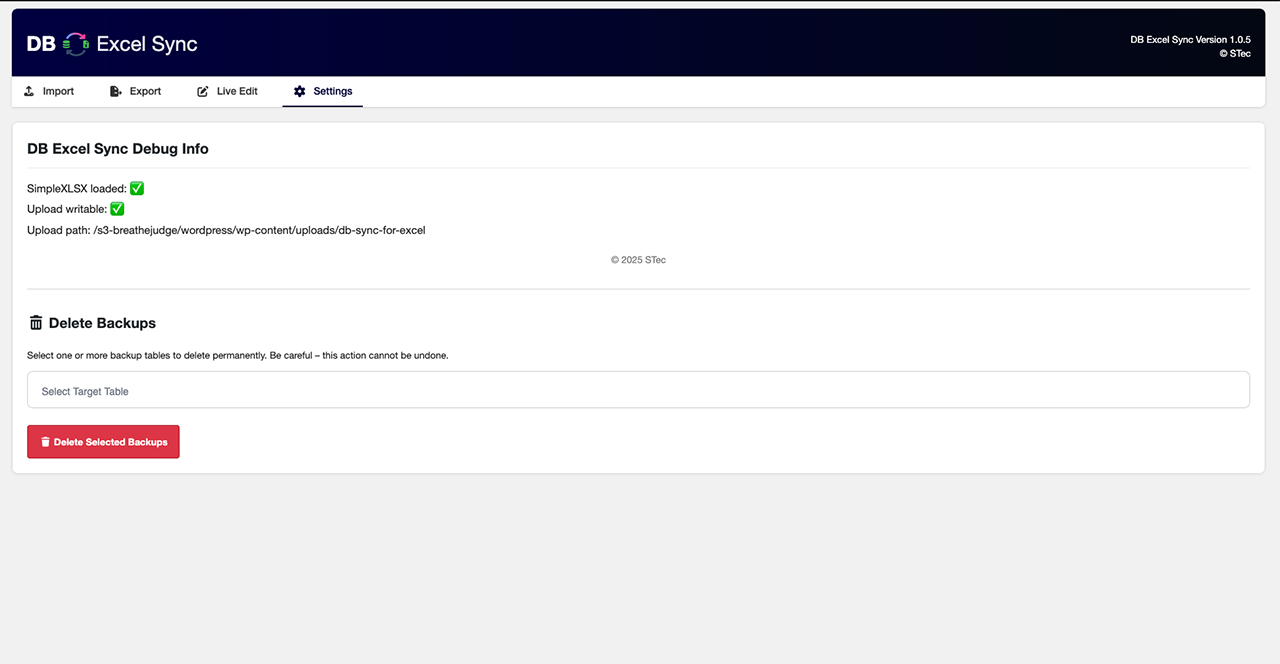
Settings page showing debug info, writable path check, and options for deleting backups.
Changelog
1.0.4
- Added screenshot support and improved
readme.txt. - Improved Live Edit UI responsiveness.
- Minor bugfixes and text improvements.
1.0.2
- Fixed export errors and restored Excel generation.
- Adjusted file paths for new vendor structure.
- Improved build process to fix plugin ZIP installation issues.