

Debrandify · Remove or Replace WordPress Branding
Remove WordPress branding and replace it with your own thanks to Debrandify.
Plugin info
Maintenance & Compatibility
Maintenance score
Possibly abandoned • Last updated 532 days ago
Is Debrandify · Remove or Replace WordPress Branding abandoned?
Possibly abandoned (last update 532 days ago).
Compatibility
Similar & Alternatives
Explore plugins with similar tags, and compare key metrics like downloads, ratings, updates, support, and WP/PHP compatibility.
Description
Debrandify (formerly DeWordPressify) is a toolkit plugin that adds plenty of settings to customise and improve WordPress. You’ll be able to remove WordPress’ branding and replace it with your own as well as get rid of some of the bloat that comes built-in. Here’s the key features:
- ✨ Customise the WordPress dashboard and emails with your own branding instead of WordPress’, remove or replace WordPress logos and texts
- 🗑 Disable WordPress features such as comments, RSS feeds, emojis, REST API, WP Embeds and much more
- 🌐 Fully compatible with Multisite (control network options and per-site options at the same time)
- 🌎 Internationalised (available in French 🥖)
- 👀 High quality and lightweight with a solid user experience
Debrandify improves your WordPress experience by making it more minimal, cleaner and lighter.
Installation
Frequently Asked Questions
Review feed
Screenshots

Debrandify's main settings

Debrandify's email settings

Debrandify's advanced settings
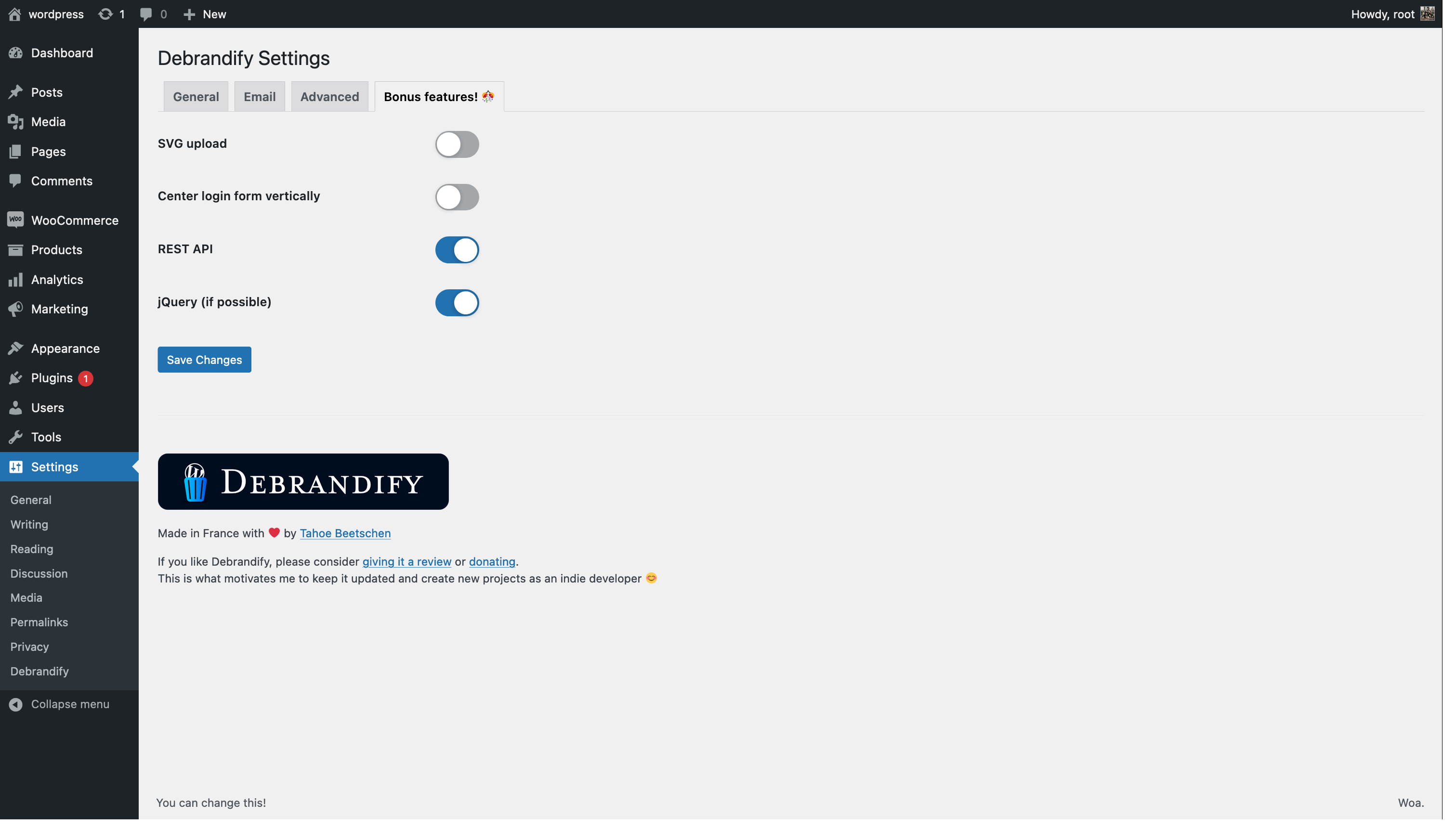
Debrandify's bonus options
Changelog
1.1.3
- Removed SVG upload option as it’s a security concern
1.1.2
- Tested up to WordPress 6.5.5
1.1.1
- Review/donate notice only appears to those who can manage plugins
- Added some emojis and a link to Debrandify settings on the notice’s icon
1.1
- Named was changed from DeWordPressify to be able to publish on the WordPress plugin platform
- Added ability to remove the WordPress suffix at the end of tabs in the dashboard