

Debug
Debug can help you to find errors in your wordpress website via editing wp-config.php file and email notification.
Plugin info
Maintenance & Compatibility
Maintenance score
Possibly abandoned • Last updated 731 days ago • Support resolved 0% • 11 reviews
Is Debug abandoned?
Possibly abandoned (last update 731 days ago).
Compatibility
Similar & Alternatives
Explore plugins with similar tags, and compare key metrics like downloads, ratings, updates, support, and WP/PHP compatibility.
Description
Debug can help you to find errors in your wordpress website via editing wp-config.php file. you may enable error reporting by debug plugin. enable email notification on any run time bug in wordpress CMS/website.
A brief Debug
Ordered list:
- Debug in wordpress rewrite wp-config.php file via error_log function in php.
- if you don’t have file write permission. so don’t use this plugin.
- keep backup your wp-config file before save plugin setting.
How to contact the support / development team of our Debug plugin
You can contact us through,
https://soninow.com/contact
Installation
This section describes how to install the plugin and get it working.
e.g.
- Unzip and Upload
debug.zipto the/wp-content/plugins/directory - Activate the plugin through the ‘Plugins’ menu in WordPress
- Make configuration setting in plugin setting page.
- hit “save setting” button.
Frequently Asked Questions
Review feed
Great Plugin
Essential part of a debugger's toolkit
Still works
Simple & Great Learning Tool
Screenshots
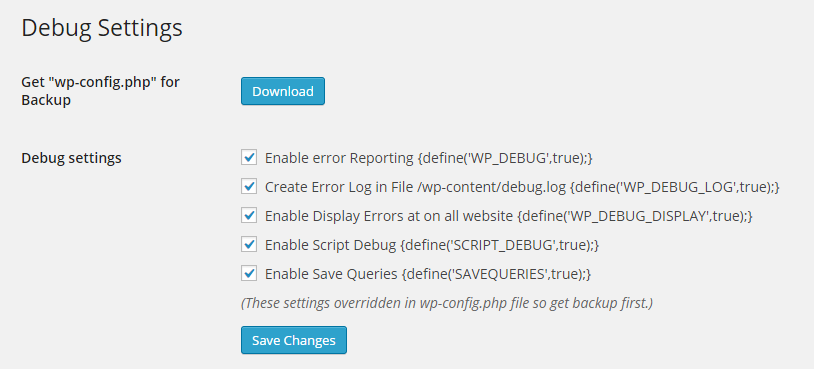
Debug Configuration Setting: Admin can configure their Debug setting.
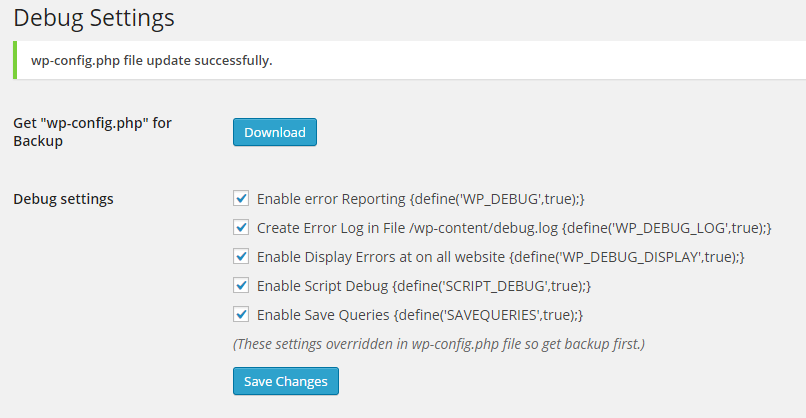
Debug Configuration Save Setting: Save Debug setting with success message.
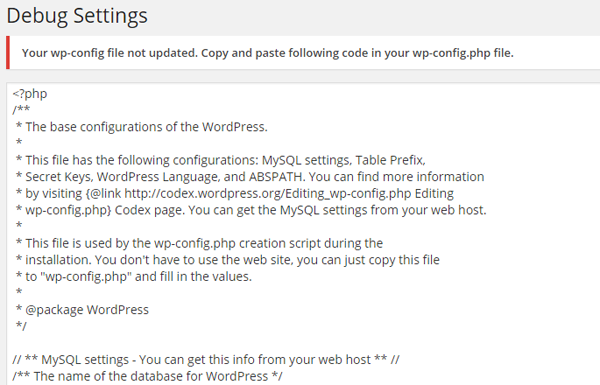
Debug Configuration Save Setting Error: Admin will see the wp-config file php code, if file write permission not on hosted server.
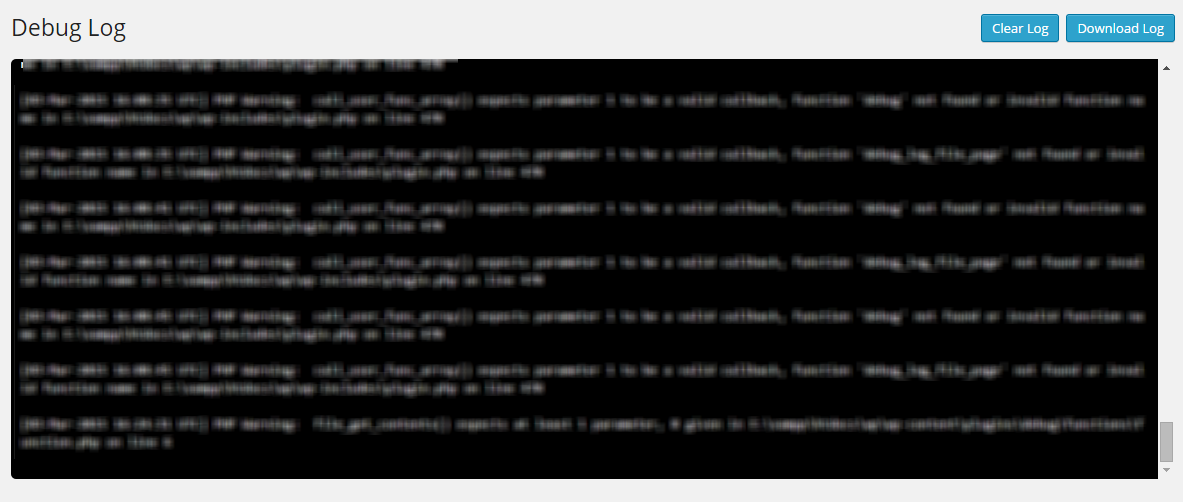
Debug Log File: see debug.log file in plugin area and download it.

Debug No Log File: see if no debug.log file exist.
Changelog
1.12: Apr 1, 2024
- BugFix: Fix all bug reporting in plugin https://wordpress.org/plugins/plugin-check/.
- BugFix: Fix dublicate define variable creation error.
1.11: Mar 25, 2024
- BugFix: Cross Site Request Forgery (CSRF) issue.
1.10: Jun 29, 2022
- increase security to direct access of files.
1.9: Dec 15, 2019
- compatible with new version.
1.7: Mar 2, 2016
- BugFix: Display error not required for email notification enable.
1.6: Jan 24, 2016
- Add: Email Notification Settings on plugin setting page.
- BugFix: Resolved any user to download debug.log and wp-config.php file. now only super admin can download files.
- BugFix: resolved error when large debug.log file load on plugin section. now only load 1.4 MB file only from end of file.
1.5: Sept 30, 2015
- Add: Email Notification Page to Enter Notification email address and email subject.
- Add: Handle any error and send it to your email address on real time system. (no-email delay).
- BugFix: Resolved undefined “scrollHeight” in console log in jQuery. incase of admin debug.log file not exist.
1.4: June 2, 2015
- BugFix: download wp-config.php file for back-up /Downloads/wp-config.php.exe to /Downloads/wp-config.php.
- BugFix: download wp-config.php file for back-up /Downloads/debug.log.exe to /Downloads/debug.log.
- Remove: console.log function from js.
- Add: Add Setting page link on plugin page.
1.3: March 29, 2015
- Add: option for download wp-config.php file for back-up.
- Add: option for download debug.log file.
- Add: Auto scroll down in debug.log file view in admin panel to see latest error log.
1.2: March 4, 2015
- Add: script debug option
- Add: save query debug option
- Add: debug.log file view and clear option from admin panel
1.1: December 30, 2014
- Add: Banner at wordpress Community
- Add: Add change Log Session
1.0
- Rewrite wp-config.php file with Debug variables.
- Add: WP_DEBUG, WP_DEBUG_LOG, WP_DEBUG_DISPLAY Functionality.