

Digital Signature Checkout For Woocommerce
Digital Signature checkout for WooCommerce Plugin is one of the best WooCommerce E-Signature plugins available. The plugin includes checkout page func …
Plugin info
Maintenance & Compatibility
Maintenance score
Stale • Last updated 281 days ago • 4 reviews
Is Digital Signature Checkout For Woocommerce abandoned?
Likely maintained (last update 281 days ago).
Compatibility
Similar & Alternatives
Explore plugins with similar tags, and compare key metrics like downloads, ratings, updates, support, and WP/PHP compatibility.
Description
Digital Signature checkout for WooCommerce Plugin is one of the best WooCommerce E-Signature plugins available. The plugin includes checkout page functionality for adding signature fields.
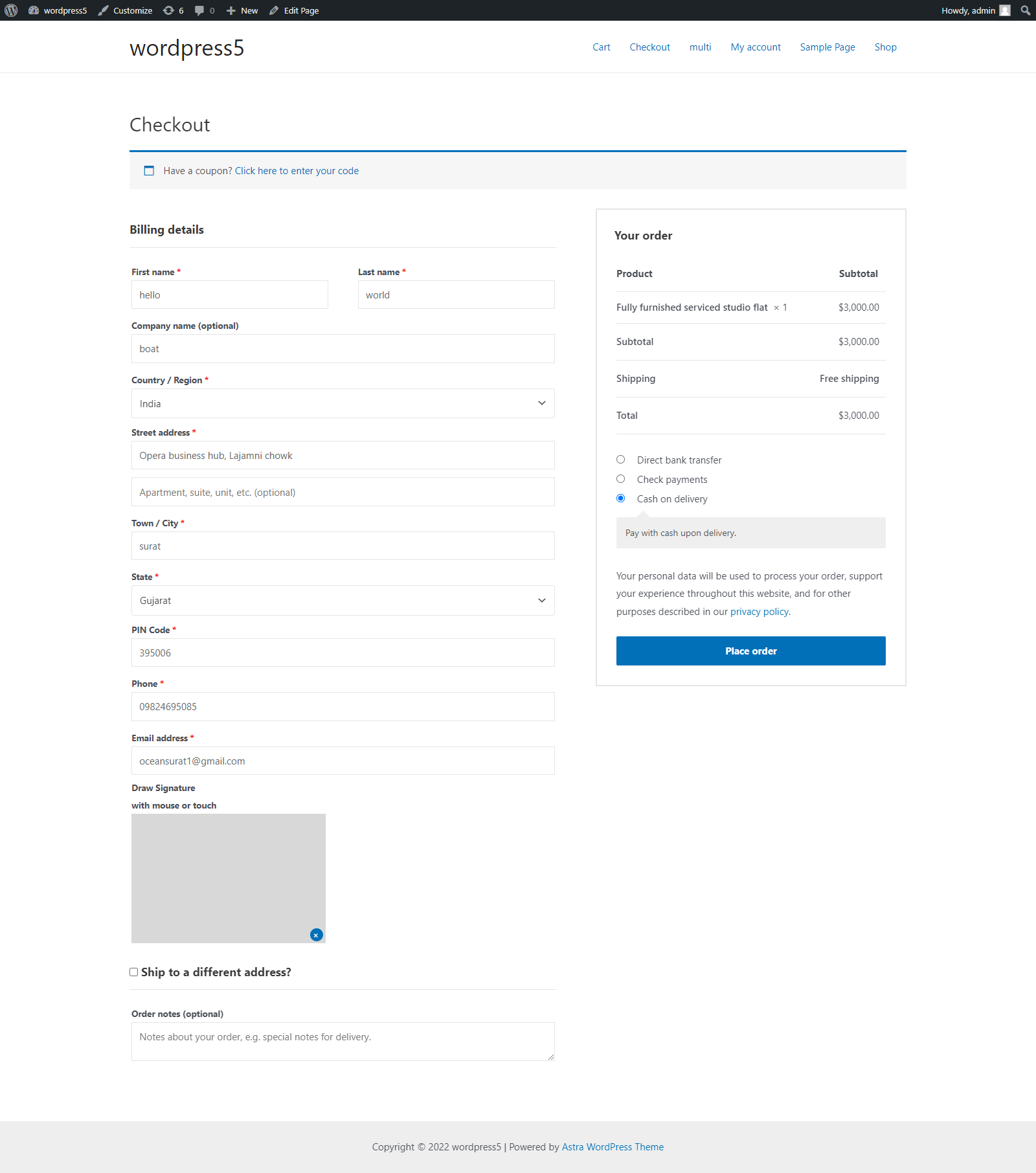
Add a nice responsive signature pad to your website’s WooCommerce checkout page. Nothing fancy, but a must have in some countries.
And this plugin is simple to set up and works on all desktop browsers and mobile devices. This plugin will allow your users to sign contracts and other agreements with their mouse or touch screen.
FEATURES:
- Easy to use
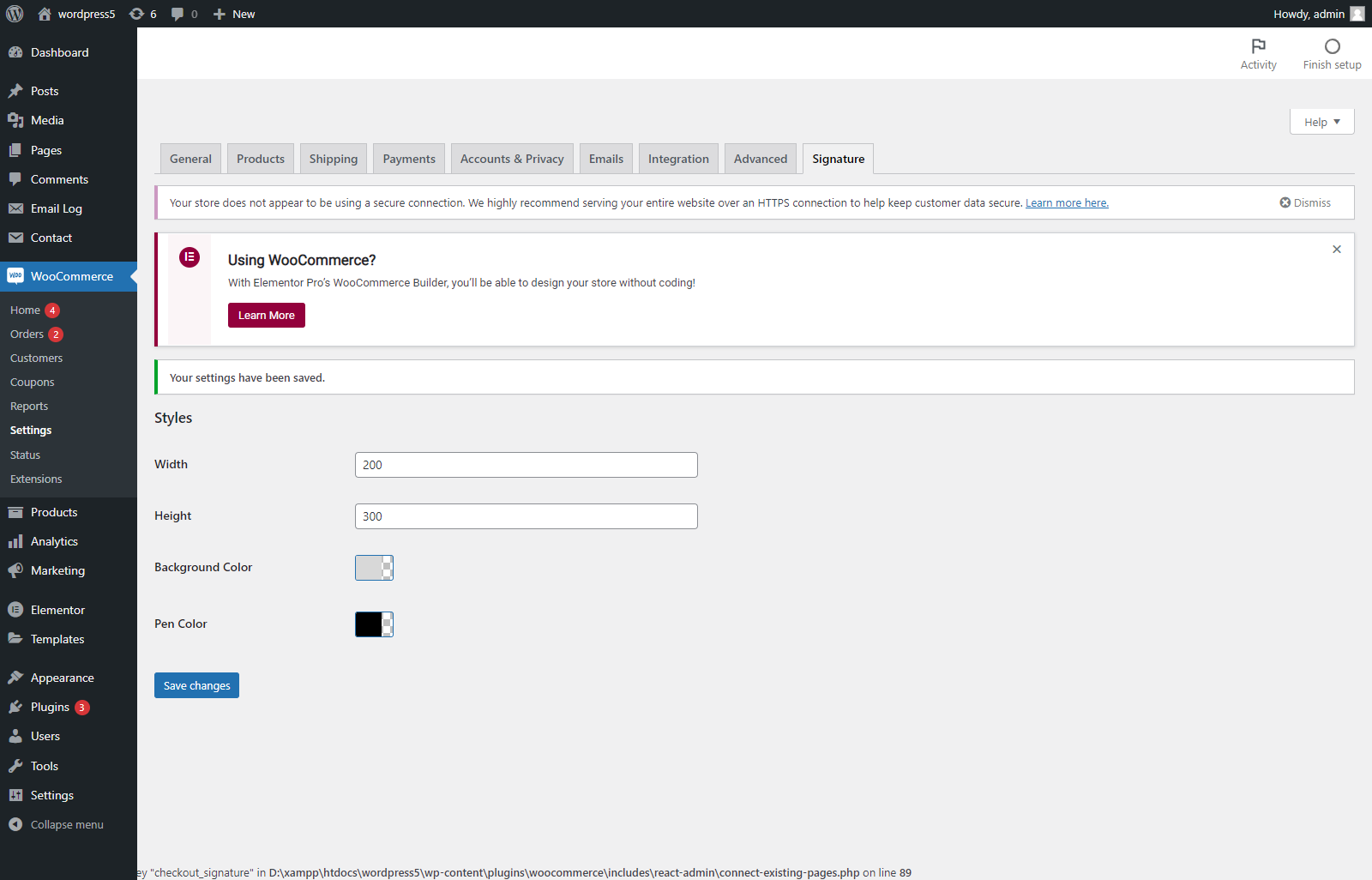
- Customize signature field width and height
- Draw your signature with mousepad and touch
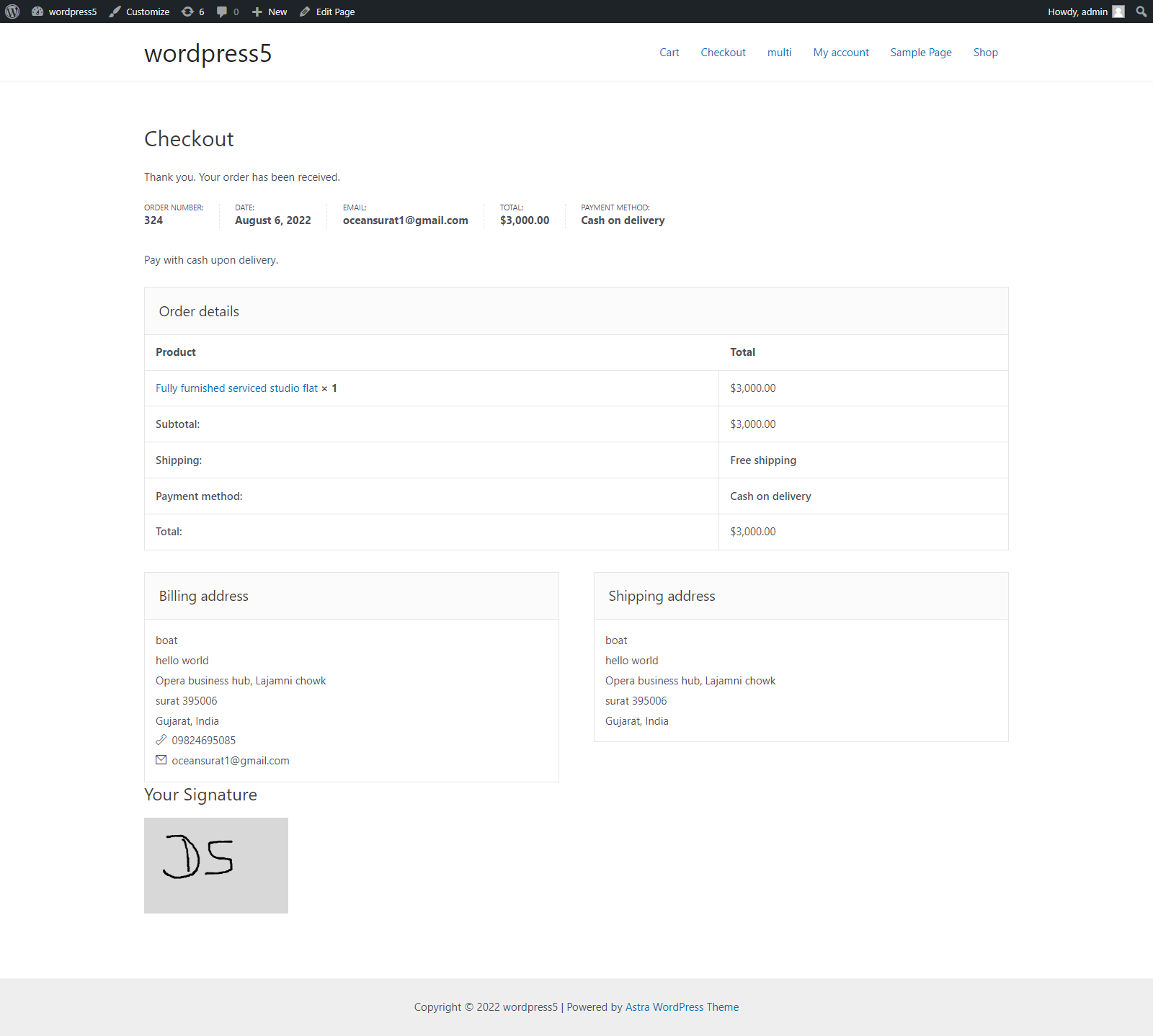
- Send signature attachment in the email
- Change signature field position on checkout page
- Change signature field position on order page
- Change the background and pen color of the signature field
Documentation
Live Demo
Get Premium
FEATURES FOR PREMIUM:
- Enable signature for required
- Enable signature on particular products.
- Translation
These woocommerce digital Signature plugins assist you in running your business and keeping everything legal.
Installation
- Make sure you have woocommerce installed.
- Download the file to install and activate.
- Done! Just remember to keep the plugins up to date!
Frequently Asked Questions
Review feed
Screenshots
Changelog
1.0
- Release