

Dino Game – Embed Google Chrome Dinosaur Game in your website
Add the dinosaur game from Google Chrome to your site using the Dino Game Gutenberg block or [dino-game] shortcode.
Plugin info
Maintenance & Compatibility
Maintenance score
Possibly abandoned • Last updated 497 days ago • 3 reviews
Is Dino Game – Embed Google Chrome Dinosaur Game in your website abandoned?
Possibly abandoned (last update 497 days ago).
Compatibility
Developers
Similar & Alternatives
Explore plugins with similar tags, and compare key metrics like downloads, ratings, updates, support, and WP/PHP compatibility.
Description
Introducing the Google Chrome Dinosaur Game plugin for WordPress! With this plugin, you can easily add the popular game to any page, post or widget of your website.
To add the game, simply use the shortcode [dino-game] anywhere on your site. Alternatively, you can use the dino game Gutenberg block to add it directly to a page or post.
With the Gutenberg block, you can easily adjust the game’s speed and sound settings (mute audio) using the block’s built-in settings. Additionally, you can also choose whether or not to save the high score.
If you prefer to use the shortcode method, you can customize the game’s speed and audio settings by including attributes in the following format: [dino-game speed="8" mute_audio='true']
How to play
- Use the space bar or up key on your keyboard to jump over the obstacles.
- The down key lets you crouch under the overhead obstacles.
- When viewing from mobile tap on the game area to jump.
Installation
- Install Dino Game plugin either via the WordPress.org plugin repository or by uploading the files directly to the /wp-content/plugins/ directory.
- Activate the plugin through the ‘Plugins’ screen in WordPress.
- Create a Page or a Post and add the game using shortcode or using the Gutenberg block.
- Need more help? Reach out to the developer here: Email,
Frequently Asked Questions
Dino Game is a lightweight plugin and it only loads Javascript and CSS files on the particular page or post where the game is added.
You can increase the speed and mute audio directly from the Gutenberg block settings and in case if you use the shortcode then you can add attributes to control the speed and audio in this format – [dino-game speed=”10″ mute_audio=’true’]
High scores are only saved until the browser tab is closed.
The game will work on all screen sizes. Users can also play on mobile using touch controls instead of a keyboard.
Review feed
Nice one!
It's definitely one of the Unique plugins
Screenshots
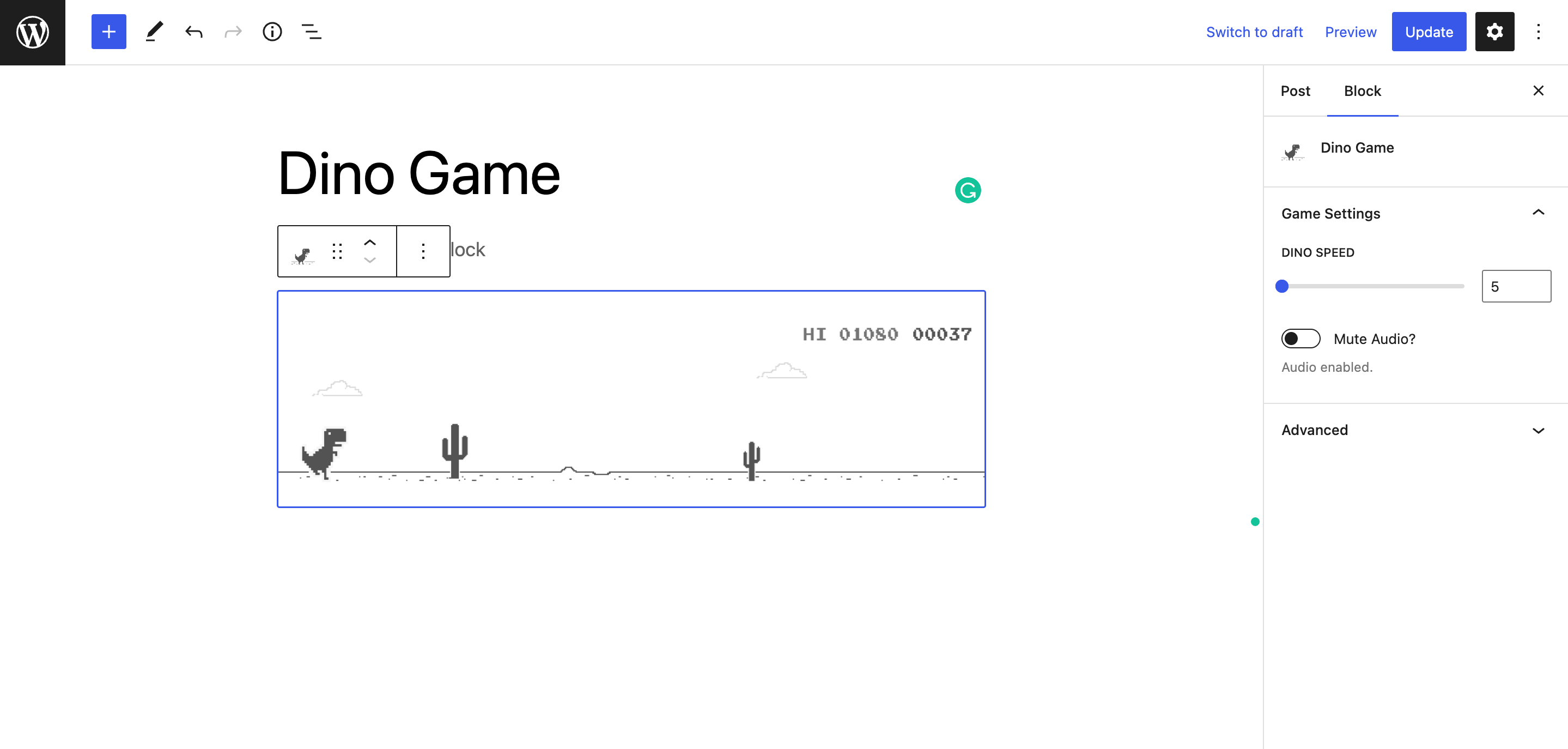
Dino Game block editor and preview

Dino Game added using Gutenberg Block

Dino Game added using Shortcode
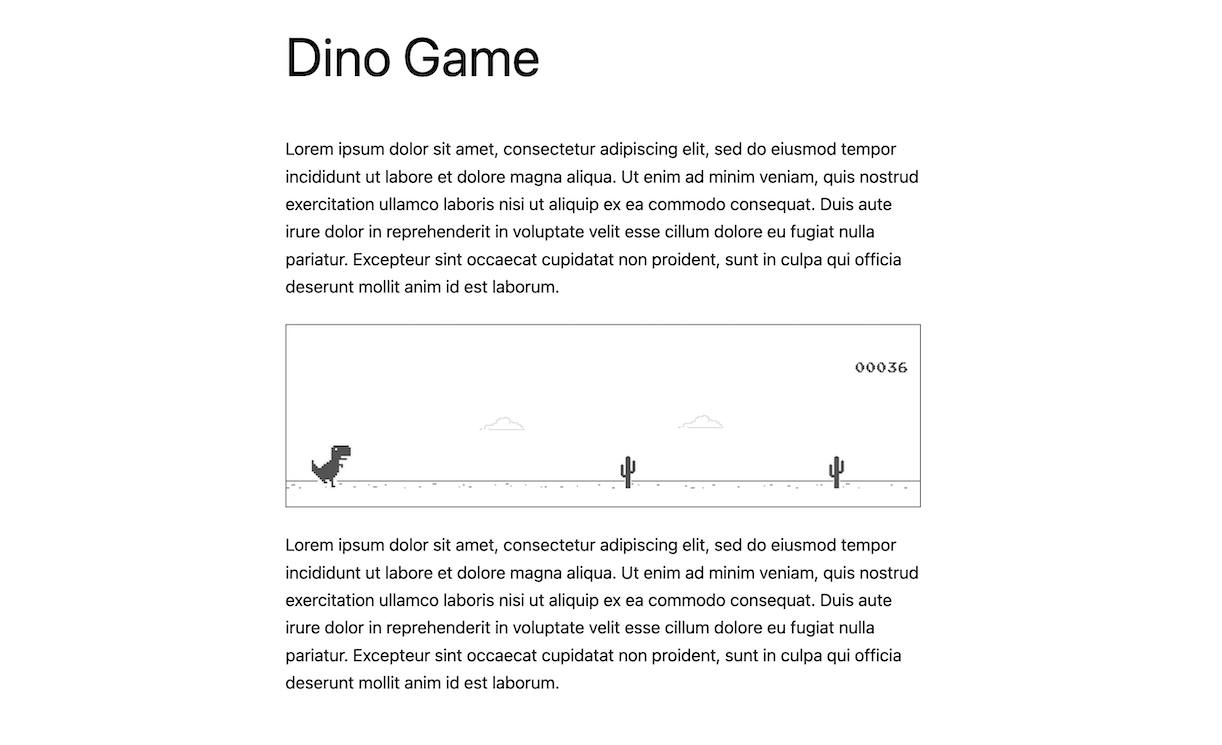
A view of the dinosaur game added within a post
Changelog
1.1.0
- New Feature: High Score is saved in the browser’s local storage.
- Added options to control whether High score will be saved or not
1.0.0
- Initial release.