

Disable Gutenberg Blocks – Block Manager
Remove unwanted blocks from the Gutenberg Block Inserter.
Plugin info
Maintenance & Compatibility
Maintenance score
Possibly abandoned • Last updated 1619 days ago • 7 reviews
Is Disable Gutenberg Blocks – Block Manager abandoned?
Possibly abandoned (last update 1619 days ago).
Compatibility
Similar & Alternatives
Explore plugins with similar tags, and compare key metrics like downloads, ratings, updates, support, and WP/PHP compatibility.
Description
The Gutenberg Block inserter can quickly become cluttered. There are currently over 200 free blocks available, in addition to the 34 core blocks. This plugin allows you to disable the blocks you or your clients don’t need.
TODO
- Add search function to the block list.
- Add ‘enabled/disabled’ filter to block list.
- Add ‘Block Author’ filter to block list.
Missing Blocks
If you find a block you can’t disable using this plugin, please create a support thread.
Supports
- Core Blocks
- Advanced Gutenberg Blocks
- Atomic blocks
- Block Gallery
- Bokez
- Caxton
- CoBlocks
- Editor Blocks
- Jetpack Blocks
- GhostKit
- Kadence Blocks
- Secure Blocks
- StagBlocks
- Stackable Ultimate Gutenberg Blocks
- Otter Blocks
- Orbit Fox by ThemeIsle
- WooCommerce Product Block
- WPForms Blocks
- Recipe Card Blocks by WPZOOM
- Yoast Blocks
Installation
Upload ‘Disable Gutenberg Blocks’, activate it, and you’re done!
Navigate to wp-admin -> Settings -> Disable Blocks to use the plugin.
Frequently Asked Questions
Review feed
Works well!
Screenshots
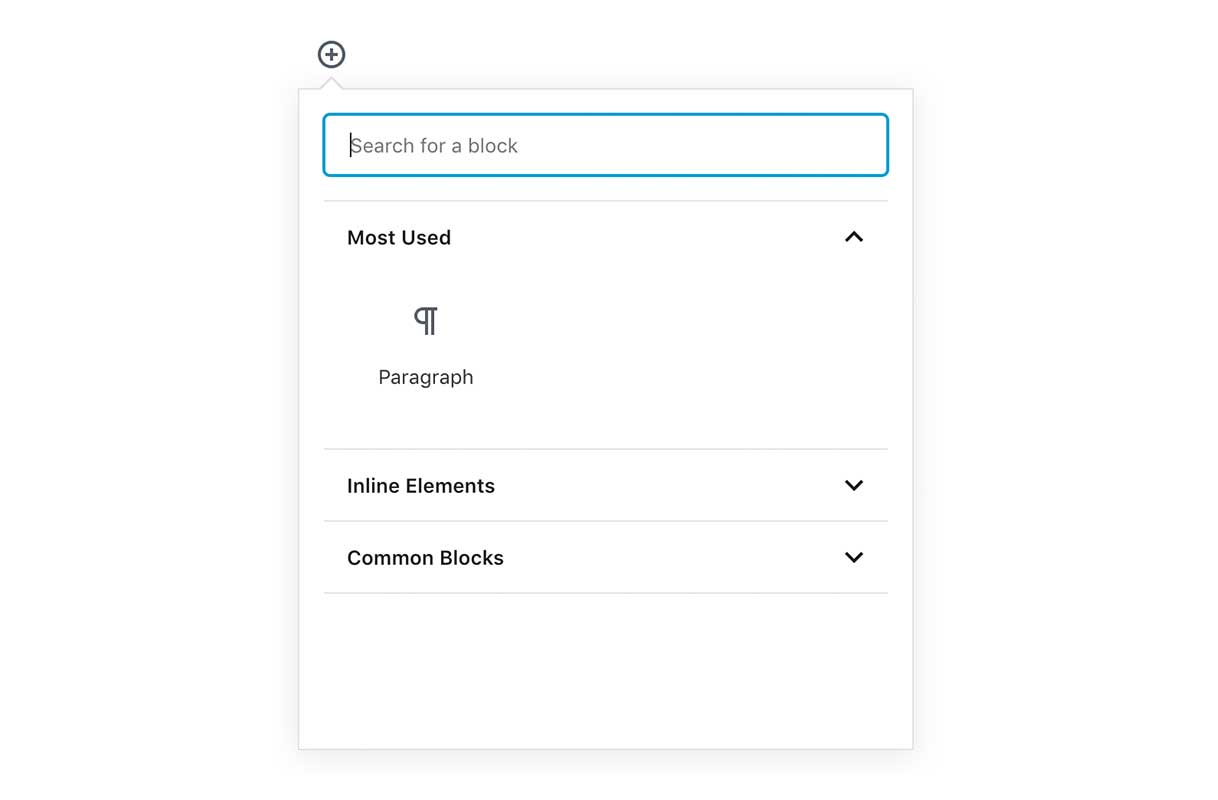
Block Inserter with all Blocks disabled.
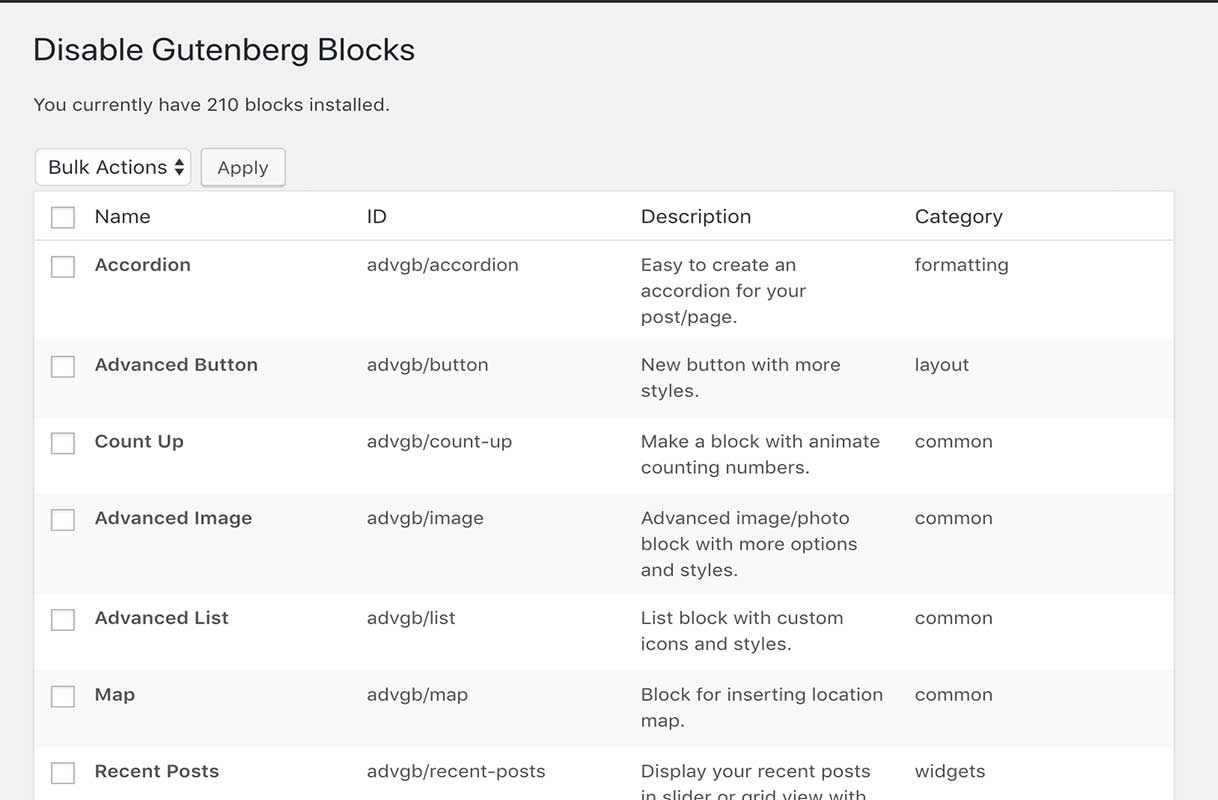
Disable Gutenberg Blocks list.
Changelog
1.0.9
- Compatibility check.
1.0.8
- Fix console error when block plugins are deactivated
1.0.7
- Improve Spacing Consistency
1.0.6
- Fix localization issues
1.0.5
- Fix issue with blocks registered using register_block_type()
1.0.4
- Further compatibility fixes
1.0.3
- Add compatibility for 5.0RC
1.0.2
- readme updates.
1.0.1
- Initial release