

Docket WP
The Docket WP plugin connects your Docket WP account into any WordPress installation. You will need a Docket WP account in order to use the plugin.
Plugin info
Maintenance & Compatibility
Maintenance score
Possibly abandoned • Last updated 1324 days ago • 14 reviews
Is Docket WP abandoned?
Possibly abandoned (last update 1324 days ago).
Compatibility
Languages
Similar & Alternatives
Explore plugins with similar tags, and compare key metrics like downloads, ratings, updates, support, and WP/PHP compatibility.
Description
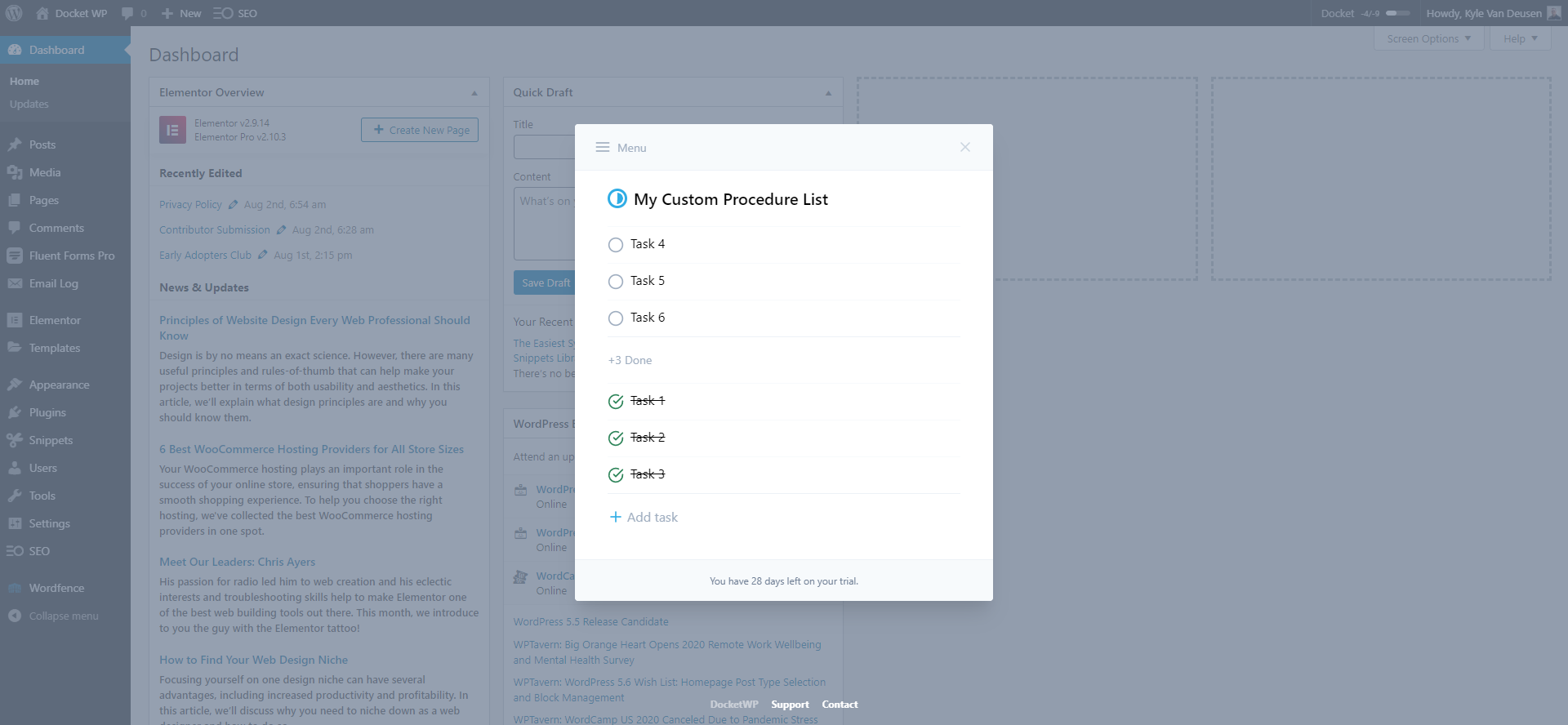
Docket WP is a productivity tool that allows you to create, save, and execute your standard operating procedures and simple to-do lists from any WordPress installation. By working through standardized procedures you can maximize your efficiency, develop consistency, improve organization, build repeatable systems, and accomplish more in less time.
Docket WP is commonly used for procedures like; Website Launches, Content Publishing, Monthly Maintenance, Website Auditing, Search Engine Optimization, and much more!
Features include:
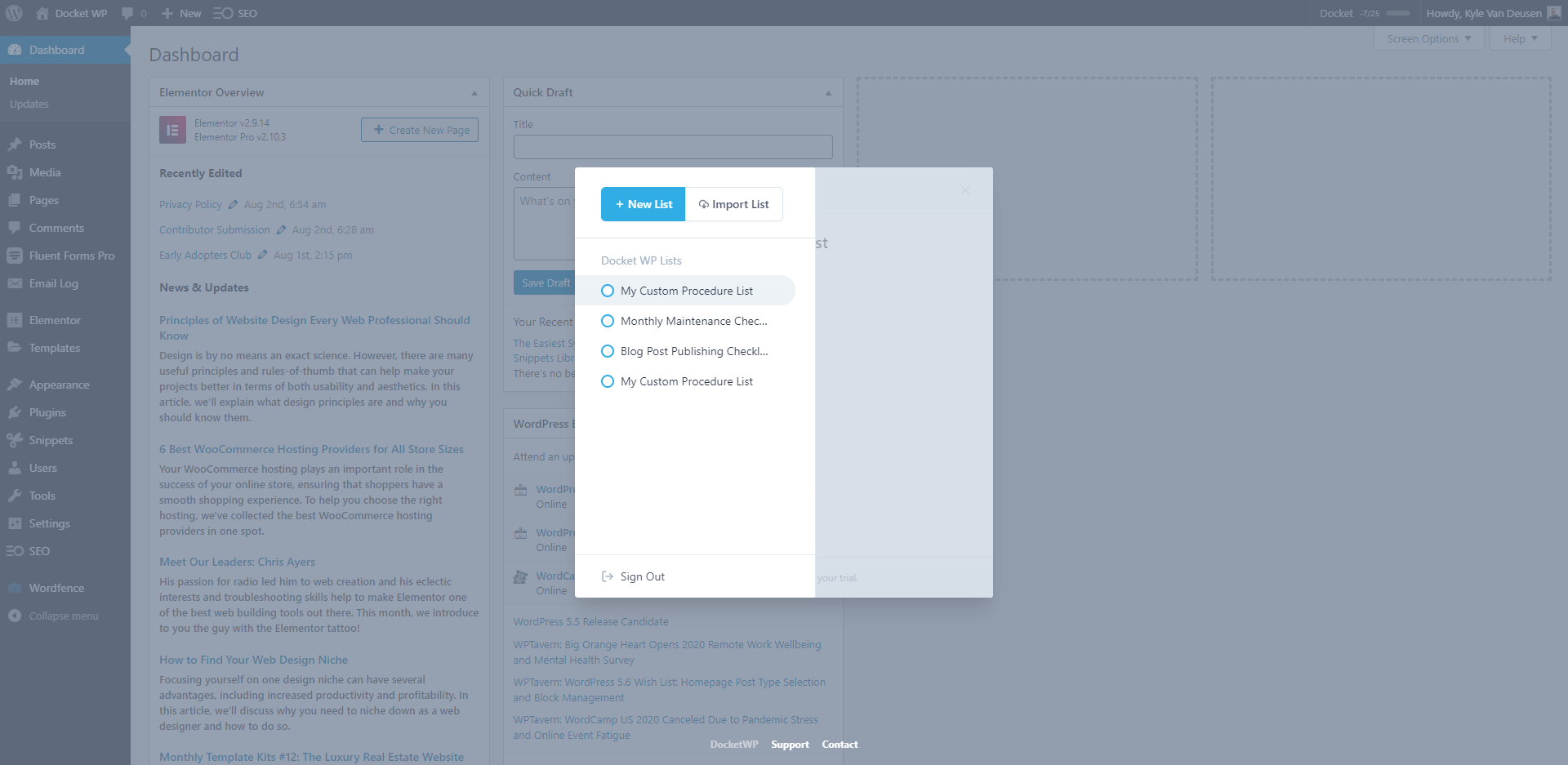
- Create unlimited lists for all of your standard operating procedures or one-off to-do’s.
- Fill your lists with the individual steps (tasks) you need to take in order to execute your procedures.
- Add notes to each task to provide more detail or link to instructions.
- Check off tasks as you work through your processes ensuring you never miss a step.
- Access your tasks from a small button in the admin bar, or use the keyboard shortcut.
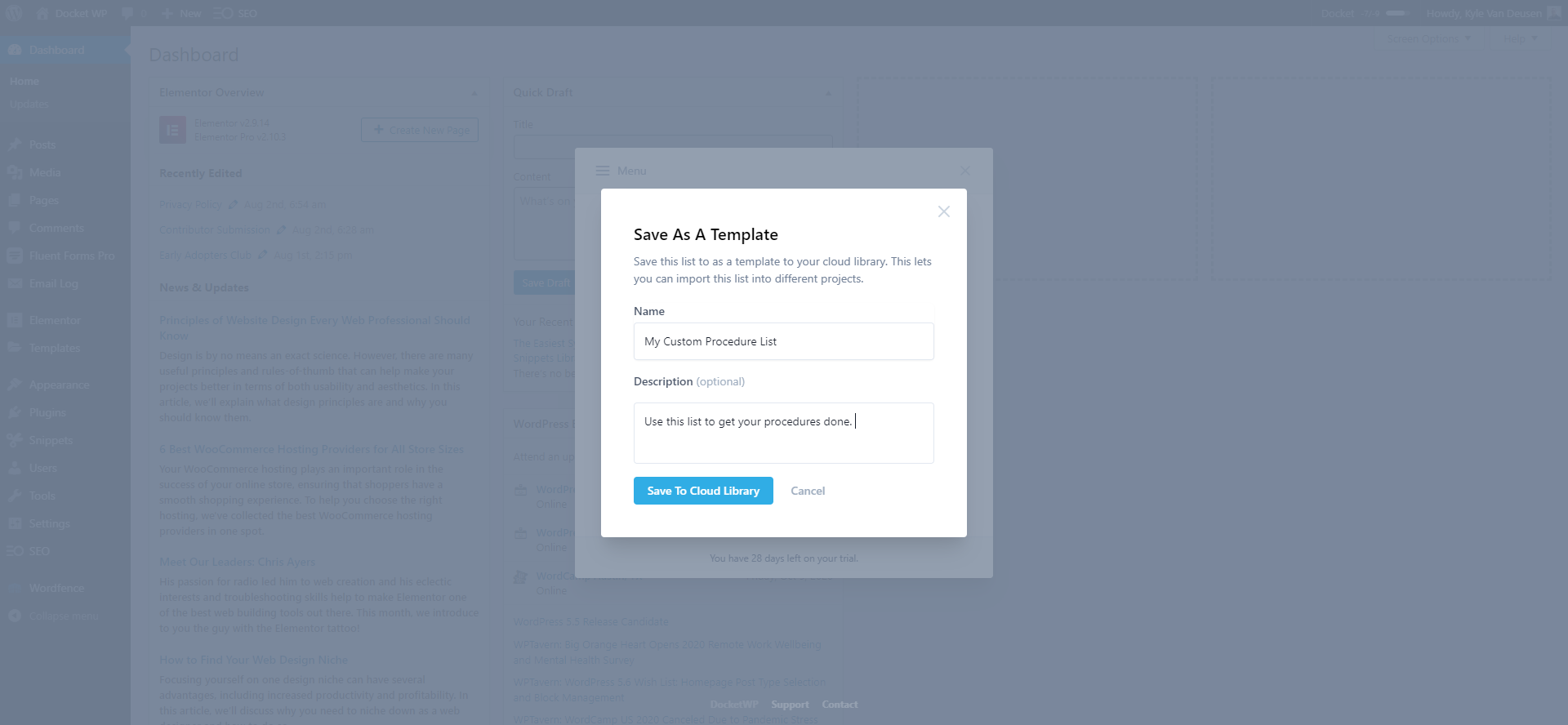
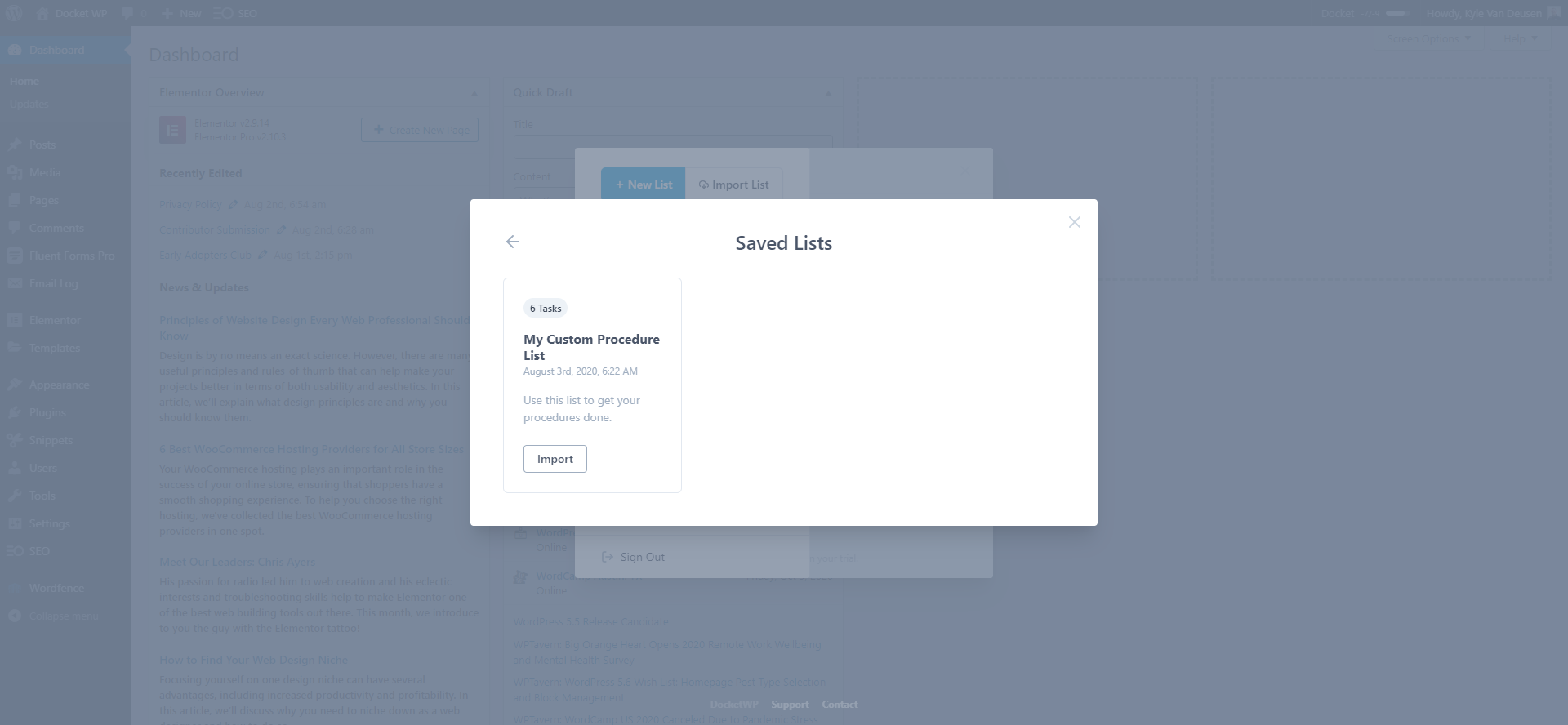
- Create list ‘templates’ and save them to your cloud library so you can reuse them on any WordPress installation.
- Jumpstart your processes by importing our prebuilt processes list and use them out of the box, or edit them to make them your own.
Make it your own by using or editing prebuilt lists or easily customize to fit your needs.
Do more in less time by standardizing your procedures maximizes your efficiency.
Develop consistency by having repeatable processes ensure your work is always done right.
Improve teamwork with clear directions and instructions for step-by-step execution. .
Reduce redundancy by creating, saving, and accessing lists from unlimited websites.
Boost creativity by giving your brain space to focus on creative problem solving.
Installation
- Upload the Docket WP folder to the /wp-content/plugins/ directory
- Activate the Docket WP plugin through the ‘Plugins’ menu in WordPress
- Login to your Docket WP Acount by clicking the Docket menu in the admin bar.
Frequently Asked Questions
It allows the connection between your Docket WP account and any WordPress installation you install, activate, and login to.
In order to access any features inside the Docket WP plugin, you will need a Docket WP account. You can get one at docketwp.com.
Review feed
Screenshots
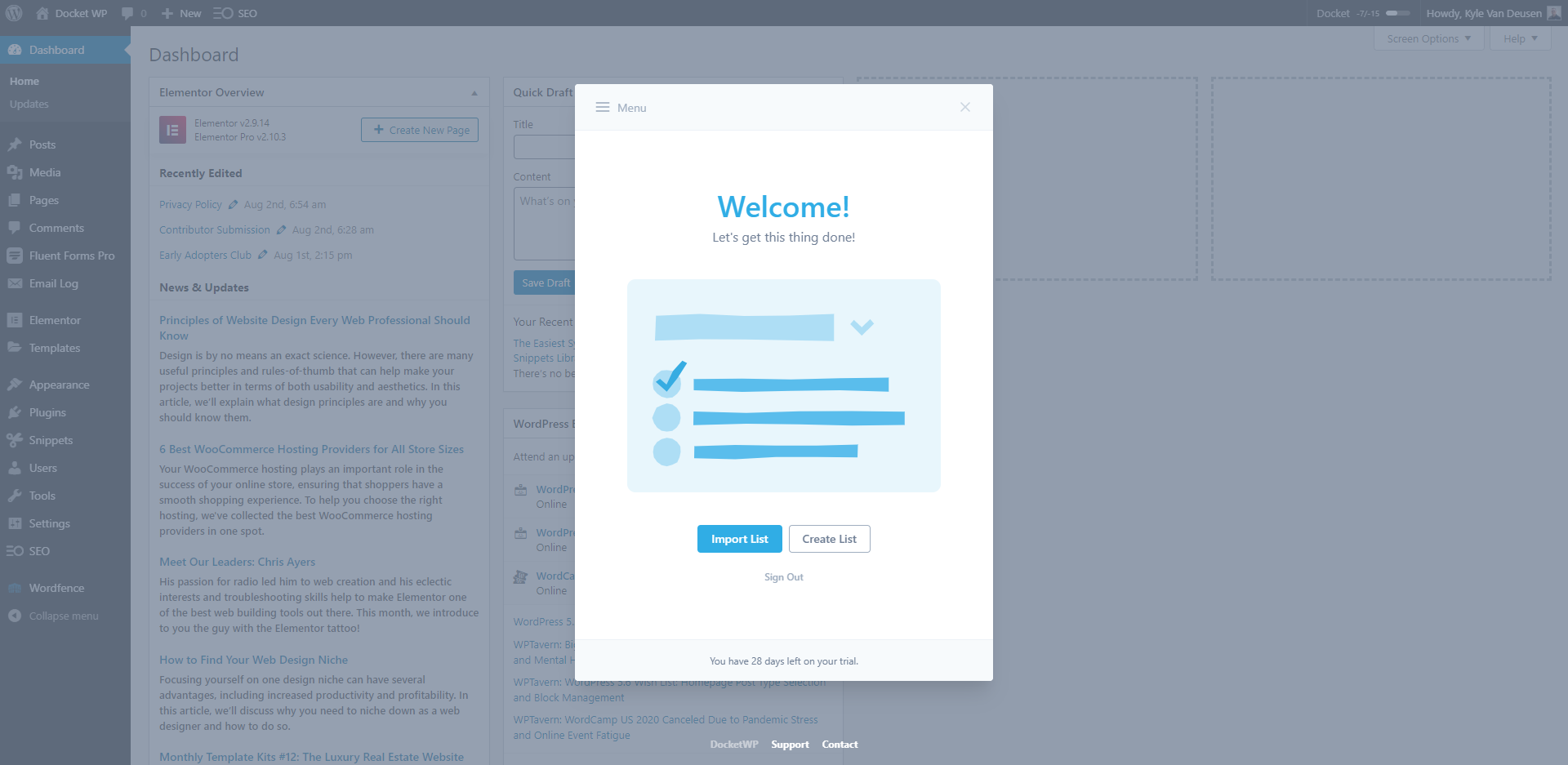
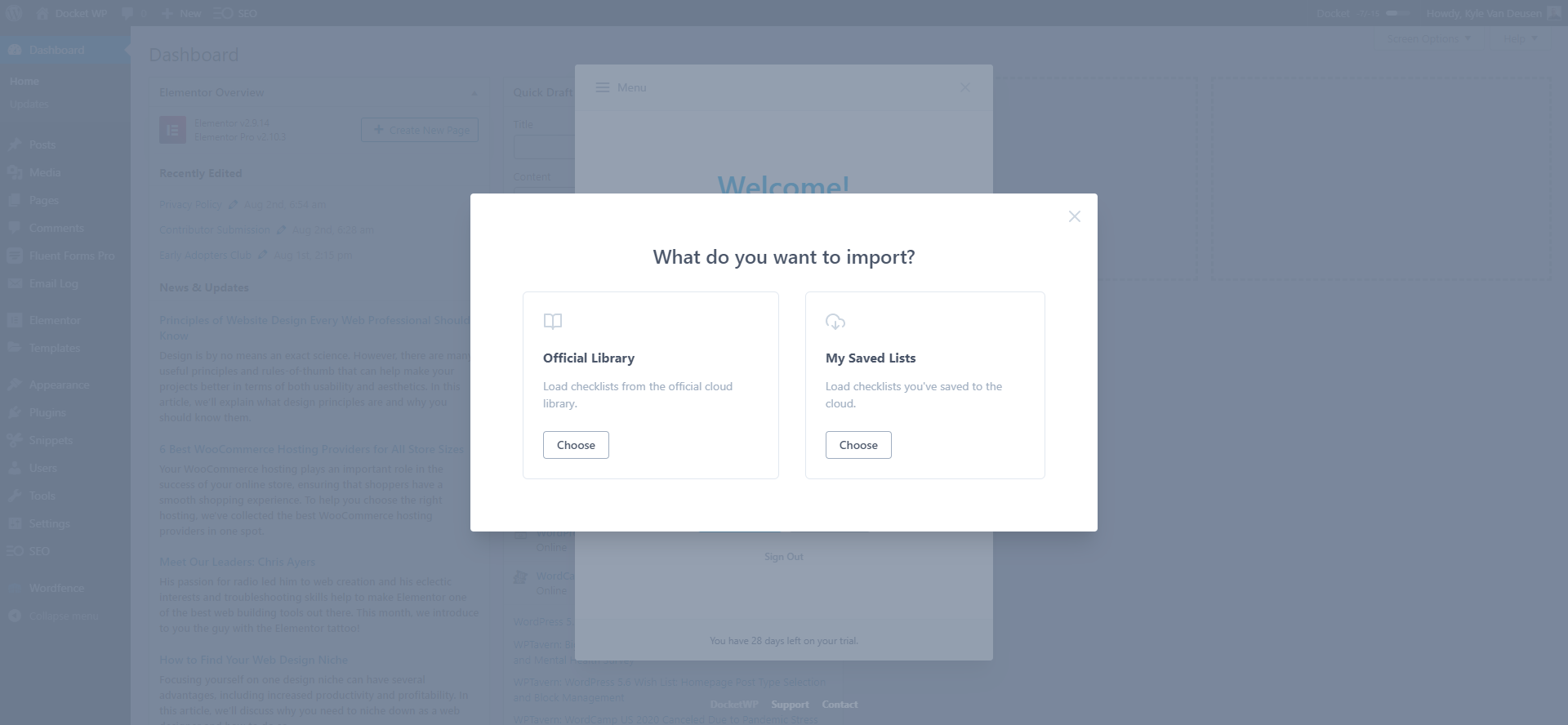
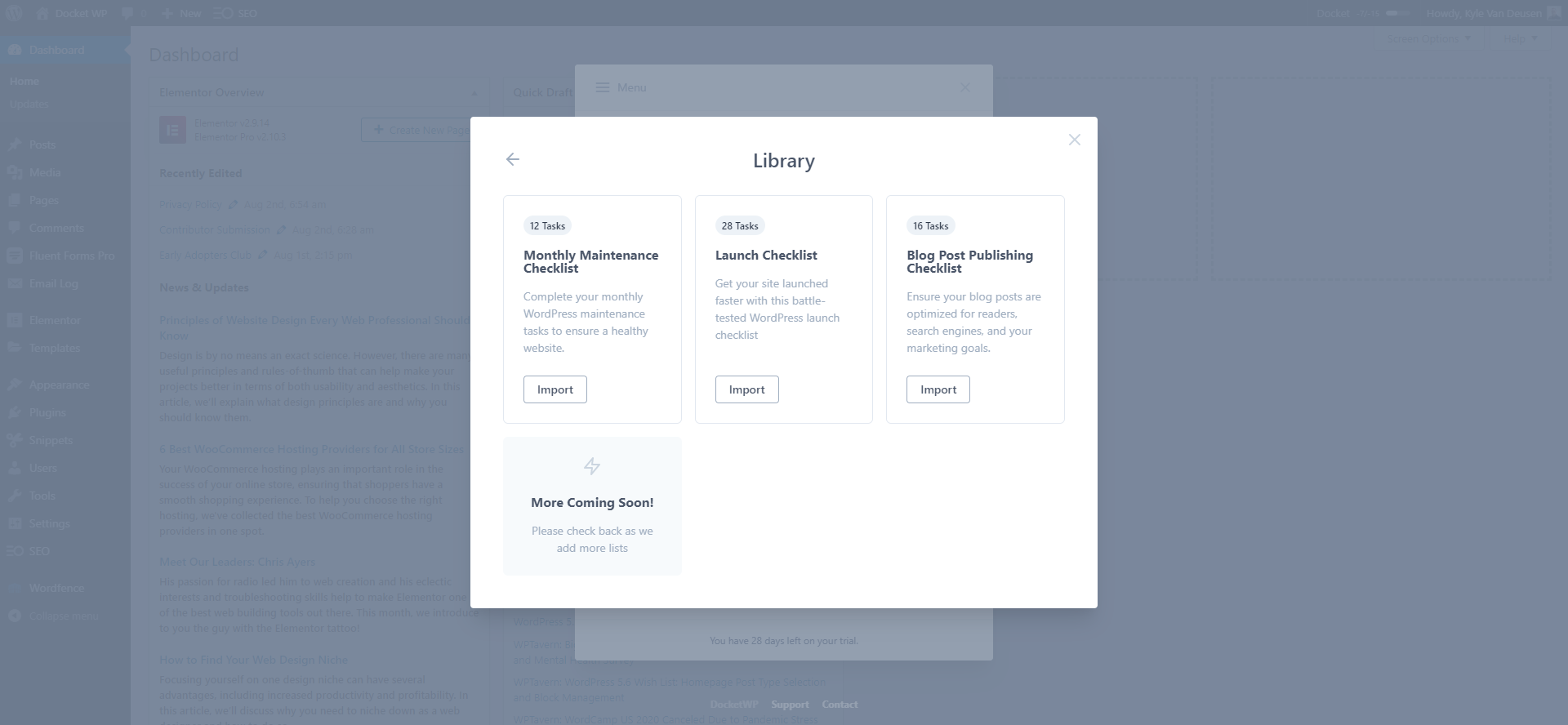
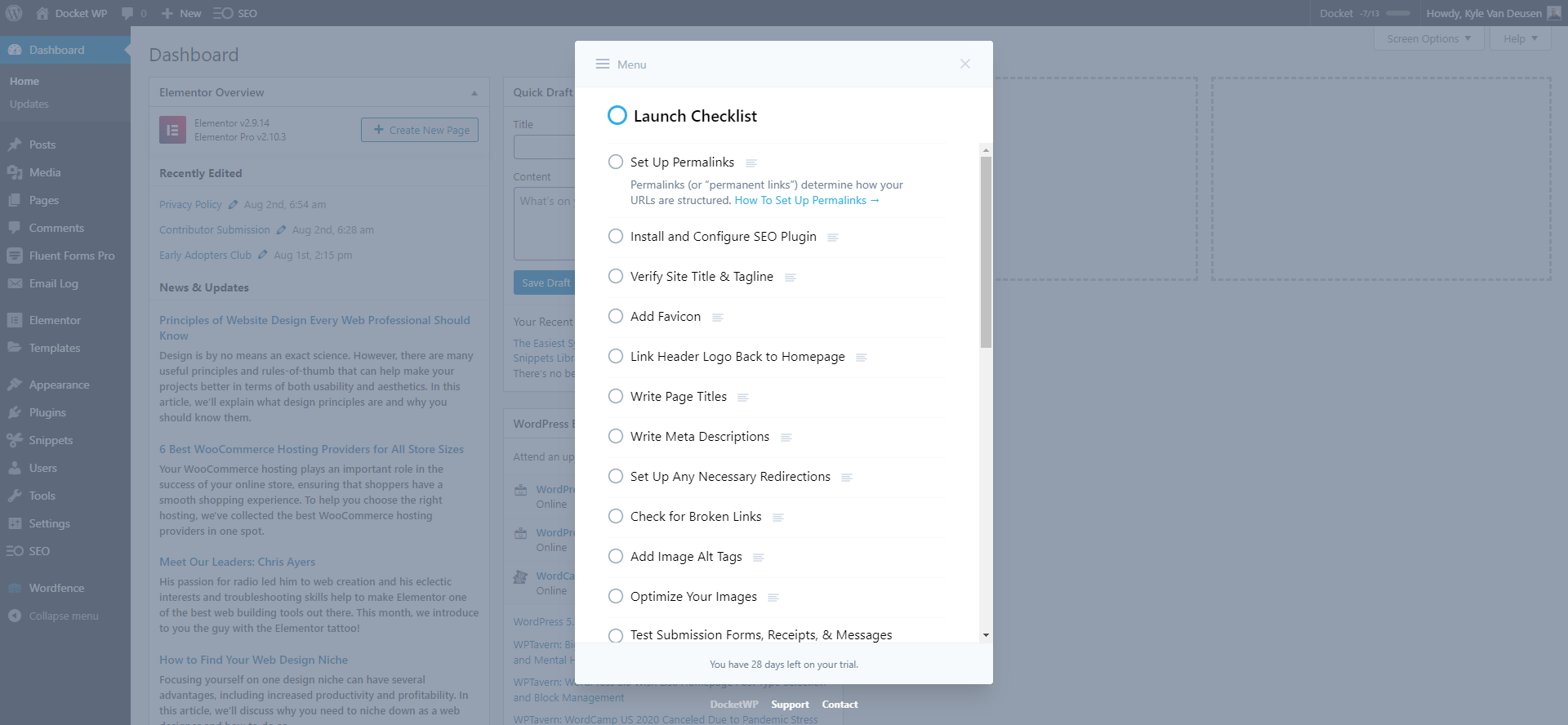
Changelog
1.1.4
- Fixed issue with customers who have LTD and cancelled subscription not getting access.
- PHP8 compatibility.
1.1.3
- Fixed issue with importing lists being the wrong order.
1.1.2
- Add account link to user menu.
- Fix issues with avatars sometimes not loading on SSO users.
- Get everything set up for trials.
1.1.1
- Fix issue with collaborators UI incorrectly showing collaborators on all lists when first added.
1.1.0
- Release Post
- You can now add list collaborators! 🤙🏻
1.0.0
- Release Post
- Add due dates to tasks!
- Email list reports to clients and collegues!
0.10.2
- Fixed issue where clicking on partner logos and links also loaded list.
0.10.1
- Remove unused code from demo stage.
0.10
- UI changes for upcoming partner lists.
0.9
- Release Notes
- New! Edit saved lists.
- Untrash Tasks
0.8
- Choose whether to opt-in to usage tracking to help us improve.
- Option to reset project ID in case of cloned site.
0.7
- New! Archive and unarchive lists.
- Untrash lists.
- Integrate support widget.
- Release Post
0.6
- Automatically synchronize tasks and lists between tabs 🔥
- Fix styling issue if other menu items are next to Docket in admin bar.
0.5
- Fix bug where done tasks won’t show if all are resolved.
0.4
- Add account management link on settings page.
0.3
- Initial release