

Dracula Dark Mode – Accessibility, Reading Mode & Dark Mode for WordPress
Lightweight Dark Mode plugin for WordPress with a sleek toggle that enhances your site’s look and reduces eye strain for visitors.
Plugin info
Maintenance & Compatibility
Maintenance score
Maintained • Last updated 119 days ago • Support resolved 67% • 31 reviews
Is Dracula Dark Mode – Accessibility, Reading Mode & Dark Mode for WordPress abandoned?
Likely maintained (last update 119 days ago).
Compatibility
Languages
Similar & Alternatives
Explore plugins with similar tags, and compare key metrics like downloads, ratings, updates, support, and WP/PHP compatibility.
Description
Dracula Dark Mode effortlessly transforms your WordPress site into a visually stunning dark theme using an advanced dark mode algorithm. Designed to reduce eye strain, its adaptive interface seamlessly integrates with your website’s design, making it the ultimate dark mode solution.
VIDEO OVERVIEW
👁️ Try Live Demo | 🚀 Get PRO
WHY CHOOSE DRACULA DARK MODE?
Dracula Dark Mode is more than just a dark theme plugin. You can change and see theme adjustments instantly, set different colors for separate pages, design a toggle button to fit your site’s look, and even enjoy a dark mode when editing your site.
Dracula Dark Mode makes it easy to add a dark mode to your website, seamlessly matching its design. Upgrade today for the best dark mode experience.
🔥FREE FEATURES:
✨ Multiple Color Generator Algorithms – Dracula Dark Mode comes with 2 different color generator algorithms Dynamic and Static to generate dark mode color schemes automatically.
🖥️ Site Frontend Dark Mode – Frontend dark mode refers to the implementation of a dark color scheme on a website frontend while users interact.
⚙️ Admin Dashboard Dark Mode – Dracula Dark Mode allows site admins to enable and use dark mode in their admin dashboard.
🔄 Auto Match OS Mode – Dracula Dark Mode automatically detect user’s device OS theme and can automatically enable website’s dark mode to match the dark mode setting on the user’s device.
🎨 Multiple Color Presets – Dracula Dark Mode plugin provides 3 color presets in the free version.
🌙 Default Dark Mode – Dracula Dark Mode allows you to set the dark mode as the default mode on your website.
🌗 Floating Dark Mode Toggle Button – Dracula Dark Mode features a floating dark mode toggle button that allows users to easily switch between the light and dark modes of a website.
❮❯ Toggle Button Shortcode – You can display the dark mode toggle button anywhere on your website using the [dracula_toggle] shortcode.
☰ Display Toggle Button in Menu – Dracula Dark Mode also allows to display the dark mode toggle button in any of your website navigation menu for an easy interacting & time-consuming dark mode enabling or disabling option for visitors.
🔲 Multiple Toggle Button Styles – Dracula Dark Mode provides 2 different toggle button styles in the free version.
📝 Classic and Block Editor Compatibility – Dracula Dark Mode is designed to be compatible with both the classic editor and the block editor to make the editing experience more comfortable.
💾 Save User Choice – If any user chooses dark mode on their last visit, the plugin will remember their preference and automatically load the same mode when they visit the website again.
🕒 Time Based Dark Mode – Dracula Dark Mode allows to schedule the dark mode based on the specific time of the day.
🎚️ Color Adjustments – Dracula Dark Mode plugin features advanced color adjustment options for its dark mode theme, including brightness, contrast, sepia and grayscale adjustments.
⌨️ Keyboard Shortcut – Dracula Dark Mode allows users to switch between light and dark mode using the keyboard shortcut (Ctrl + Alt + D).
📐 Button Size Customization – Dracula Dark Mode allows you to customize the dark mode toggle button size as small, normal, large or even in a custom width and height of the button.
️ Button Position Customization – You can also set the custom position for the dark mode toggle button as on the left, right, or even can place the toggle button in a specific position.
🌙 Gutenberg Dark Mode Toggle Block – Embed a dark mode switch directly within the Gutenberg editor for easy reader access.
🌙 Elementor Dark Mode Toggle Widget – Add a dark mode toggle to your Elementor designs effortlessly.
🚀 PRO FEATURES:
📖 Reading Mode – Dracula Dark Mode provides a reading mode feature that allows users to read the content of a website in a distraction-free environment.
☀️ From Dark to Light – If your website has a dark theme default, you can also enable the dark to light mode switching option for your visitors.
🛠️ Custom Toggle Button Builder – Dracula Dark Mode provides a toggle button builder that gives you the ability to create a custom toggle button with your own design and style.
⚙️ Dark Mode Live Edit Widget – Dark Mode plugin features a live edit widget that allows users to customize the appearance of dark mode theme in real-time preview.
📑 Page-Specific Dark Mode Appearance – Dracula Dark Mode allows you to set and customize every page of your website separately with different dark mode color schemes, switch variations, typography styles, and many others settings.
🎨 24+ Color Presets – Dracula Dark Mode Pro provides 24+ color presets in the pro version.
🎨 Custom Colors – Dracula Dark Mode allows you to customize the dark mode color scheme with your own color choices to customize the dark mode background, text, links, buttons, and many other elements.
🔲 14+ Dark Mode Toggle Button Styles – Dracula Dark Mode offers 14+ styles for switching between light and dark mode.
🖼️ Image and Video Replacement – Dracula Dark Mode lets you replace the light-mode images and videos with different images and videos in dark mode.
🚀 Performance Mode – The Performance Mode feature improve the website’s loading speed by loading scripts in a deferred manner.
📝 Dark Mode Based Typography – Dracula Dark Mode allows you to set a different font family with a customized font size when dark mode is enabled to improve readability and legibility of their website.
🚫 Exclude Pages/ Posts – Dracula Dark Mode allows to exclude certain pages, posts or any custom post types from dark mode.
❌ Excludes Elements – You can also exclude certain sections and elements of the website from dark mode for having more control over their website’s dark mode experience.
📟 Custom CSS – Dracula Dark Mode allows you to customize the appearance of the website using custom CSS.
🔗 URL Parameter – Dracula Dark Mode allows you to enable/ disable dark mode by adding the darkmode=1 / darkmode=0 parameter to the website URL.
👆 Draggable Switch – You can also enable the draggable switch option to allow users to drag the floating dark mode toggle button to the desired position on the screen.
🕐 Show Delay Switch – Now you can control when the floating switch appears! Set a show delay so the toggle only becomes visible after a specific time, letting your visitors focus on your content before interacting with the switch.
💬 Tooltip Text – You can display custom tooltip text for the dark mode toggle button.
👥 User Roles based Dashboard Dark Mode – You can allow other users to use the dark mode color scheme on their admin dashboard by selectively certain user roles such as: Administrator, Editor, Author etc.
📊 Usage Analytics – Dracula Dark Mode provides a detailed usage analytics report that allows you to track the number of users who use the dark mode, how many times the dark mode is enabled/ disabled, and many other useful information.
🗒️ Dark Mode Page Transition Animation – Dracula Dark Mode allows you to set a page transition animation when dark mode is enabled/ disabled.
🔄 Toggle Switch Attention Effect Animation – Dracula Dark Mode allows you to set an attention effect animation for the toggle button to grab the attention of the users.
😍 WHAT OUR CUSTOMERS SAY ABOUT **DRACULA DARK MODE!**
Best bang for the buck!
“I spent a couple months exploring other options before settling on a dark mode plugin. But, with DRACULA, I am definitely not settling. It’s cheaper and much more robust and useful and usable than the bigger names in the dark mode game. Happy I tried it out. 10/10” – The Open Market (@jhutson323)
COMPATIBILITY
Dracula Dark Mode seamlessly integrates with numerous popular WordPress themes like Astra, Divi, and GeneratePress, as well as page builders like Elementor and Beaver Builder. It also supports popular plugins, including Yoast SEO, GravityForms, Contact Form 7, WooCommerce, and Easy Digital Downloads.
While the plugin is broadly compatible, occasional issues with certain themes or plugins might arise. These can often be fixed using the custom CSS feature.
Should any compatibility concerns occur, our dedicated support team is on standby to assist promptly.
📚 DOCUMENTATION & SUPPORT
🔥 WHAT’S NEXT 🔥
Consider checking out our other plugins:
📁 Integrate Google Drive – Browse, Upload, Download, Embed, Play, and Share Your Google Drive Files Into Your WordPress Site.
📻 Radio Player – Live Shoutcast, Icecast and Audio Stream Player for WordPress.
📝 Essential Addons for Contact Form 7 – 50+ Essential Fields, Features & Integrations Add-ons for Contact Form 7.
🎬 Multimedia Player – Audio & Video Player for WordPress with Playlist, Live Stream, and More.
Source Code
The source code for minified JS/CSS is available in the /src folder.
Build using npm run build.
Installation
Frequently Asked Questions
Yes, Dracula Dark Mode has been built to be compatible with all the popular themes like Divi, Avada, Astra, Generatepress, and almost every WordPress compatibility themes.
Yes, Realtime Dark Mode Customization preview is the most unique feature that Dracula Dark Mode plugin has included. You can customize dark mode colors, presets, switches, and texts, and see changes in a real-time preview mode.
Yes, you can display the toggle switch button in any menu of your website. Even you can set the positions of the toggle button at the start or end of the menu.
Yes, you can create your fully customized own custom toggle button using the Toggle Button builder and display it anywhere on your website using the shortcode. You can also customize the switch color, text, layout, icons and many other options.
Dracula Dark Mode provides an advanced image & video replacement feature where you can replace any light mode images & any self-hosted, Youtube, Vimeo, or DailyMotion videos in dark mode.
Yes, you can exclude certain sections or elements on any page to keep them from being affected by dark mode. You have to use proper CSS selectors for the elements in the Excludes settings to exclude them from the dark mode. Even you can also exclude them by just clicking on the elements when you are in live edit dark mode.
Yes, Dracula Dark Mode allows site admins to enable and use dark mode in their admin dashboard. You can also allow the admin dashboard dark mode based on specific user roles (Administrator, Editor, Subscriber, etc).
Yes, Dracula Dark Mode allows you to exclude certain pages, posts, or any custom post types from dark mode from the Excludes settings.
Yes, you can schedule dark mode to turn it on and off automatically based on your selected time. This setting will work based on the user\’s device time zone.
Yes, you can set different color schemes for different pages by using our page-wise dark mode feature. Using the page-wise dark mode you can use different color schemes for each page to improve your brand image.
Yes, Dracula Dark Mode has support for both the normal mode and dark mode custom CSS. That means you can customize both the light mode and dark mode appearance.
Dracula Dark Mode may have a minimal impact on your site load speed. But we have given ‘Performance Mode’ settings which will improve your website speed loading scripts in a deferred manner to reduce the initial page load time and improve overall website performance.
Dracula Dark Mode plugin relies on multiple JavaScript files and dependencies to work properly. So, if you are using any caching plugins, you have to disable the JavaScript deferred/ delay/ lazy load settings from the caching plugins to make the dark mode work properly.
Review feed
Yes it's a Revolutionary
The only one that worked flawlesly on the front-end
Excellent Plugin
Screenshots
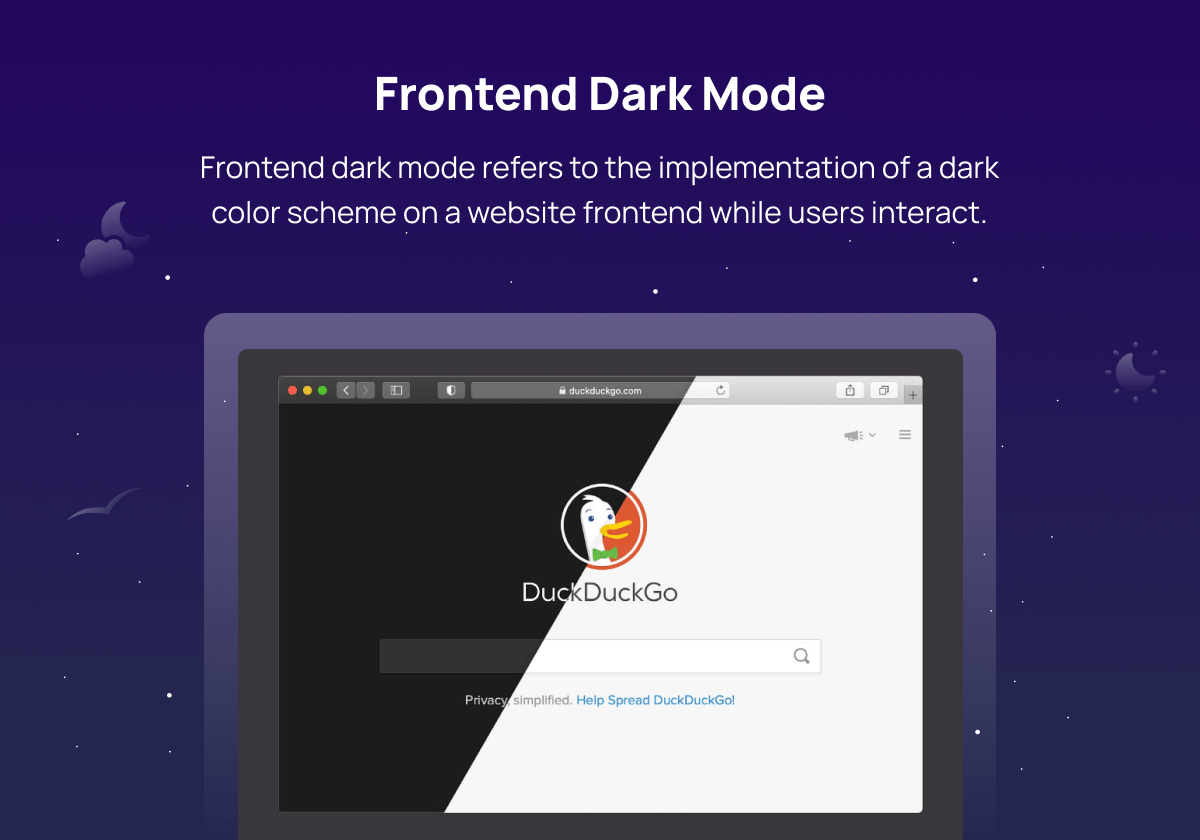
Frontend Dark Mode
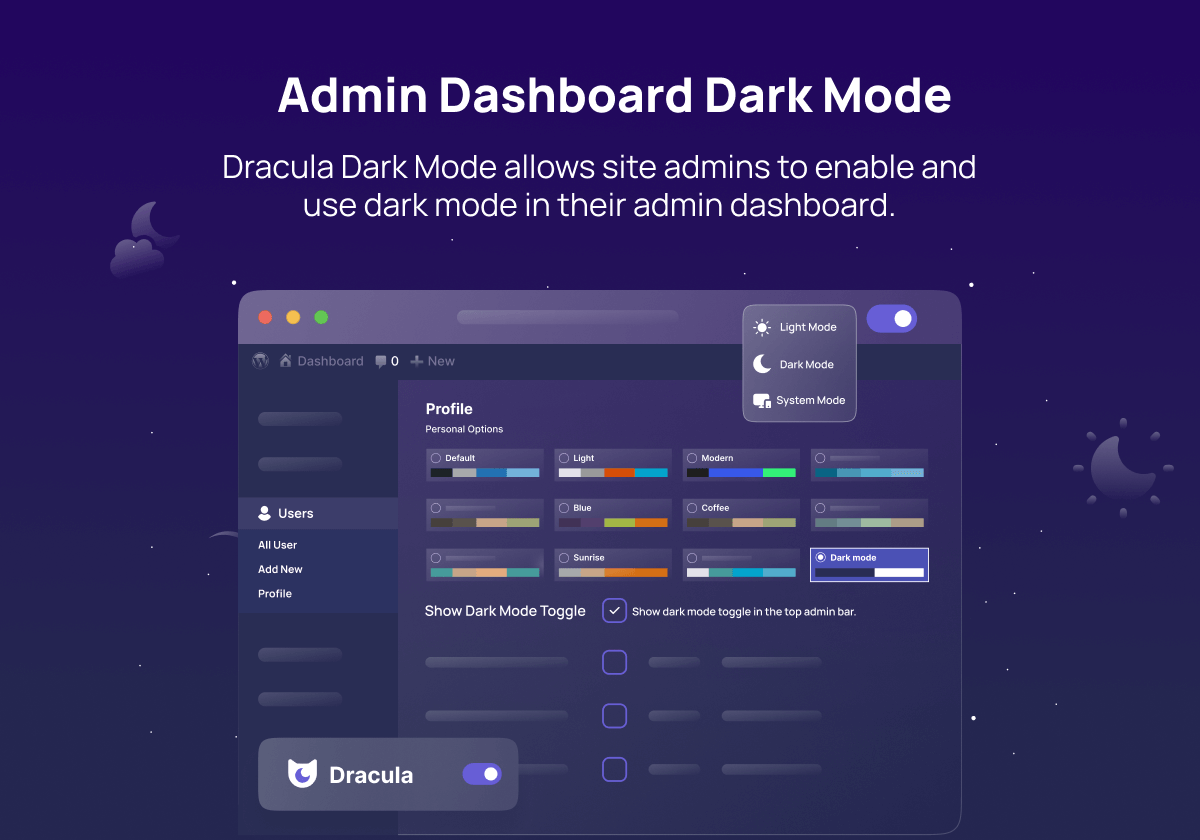
Admin Dashboard Dark Mode
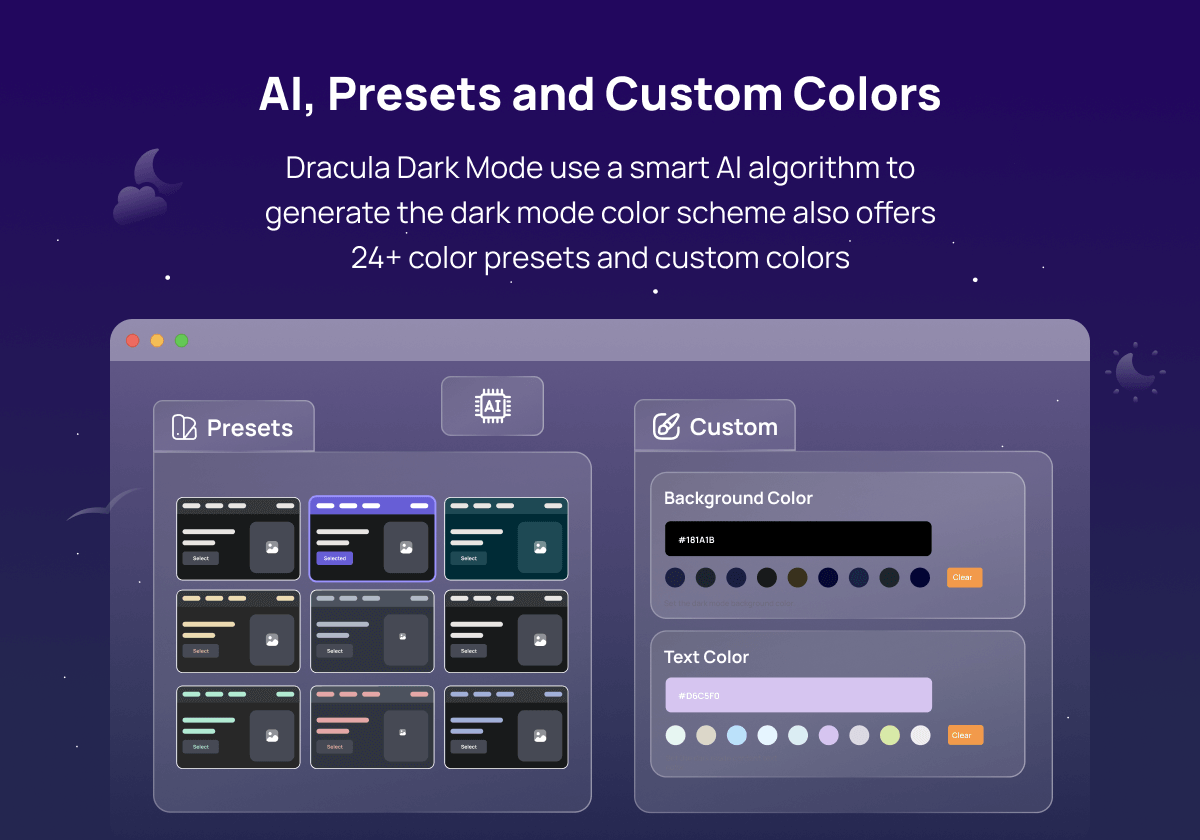
Dynamic, Preset & Custom Color Schemes
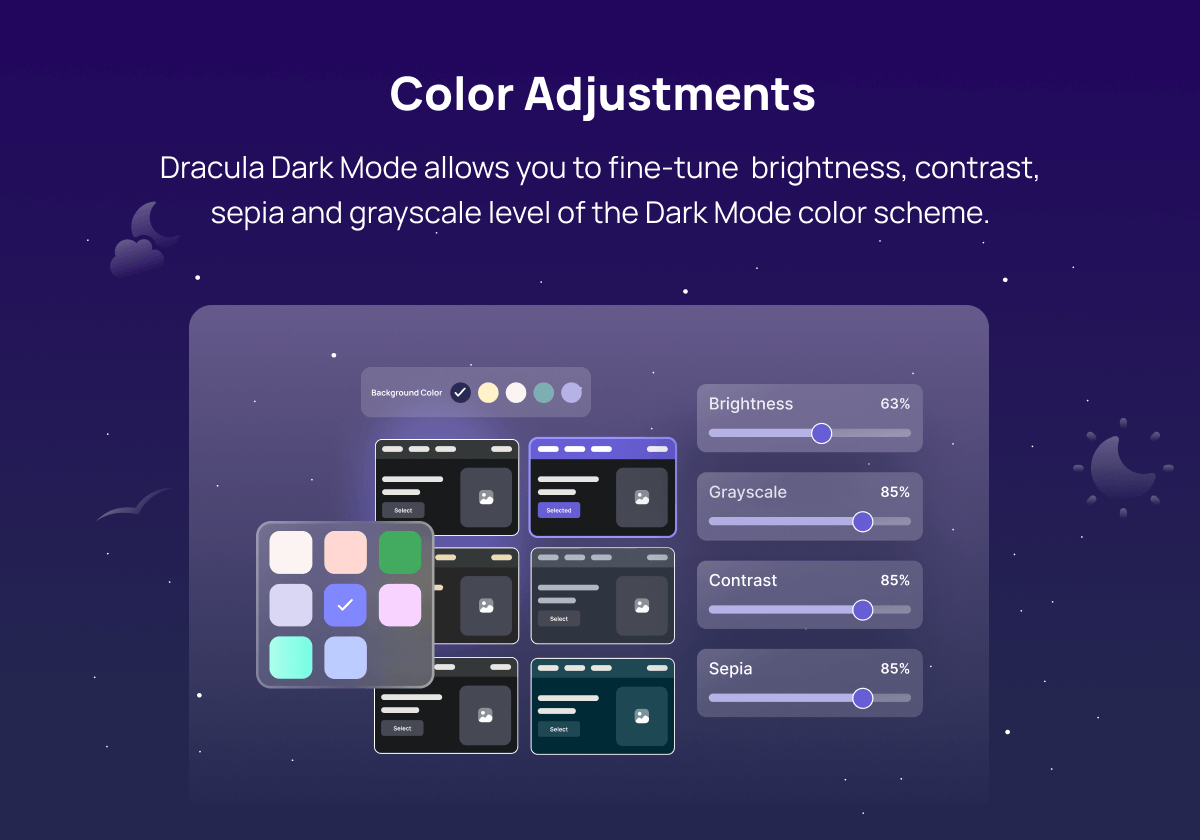
Color Adjustments
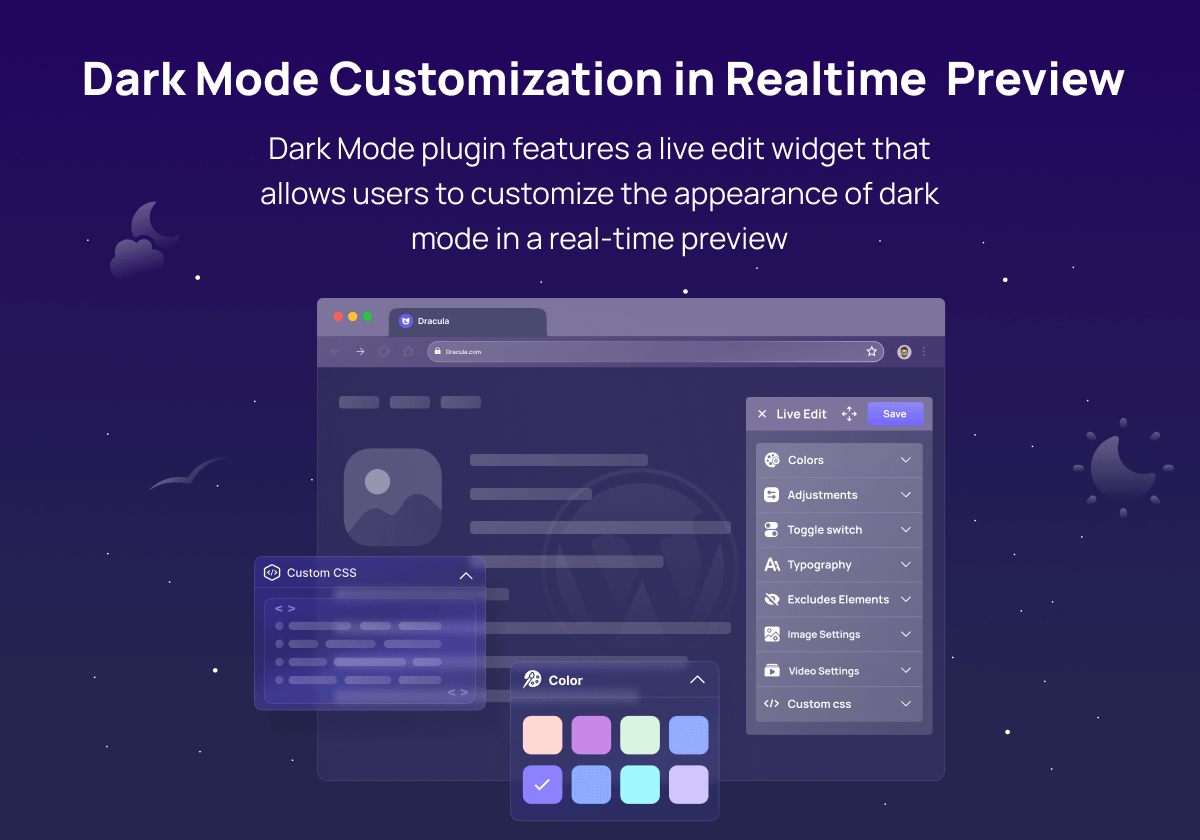
Realtime Dark Mode Customization Preview
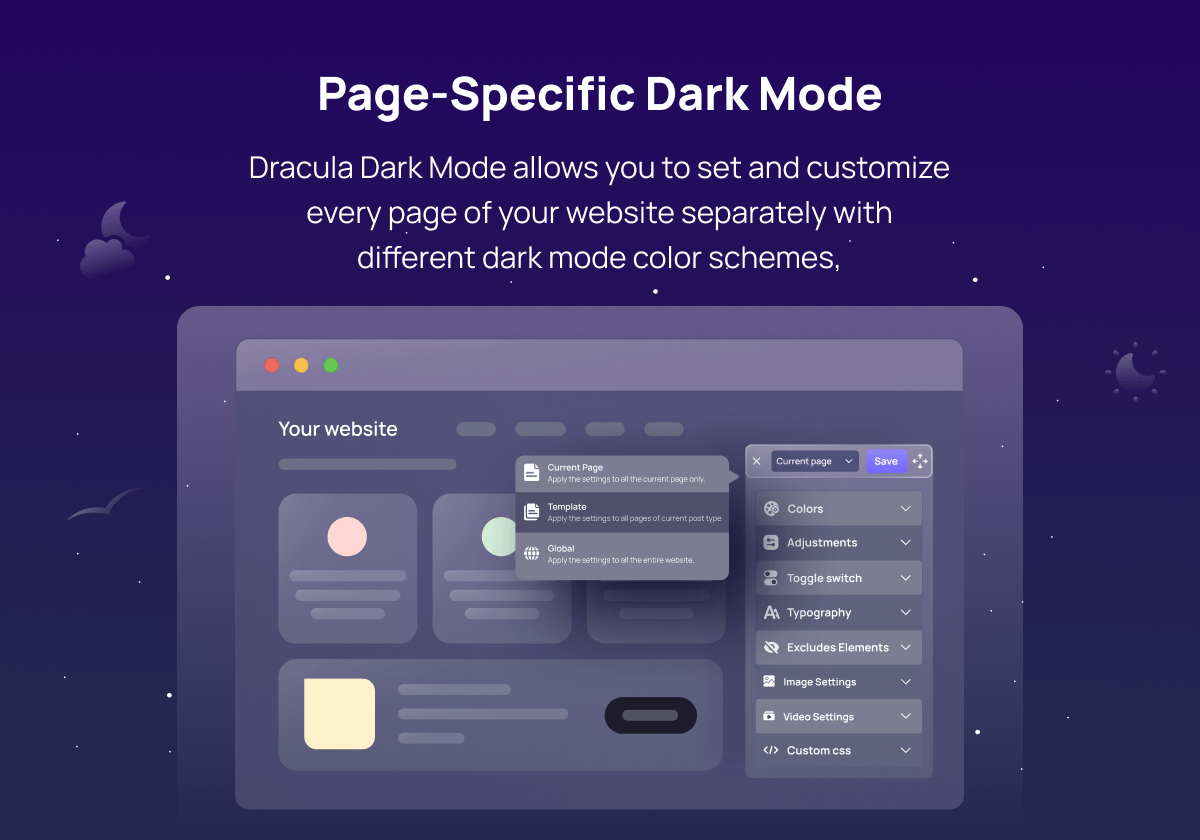
Page-Specific Dark Mode
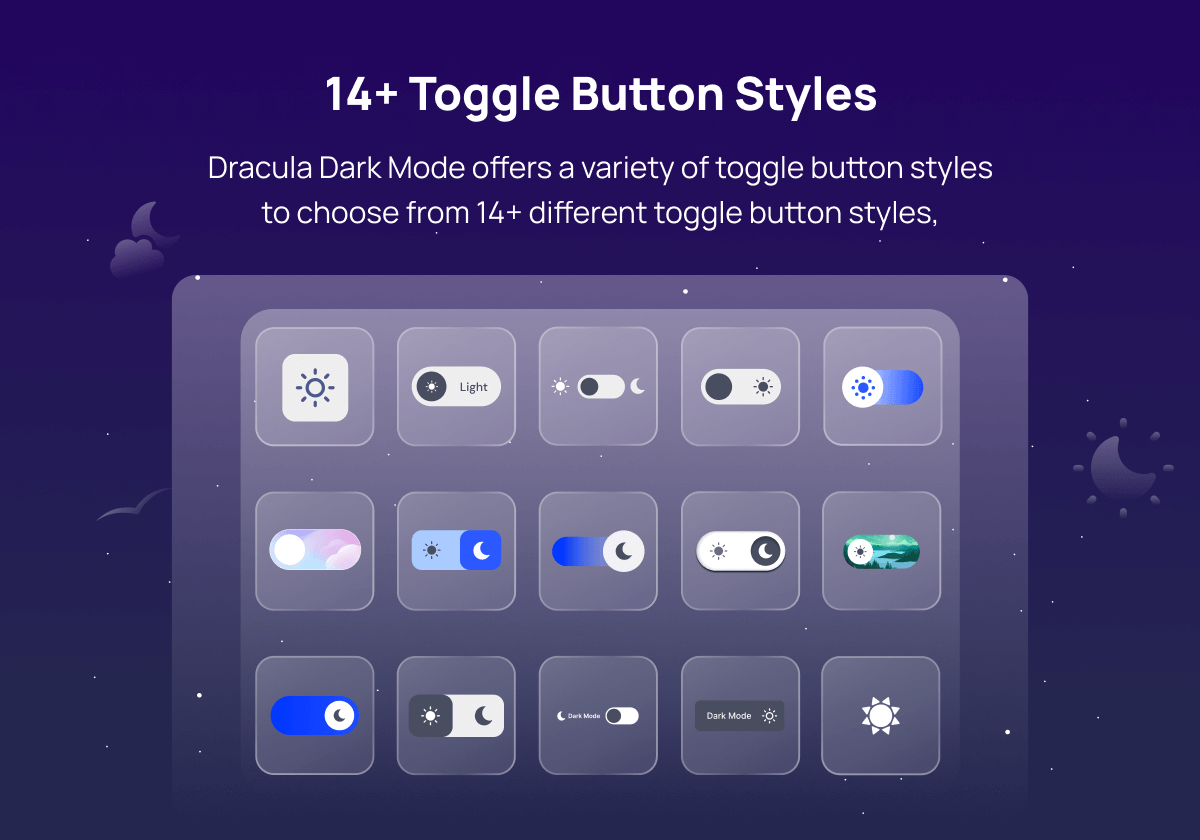
14+ Dark Mode Toggle Button Styles
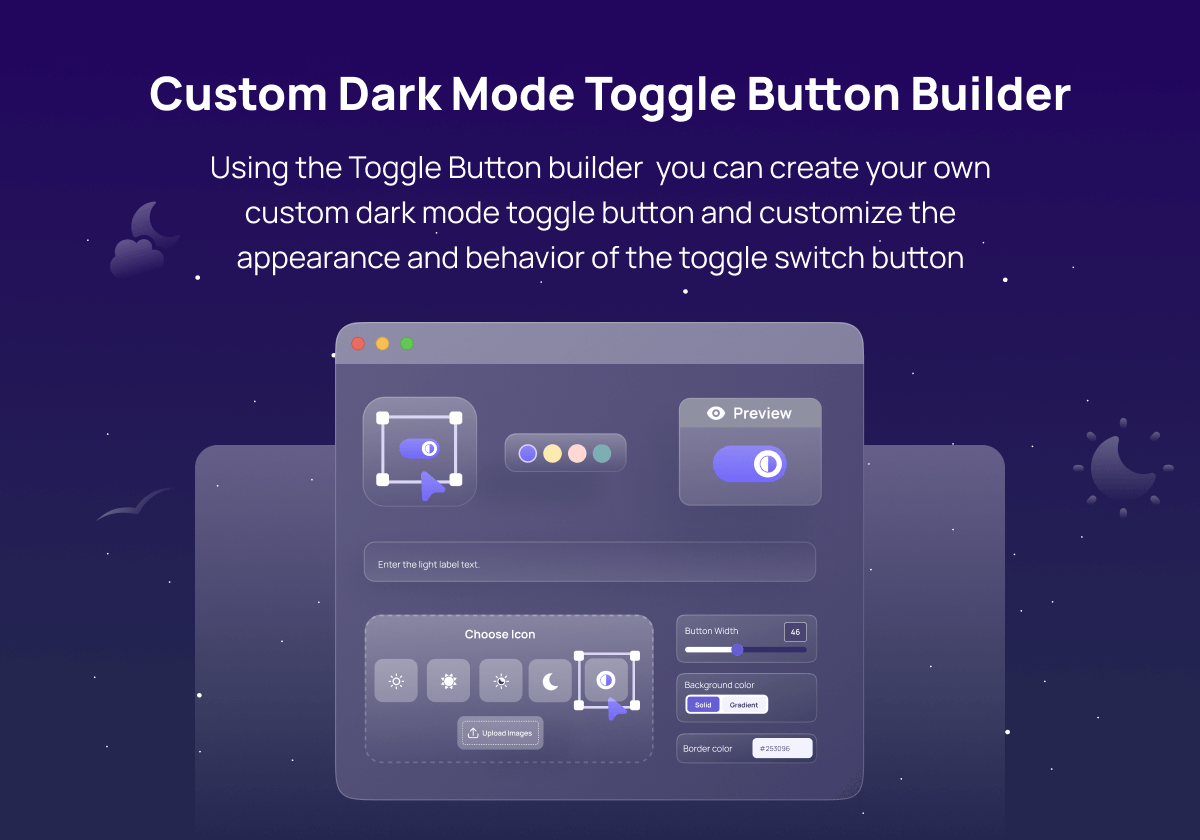
Custom Dark Mode Toggle Button Builder
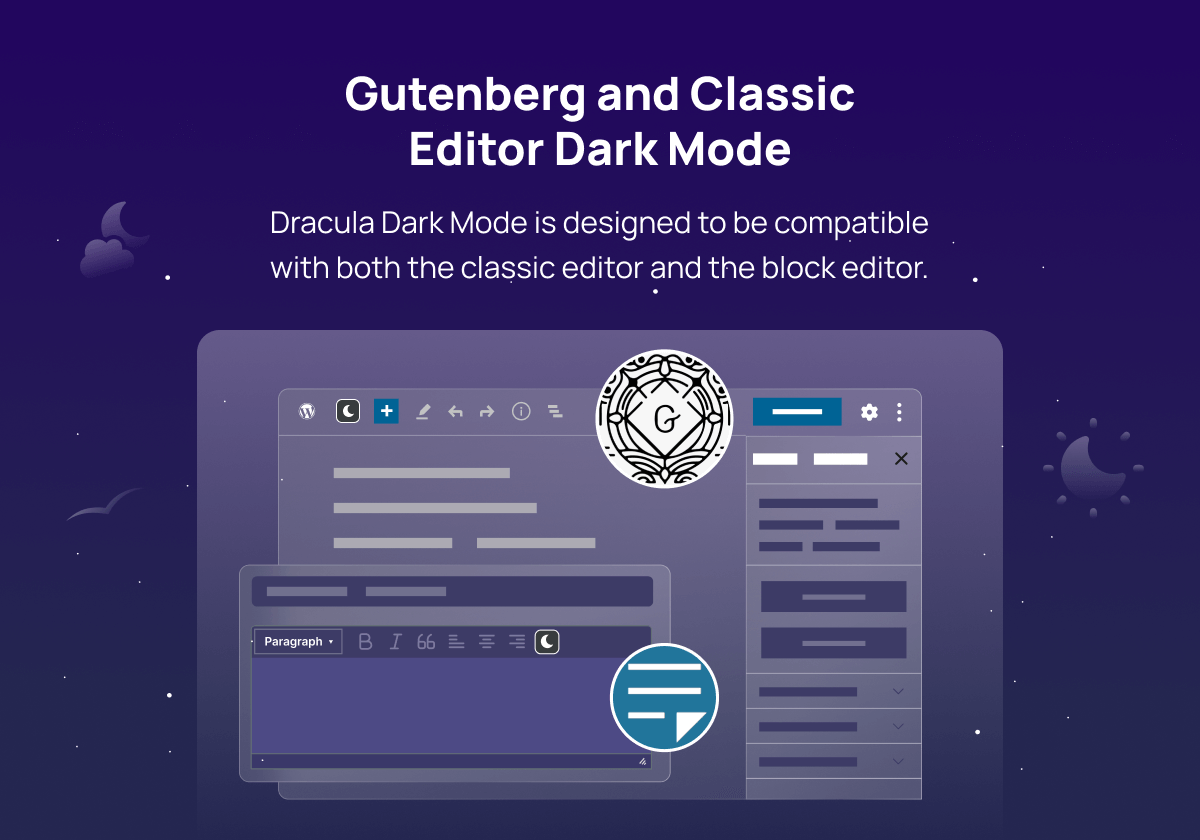
Gutenberg & Classic Editor Compatibility

Image & Video Replacement
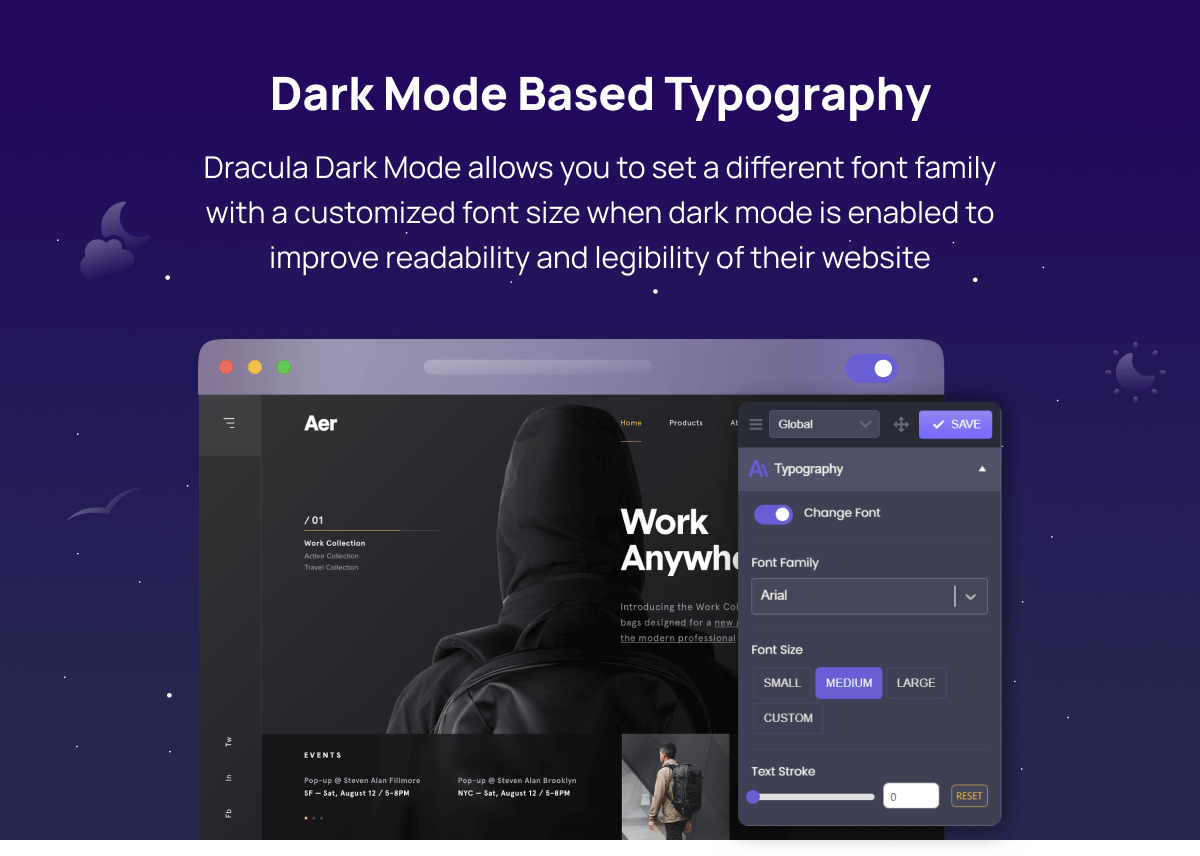
Dark Mode Based Typography
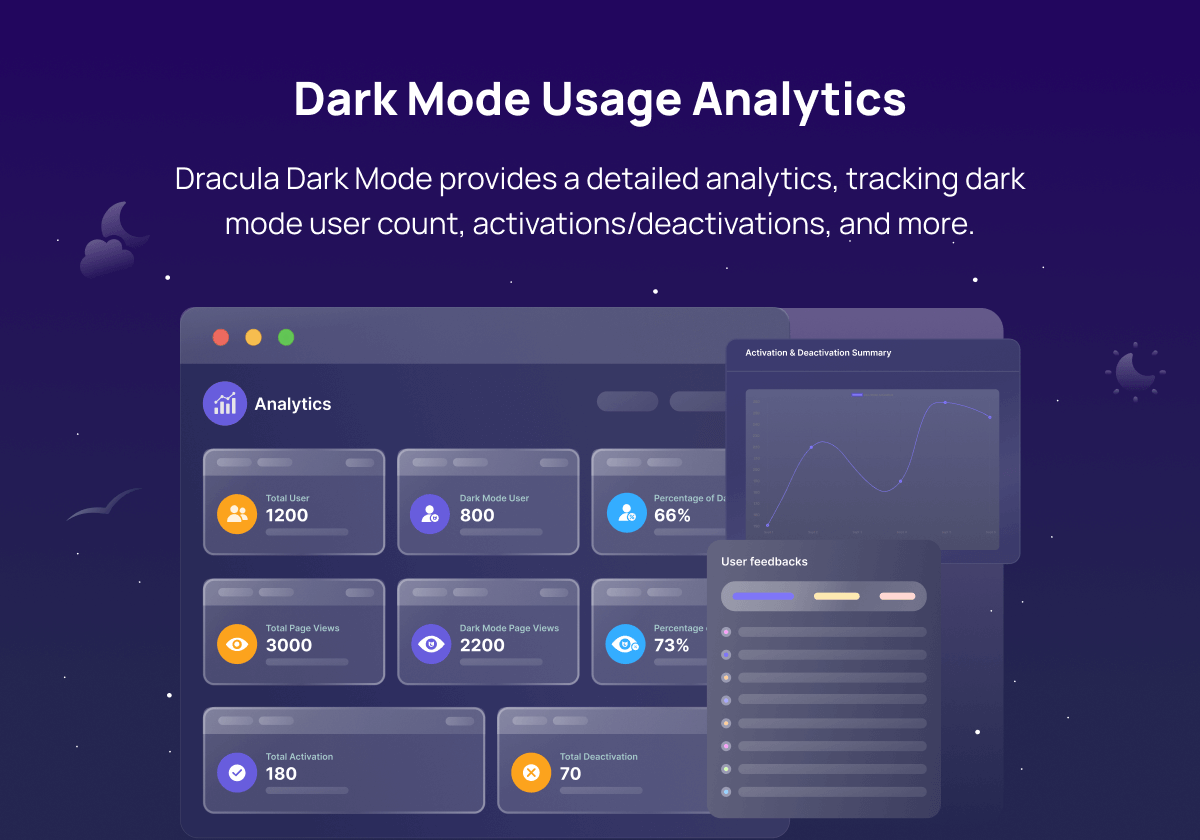
Dark Mode Usage Analytics
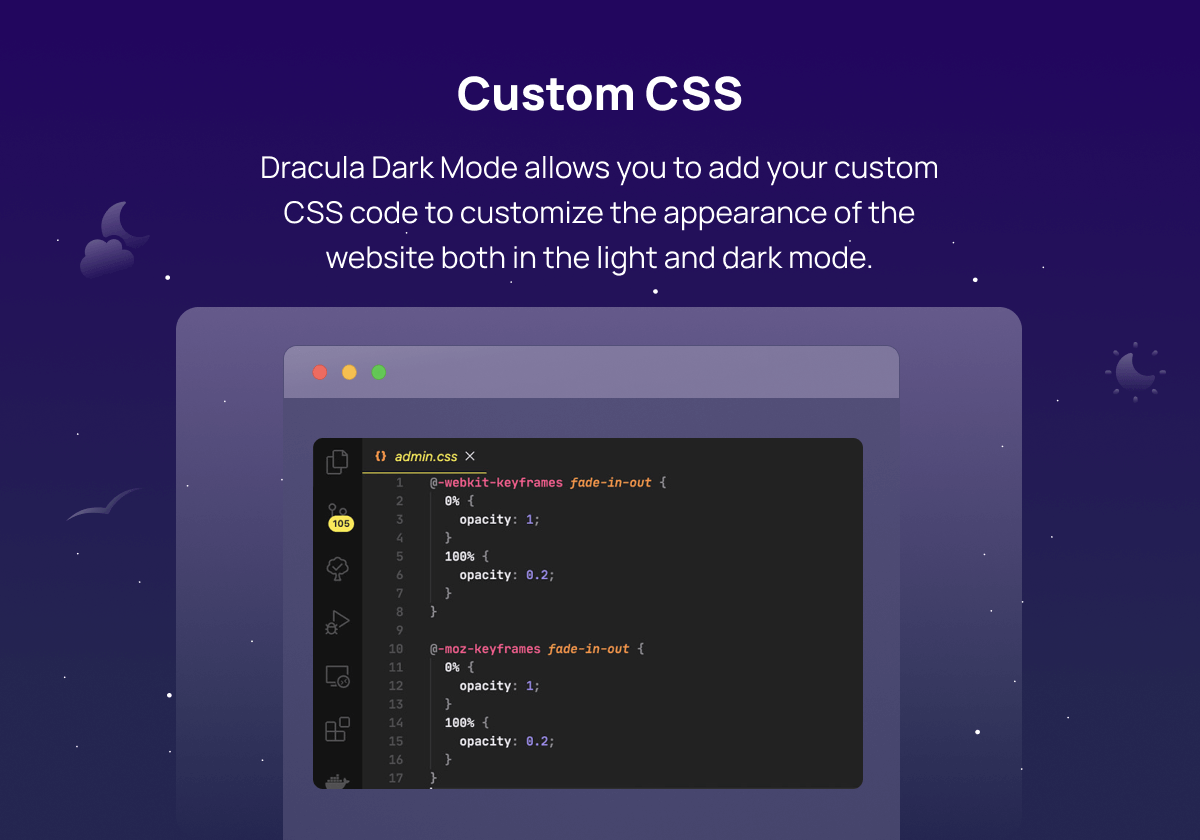
Custom CSS
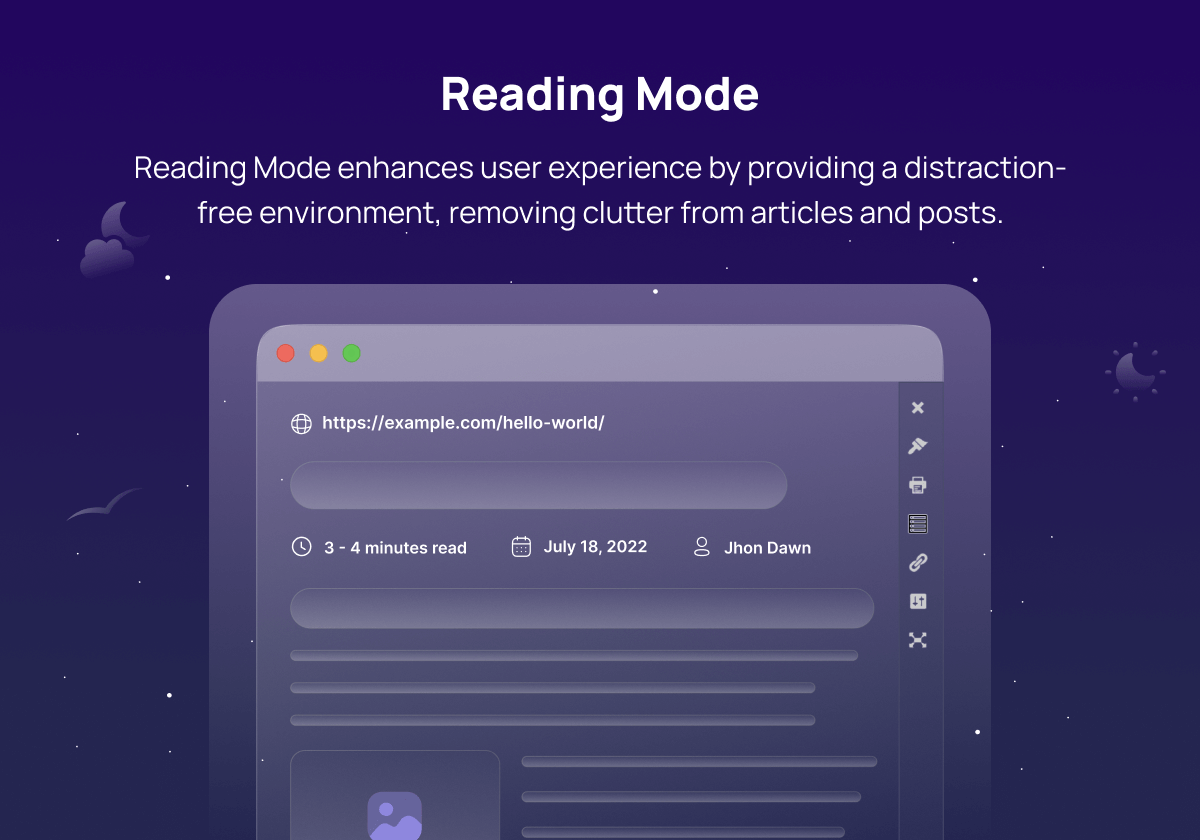
Distraction-free Reading Mode
Changelog
1.3.4 (06-12-2025)
- Update: Add WordPress latest version 6.9 compatibility.
- Update: Improved overall plugin performance and security.
1.3.1 (20-09-2025)
- Fix: Fixed text highlight color issue.
- Fix: Fixed toggle switch dragging issue.
- Update: Improved toggle display option in nav menus.
- Update: Improved overall performance and speed.
1.3.0 (14-09-2025)
- Update: Fixed minor bugs and improved overall plugin performance.
1.2.9 (28-08-2025)
- New: Added new static color generator algorithm for dark mode.
- New: Added initial quick setup wizard after plugin activation.
- New: Added border color option for custom presets.
- Update: Enhanced overall plugin performance by reducing CSS/JS file sizes and optimizing the codebase.
1.2.8 (13-07-2025)
- New: Added an option to display the toggle switch after a delay.
- Fix: Fixed Background Image replacement.
1.2.7 (26-01-2025)
- New: Added custom element trigger option to toggle dark mode.
- Fix: Fixed conflicts with the Dark Reader browser extension.
1.2.6 (25-11-2024)
- New: Added aria-label attribute to the toggle button.
- Update: Updated Tested up to version to the latest WordPress version.
1.2.4 (09-09-2024)
- New: Added floating toggle position setting for admin dashboard dark mode.
- New: Added keyboard accessible supports for the dark mode toggle buttons.
- New: Added hide elements settings to hide any specific elements in a post/ page in dark mode.
- Fix: Fixed string not translate-able issue.
- Update: Improved overall plugin performance.
1.2.3 (14-08-2024)
- Fix: Fixed toggle style 14 auto-dark transition based on the system dark mode selection.
- Update: Added support for the latest WordPress version 6.6.1.
- Update: Improved overall plugin performance & security.
1.2.1 (30-04-2024)
- New: Added new adjustable dark mode toggle switch buttons.
- New: Added absolute switch position.
- Fix: Fixed conflicts with Reader Mode browser extension.
- Update: Improved dark mode algorithm.
- Update: Optimized dark mode script loading.
1.2.0 (13-03-2024)
- New: Added dark mode custom color presets builder.
- New: Added Reading Mode excludes settings.
- New: Added dark mode exclude taxonomies settings to exclude posts, pages, or custom post types based on taxonomies.
- New: Added move icon for draggable toggle.
- New: Added Reading Mode button label text show/hide option.
- New: Added option to enable/disable the auto-save settings..
- Fix: Fixed shortcode not rendering in the reading mode content..
- Fix: Fixed dark mode menu toggle size not working in the free version.
- Fix: Fixed Reading Mode progress bar display issue.
- Update: Improved dark mode algorithm.
- Update: Improved overall plugin performance & security.
1.0.9 (01-02-2024)
- New: Added Reading Mode
- Fix: Fixed scrollbar dark mode color options not working.
- Fix: Fixed draggable toggle button not working properly.
1.0.8 (22-12-2023)
- Fix: Fixed Disqus comment compatibility issue.
- Update: Improved overall plugin performance.
1.0.7 (21-12-2023)
- New: Added scrollbar dark mode color customization option.
- Fix: Fixed Image replacement not working properly.
1.0.6 (03-12-2023)
- Fix: Fixed Gutenberg editor dark mode switch block.
- Fix: Fixed cache plugin compatibility issue.
1.0.5 (22-11-2023)
- New: Added link,button and input field dark mode color customization option.
- Fix: Fixed image replacement issue.
- Fix: Fix auto match OS theme issue.
1.0.4 (12-11-2023)
- Fix: Fixed excludes elements not working.
- Fix: Fixed default dark mode issue.
1.0.3 (04-11-2023)
- New: Added 4 new dark mode toggle button styles.
- New: Added large font-size toggle button.
- Fix: Fixed performance mode not working properly issue.
- Fix: Fixed color picker issue.
1.0.2 (05-10-2023)
- Fix: Fix gutenberg editor dark mode issue.
- Fix: Fix safari browser dark mode issue.
- Update: Reduced the javascript file size.
1.0.1 (27-09-2023)
- New: Added page-specific dark mode appearance for Gutenberg, Classic Editor, and Elementor.
- New: Added dark to light mode.
- New: Added 15+ new dark mode color presets.
- New: Added page transition animation.
- New: Added dark mode toggle button Attention Effect Animation.
- New: Added dark mode usage analytics.
- New: Added user feedback for dark mode experience.
- New: Added Gutenberg dark mode toggle button block.
- New: Added Elementor dark mode toggle button widget.
- New: Added tooltip for dark mode toggle button.
- New: Added RTL support.
- Update: Improved overall plugin performance.
- Update: Improved toggle switch builder UI.
1.0.0
- Initial release.