

Dragon Ecommerce Plugin for WordPress
Every company needs an ecommerce plugin to sell products on the WordPress website. This plugin sells your products to website visitors.
Plugin info
Maintenance & Compatibility
Maintenance score
Stale • Last updated 324 days ago • 1 reviews
Is Dragon Ecommerce Plugin for WordPress abandoned?
Likely maintained (last update 324 days ago).
Compatibility
Similar & Alternatives
Explore plugins with similar tags, and compare key metrics like downloads, ratings, updates, support, and WP/PHP compatibility.
Description
Every company needs an ecommerce plugin to sell products on the WordPress website. This plugin sells your products to website visitors. This plugin is very easy to use. In WordPress admin page, click setting and click “Dragon Ecommerce”, you will go to the plugin setting page. Website visitors can order your products online. Database is MySQL. This plugin is a free version. You need to know the basic SQL query to play with a database. The database tool used in this document is MySQL Workbench. It’s free. You can also use other database tools such as phpMyAdmin. See install instructions to know how to install MySQL Workbench and use it.
demo website:
https://dragonecommercefree.herokuapp.com/dragonecommerce/
admin page:
https://dragonecommercefree.herokuapp.com/wp-admin
Log in WordPress admin page using
username:
admin_order
password:
m8Yl*KWKq4nEa5JUDk
Then, go to
https://dragonecommercefree.herokuapp.com/wp-admin/options-general.php?page=Dragon+Ecommerce
to set up the admin page.
Documentation website:
https://orderfreedocu.herokuapp.com/
Platform and Database:
You can run it on any platform: Windows, Mac, Linux.
Database is MySQL. It’s free.
PHP version: PHP 5 >= 5.5.0
Attention: PHP version and WordPress version may have compatibility issues. For example, WordPress 5.4 may not match PHP 8. Check this website for details:
https://make.wordpress.org/core/handbook/references/php-compatibility-and-wordpress-versions/
-
resize product images: imagescale will works for (PHP 5 >= 5.5.0, PHP 7)
-
PHP has support for the mysqli extension (to used for prepared statement)
-
Must use HTTPS, not http. If website use HTTP, tell the website admin – can not use the dragon ecommerce plugin.
-
Since PHP 5.4 there are constants which can be used by json_encode() to format the json reponse how you want. To remove backslashes use: JSON_UNESCAPED_SLASHES. Like so: json_encode($response, JSON_UNESCAPED_SLASHES);
-
Auto backup database weekly is for WordPress 5.4 and above.
Installation
-
Unzip the file. Copy the folder into your /wp-content/plugins/ folder.
-
Log in to your WordPress admin page. Click “Plugins” and click “Activate” to activate the plugin. http://yourwebsite.com/wp-login.php
-
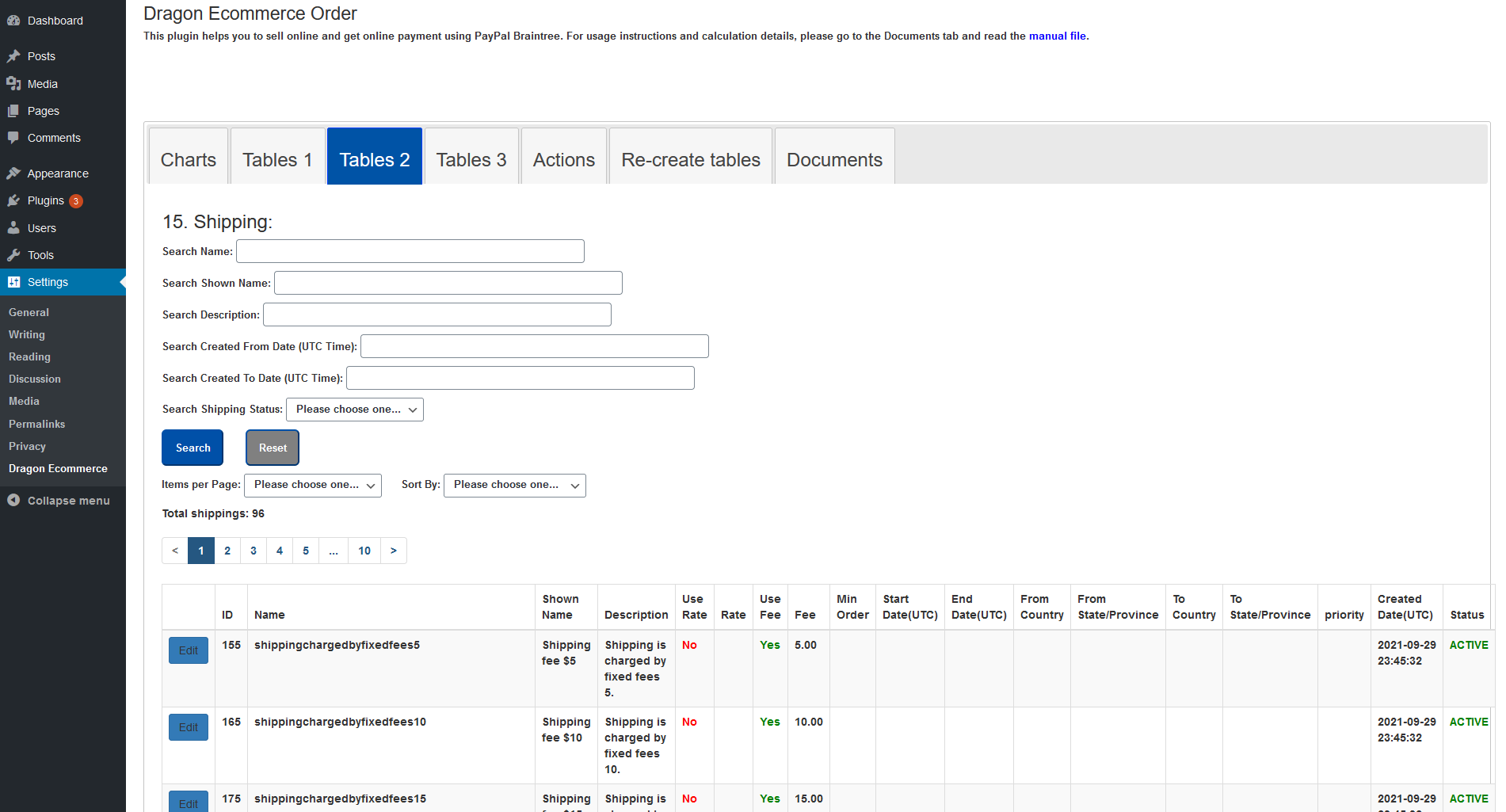
Hover on left menu’s “Settings” and you will find “Dragon Ecommerce” in the sub-menu. Click it and you will see the admin page for Dragon Ecommerce.
-
Go to this plugin’s root folder. Copy template-dragonecommerce.php to \wordpress\wp-content\themes\twentytwenty\templates folder.
-
Please refer to the document documentation_dragonecommercefree.pdf for further details.
Frequently Asked Questions
Review feed
Ecommerce plugin
Screenshots




Changelog
1.0.2
- Updated: Small changes – 1. Removed white spaces. 2. Replaced sanitize_text_field($_SERVER[‘REQUEST_URI’]) with esc_html($_SERVER[‘REQUEST_URI’]).