

Dynamic HTML Sitemap
Generate a customizable, SEO-friendly HTML sitemap to improve your website’s navigation and visibility.
Plugin info
Maintenance & Compatibility
Maintenance score
Maintained • Last updated 110 days ago • 4 reviews
Is Dynamic HTML Sitemap abandoned?
Likely maintained (last update 110 days ago).
Compatibility
Similar & Alternatives
Explore plugins with similar tags, and compare key metrics like downloads, ratings, updates, support, and WP/PHP compatibility.
Description
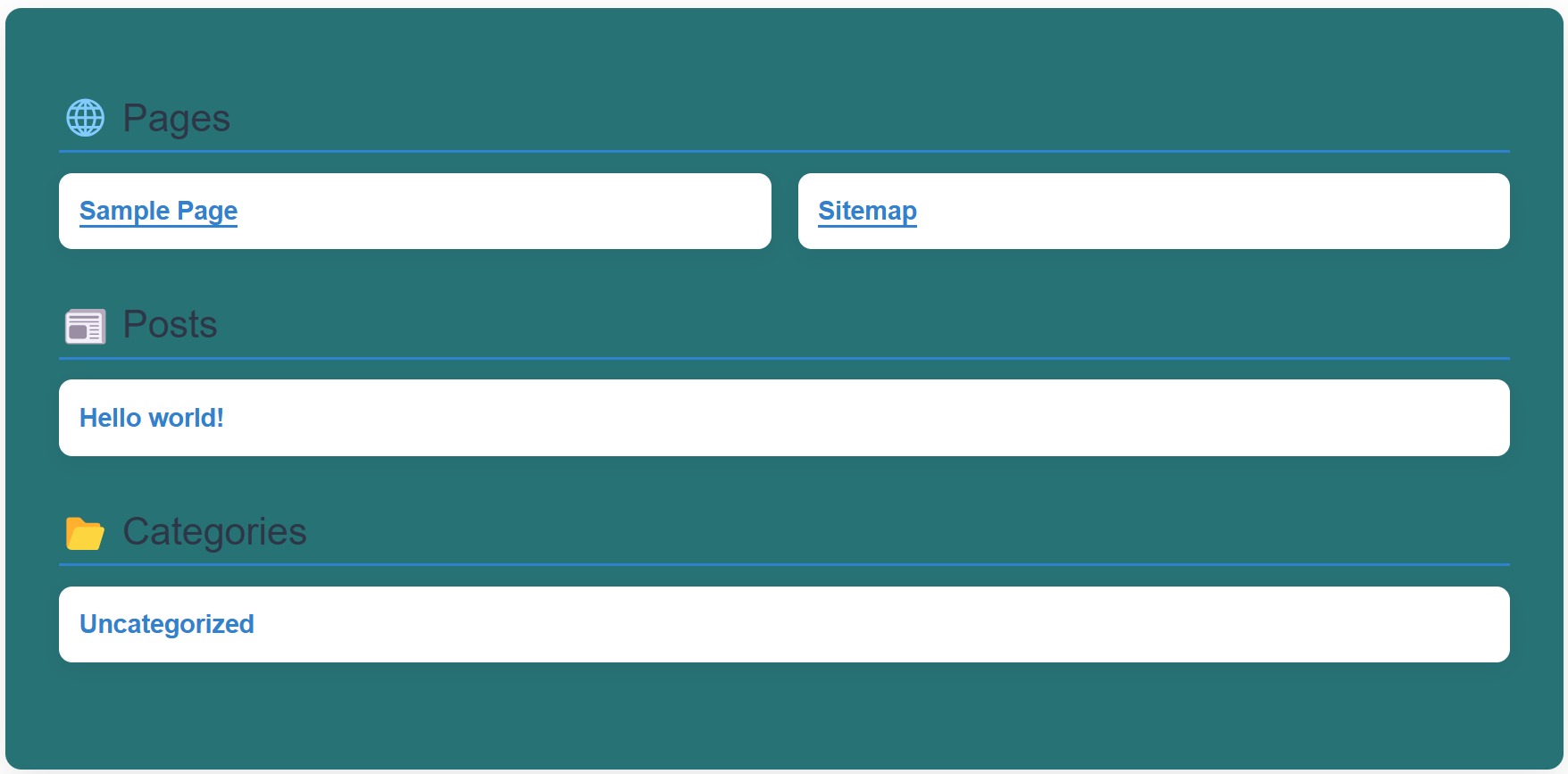
Dynamic HTML Sitemap automatically creates a user-friendly and visually appealing sitemap for your WordPress site.
It enhances usability, accessibility, and SEO by providing a clear structure of your website’s content — including pages, posts, custom post types, and categories.
🧩 Key Features
-
Customizable Design:
Easily style your sitemap to match your website’s look and feel. -
Exclude Any Content:
Exclude specific pages, posts, categories, or custom post types directly from the settings panel. -
Category Support:
Full support for WordPress categories — show or hide categories in your sitemap. -
Shortcode Integration:
Display the sitemap anywhere using the[dynamic_sitemap]shortcode. -
SEO Friendly:
Boost your site’s SEO by making your content hierarchy crawlable. -
Lightweight & Fast:
Clean, optimized code built for speed and performance.
🎨 Perfect for:
- Large content-heavy websites
- Business or service sites
- Blogs that need better discoverability
- Developers building flexible sitemap solutions
Installation
- Upload the
dynamic-html-sitemapfolder to the/wp-content/plugins/directory. - Activate the plugin via the Plugins menu in WordPress.
- Configure settings under Settings Dynamic HTML Sitemap.
- Insert the sitemap anywhere using:
Frequently Asked Questions
An HTML sitemap is a user-friendly, structured representation of your website’s content, helping both visitors and search engines navigate more efficiently.
Go to the plugin settings in the WordPress admin panel, where you can select specific pages, posts, or custom post types to exclude.
Yes, you can style the sitemap using custom CSS to align it with your website’s design.
Yes, Dynamic HTML Sitemap is designed to work seamlessly with most WordPress themes.
Review feed
Really Simple to use
Screenshots

Changelog
1.0
- Initial release with customizable sitemap generation, exclusion options, and shortcode support.
1.2
- Improved admin design for better user experience.
- Added title color customization.
- Fixed minor bugs and optimized performance.