
Easy Accordion Block
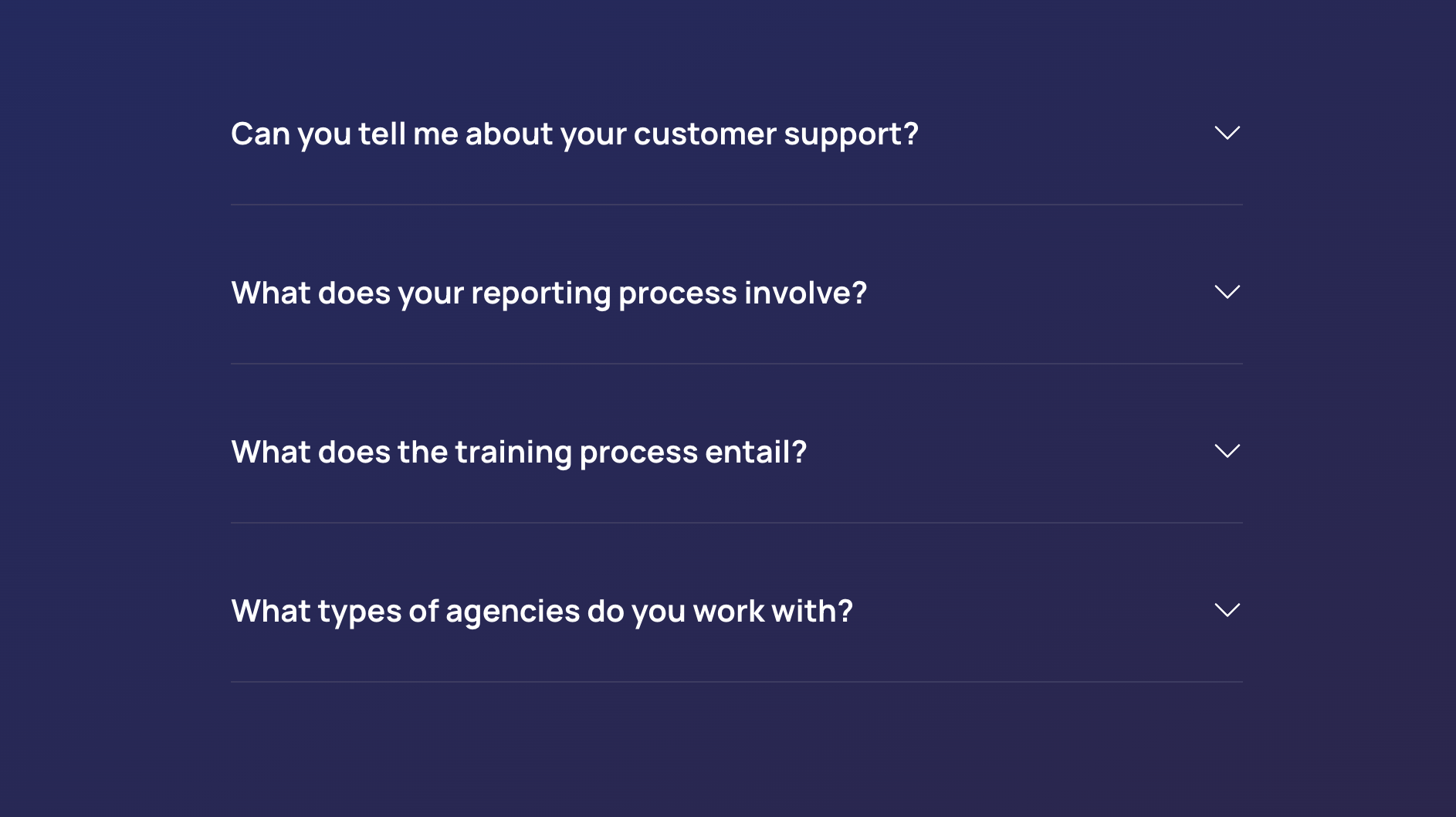
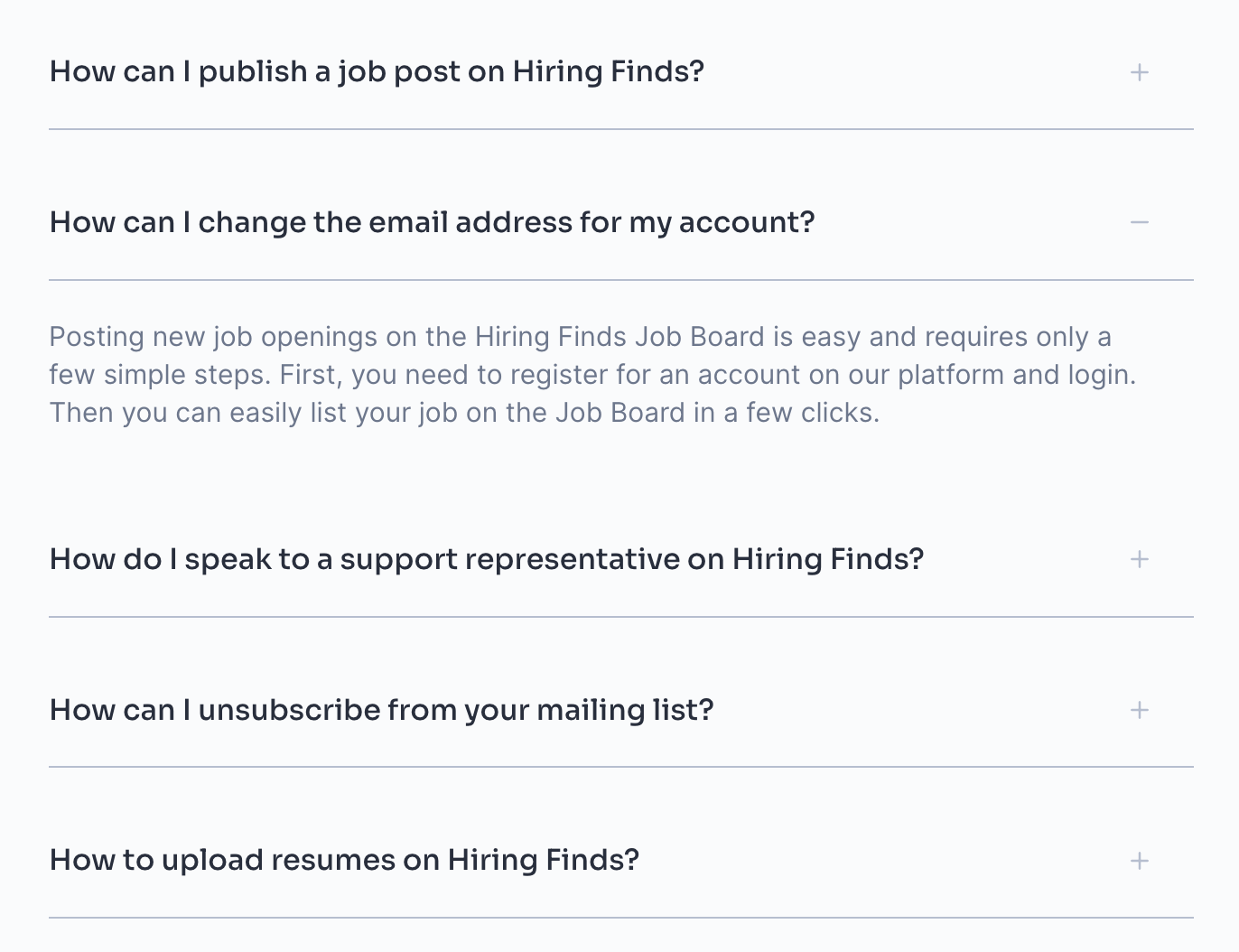
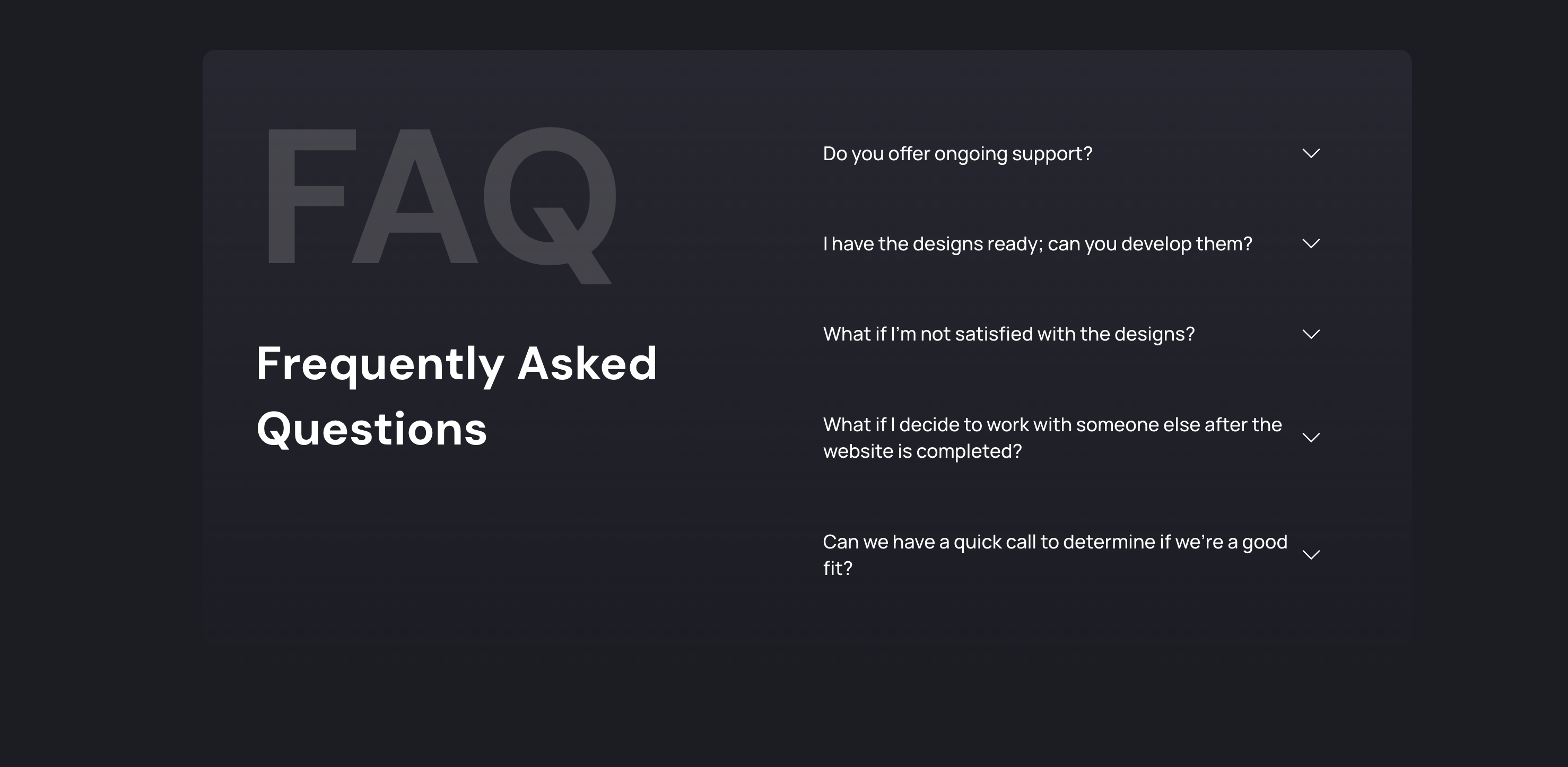
Easy Accordion Block allows you to create an accordion or a FAQs section in Gutenberg editor easily.
Plugin info
Maintenance & Compatibility
Maintenance score
Maintained • Last updated 141 days ago • Support resolved 0% • 16 reviews
Is Easy Accordion Block abandoned?
Likely maintained (last update 141 days ago).
Compatibility
Languages
Similar & Alternatives
Explore plugins with similar tags, and compare key metrics like downloads, ratings, updates, support, and WP/PHP compatibility.
Description
Easy Accordion Block – Create Stunning & Responsive Accordions Effortlessly
Easy Accordion Block is a lightweight and powerful Gutenberg block that allows you to create beautiful accordion sections or FAQ sections without writing a single line of code! Built with Gutenberg native components, this block ensures seamless integration with the WordPress block editor and works flawlessly with any WordPress theme.
Video Tutorial
🚀 Why Choose Easy Accordion Block?
✅ Fast & Lightweight – Loads scripts only on pages where the block is used, ensuring better performance.
✅ Highly Customizable – Adjust the accordion’s design, colors, icons, and layout to match your website’s aesthetics.
✅ No Coding Required – Drag, drop, and customize accordion items effortlessly within the block editor.
✅ Works with Any Theme – Fully compatible with all WordPress themes.
✅ SEO & Accessibility Friendly – Designed with best practices for performance and user experience.
✨ Key Features
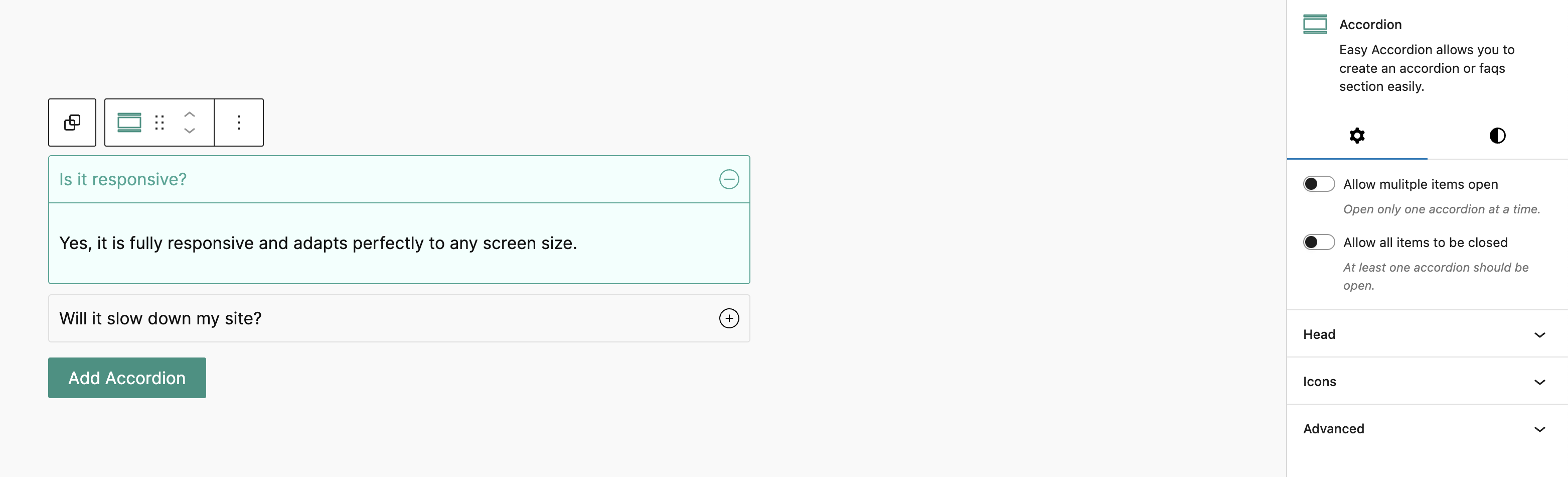
- Single & Multiple Accordion Items Opened at Once – Control how accordion items behave.
- Keep Accordion Active on Load – Set default open items for better user interaction.
- Allow Closing All Accordion Items – Users can collapse all accordions for a cleaner view.
- Nested Accordion Support – Create multi-level accordions effortlessly.
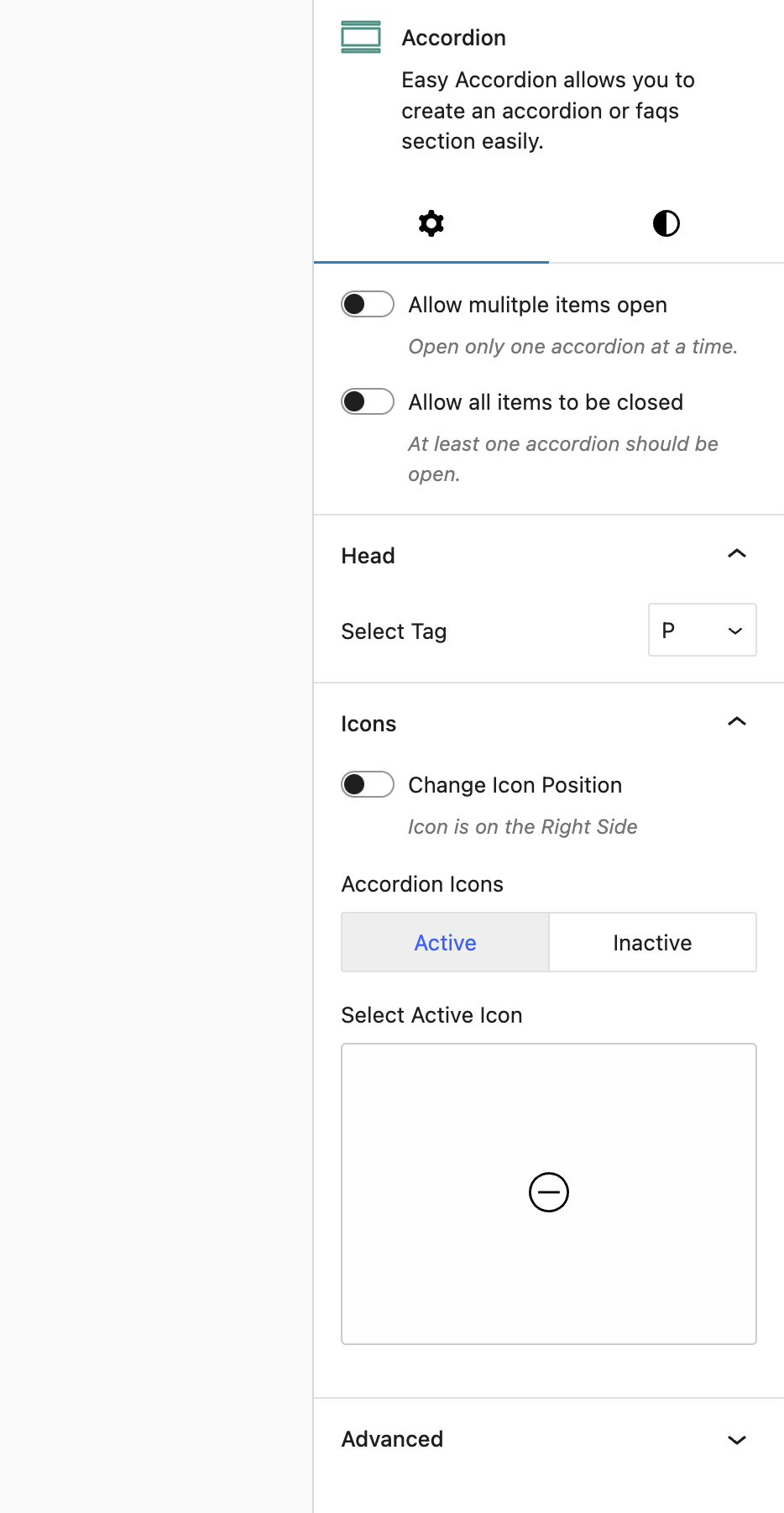
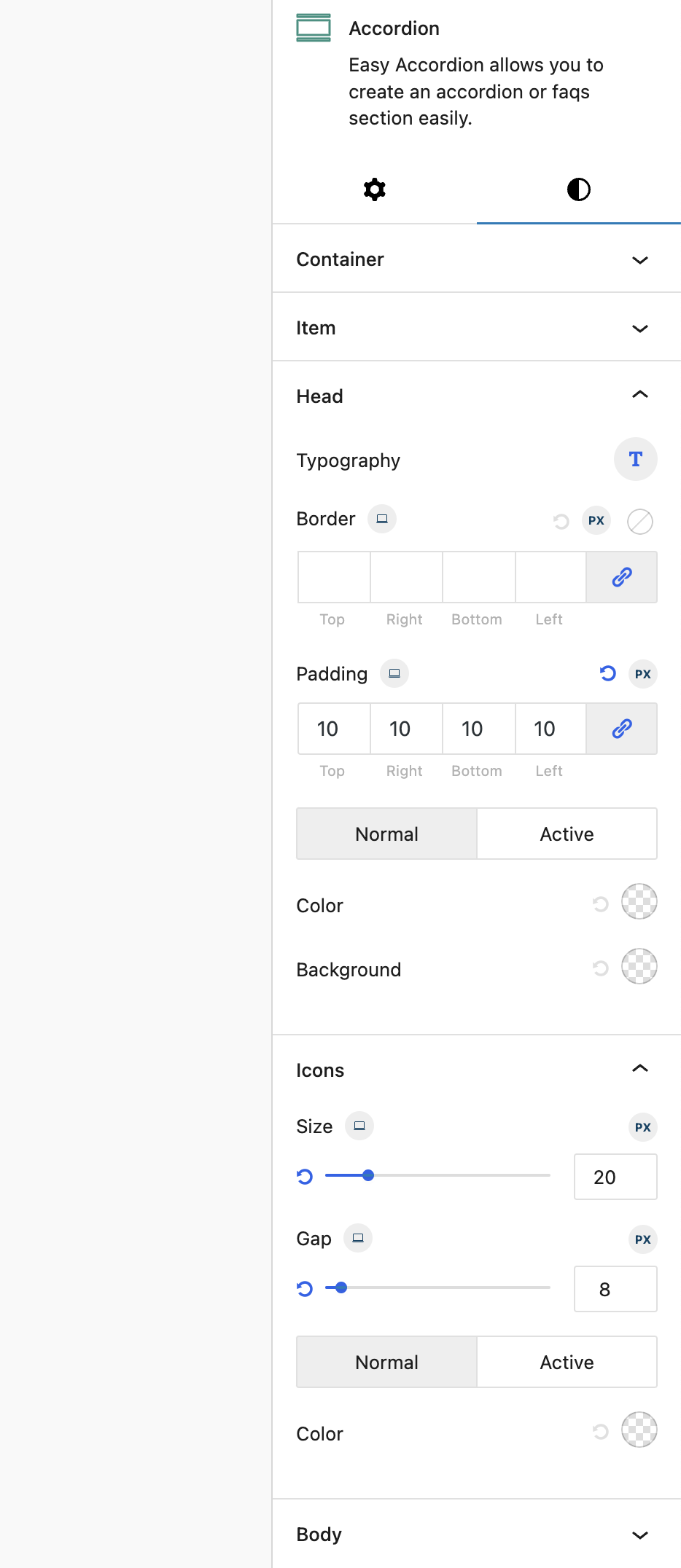
- Customizable Icons – Choose from 100+ SVG icons for active and inactive states.
- Add Any Block as Accordion Content – Embed images, videos, or even other blocks inside accordion items.
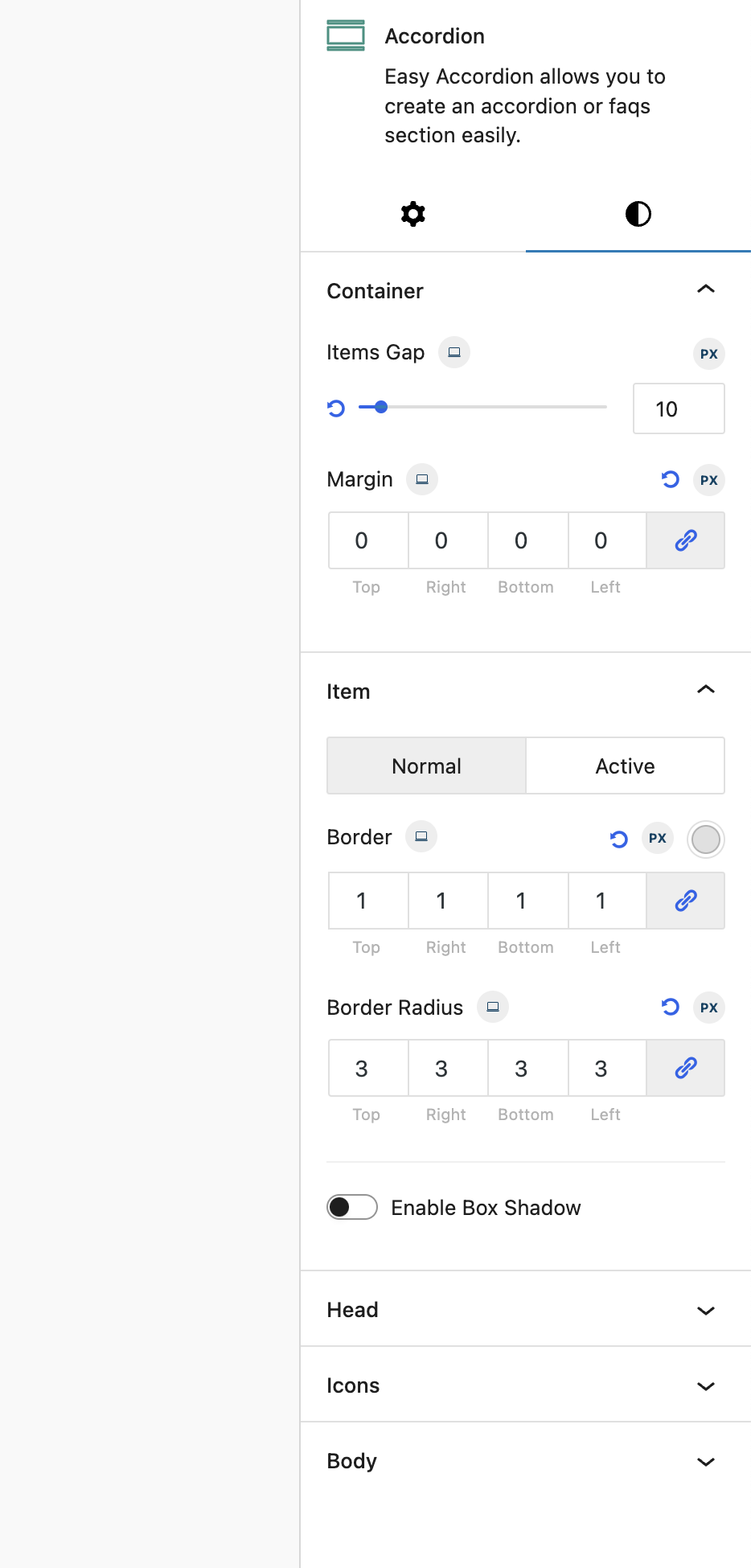
- Smart Styling Options – Adjust colors, margins, padding, and use theme color palettes for seamless design integration.
- Unlimited Accordion Items – Add as many accordions as you need.
- Fully Responsive – Looks great on desktop, tablet, and mobile devices.
- Accessibility Enabled – Ensures a better user experience for all visitors.
Whether you’re building FAQs, product feature sections, or collapsible content areas, Easy Accordion Block makes it simple and efficient.
👉 Download now and start creating beautiful accordions in seconds!
🌟 Pro Features
- Schema Markup
- Badge
- Image Accordion
- Load More
- Search
- All Open/Close
- Linked
- Disable Accordion
- QA Style
- Content Folding
- 3 Activator Events (Click, Hover, Autoplay)
- Check List Layout
- Step Layout
- Sub heading
- Heading icon
- Header Bar
- Custom Icon/Image
Installation
This section describes how to install the plugin and get it working.
e.g.
- Upload the plugin files to the
/wp-content/plugins/easy-accordion-blockdirectory, or install the plugin through the WordPress plugins screen directly. - Activate the plugin through the ‘Plugins’ screen in WordPress
- Use the Settings->easy-accordion-block screen to configure the plugin
- (Make your instructions match the desired user flow for activating and installing your plugin. Include any steps that might be needed for explanatory purposes)
Frequently Asked Questions
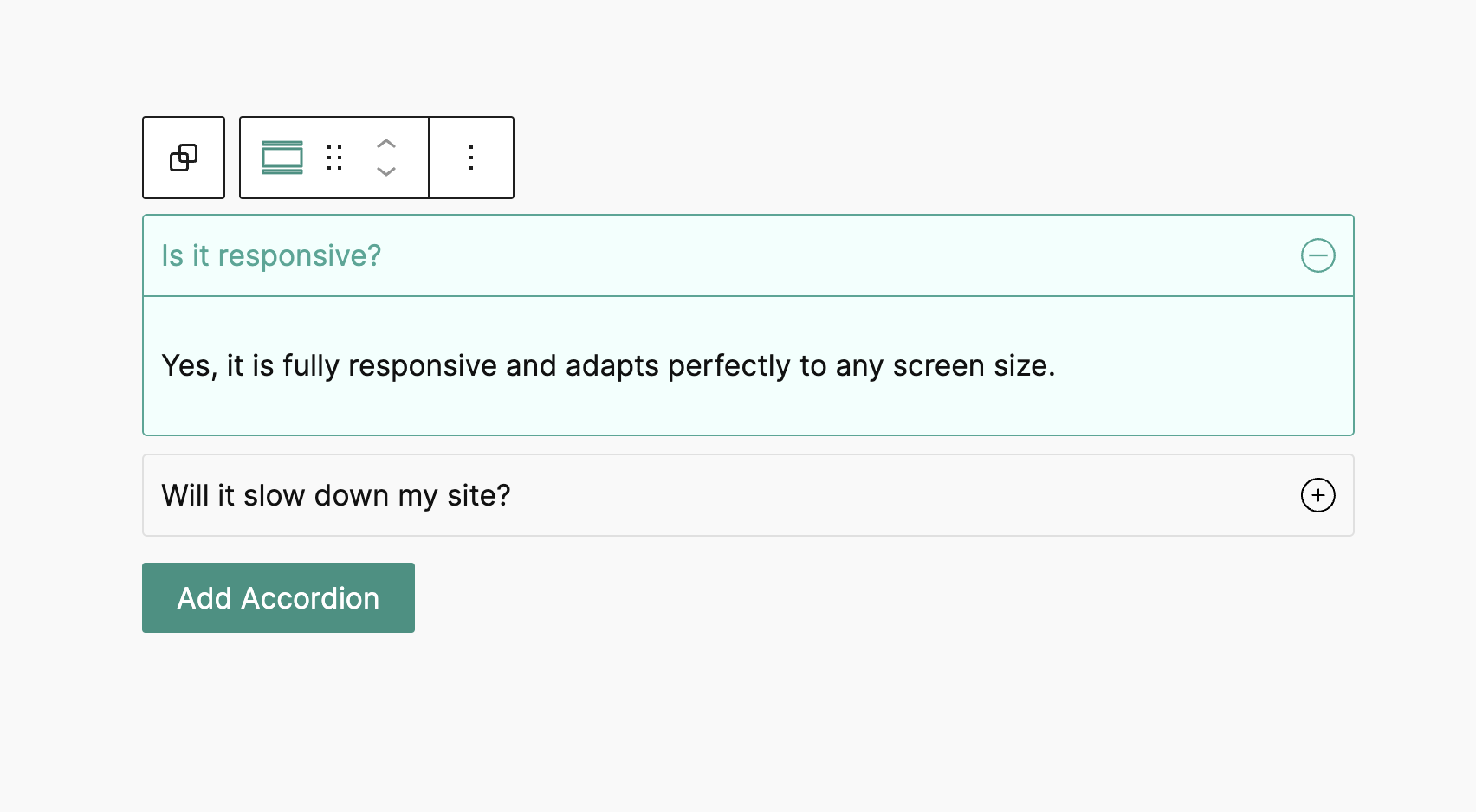
Yes, it is fully responsive and adapts perfectly to any screen size.
Never, it is lightweight and only loads scripts on the pages where the block is used, ensuring optimal performance.
Yes, you can add any block or content as accordion content, providing great flexibility.
Yes, you have the option to allow single or multiple accordion items to be open simultaneously.
Yes, the plugin allows you to keep specific accordion items active when the page loads.
Yes, nested accordions are fully supported, allowing you to create complex structures easily.
Absolutely! The plugin offers highly customizable options, including custom margins, padding, colors, and more.
You can add an unlimited number of accordion items, making it suitable for any content length.
Yes, it includes 50+ SVG icons for both active and inactive accordion states, giving you plenty of design options.
Yes, it is developed using Gutenberg Native Components, ensuring seamless integration with the WordPress block editor.
Yes, the plugin is accessibility-enabled, making it usable for all users, including those with disabilities.
Yes, the plugin provides options to apply custom styles specifically for active accordion items.
Yes, you can easily use your theme’s color palette for a consistent design across your website.
Review feed
A great effort
Screenshots

Changelog
1.4.1
- Subheading and heading icon issues are fixed
1.4.0
- Compatibility check with the latest pro version
1.3.9
- Added: Heading icon style is added
1.3.8
- Fixed: Uncaught TypeError: Cannot read properties of undefined (reading ‘length’)
1.3.7
- Making compatible with WordPress 6.8 & new pro block
1.3.6
- Fixed: REM/EM unit fraction value issue fixed
- Fixed: Nested Accordion issue fixed
1.3.5
- Improved: Dynamic style are minified and optimized
1.3.4
- Info: Pro features are integrated
1.3.3
- Added: Border Radius for header and content, margin for content
- Added: Option to override style for nested accordion
- Added: Hover style option for item, title, header
1.3.2
- Fixed: SVG icon color issue
1.3.1
- Fixed: PHP Fatal Errors
1.3.0
- New Feature: Nested Accordion
- New Feature: Allow to close all accordion items
- New Feature: Able to close accordion in editor view
- New Feature: Responsive device support
- New Feature: Accessibility improvements
- New Feature: Added 50+ SVG icons for active & inactive accordion
- New Feature: Typography options for accordion title
- Improved: Add new accordion item button
- Improved: Title and icon gap option
- Fixed: multiple accordion items opened at a time issue
- Support: Gutenberg Built-in custom Class for block
- Support: Gutenberg built-in anchor for block
- Removed: Custom option for adding custom class to the block
- Removed: Custom option for adding custom ID to the block
- Compatibility: WordPress 6.7.1 compatible
1.2.2
- Fixed: tabindex Accessibility
1.2.1
- Fixed: Accordion Initial Editor style issues
- Update: Version compatible with WordPress 6.4.x
1.1.0
- Fixed: Styles related PHP errors are fixed
- New Feature: multiple accordion items opened at a time
1.0.4
- Fixed: Load scripts only on the pages where the block is used
1.0.3
- Fixed: Active accordion issue fixing
- Fixed: Editor styles issue fixing
1.0.1
- Update: Redirection to the plugin page after activation
1.0.0
- Initial Release