

Plugin info
Maintenance & Compatibility
Maintenance score
Possibly abandoned • Last updated 609 days ago • 1 reviews
Is Easy Progressive Web App abandoned?
Possibly abandoned (last update 609 days ago).
Compatibility
Similar & Alternatives
Explore plugins with similar tags, and compare key metrics like downloads, ratings, updates, support, and WP/PHP compatibility.
Description
Easy Progressive Web App by QeApps is plugin that will help Store owner to convert their WebStore into Mobile App with out need to pay any royalties or fees for listing on Android Play Store or iOS App store.
Features
This plugin helps you detect exact number of:
1) Improve Sales and Conversion :
With Easy PWA, the app shortcut makes it easy for your visitors to spend more time on your PWA. This translates to increased session time and a good shopping experience from your ‘app’.
2) Better Customer Retention
No need to remember the webstore address. With a simple tap, the webstore is saved as a shortcut on the visitors’ devices as an ‘app’ and your customers can begin shopping.
3) Cost-effective than Native app development
Not only does it cost 33% less to maintain a PWA, but you also don’t need any expensive app development.
4) Responsive PWA Fullscreen user experience irrespective of the device screen resolution.
Basic Usage
PWA is the latest advancement in mobile browsing, where the user can save certain websites on their device to function as a standalone app. Easy PWA not only improves the customer shopping experience but is beneficial for store owner’s business also.
WordPress Installation
- Visit WordPress Admin > Plugins > Add New
- Search for ‘Easy Progressive Web App’
- Click “Install Now” and then “Activate” Easy Progressive Web App
To install manually:
- Upload easy-progressive-web-app folder to the /wp-content/plugins/ directory on your server
- Go to WordPress Admin > Plugins
- Activate Easy Progressive Web App plugin from the list.
Installation
To install this plugin:-
- Install the plugin through the WordPress admin interface, or upload the plugin folder to /wp-content/plugins/ using FTP.
- Activate the plugin through the ‘Plugins’ screen in WordPress.
- Go to WordPress Admin > Easy PWA
Frequently Asked Questions
Review feed
Screenshots
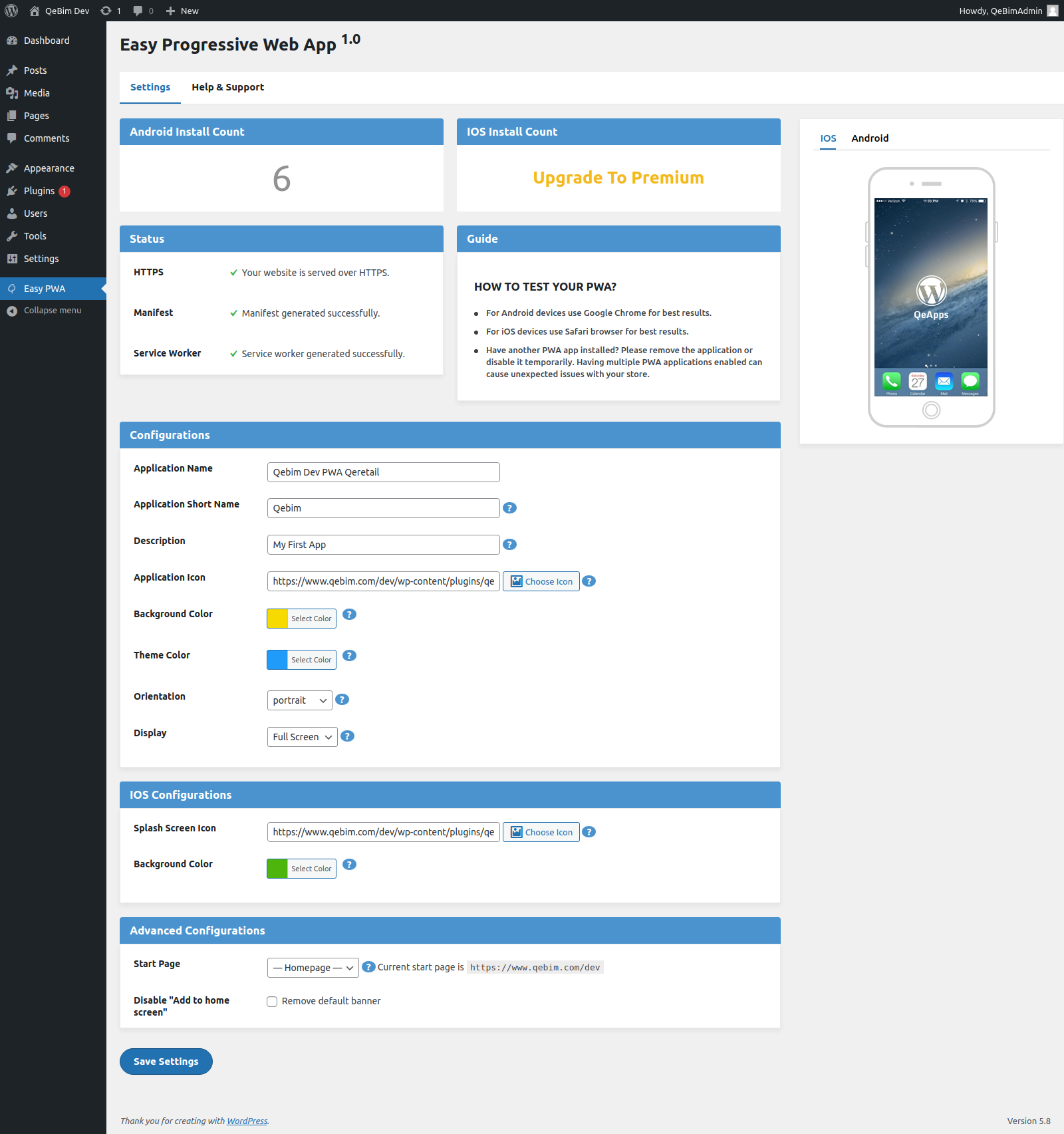
Settings page in WordPress Admin > Easy PWA