

Easy Resources Page
Create a resources page with almost no effort. Group assets together in the media library, display them in accordions using the custom page template.
Plugin info
Maintenance & Compatibility
Maintenance score
Possibly abandoned • Last updated 1415 days ago
Is Easy Resources Page abandoned?
Possibly abandoned (last update 1415 days ago).
Compatibility
Similar & Alternatives
Explore plugins with similar tags, and compare key metrics like downloads, ratings, updates, support, and WP/PHP compatibility.
Description
Easy Resources Page creates a ‘Resource’ custom taxonomy so it’s easy to group Media Library assets. It includes a custom page template to automatically display your resources inside accordions on the front end. This means that you can create an organised downloads or resources page with almost no effort.
Here’s how to use the plugin:
-
Add a Resource. Go to Media => Resource. Fill in the Name, Slug, Description & click ‘Add New Resource’. For example…
- Name ‘Press Releases’
- Slug ‘press-releases’
- Description: ‘This is optional…’
-
To assign items to your ‘Press Releases’ resource open the Media Library, click on the item you want to add, click “Edit More Details”. Tick the ‘Press Releases’ box to assign the item.
-
Now select the ‘Resources Template (Plugin)’ template on the page you want to use. That’s it!
Installation
Frequently Asked Questions
Review feed
Screenshots
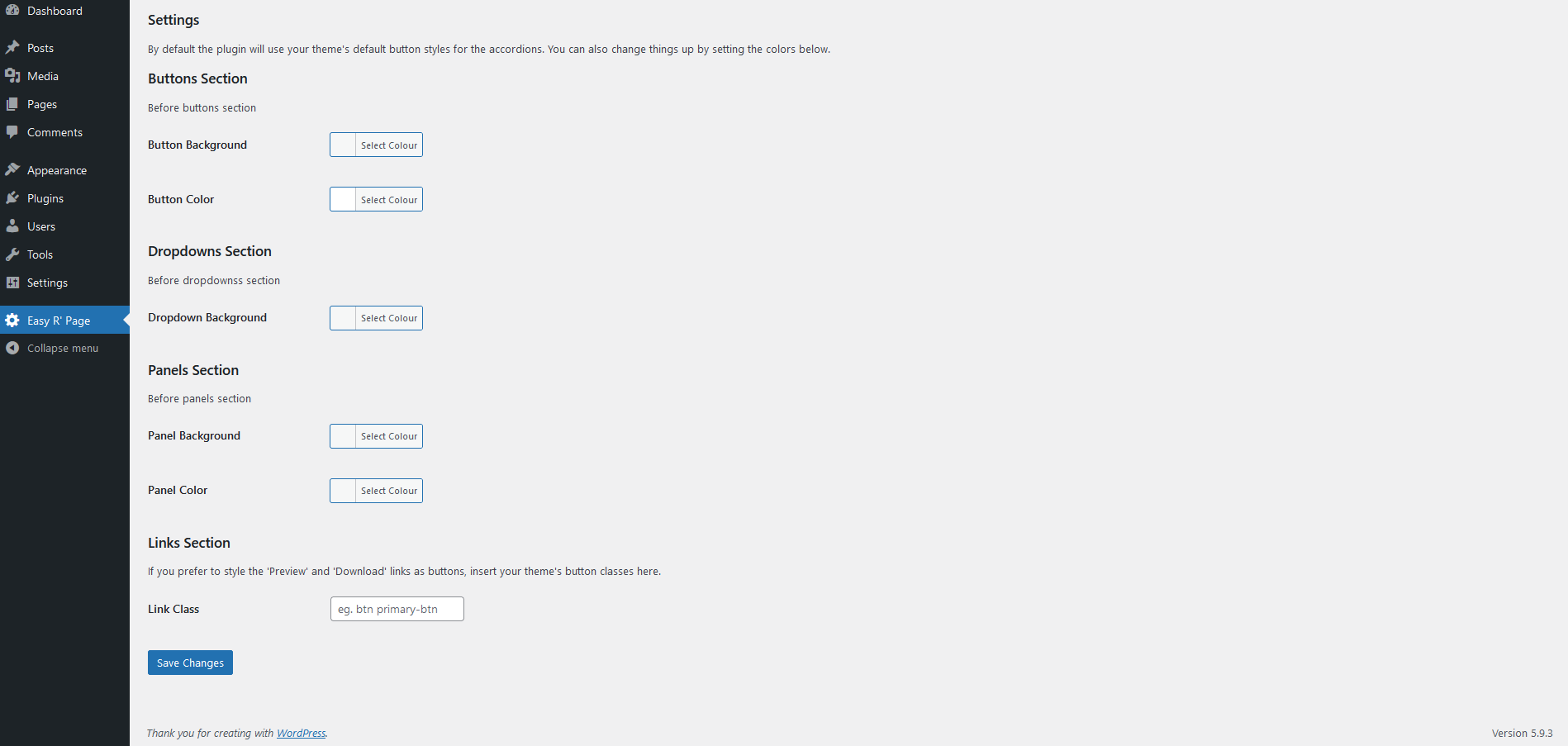
Plugin settings page.

With Twenty Nineteen Theme - default settings.

With Twenty Twenty Theme - default settings.

With Twenty Twenty-One Theme - default settings.