

WP CTA – sticky CTA builder, generate leads, promote sales
WordPress Call To Action plugin that helps promote content, increase sales and generate leads. It's easy to use and comes with 3 customizable tem …
Plugin info
Maintenance & Compatibility
Maintenance score
Stale • Last updated 213 days ago • 7 reviews
Is WP CTA – sticky CTA builder, generate leads, promote sales abandoned?
Likely maintained (last update 213 days ago).
Compatibility
Similar & Alternatives
Explore plugins with similar tags, and compare key metrics like downloads, ratings, updates, support, and WP/PHP compatibility.
Description
WP CTA is a powerful and easy-to-use WordPress plugin designed to help you create compelling call-to-action elements that drive conversions, increase sales, and generate leads.
Key Features
- 3 Pre-built Templates: Choose from banner, sticky sidebar, and HTML templates
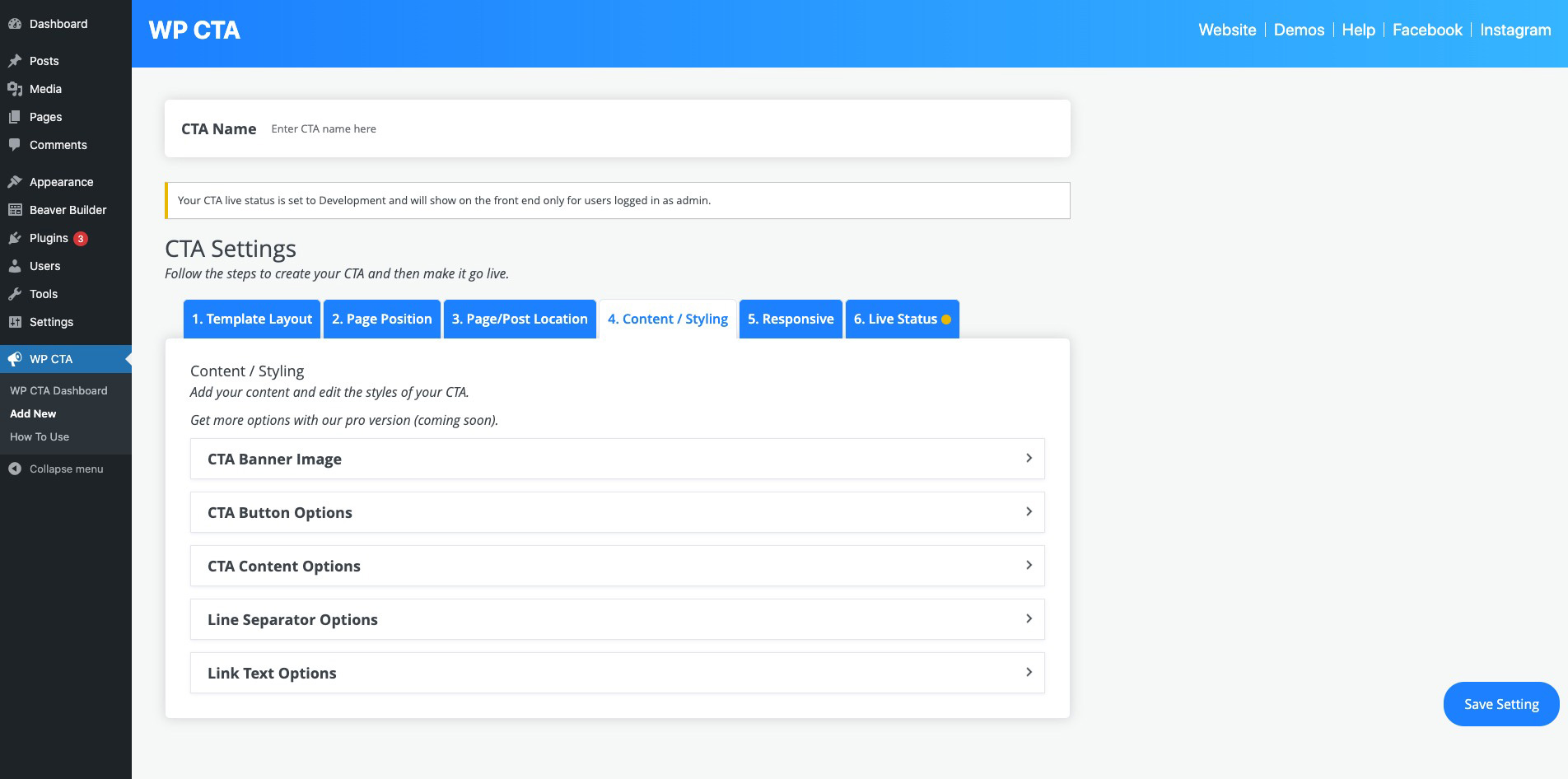
- Easy Customization: Customize colors, fonts, positioning, and content
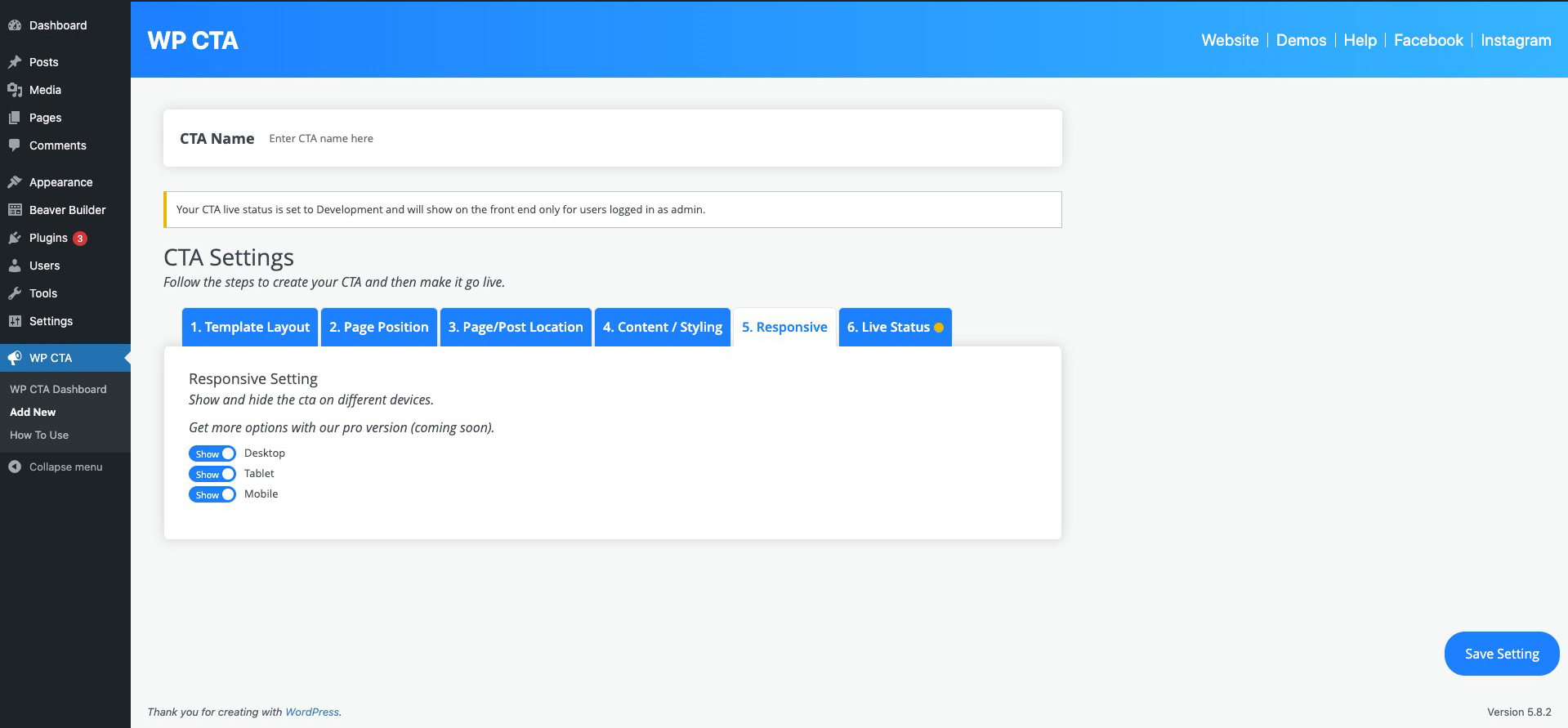
- Responsive Design: Works perfectly on all devices
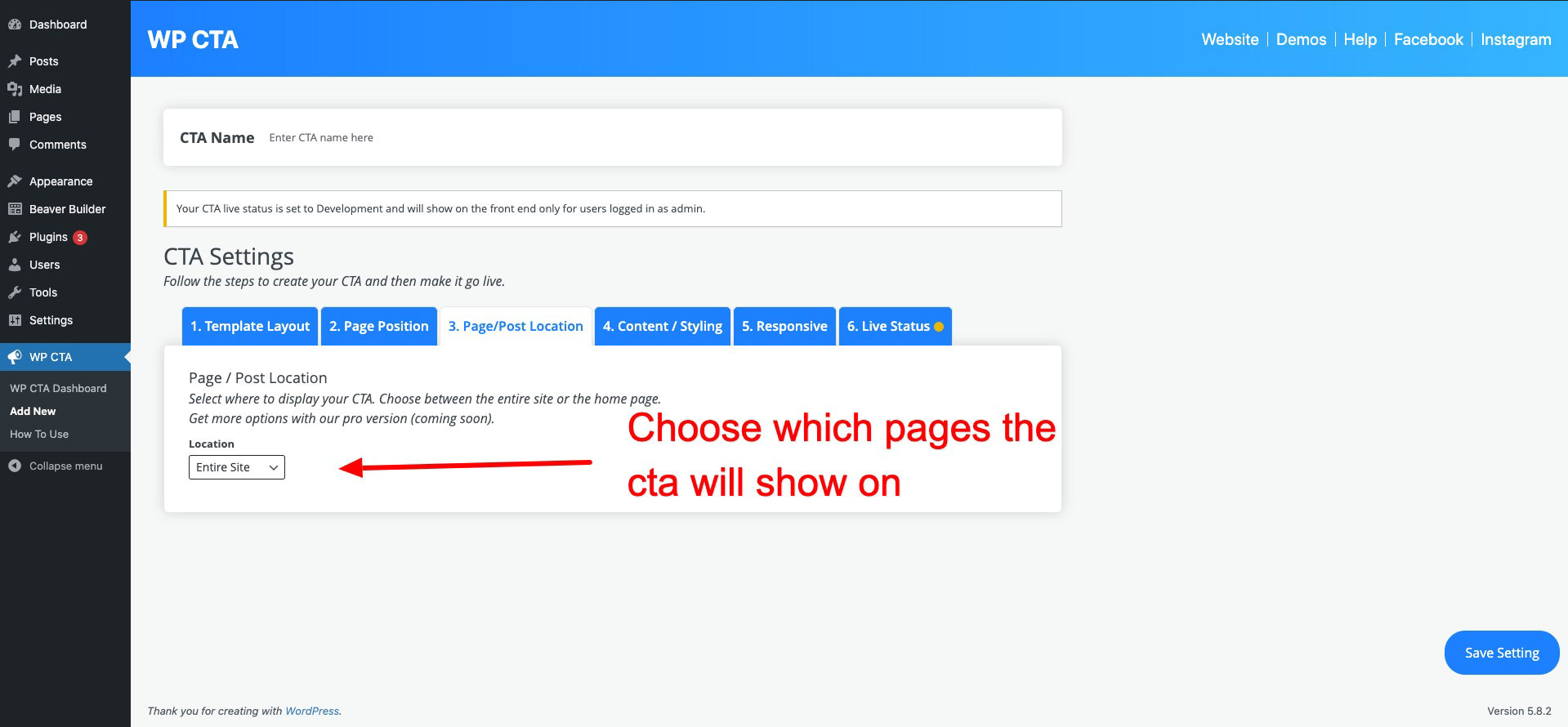
- Page Targeting: Display CTAs on specific pages or site-wide
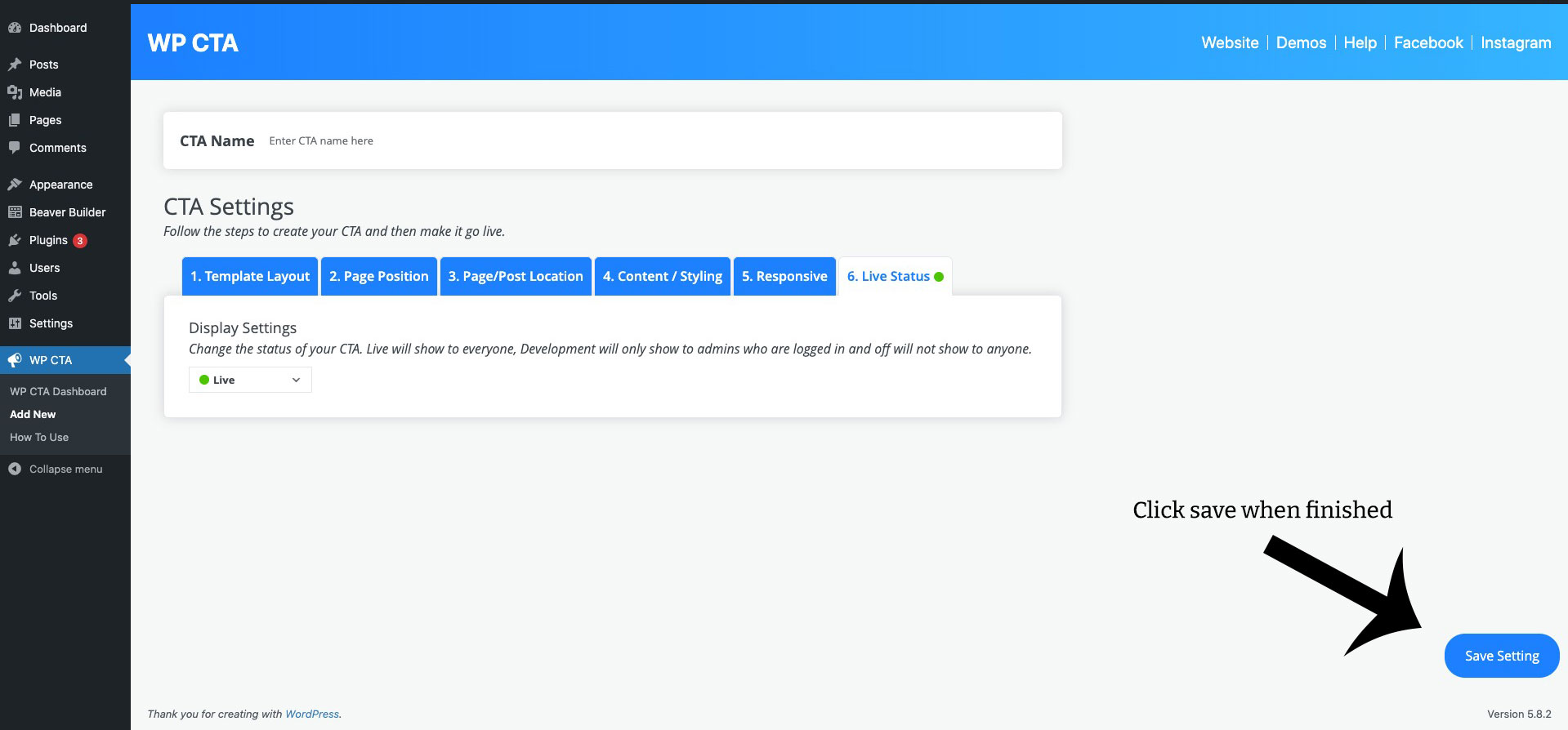
- Development Mode: Test your CTAs before going live
- No Coding Required: User-friendly interface for easy setup
Perfect For
- E-commerce websites
- Lead generation campaigns
- Affiliate marketing
- Content promotion
- Newsletter signups
- Product launches
- Special offers and discounts
Templates Included
- Banner Template: Eye-catching top/bottom banners
- Sticky Sidebar: Persistent sidebar CTAs
- HTML Template: Fully customizable HTML CTAs
Easy Setup
- Install and activate the plugin
- Create your first CTA
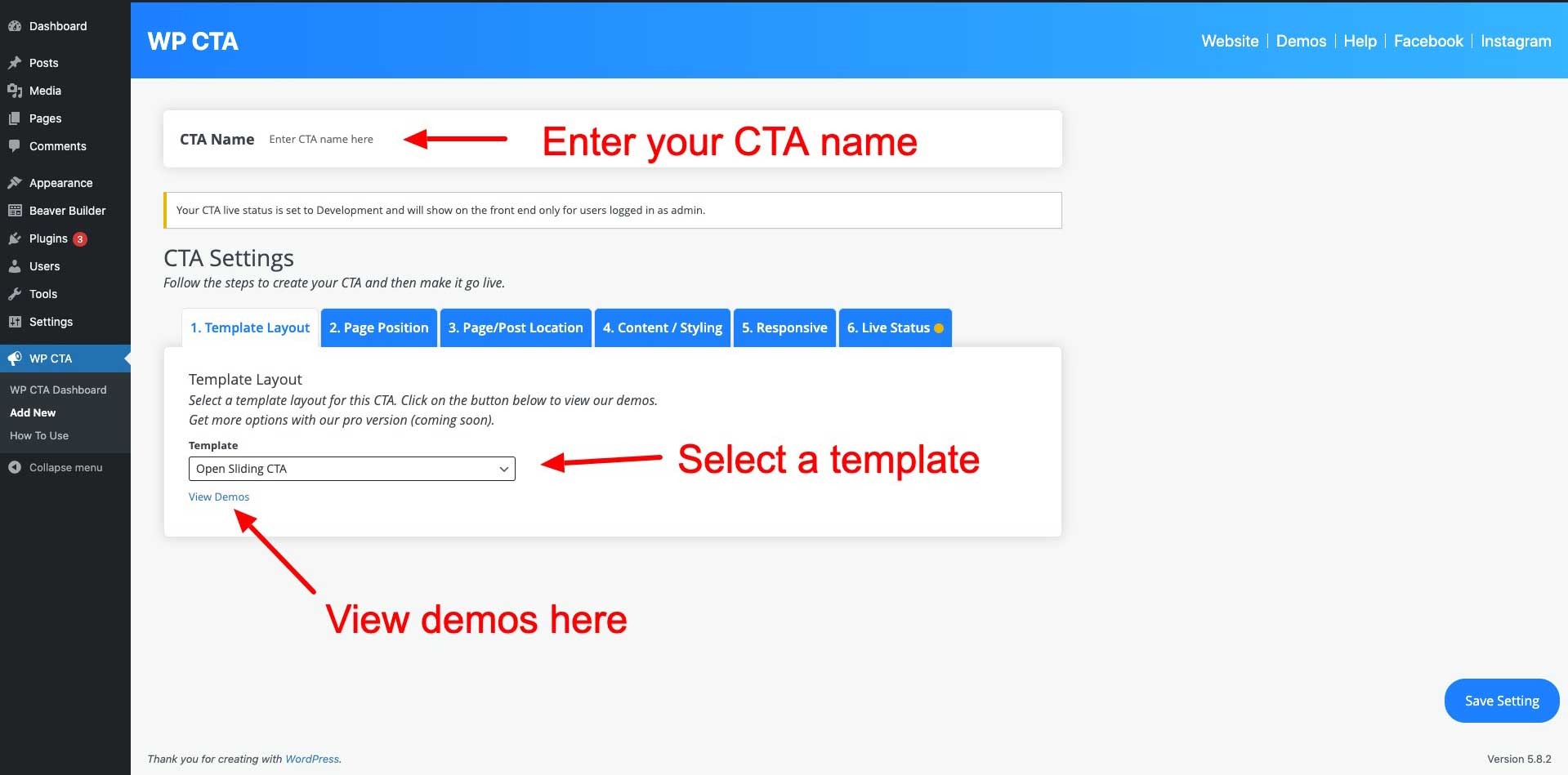
- Choose a template
- Customize design and content
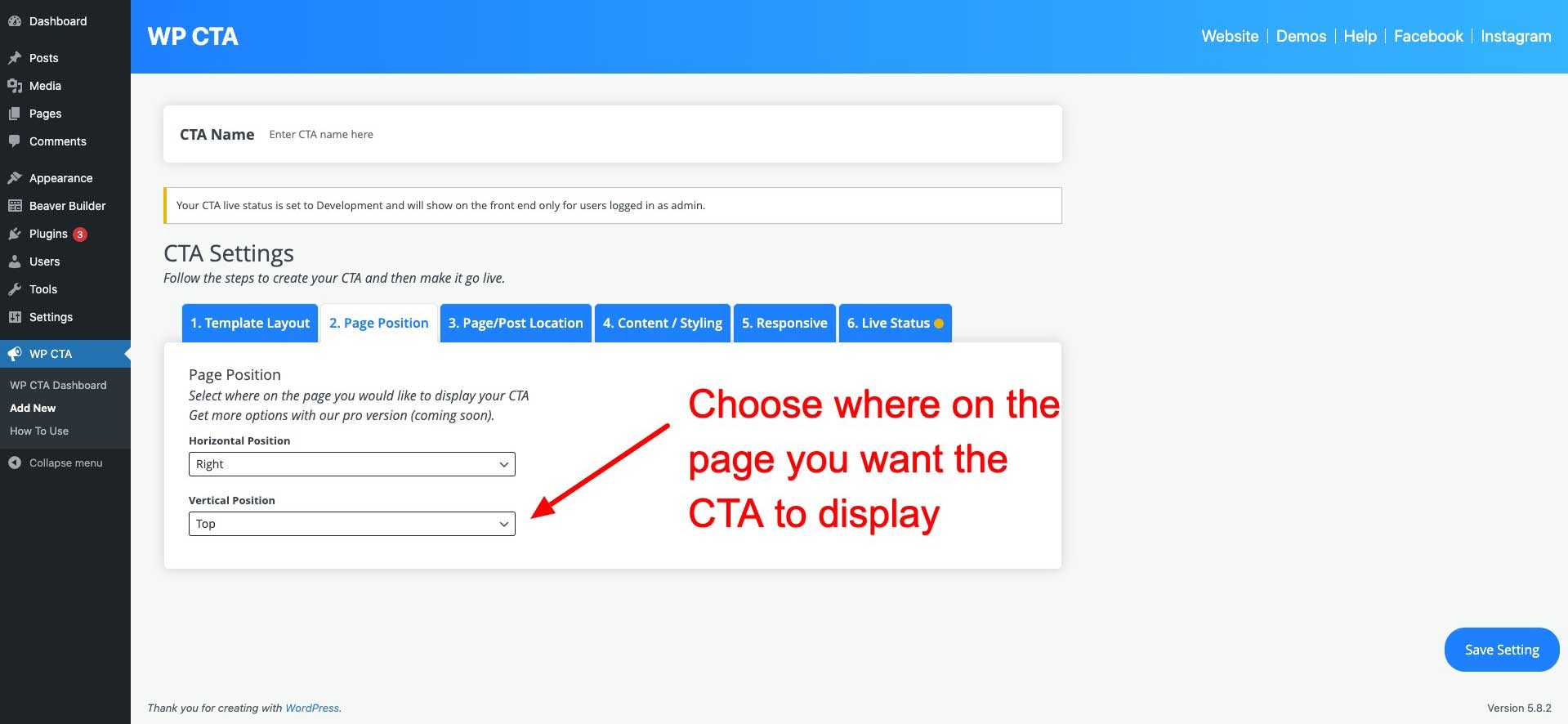
- Set display conditions
- Publish and track results
Pro Version Available
Upgrade to WP CTA Pro for advanced features:
- Unlimited CTAs
- Advanced targeting options
- A/B testing
- Click tracking and analytics
- Custom CSS editor
- Priority support
- And much more!
Support
For support, please visit our support page or contact us at [email protected].
Pro Version
Upgrade to WP CTA Pro for advanced features and priority support.
Installation
- Upload the plugin files to the
/wp-content/plugins/easy-sticky-sidebardirectory, or install the plugin through the WordPress plugins screen directly. - Activate the plugin through the ‘Plugins’ screen in WordPress
- Use the WP CTA menu to configure the plugin
Frequently Asked Questions
The free version allows you to create up to 3 CTAs.
Yes! You can customize colors, fonts, positioning, and other design elements through the easy-to-use interface.
Yes, all templates are fully responsive and work perfectly on desktop, tablet, and mobile devices.
Yes, you can choose to display your CTAs on specific pages, posts, or site-wide.
No! The plugin is designed to be user-friendly and doesn’t require any coding knowledge.
Yes! WP CTA Pro offers advanced features like unlimited CTAs, A/B testing, analytics, and more.
Review feed
best Sidebar plugin IMO
Screenshots

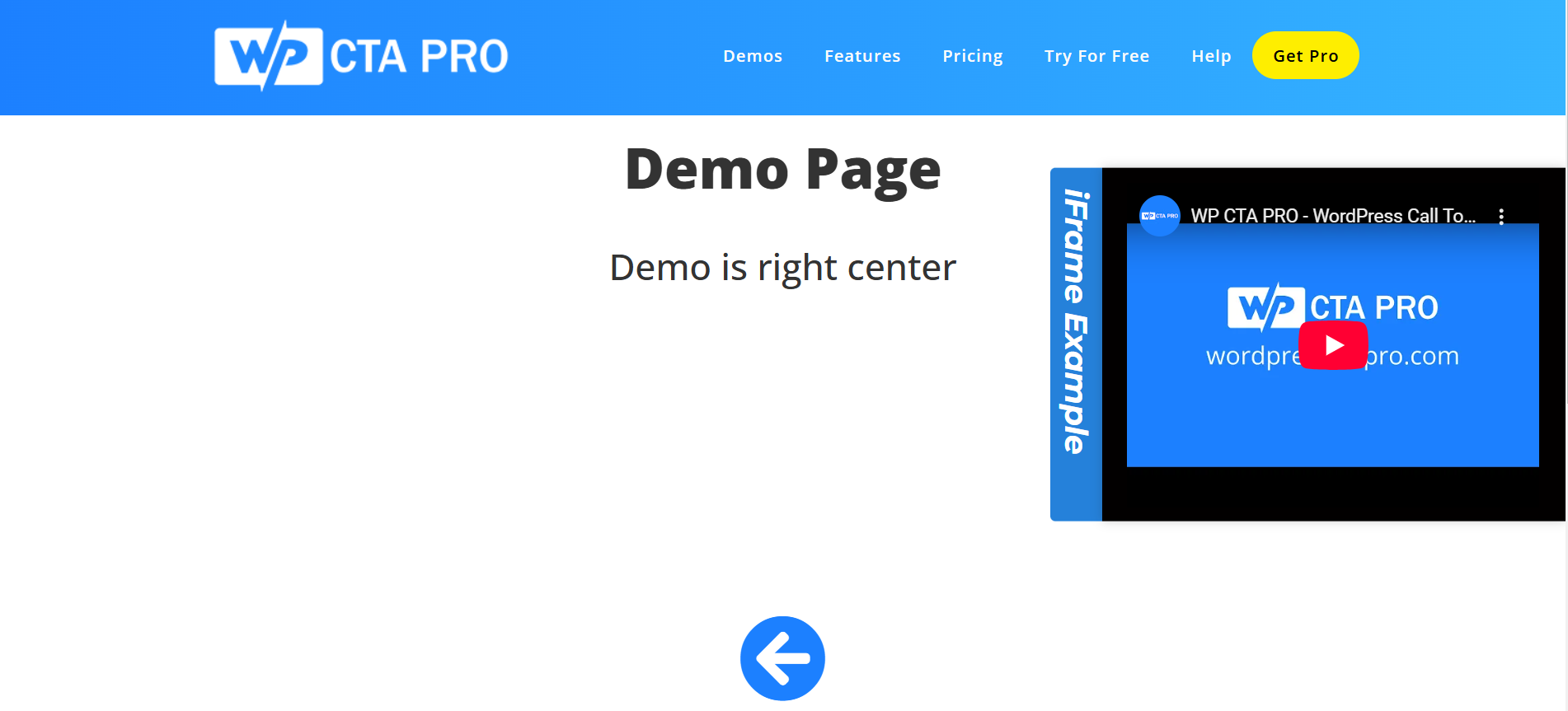
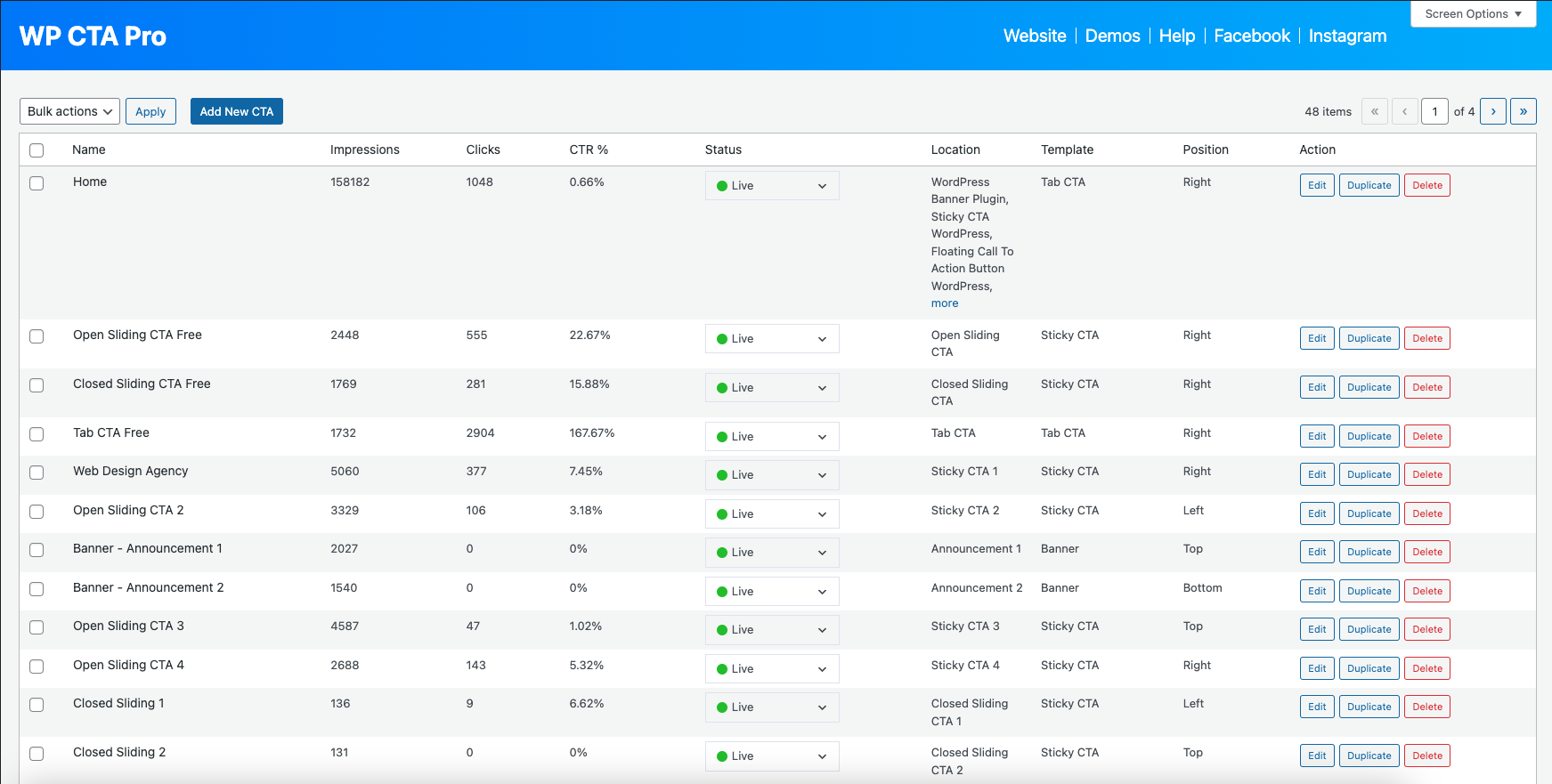
Plugin dashboard
CTA creation interface

Template selection
Design customization
Page targeting options
Changelog
1.7.4
- Minor security enhancements
- Updated plugin name for better clarity
1.7.3
- Fixed fatal error in import/export functionality
- Resolved PHP 8.2+ deprecation warnings
- Improved import success messages with count display
- Enhanced error handling for media file imports
- Fixed protected property access issues
- Updated compatibility to WordPress 6.8
- Improved overall stability and performance
1.7.2
- Fixed compatibility issues with WordPress 6.7
- Improved performance and stability
- Enhanced user interface
- Bug fixes and improvements
1.7.1
- Initial release
- 3 customizable templates
- Basic targeting options
- Responsive design