

Easy SVG Upload
The easiest way to upload svg image file in your WordPress Site.
Plugin info
Maintenance & Compatibility
Maintenance score
Maintained • Last updated 178 days ago
Is Easy SVG Upload abandoned?
Likely maintained (last update 178 days ago).
Compatibility
Languages
Similar & Alternatives
Explore plugins with similar tags, and compare key metrics like downloads, ratings, updates, support, and WP/PHP compatibility.
Description
Easy SVG Upload is your go-to solution for safely enabling SVG uploads in WordPress. This powerful plugin empowers you to seamlessly incorporate SVG files into your website, all while ensuring they are meticulously sanitized to thwart any potential SVG/XML vulnerabilities that could compromise your site’s security. Additionally, Easy SVG Upload offers the convenience of previewing your uploaded SVGs directly in the media library, across all views.
With Easy SVG Upload, you can confidently embrace the creative potential of SVG files within your WordPress site, all within a secure and user-friendly environment.
Contributing & Bug Report
Bug reports and pull requests are welcome on Github.
Installation
From within WordPress
- Visit ‘Plugins > Add New’
- Search for ‘Easy SVG Upload’
- Activate Easy SVG Upload from your Plugins page.
- Go to Settings > Easy SVG Upload
- Enable Easy SVG Upload
- That’s all.
Manual Installation
- Upload the
easy-svg-uploadfolder to the/wp-content/plugins/directory - Activate the Powered Cache plugin through the ‘Plugins’ menu in WordPress
- That’s all.
Frequently Asked Questions
Settings > Easy SVG Upload
Yes! It’s compatible with both single sites and multisite.
Review feed
Screenshots
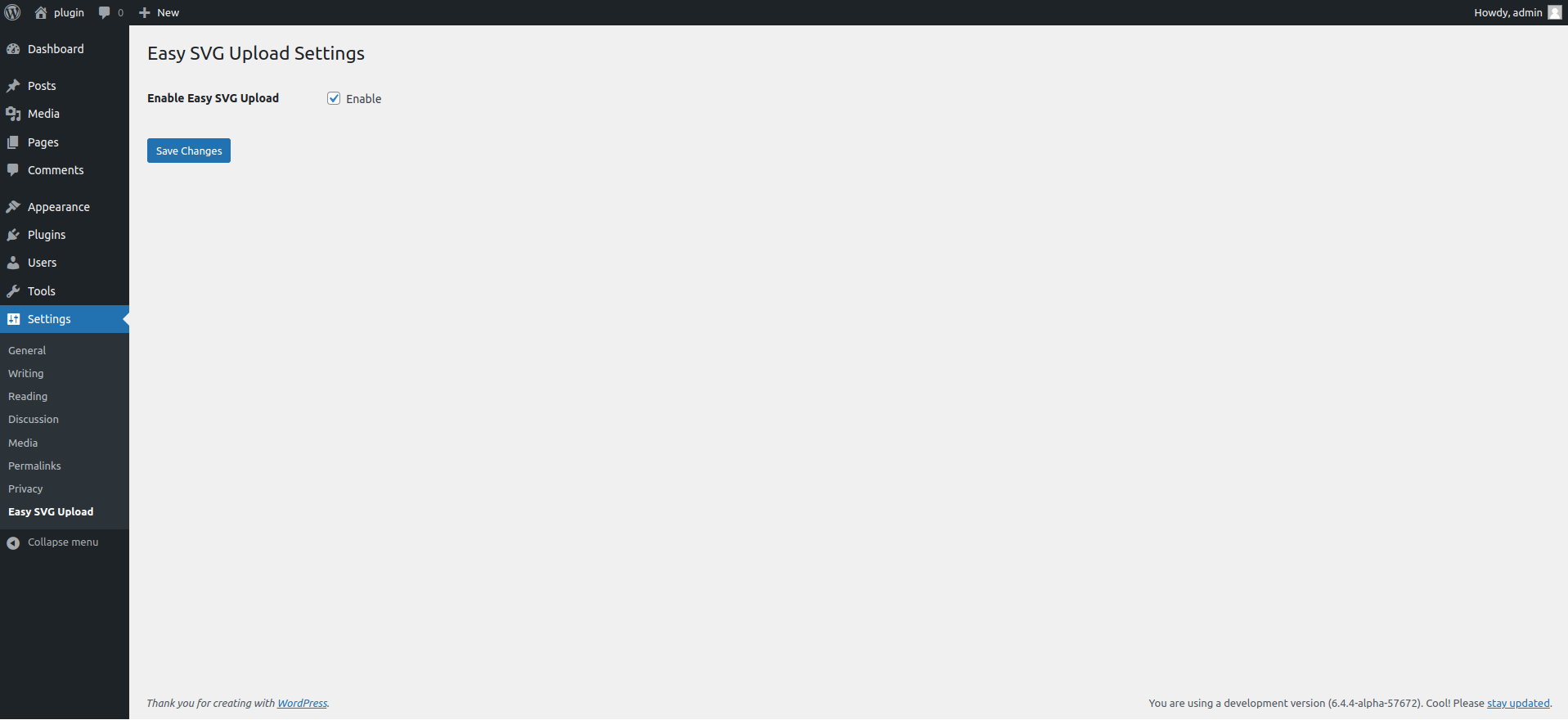
A general settings
Changelog
1.2 (September 20,2025)
- Bug fix
- New Interface
- Sanitizer Added
1.1 (November 23,2024)
- Bug fix
- Performance Update
- 6.7 Compatibility
- Security Update
1.0 (March 22,2024)
- Initial release