

Gallery for Google Photos – Import and Showcase Photo Albums
Embed stunning Google Photos galleries directly into your WordPress site with the Embed Google Photos plugin.
Plugin info
Maintenance & Compatibility
Maintenance score
Maintained • Last updated 138 days ago • 5 reviews
Is Gallery for Google Photos – Import and Showcase Photo Albums abandoned?
Likely maintained (last update 138 days ago).
Compatibility
Similar & Alternatives
Explore plugins with similar tags, and compare key metrics like downloads, ratings, updates, support, and WP/PHP compatibility.
Description
The Embed Google Photos plugin offers a seamless solution for integrating beautiful Google Photos galleries directly into your WordPress website. With its intuitive interface and robust functionality, this plugin simplifies the process of showcasing your photos and galleries in a visually stunning way. Whether you’re a photographer, blogger, or business owner, this plugin provides a convenient and efficient way to share your visual content with your audience. With features like customizable layouts, responsive design, and easy-to-use settings, you can effortlessly create and manage your Google Photos galleries with ease. Say goodbye to complex embedding codes and manual updates – streamline your workflow and enhance your website’s visual appeal with the Embed Google Photos plugin.
Features
- Display all photos from Google Photos.
- Show all albums contained within Google Photos.
- Display photos from specific albums.
- Customize the layout columns with various options.
- Set image aspect ratios.
- Customize the “Load More” button’s color, typography, border, and padding.
- Add borders to images.
How to use
- First, install the Embed Google Photos plugin.
- Add the Embed Google Photos from the block category called “Widgets” in the Gutenberg editor.
- You can change block settings from the right-side settings sidebar.
-
Enjoy!
-
For installation help click on Installation Tab
Feedback
- Liked that plugin? Hate it? Want a new feature? Send me some feedback
Installation
From Gutenberg Editor:
- Go to the WordPress Block/Gutenberg Editor
- Search For Embed Google Photos
- Click on the Embed Google Photos to add the block
Download & Upload:
- Download the Embed Google Photos plugin (.zip file)
- In your admin area, go to the Plugins menu and click on Add New
- Click on Upload Plugin and choose the
embed-google-photos.zipfile and click on Install Now - Activate the plugin and Enjoy!
Manually:
- Download and upload the Embed Google Photos plugin to the
/wp-content/plugins/directory - Activate the plugin through the Plugins menu in WordPress
Frequently Asked Questions
Yes, Embed Google Photos block is a free Gutenberg block plugin.
Yes, you can display all Google Photos.
Yes, you can display the entire album list.
Yes, you can display all images from a specific album.
Yes, you can filter both images and videos.
Yes, you can display your favorite images.
Yes, it will work with any standard WordPress theme.
Yes, you can change block settings from the Gutenberg block editor’s right sidebar.
You can use unlimited times as you want.
You can post your questions on the support forum here
Review feed
Screenshots
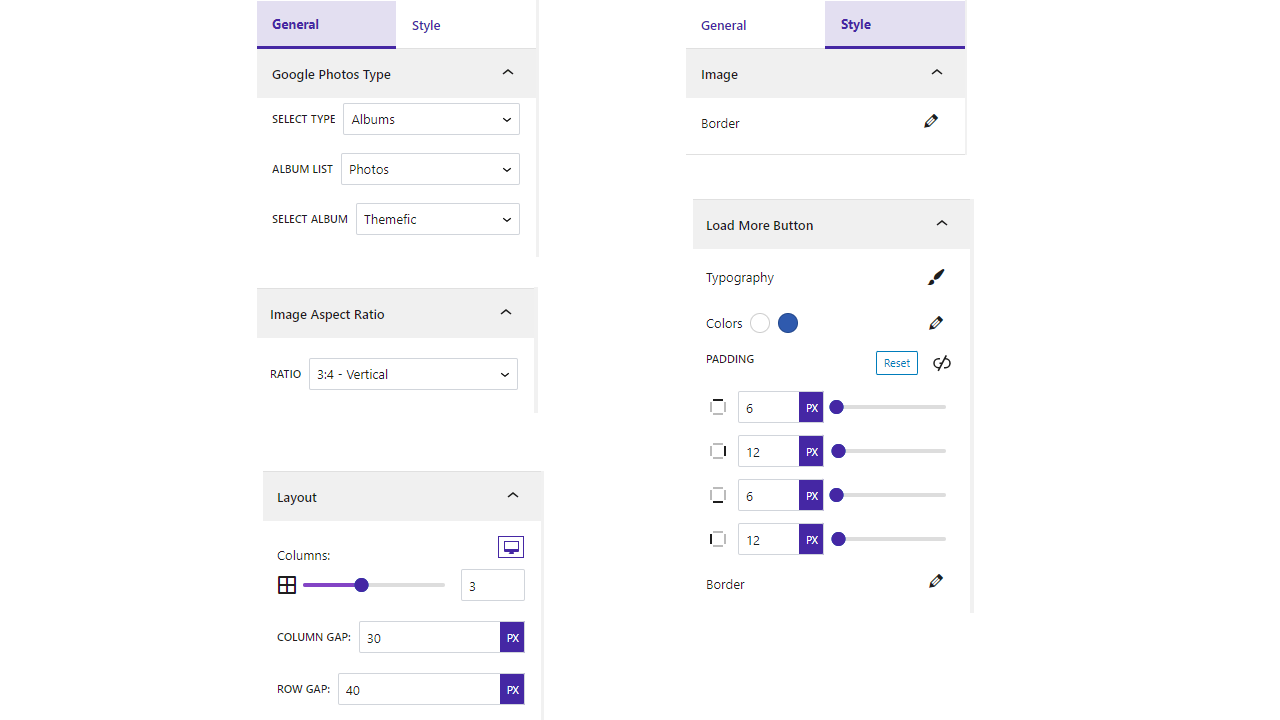
Settings

Default

Favorite

Only Photos

Only Videos

Specific Album

Ratio Square
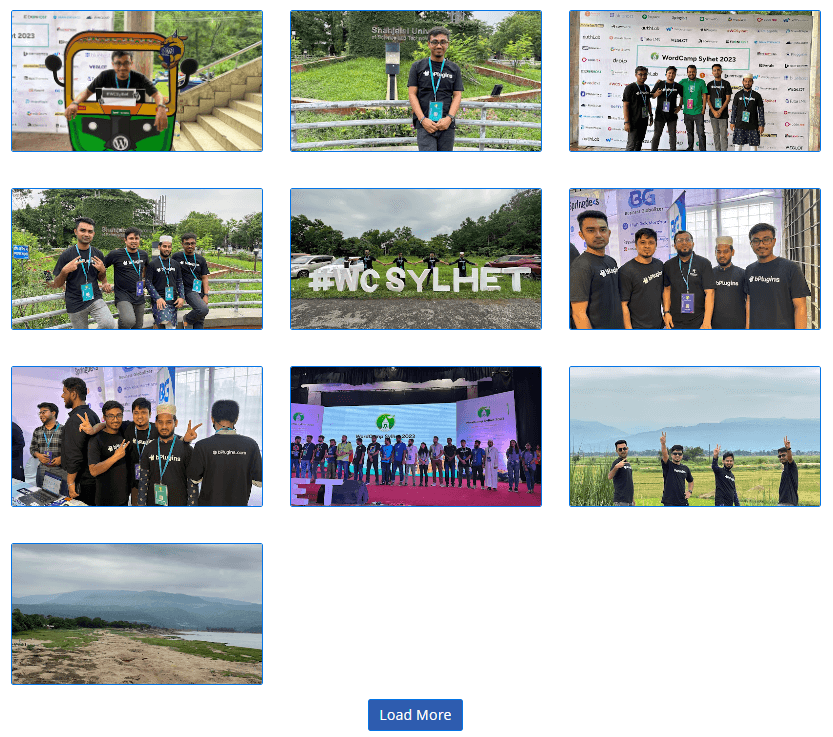
Ratio Landscape

Ratio Horizontal

Ratio Potrait
Changelog
1.0.9 – 28 Dec, 2024
- Frontend useAjax use.
1.0.8 – 12 Dec, 2024
- Extra code remove.
1.0.7 – 8 Dec, 2024
- Some issues problem.
1.0.6 – 27 Nov, 2024
- No publicly documented resource for your compressed content
- Undocumented use of a 3rd Party / external service
1.0.5 – 21 Nov,24
- Trademark issues solved
1.0.4 – 9 Oct, 2024
- Solved the problem where album list images were not found.
1.0.3 – 12 sept, 2024
- Fixed the popup image resolution.
1.0.2 – 16 July, 2024
- Load more button update.
1.0.1 – 18 May,2024
- Authorization issues fixed.
1.0.0
- Initial Release