

Enable SVG, WebP, and ICO Upload
This plugin will enable uploading SVG, WebP & ICO image files to WordPress sites.
Plugin info
Maintenance & Compatibility
Maintenance score
Maintained • Last updated 118 days ago • 10 reviews
Is Enable SVG, WebP, and ICO Upload abandoned?
Likely maintained (last update 118 days ago).
Compatibility
Similar & Alternatives
Explore plugins with similar tags, and compare key metrics like downloads, ratings, updates, support, and WP/PHP compatibility.
Description
By default, WordPress does not allow uploading file formats like SVG, WebP, and ICO (in some hostings) citing security reasons. These files are becoming very popular and in fact, are recommended by popular web speed scan platforms like Google PageSpeed Insights or Gtmetrix to resolve the serve images in nextgen formats. Thus, this FREE PLUGIN will enable you to upload these files.
Simply install the plugin and your WordPress website now can easily accept media in SVG, WebP, and ICO format. You will also have an option to disable some or all images format (of the three) as required.
Tutorial video
If you want to learn more about the plugin – please check our website – ideastocode.com.
Installation
Enable SVG, WebP & ICO Upload can be directly installed from your website.
- Log in to your site’s dashboard i.e. /wp-admin
- Then Go to Plugins Add New
- Search for Enable SVG, WebP & ICO Upload
- Locate the plugin Enable SVG, WebP & ICO Upload & click on Install Now
- Activate the plugin Navigate to Settings.
Frequently Asked Questions
Yes, you can use this plugin with any theme. We have tried with popular themes such as Enfold, Avada, Elementor page builders, Astra, Divi, etc and it works perfectly great.
Yes, any new uploads i.e. after the plugin have been installed will show a preview on Media. However, if you have uploaded the images via FTP or cPanel before installing this plugin – the preview for those images may not be seen.
Review feed
Enable SVG, WebP & ICO Upload <= 1.0.4 - Arbitrary File Upload
Resolved all the security issues
Screenshots
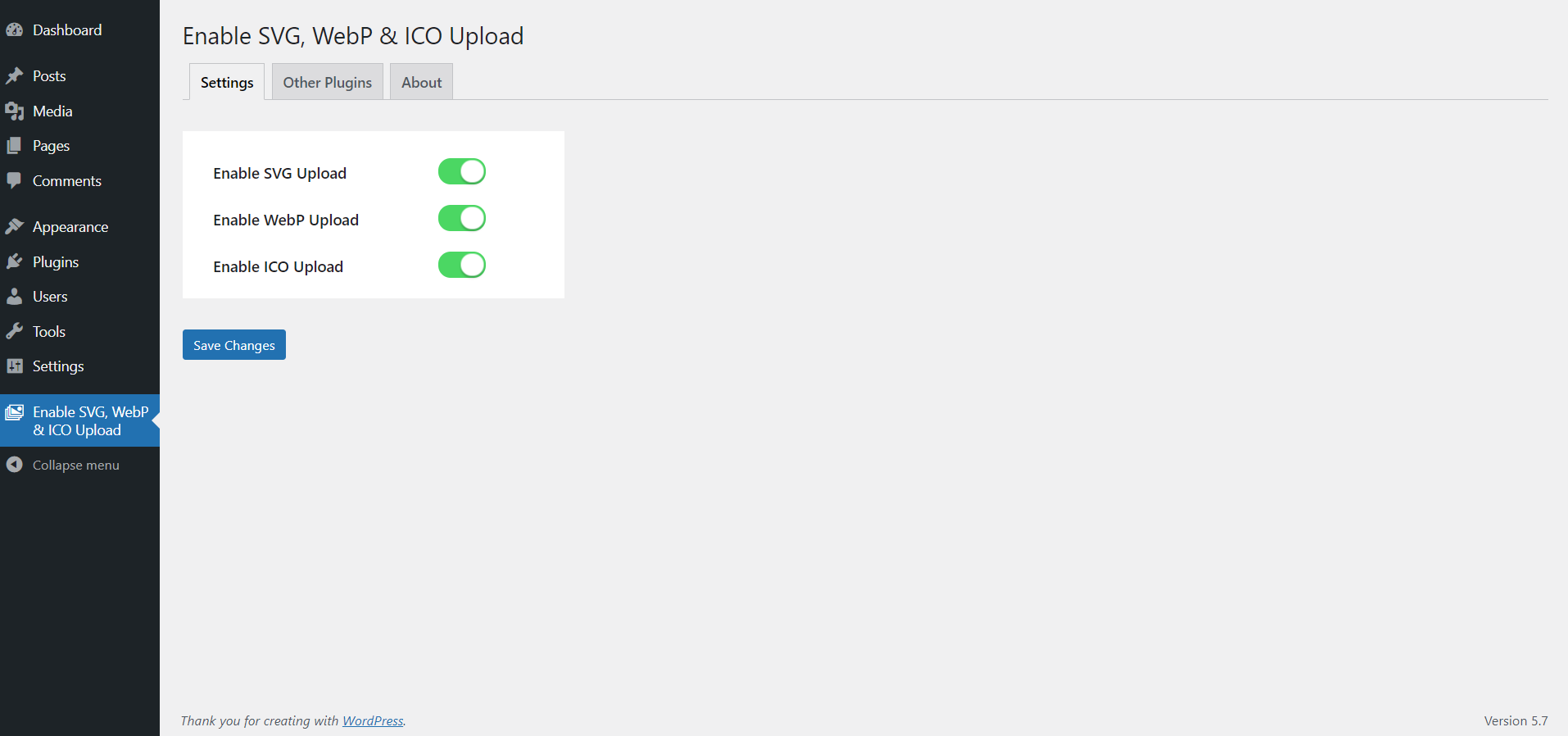
Backend settings
Changelog
1.1.4
- Security fixes
1.1.3
- Security fixes
1.1.2
- Cleans malicious code from SVG files upon upload
1.1.1
- All Security fixes and removed unnecessary codes
1.1.0
- Minor fixes
1.0.9
- Minor Security fixes
1.0.8
- Minor Updates
1.0.7
- Security fixes
1.0.6
- Minor Updates
1.0.5
- Minor Updates
1.0.4
- Minor Updates
1.0.3
- Security fixes
1.0.2
- Security fixes
1.0.1
- Updated readme.txt file
- Minor fixes
1.0.0
- Initial release.