

enBlocks – Gutenberg Blocks for WordPress Block Editor
A collection of page-building blocks for WordPress Gutenberg Block Editor to make content creation easier, more flexible, & more efficient.
Plugin info
Maintenance & Compatibility
Maintenance score
Stale • Last updated 334 days ago
Is enBlocks – Gutenberg Blocks for WordPress Block Editor abandoned?
Likely maintained (last update 334 days ago).
Compatibility
Similar & Alternatives
Explore plugins with similar tags, and compare key metrics like downloads, ratings, updates, support, and WP/PHP compatibility.
Description
A collection of page-building blocks for WordPress Gutenberg Block Editor to make content creation easier, more flexible, & more efficient.
Available Blocks
[Accordion]
[Buttons]
[Columns]
[Container]
[Heading]
[Icon]
[Image]
[Popup]
Slider/Carousel
[Social Links]
[Spacer]
Tabs
Documentation
Check out our documentation for more information on the individual blocks and how to use them.
Installation
- Go to “Plugins > Add New” in your Dashboard and search for: enBlocks, Install and activate enBlocks plugin.
- Download the .zip from WordPress.org, and upload the folder to the
/wp-content/plugins/directory via FTP.
In most cases, #1 will work fine and is way easier.
Frequently Asked Questions
- Create a new page or post
- Add a new block, and look for the “enBlocks” category
- Select a block & start building.
It will work with most of the block themes.
Review feed
Screenshots
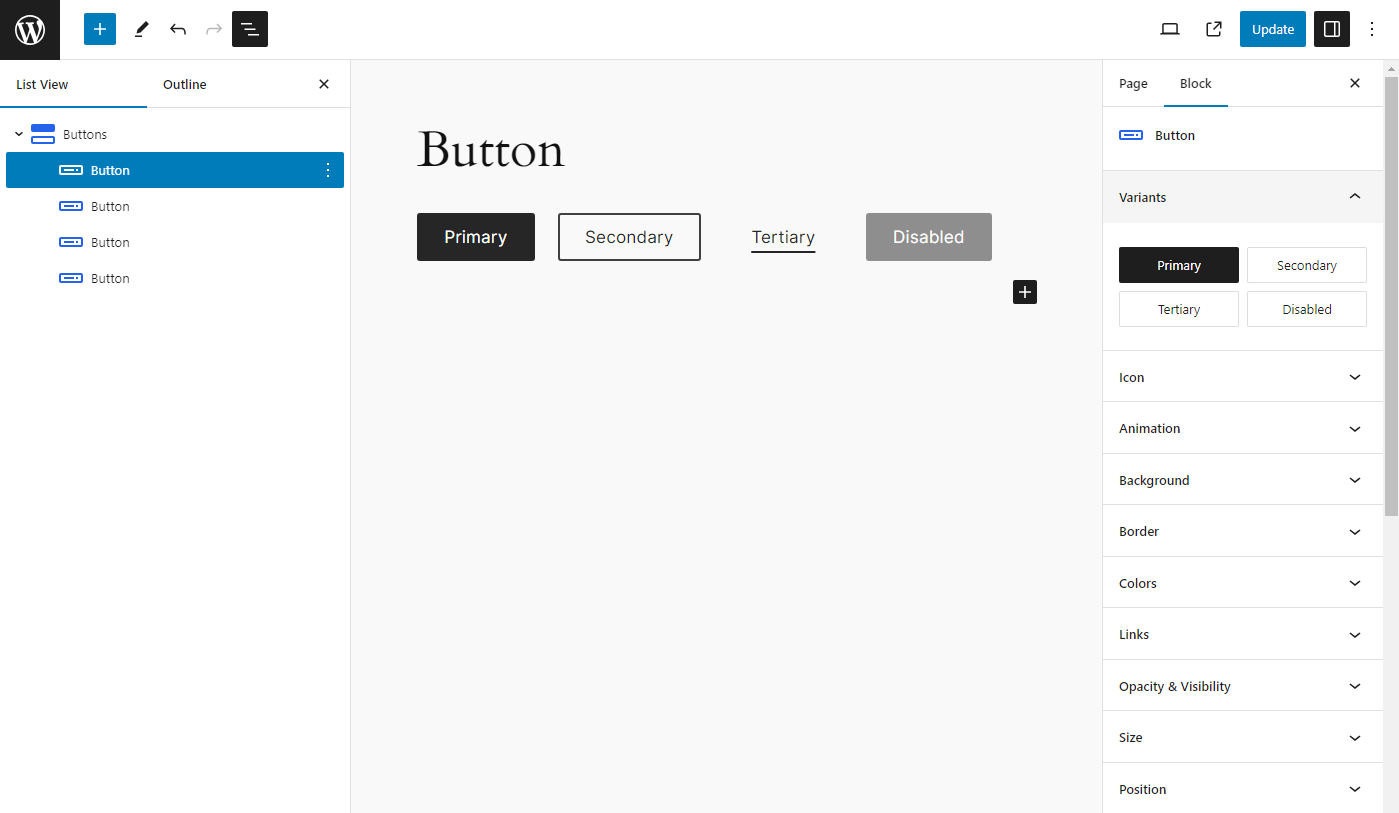
Preview
Changelog
1.4.3
- Fix: Minor issues and optimized style loading
- Update: Container block visibility condition with dynamic data
- Update: Heading block with dynamic data
- Update: Uses CSS logical properties
- Update: Fluid border radius
- Update: Optimized code for better performance
1.4.2
- Add: Accordion block
- Add: Testimonials block
- Fix: Tabs block issues and optimized styles
- Update: Includes pattern images within a plugin
1.4.1
- Add: Slider block
- Add: Tabs block
- Fix: Global padding issue
- Fix: Default values
- Removed: layout-flow class from column block
1.4.0
- Fix: Various styling issues
- Update: Block component UI
- Update: Combined similar block component
- Updated: Removed force margin and padding
- Updated: Improved performance
- Removed: Cleanup unwanted files
1.3.10
- Add: Team block
- Add: Social Links block
- Fix: Button icon
1.3.9
- Add: Popup block
- Add: CountUps block
- Fix: Container block padding issue
- Fix: Spacing: margin auto
- Fix: Link decoration style issue
- Update: Heading block with span tag support
1.3.8
- Add: CountUp block
- Fix: remove grid from Container block
1.3.7
- Add: Hero Block
- Add: Hero Block variations
- Fix: spacing component
1.3.6
- Update: container block with grid layout
- Optimized for performance
1.3.5
- Add: spacer block
- Update: container block with Flexbox layout
- Fix: animation issue
- Fix: buttons block issue
- Fix: size with responsive unit
1.3.4
- Fix: fluid columns – column width issue
- Fix: grid-column and grid-row min max value issue
- Add: SVG icons
1.3.3
- Add: icon block
1.3.2
- Fix: packages upgrade issues
1.3.1
- Add: inline component help text
- Add: fancy border radius for image block
- Fix: background animated background issue
- Update: refactor unit component
- Update: refactor spacing component
1.3.0
- Add: image block
1.2.0
- Add: container block and heading block
1.1.1
- Refactor: button block
- Fix: animation conflict with animated background
1.1.0
- Added more variable fonts
- Added blueprint
- Added button accessibility options
- Fixed typography issues
- Fixed block animation conflict with animated background color
- Added columns block and column block
1.0.0
- Initial release