

Entry Reports for Gravity Forms
Get instant insights into Gravity Forms entries with intuitive visualisation.
Plugin info
Maintenance & Compatibility
Maintenance score
Maintained • Last updated 138 days ago
Is Entry Reports for Gravity Forms abandoned?
Likely maintained (last update 138 days ago).
Compatibility
Similar & Alternatives
Explore plugins with similar tags, and compare key metrics like downloads, ratings, updates, support, and WP/PHP compatibility.
Description
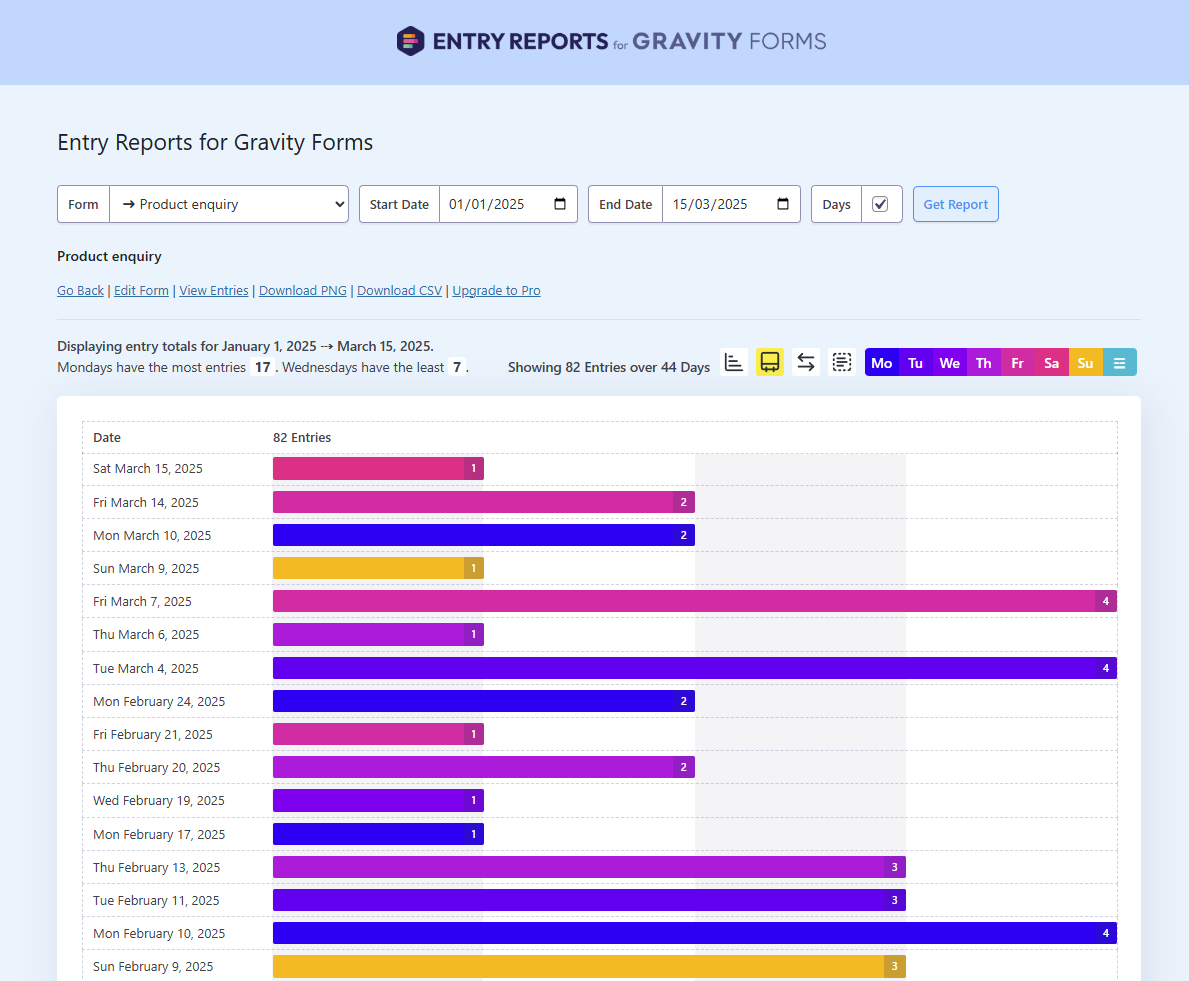
Entry Reports for Gravity Forms gives you a clear, visual breakdown of form submissions over time. Just pick a form and set your date range to see exactly how many entries were submitted each day within that period.
When is this useful?
- You might be running a marketing campaign and want to track form performance over time
- You’re curious to see entry trends across any specific date range
- You need a quick way to relay submission activity to your team or clients
Support
Free Plugin Support | Pro Plugin Support
Requirements
- Gravity Forms 2.4 or higher
- WordPress 6.0 or higher
- PHP 8.1
Upgrade to PRO
What are the benefits of PRO?
- Export Data: Quickly export to CSV.
- Automated Email Reports: Schedule reports to be automatically sent to selected recipients at specific days and times.
- Calendar heat map: Show daily submission activity with color-coded intensity to visualise trends over time.
- Submission trends by hour:Instantly see when submissions peak with an hourly breakdown for any selected day.
- Customise Chart Colours: Easily adjust chart colours using either baked-in presets or choose your own.
- One-click chart screenshots: Save charts to PNG.
Installation
- Search for ‘Entry Reports for Gravity Forms’ in the WordPress ‘Add Plugins’ page.
- Click Install Now.
- Click Activate when it’s finished downloading.
Frequently Asked Questions
Yes. You can evaluate entries from any point in time, even those submitted before the plugin was activated.
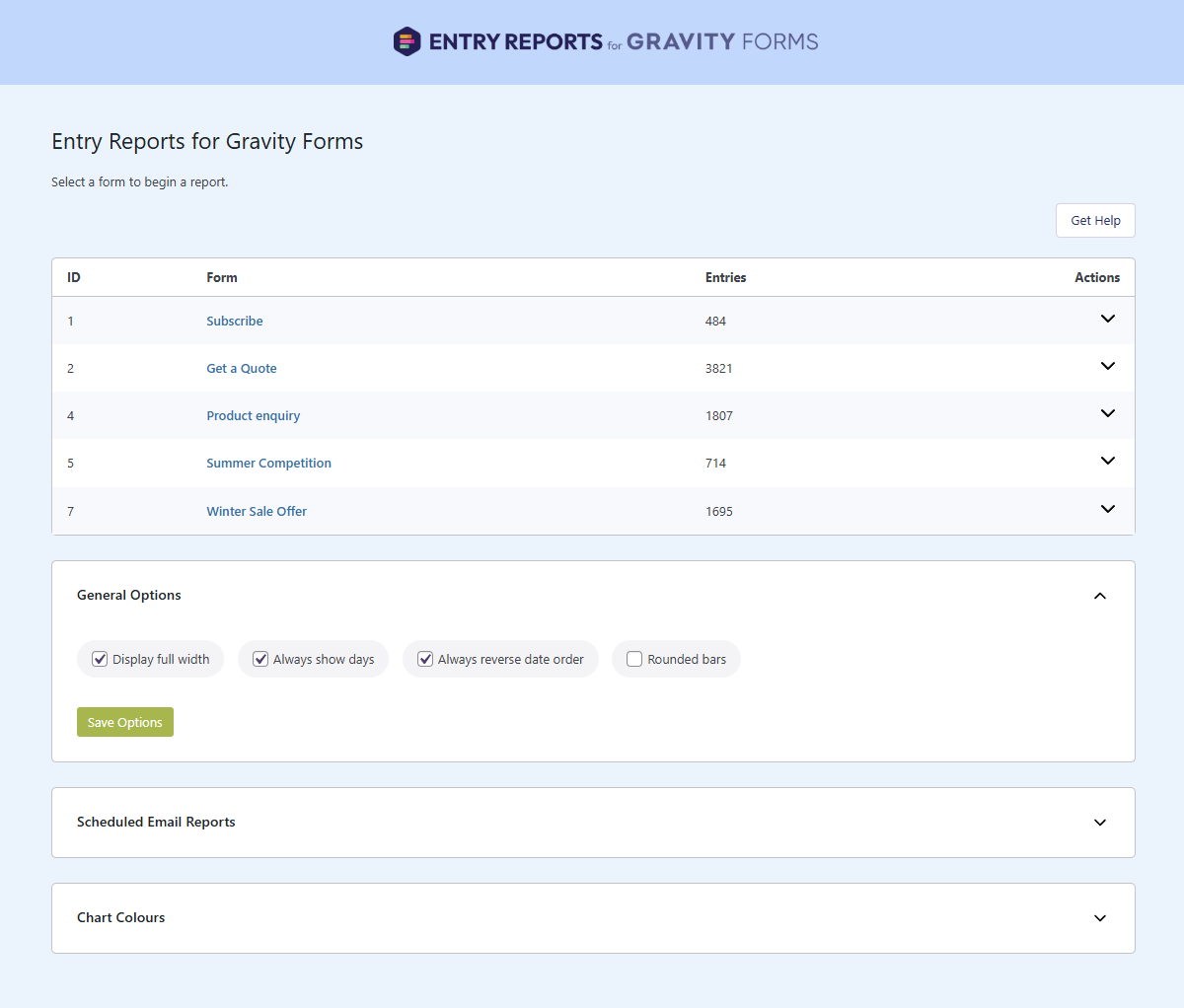
Go to Forms -> Entry Reports
- Go to Forms -> Entry Reports and click on a form name.
- Choose the start and end dates you want to evaluate (click the calendar icon or type into the field).
- Enable Days (optional, but recommended).
- Click the Get Report button.
Note: While on this page you can quickly change to a different form.
Review feed
Screenshots
screenshot-1.png
screenshot-2.png
Changelog
1.0.0 on November 15, 2025
- Initial release.