

Eselt
Easily connect your WooCommerce store with the Eselt app to easily sync and manage products across WooCommerce, eBay, and Amazon.
Plugin info
Maintenance & Compatibility
Maintenance score
Maintained • Last updated 119 days ago
Is Eselt abandoned?
Likely maintained (last update 119 days ago).
Compatibility
Similar & Alternatives
Explore plugins with similar tags, and compare key metrics like downloads, ratings, updates, support, and WP/PHP compatibility.
Description
Sell on eBay and Amazon directly from WooCommerce with Eselt — a streamlined multichannel listing solution built for WooCommerce. Eselt connects your store to the marketplaces that matter and helps you create, publish, and maintain professional listings without leaving WordPress. It also includes an AI Listing Assistant that helps you generate and refine product titles and descriptions faster.
Supported Marketplaces
- eBay: Germany (ebay.de), United States (ebay.com), United Kingdom (ebay.co.uk), Australia (ebay.com.au)
- Amazon: United States (amazon.com), Germany (amazon.de), United Kingdom (amazon.co.uk), Australia (amazon.com.au)
List your WooCommerce items with Eselt
- Add WooCommerce items to eBay (DE, COM, UK, AU)
- Add WooCommerce items to Amazon (COM, DE, UK, AU)
Features
-
List and edit multiple listings
- Bulk create marketplace listings from WooCommerce products.
- Centralized editor for titles, categories, item specifics/attributes, images, and policies per channel.
- Quick revise/re-publish when product details change.
-
Templates & Profiles for faster listing
- Reusable Templates for attributes, shipping/return/payment policies, and description layout.
- Channel-specific Profiles to speed up eBay and Amazon launches.
- Update a Template once and apply changes across linked listings.
- Include eBay description templates to present clean, responsive descriptions.
-
AI Listing Assistant
- Draft high-quality product titles and descriptions in minutes.
- Optimize tone, length, and keywords per marketplace.
- Reduce manual copywriting time while keeping brand consistency.
-
Variations support
- List variable products (size, color, etc.) as a single multi-variant listing where supported — list 100 variants in 3 minutes.
-
Order Management & Fulfillment
- Import orders from eBay and Amazon into WooCommerce automatically.
- Manage all orders in one place (pick, pack, ship) from your WooCommerce backend.
- Sync shipment tracking back to marketplaces to keep buyers informed and reduce manual work.
-
Real-time sync
- Turn on LiveSync to keep product attributes, price, and inventory up to date across channels.
WooCommerce Integration in a Few Clicks
Step 1: Install & enable the plugin
– Install and activate the Eselt plugin in WordPress.
– The plugin verifies WooCommerce and prepares a secure connection.
– API credentials are generated automatically.
Step 2: Connect marketplaces
– Set WooCommerce as your Main Store, then connect eBay (DE/COM/UK/AU) and/or Amazon (COM/DE/UK/AU).
Step 3: Prepare listings
– Select products from WooCommerce and configure channel-specific details (categories, item specifics/attributes, images, prices, policies).
– Use the AI Listing Assistant to propose titles and descriptions, then fine-tune in the editor.
Step 4: Publish & sync
– Publish to eBay or Amazon in bulk.
– Keep prices and inventory synchronized automatically.
Step 5: Import & fulfill orders
– Eselt pulls marketplace orders into WooCommerce in near real time.
– Fulfill from WooCommerce and send tracking updates back to eBay/Amazon automatically.
Minimum requirements
- WordPress 5.0 or newer
- PHP 7.4 or newer
- WooCommerce 5.0 or newer
- Pretty permalinks enabled (the plugin can enable them automatically)
Installation
- Install the Eselt plugin either directly from the WordPress Plugin Directory or by uploading the plugin ZIP file through WordPress admin.
- Activate the plugin via Plugins Installed Plugins.
- Open the Eselt page in the admin menu and click Connect to Eselt.
- Follow the steps in the Eselt app to finish connecting your store.
Frequently Asked Questions
Review feed
Screenshots
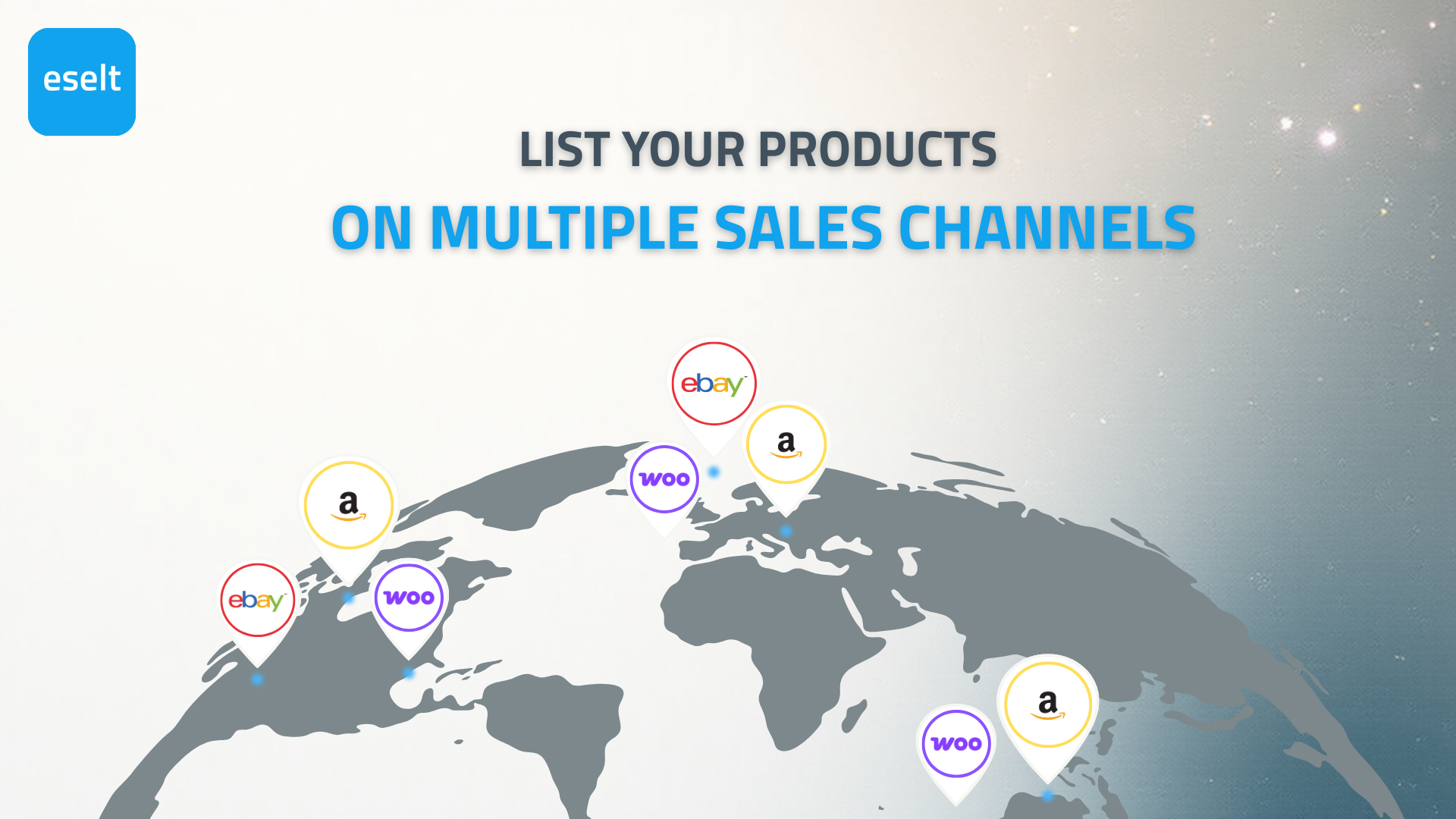
List your products on multiple sales channels.
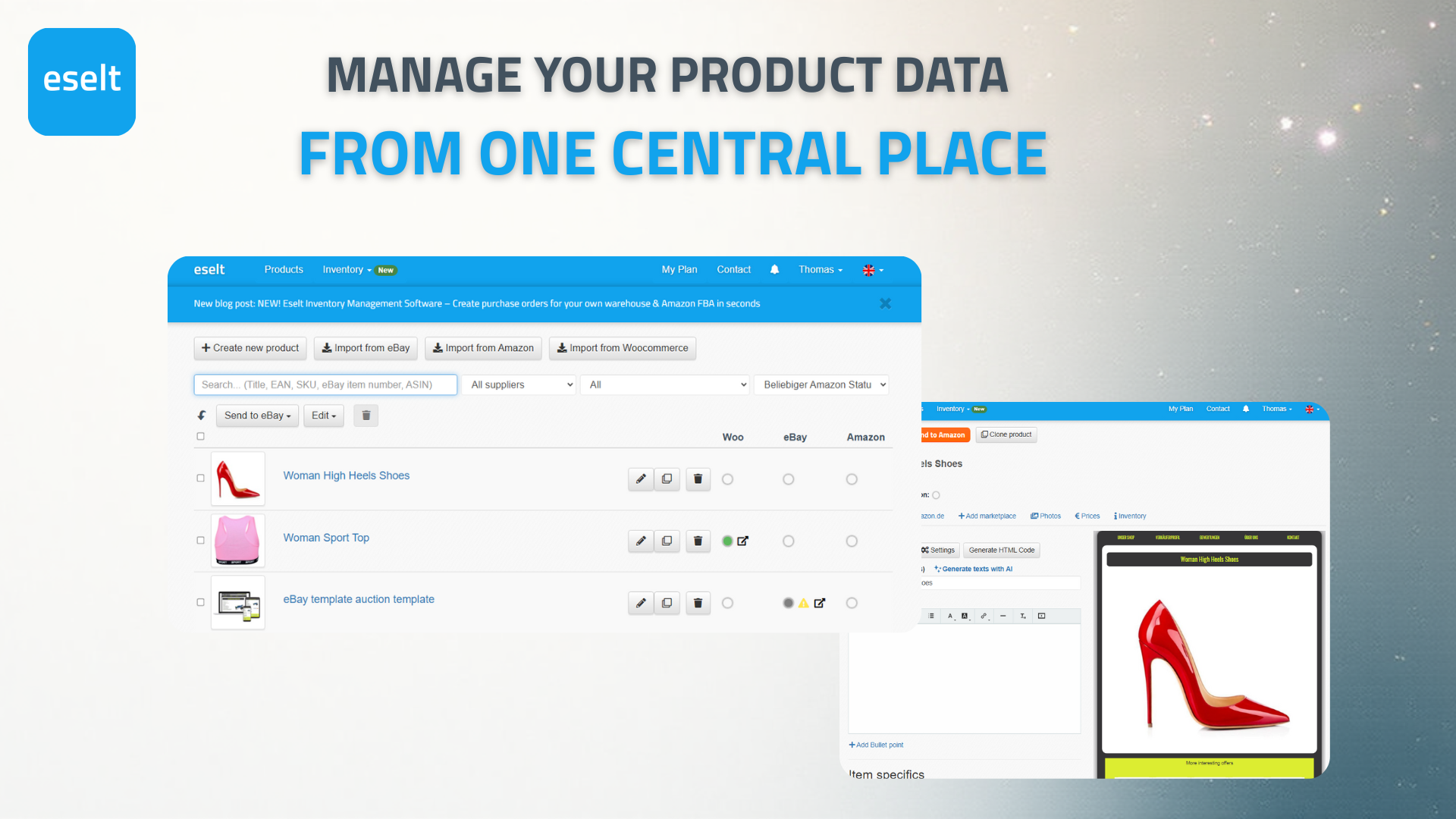
Manage your product data from one central place.
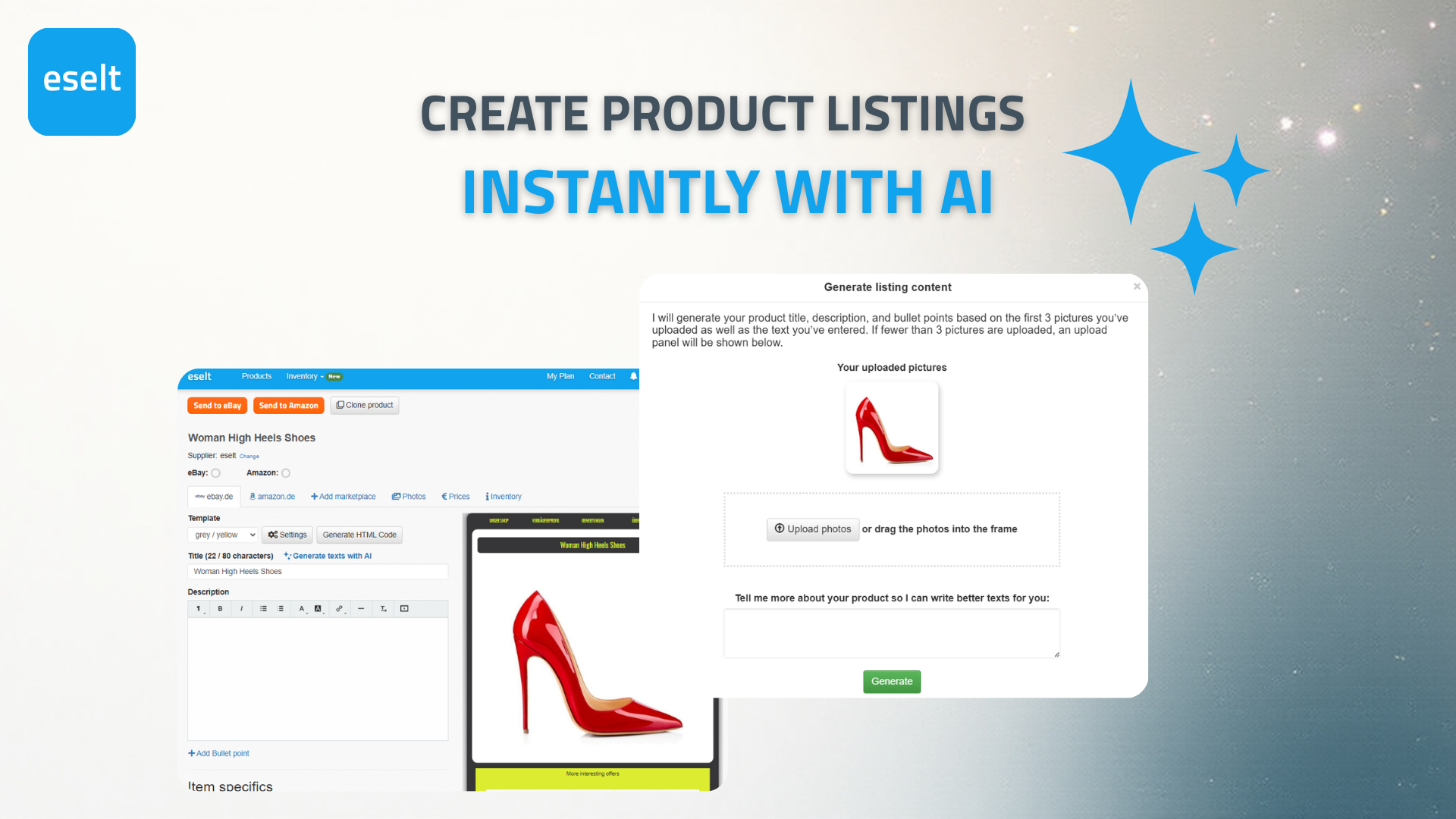
Create product listings instantly with AI.
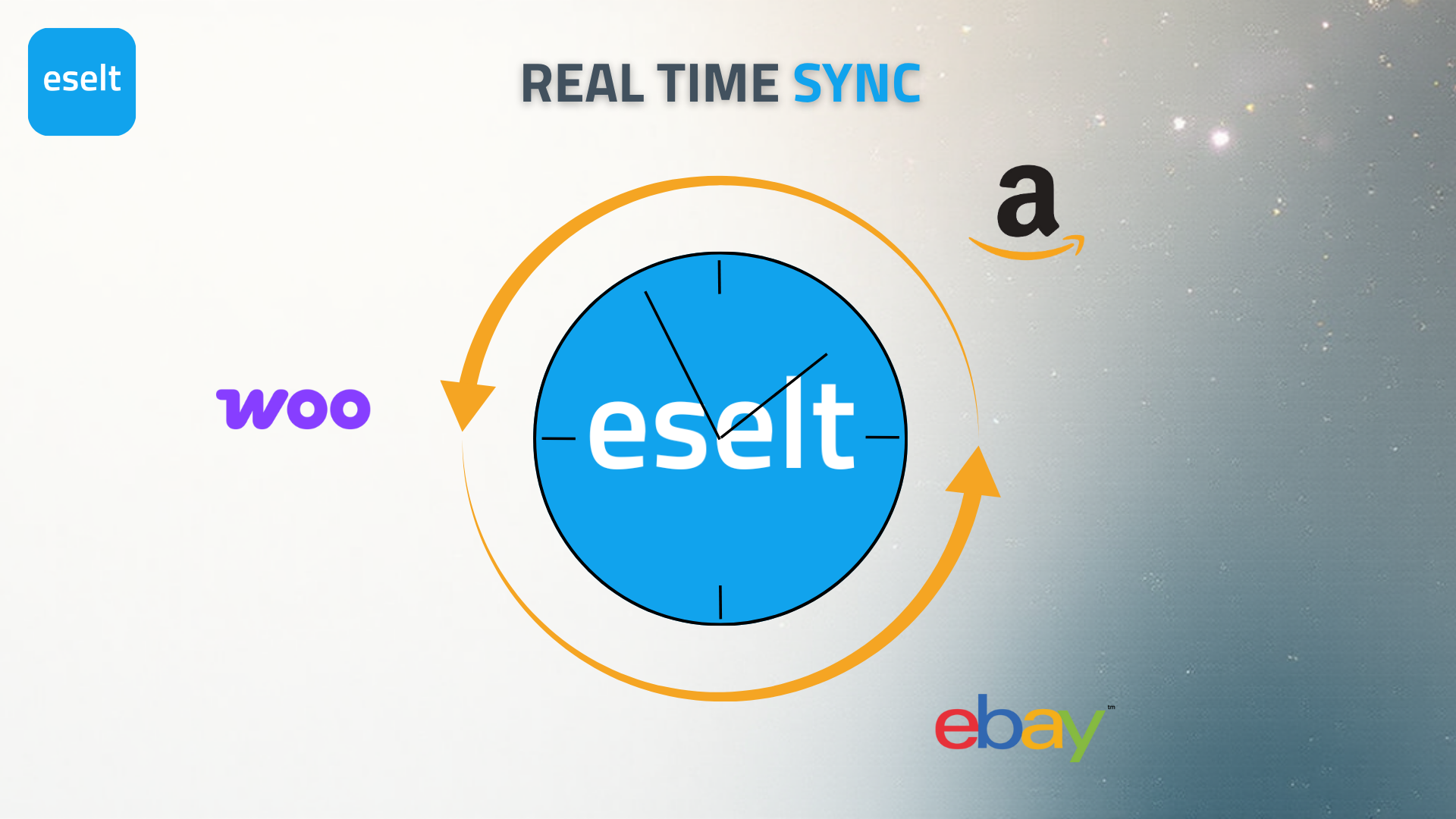
Real time sync.
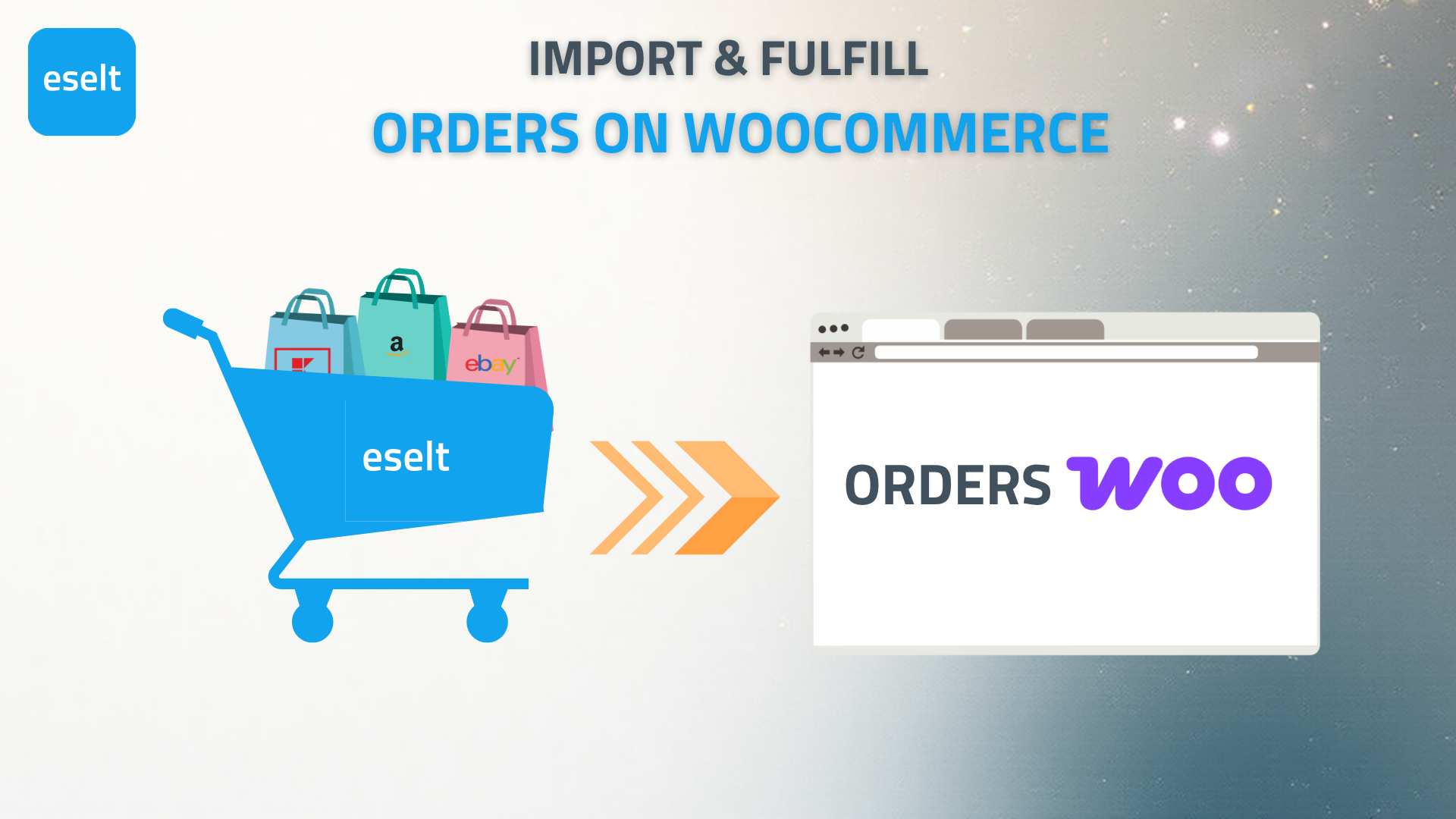
Import & fulfill orders on WooCommerce.
Changelog
1.0.0
- Initial release with admin UI, requirement checks, permalink setup, API key generation, and Eselt app connection.
1.0.1
- Improved usability when user is connected to the Eselt app.
1.0.2
- More screenshots added to plugin page, better banner resolution.
1.0.3
- Marking new version as stable.
1.0.4
- Add video to plugin page.
1.1.0
- Add inventory management for products and variants to enable external marketplace sync