

Esen Trends Dashboard
Display Google Trends RSS data directly in your WordPress dashboard and post editor.
Plugin info
Maintenance & Compatibility
Maintenance score
Stale • Last updated 308 days ago
Is Esen Trends Dashboard abandoned?
Likely maintained (last update 308 days ago).
Compatibility
Similar & Alternatives
Explore plugins with similar tags, and compare key metrics like downloads, ratings, updates, support, and WP/PHP compatibility.
Description
Esen Trends Dashboard is a powerful WordPress plugin that integrates Google Trends data directly into your WordPress dashboard. Keep track of trending topics and popular searches to optimize your content strategy.
With Esen Trends Dashboard, you can:
- View real-time trending topics from Google Trends
- Filter trends by different countries
- Access trends from the WordPress dashboard with a dedicated widget
- Browse trends while creating content with the metabox integration
- Stay up-to-date with refresh functionality
- See comprehensive trend data including titles, search volumes, and related news
This plugin is perfect for content creators, marketers, and website owners who want to stay on top of trending topics and create timely, relevant content that resonates with their audience.
Documentation
For more detailed documentation, please visit the plugin’s GitHub repository.
Installation
- Upload the plugin files to the
/wp-content/plugins/esen-trends-dashboarddirectory, or install the plugin through the WordPress plugins screen directly. - Activate the plugin through the ‘Plugins’ screen in WordPress.
- Use the “Google Trends” option in the left admin menu to access the main admin page.
- Configure the settings from the “Settings” submenu.
Frequently Asked Questions
The data is cached for one hour to optimize performance. You can manually refresh the data at any time using the “Refresh Trends” button.
The plugin supports a wide range of countries including but not limited to Turkey, United States, Germany, France, United Kingdom, Japan, India, Brazil, Canada, Australia, and many more.
Yes, the Google Trends metabox is available in both classic and block editors.
The plugin uses Google Trends’ public RSS feeds, which are subject to Google’s terms of service and rate limits. Normal usage should not exceed these limits.
Review feed
Screenshots
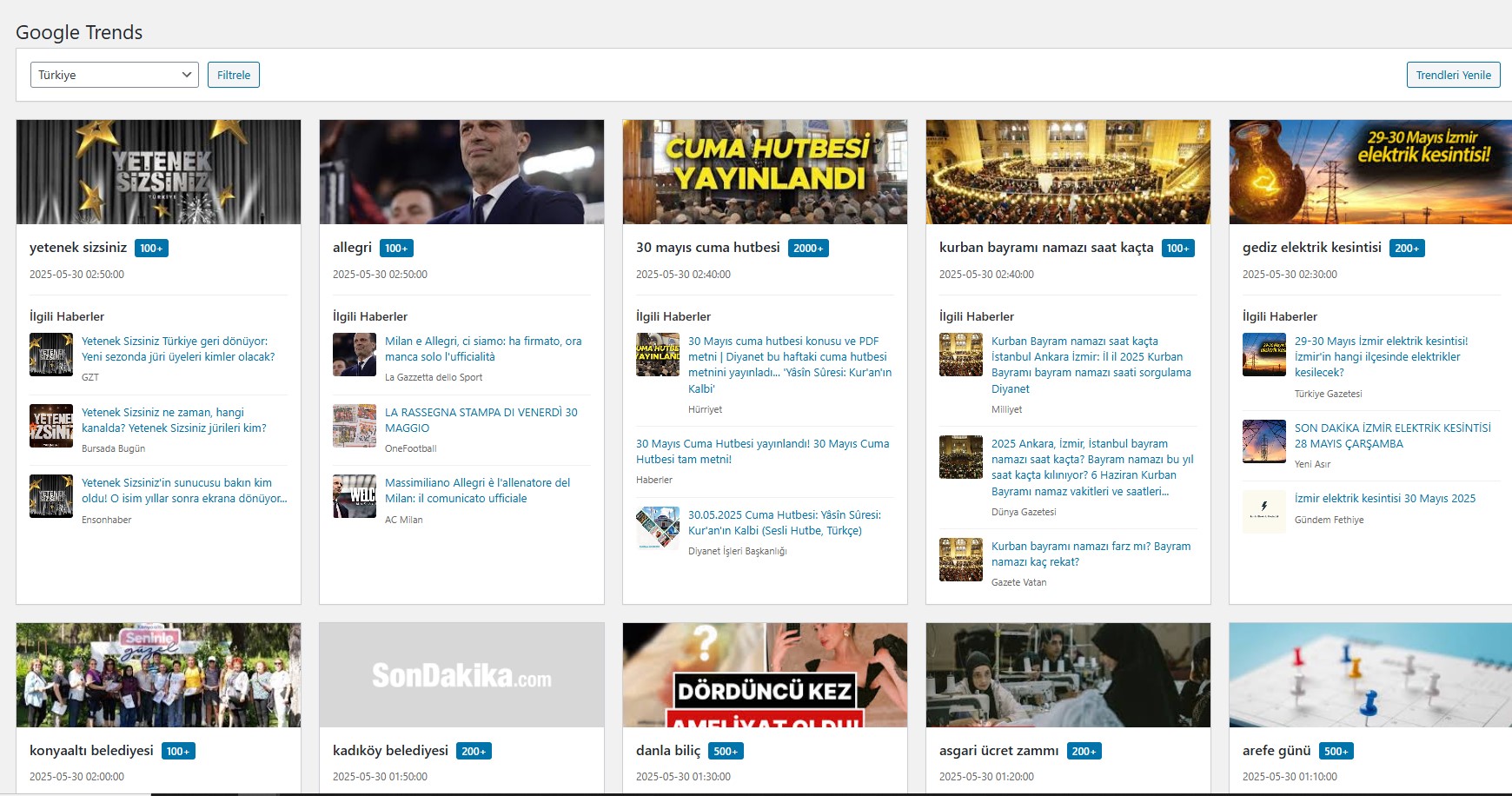
Admin Page - View and filter trends
Changelog
1.0.0
- Initial release