

Essential Shortcodes
Display user information and date/time with easy-to-use shortcodes. Free version includes 8 essential shortcodes.
Plugin info
Maintenance & Compatibility
Maintenance score
Stale • Last updated 296 days ago
Is Essential Shortcodes abandoned?
Likely maintained (last update 296 days ago).
Compatibility
Similar & Alternatives
Explore plugins with similar tags, and compare key metrics like downloads, ratings, updates, support, and WP/PHP compatibility.
Description
Essential Shortcodes makes it easy to display user information and date/time data anywhere on your WordPress site using simple shortcodes.
🎯 Free Version Includes:
[essesh_username]– Display current user’s username[essesh_email]– Display current user’s email address[essesh_firstname]– Display current user’s first name[essesh_lastname]– Display current user’s last name[essesh_bio]– Display current user’s biography[essesh_avatar size="96"]– Display current user’s avatar (customizable size)[essesh_date format="F j, Y"]– Display current date (customizable format)[essesh_time format="g:i a"]– Display current time (customizable format)
✨ Key Features:
- Easy-to-use admin interface with copy-to-clipboard functionality
- Responsive design that works with any theme
- Secure code following WordPress best practices
- Lightweight and fast loading
- Translation ready
🚀 Upgrade to Essential Shortcodes Pro
Get access to 40+ professional shortcodes with advanced features:
Pro Categories Include:
* Advanced User Info (8 shortcodes) – User ID, role, registration date, post count, etc.
* Site Information (7 shortcodes) – Site details, WordPress version, theme info, etc.
* Dynamic Content (6 shortcodes) – Random posts, latest content, breadcrumbs, etc.
* Advanced Date/Time (5 shortcodes) – Countdown timers, business hours, seasons, etc.
* Statistics & Analytics (4 shortcodes) – User counts, site age, page views, etc.
* Conditional Content (8 shortcodes) – Show/hide content based on user role, device, dates, etc.
Pro Exclusive Features:
* Visual Shortcode Builder – Create custom shortcodes without coding
* Advanced Analytics Dashboard – Track shortcode usage and performance
* Custom Quotes Manager – Add your own inspirational quotes
* Business Hours Manager – Set and display business hours
* Page View Tracking – Built-in analytics for your content
* Priority Support – Get help when you need it
* Regular Updates – New shortcodes added regularly
👉 Get Essential Shortcodes Pro – $15 USD
Perfect for:
* Membership sites – Display personalized user information
* Business websites – Show contact info, business hours, and stats
* Blogs & News sites – Display dynamic content and user engagement
* E-commerce sites – Show user accounts and personalized content
* Any WordPress site – Add dynamic, personalized content easily
Installation
- Upload the plugin files to
/wp-content/plugins/essential-shortcodesdirectory, or install through WordPress plugins screen - Activate the plugin through the ‘Plugins’ screen in WordPress
- Go to Users > Shortcodes to see all available shortcodes with copy buttons
- Use shortcodes anywhere on your site – posts, pages, widgets, etc.
Frequently Asked Questions
User-related shortcodes will display “Not logged in” for guests. Date and time shortcodes work for all visitors.
Yes! Use any PHP date format: [essesh_date format="Y-m-d"] or [essesh_time format="H:i:s"]
Yes! Use the size parameter: [essesh_avatar size="150"] (size in pixels)
The free version includes 8 essential shortcodes for basic user info and date/time. The Pro version includes 40+ advanced shortcodes, conditional content, analytics, visual builder, and much more.
Yes! We provide community support through WordPress.org forums. Pro users get priority email support.
If you need advanced functionality like conditional content, site statistics, dynamic content, or user analytics, then absolutely! Pro saves hours of development time and includes features you won’t find elsewhere.
Review feed
Screenshots
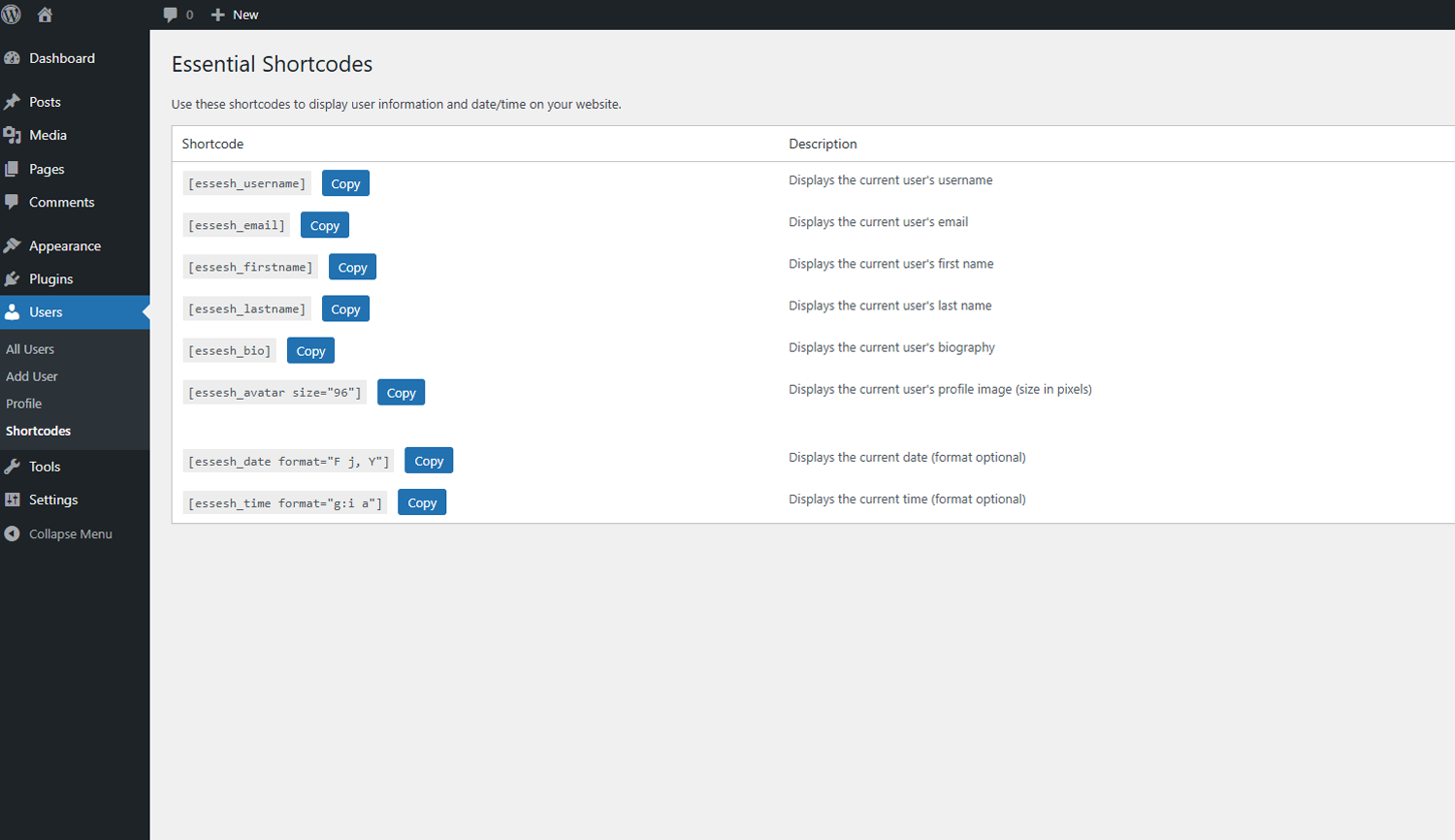
Admin Interface - Clean, organized shortcode management with copy buttons
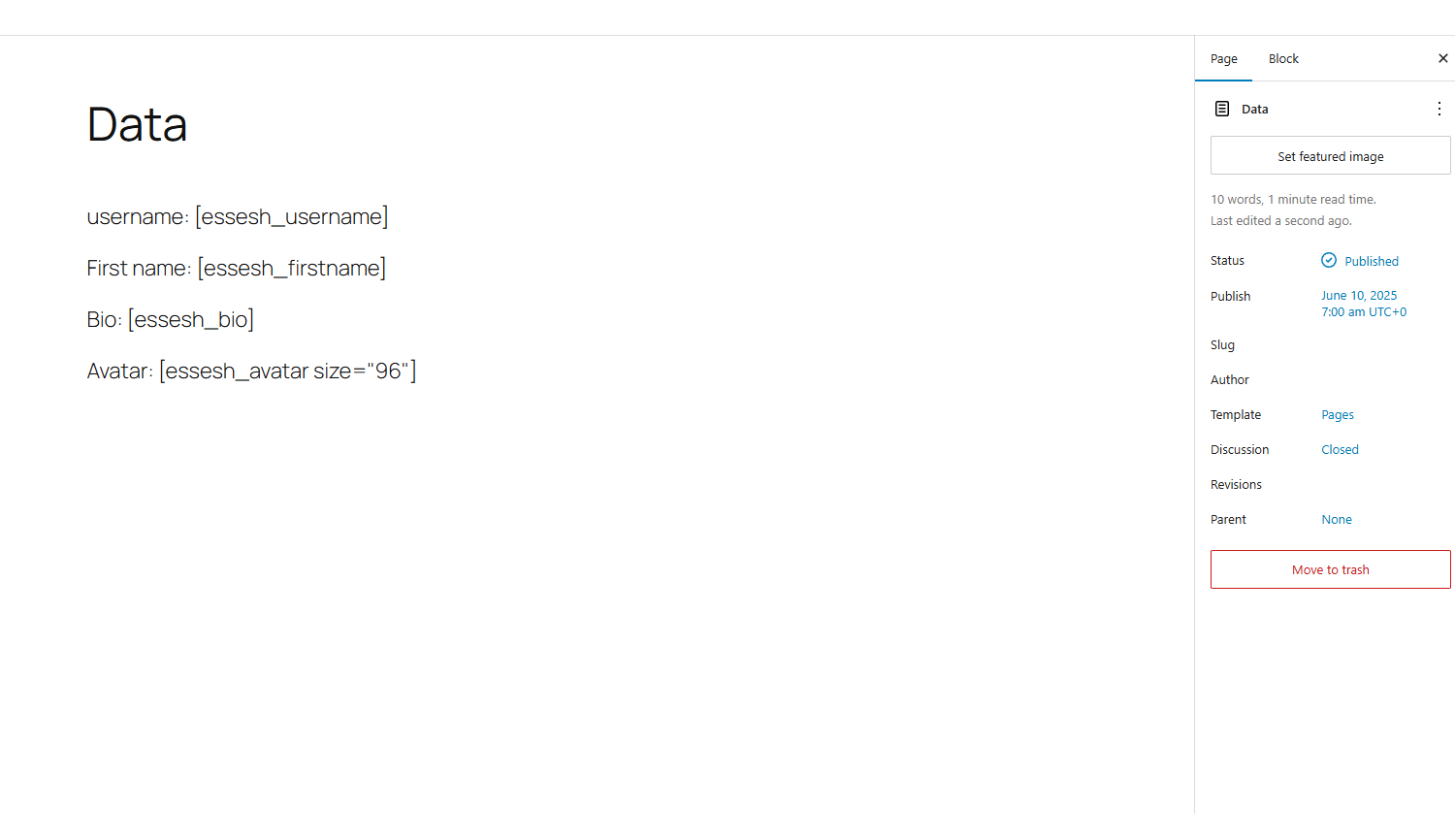
Shortcodes in Action Backend - Examples of shortcodes displayed on the backend
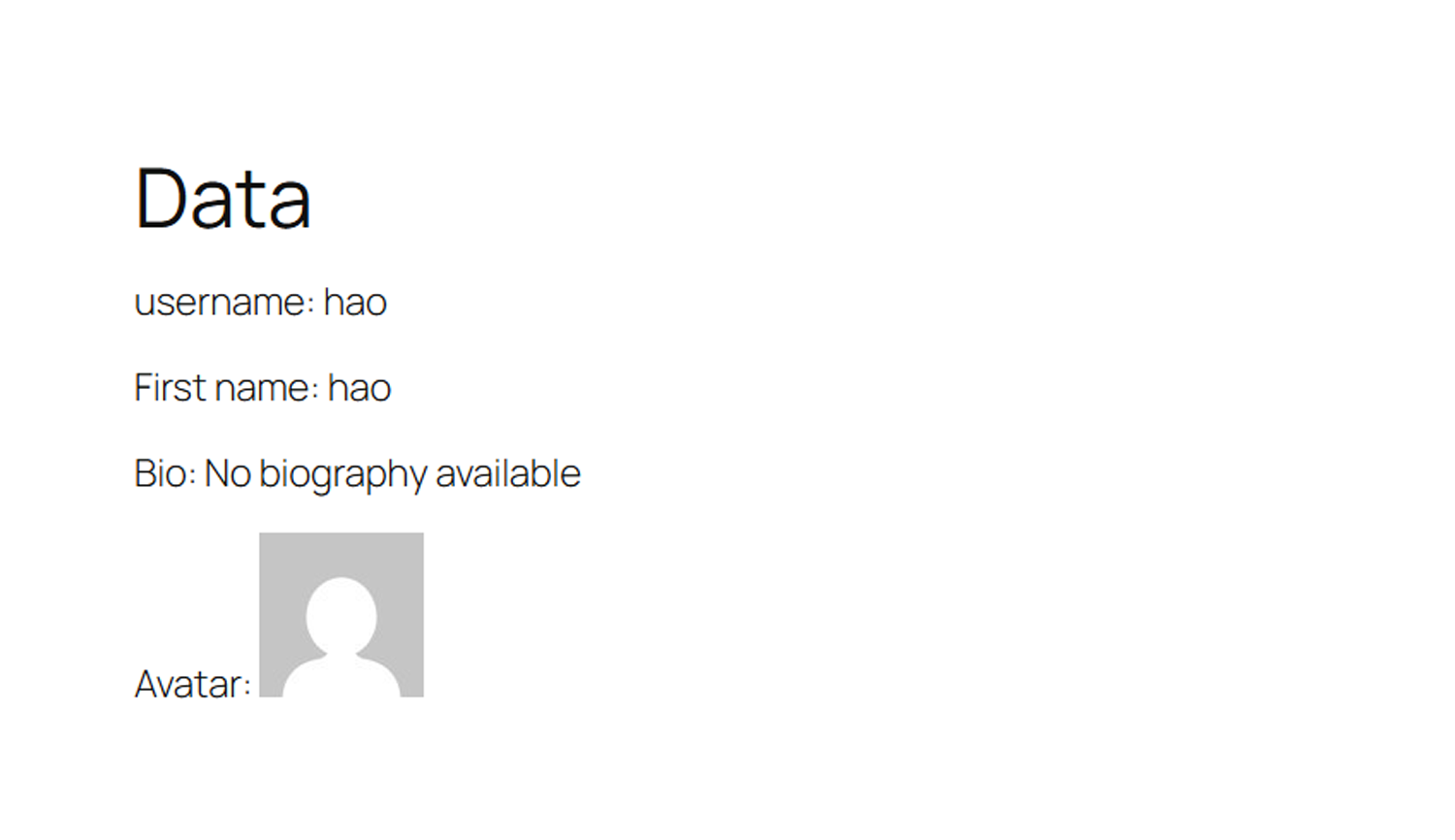
Shortcodes in frontend - Examples of shortcodes displayed on the frontend
Changelog
1.1
- Improved admin interface with proper WordPress enqueue system
- Added modern clipboard API support with fallback
- Enhanced security and performance
- Better error handling and user feedback
1.0
- Initial release with 8 essential shortcodes
- Basic admin interface
- Copy-to-clipboard functionality
Ready to take your WordPress site to the next level?
Upgrade to Essential Shortcodes Pro Today!