

Events Manager OpenStreetMap
Events Manager OpenStreetMap is a WordPress plugin for Events Manager. It allows you to replace Google Maps to OpenStreetMap on all your event locatio …
Plugin info
Maintenance & Compatibility
Maintenance score
Possibly abandoned • Last updated 781 days ago • 2 reviews
Is Events Manager OpenStreetMap abandoned?
Possibly abandoned (last update 781 days ago).
Compatibility
Similar & Alternatives
Explore plugins with similar tags, and compare key metrics like downloads, ratings, updates, support, and WP/PHP compatibility.
Description
This plugin adds conditional logic to [Events Manager].
Events Manager OpenStreetMap is a WordPress plugin for Events Manager. It allows you to replace Google Maps to OpenStreetMap on all your event locations.
See our demo website here
This plugin requires the installation and activation of the plugin Events Manager.
File events-manager-openstreetmap.pot available
Installation
- Upload the full directory into your ‘/wp-content/plugins’ directory
- Activate the plugin at the plugin administration page
- Open the Events Manager plugin “General” tab in Settings page
- Disable “Enable Google Maps integration?” option in “Google Maps and Location Services”
- Open “Formatting” tab and paste #_OPENSTREETMAP in “Single event page format” and “Single Location Page”
- Go to ‘Made By RC’ -> ‘EM OSM’ for configure options
Frequently Asked Questions
Review feed
Screenshots
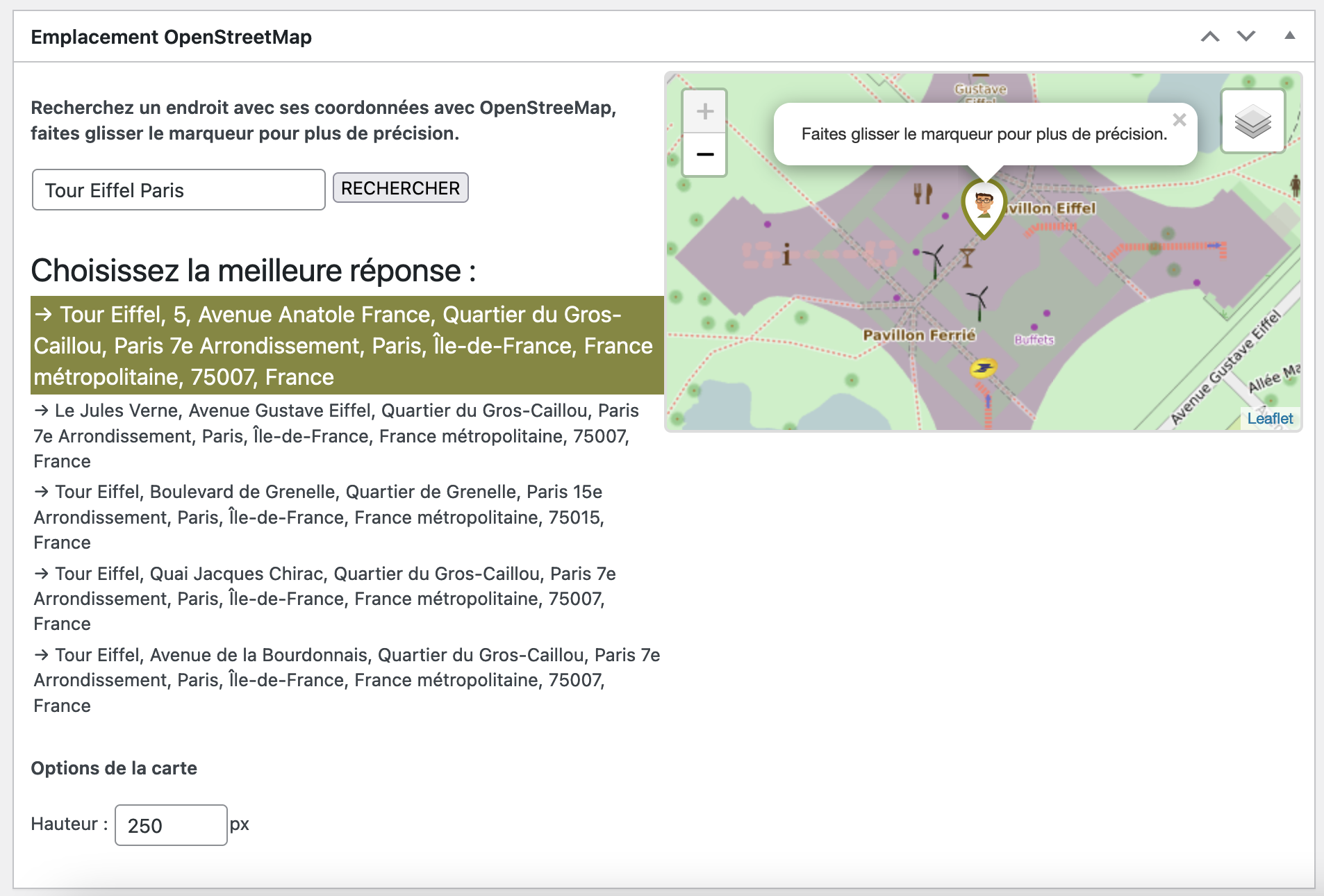
Search coordinates view
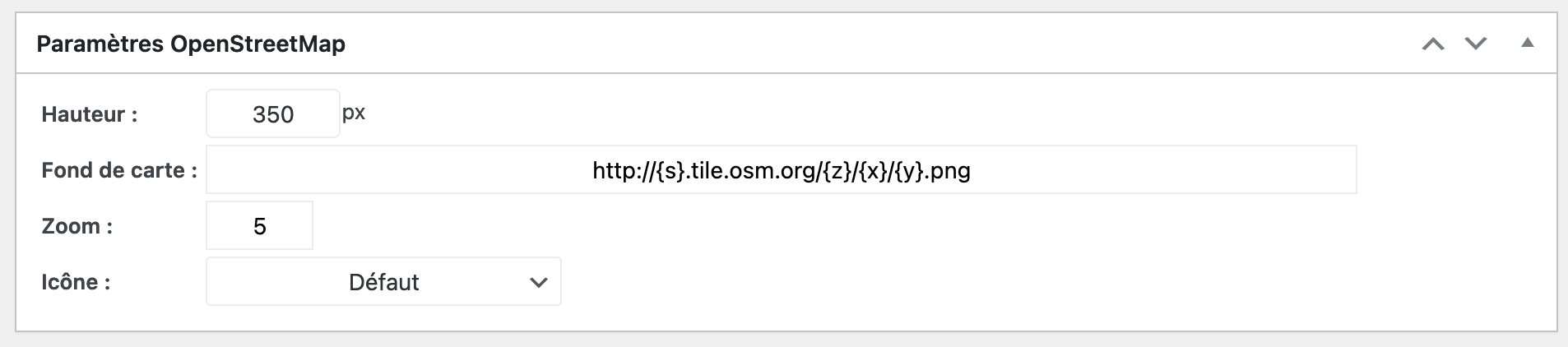
Settings Map
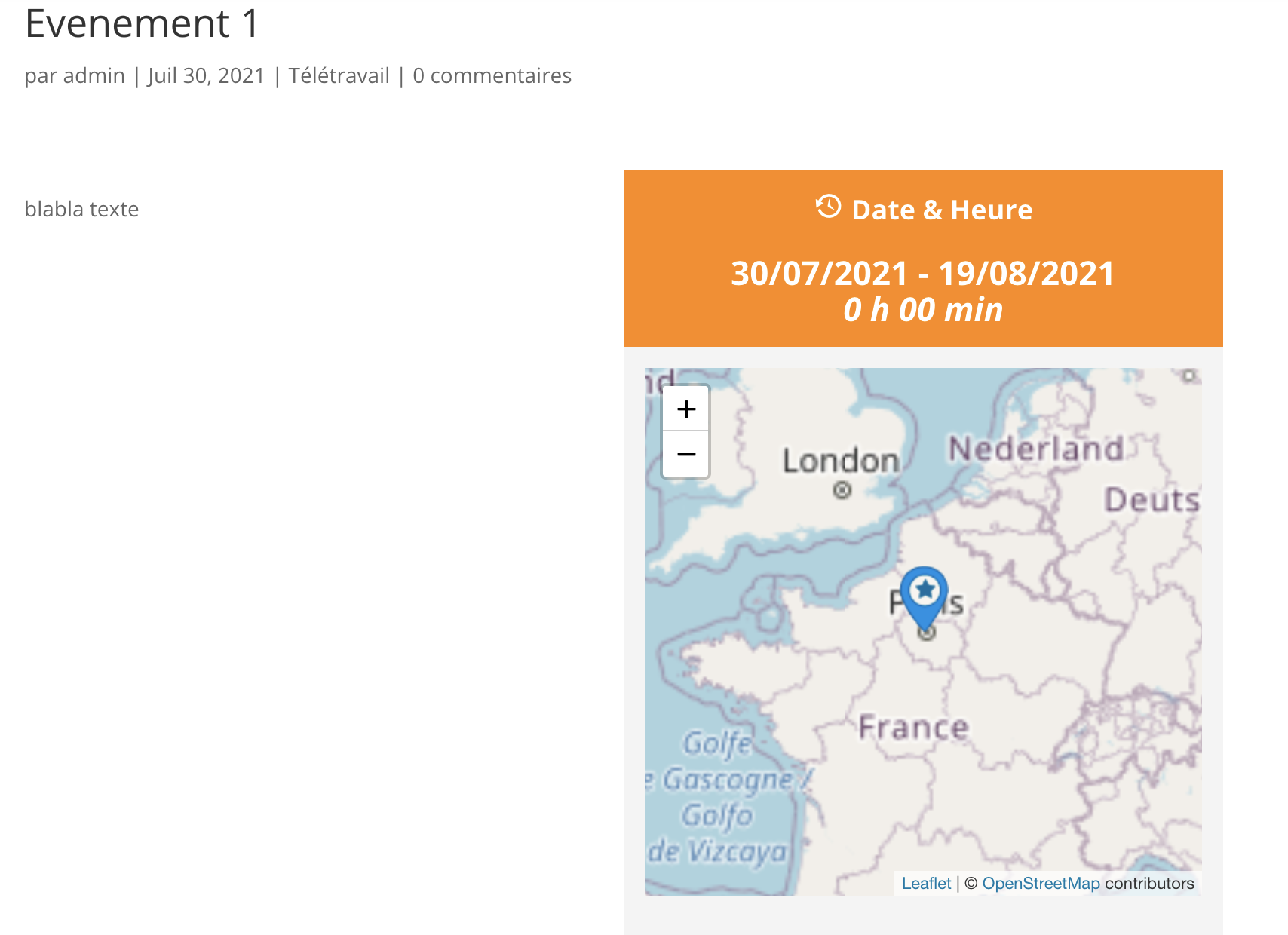
Event view
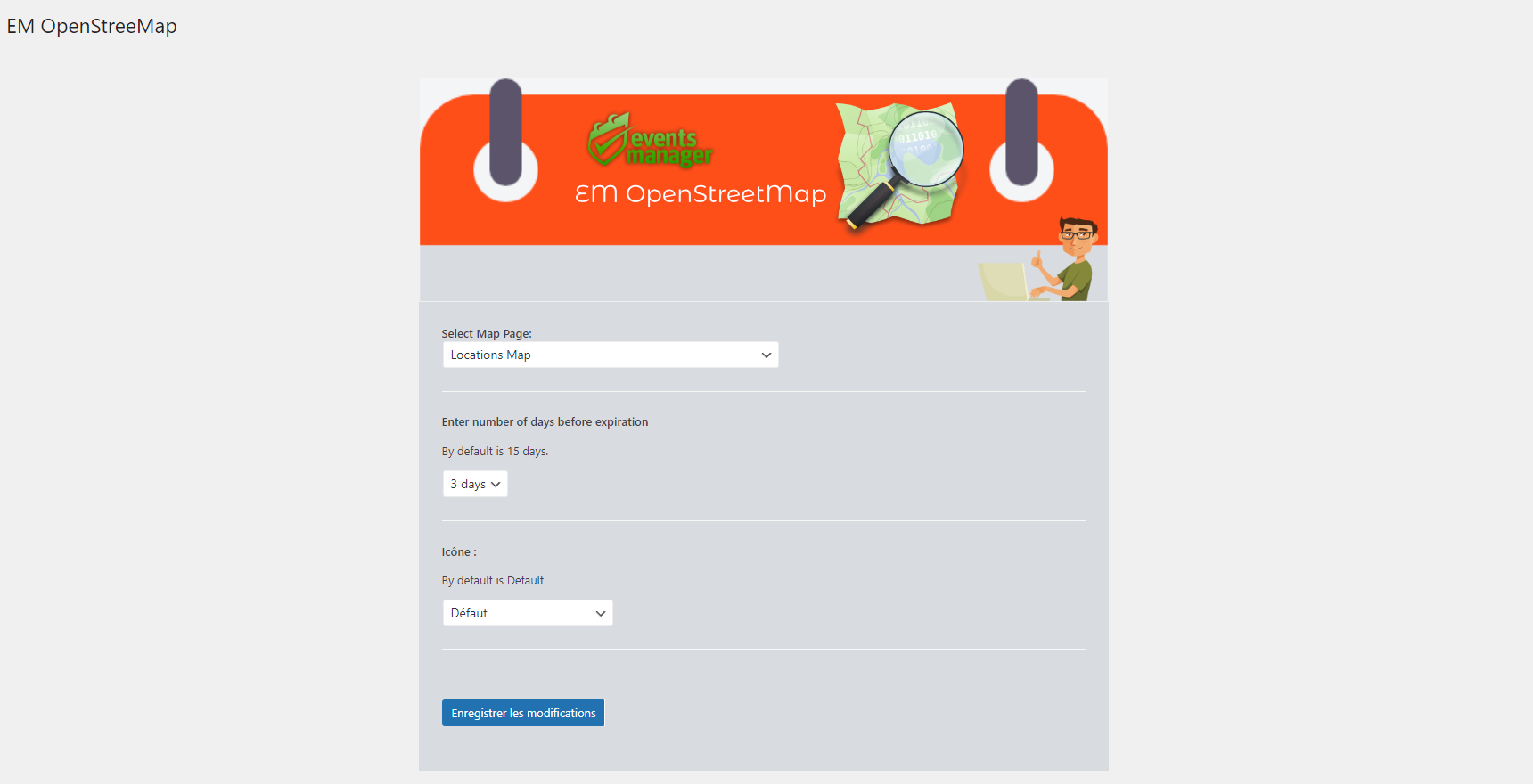
Admin Settings Map
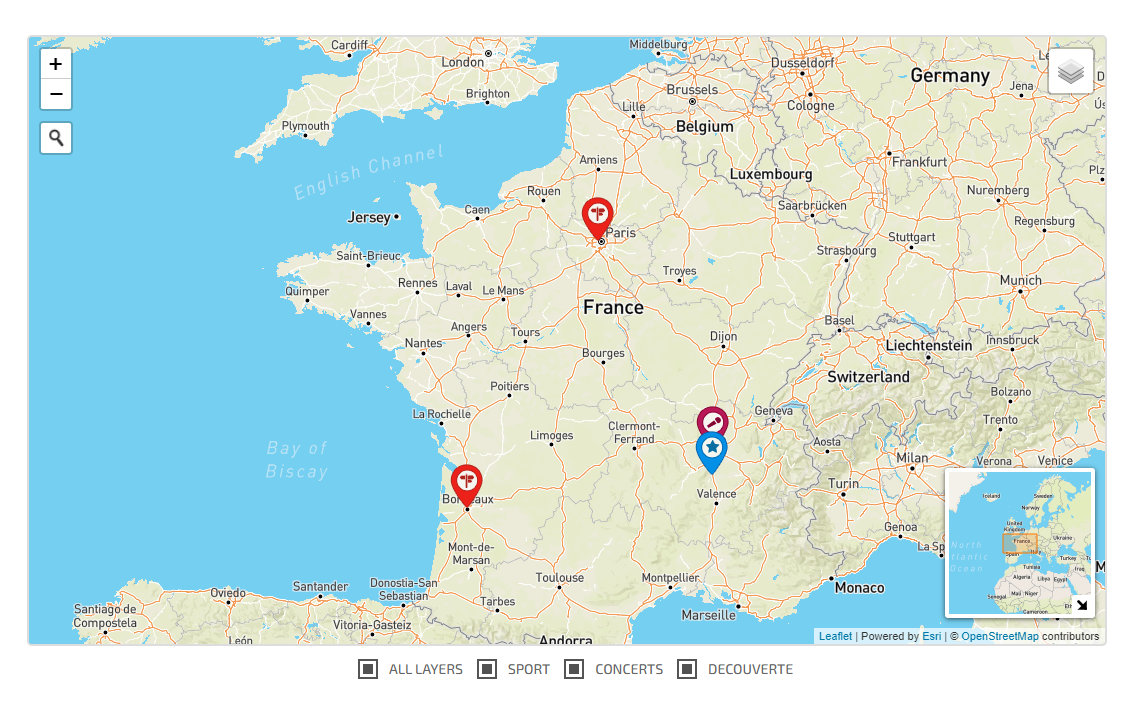
Categories Events Map
Changelog
2.0.7
- Bugs fixed map
2.0.6
- Bugs fixed map location
2.0.5
- Bugs fixed picture
2.0.4
- Secure plugin
2.0.3
- Bugs fixed for Mac OS Safari
2.0.2
- Bugs fixed generate JS files
2.0.1
- Bugs fixed categories events map
2.0.0
- WARNING: It’s a major version. Be carefull before update plugin
- Adding page for map location & events with shortcodes
- Adding Map Icon for Events Category & Location
- Adding Settings page for maps
1.0.3
- Bugs fixed getimagesize()
1.0.2
- Bugs fixed no location
1.0.1
- Bugs fixed no location
1.0.0
- First version