

ExpirePress
ExpirePress is a versatile and user-friendly WordPress plugin that allows you to set expiry actions for your posts.
Plugin info
Maintenance & Compatibility
Maintenance score
Maintained • Last updated 143 days ago
Is ExpirePress abandoned?
Likely maintained (last update 143 days ago).
Compatibility
Similar & Alternatives
Explore plugins with similar tags, and compare key metrics like downloads, ratings, updates, support, and WP/PHP compatibility.
Description
ExpirePress is a powerful and intuitive WordPress plugin that automates post management by allowing you to set expiration actions for your content. Whether you’re running a blog, news site, or an eCommerce store, ExpirePress helps keep your content fresh and relevant — automatically.
Set a specific date and time for posts to perform an action such as transitioning to draft, moving to trash, deleting permanently, making private, changing categories, or even updating the post title.
Key Features:
-
ExpirePress Actions – Automatically:
- Change post status (Draft, Trash, Delete Permanently, or Private)
- Password-protect or unprotect posts
- Change post categories
- Update post titles
- Exclude posts from sitemaps or search results
-
User-Friendly Interface – Configure expiration dates and actions directly within the post editor.
- Supports All Post Types – Works seamlessly with posts and custom post types.
- Compatible and Reliable – Fully tested with the latest WordPress versions 6.6+
Troubleshooting
- Ensure the ExpirePress plugin is activated and your WordPress version is at least 5.2.
- Deactivate other plugins to check for conflicts.
Installation
- Upload the
expirepressfolder to the/wp-content/plugins/directory. - Activate the plugin through the ‘Plugins’ menu in WordPress.
- Configure your expiration settings in the Post Editor Page.
Frequently Asked Questions
Yes, ExpirePress supports custom post types and allows you to set specific actions for each post type.
Yes, you can find detailed documentation on our website at ExpirePress Documentation.
Review feed
Screenshots
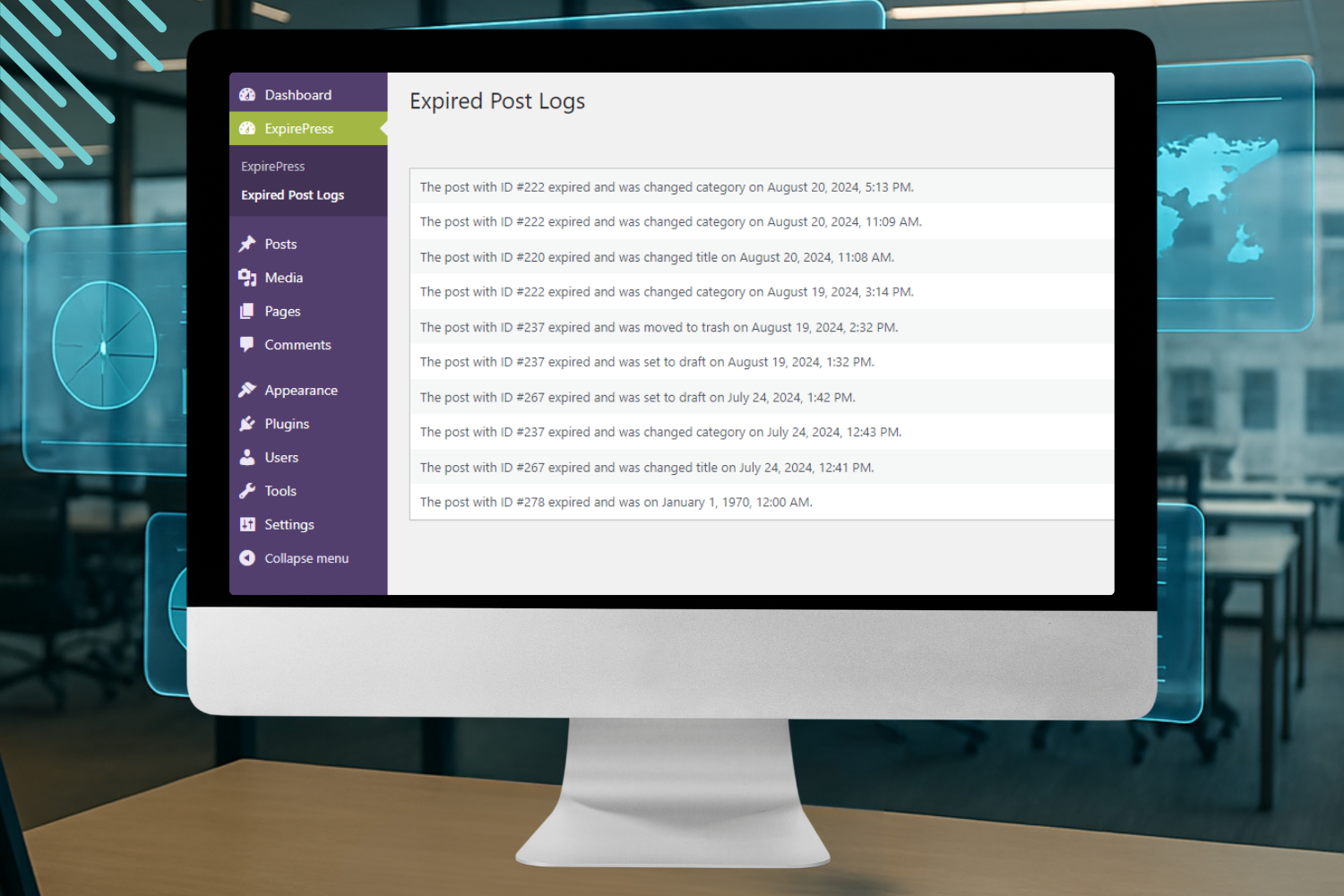
Dashboard Overview
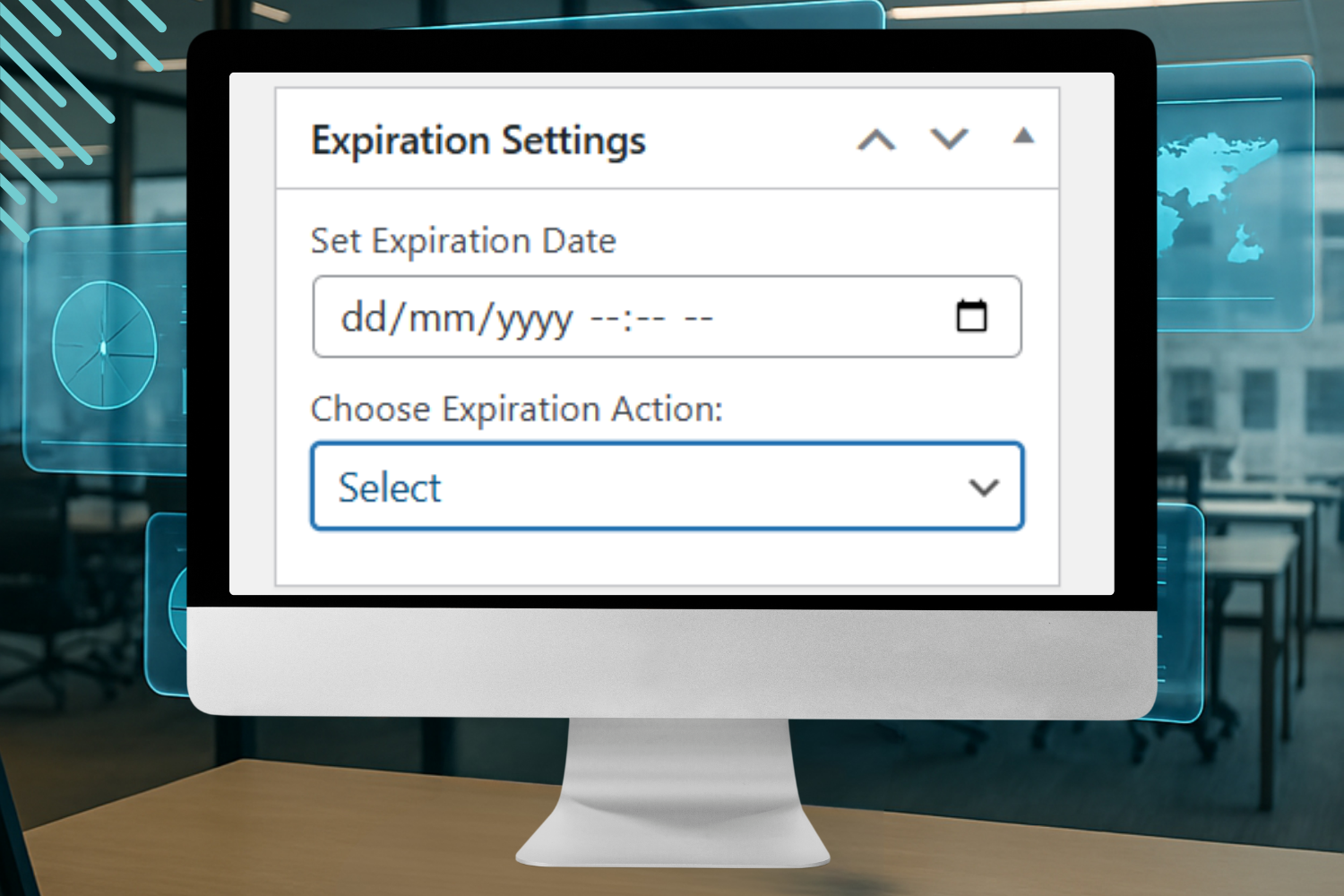
Expiration Settings

ExpirePress Actions
Changelog
1.0.3
- Minor improvements, bug fixes, and compatibility updates.
1.0.2
- Resolved conflict with ACF and Gutenberg.
1.0.0
- Initial release