

Export Media as ZIP
Export your entire WordPress media library as a single downloadable ZIP file. Simple, fast, and admin-only.
Plugin info
Maintenance & Compatibility
Maintenance score
Maintained • Last updated 111 days ago
Is Export Media as ZIP abandoned?
Likely maintained (last update 111 days ago).
Compatibility
Similar & Alternatives
Explore plugins with similar tags, and compare key metrics like downloads, ratings, updates, support, and WP/PHP compatibility.
Description
Export Media as ZIP is a lightweight plugin that allows administrators to download all images from the WordPress media library as a ZIP file. It’s perfect for quick backups, migrations, or sharing image assets with clients.
Key Features
- Export JPG, PNG, GIF, JPEG, and WEBP images
- Admin-only access to the export feature
- One-click download
- No configuration needed
- Compatible with all major themes and plugins
Support
If you have any questions or need help, please feel free to open an issue on GitHub or contact me at [email protected].
Installation
- Upload the plugin to
/wp-content/plugins/export-media-as-zipor install via the WordPress Plugin Directory. - Activate the plugin through the ‘Plugins’ menu in WordPress.
- Go to Media > Export Media as ZIP.
- Click the Download ZIP button to export your images.
Frequently Asked Questions
Only administrators have access to the export page and feature.
Only image files (.jpg, .jpeg, .png, .gif, .webp) are included.
The ZIP file is generated temporarily and deleted automatically after the download.
Review feed
Screenshots
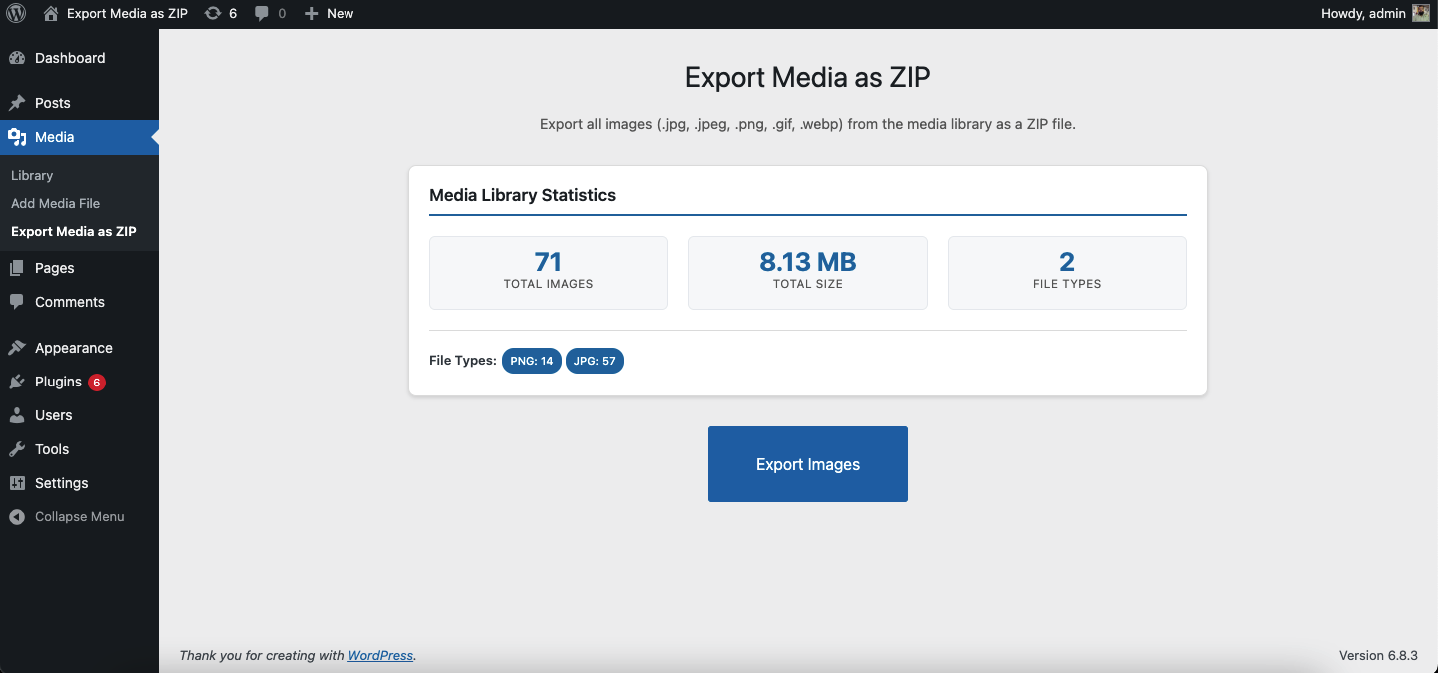
Plugin menu under "Media"
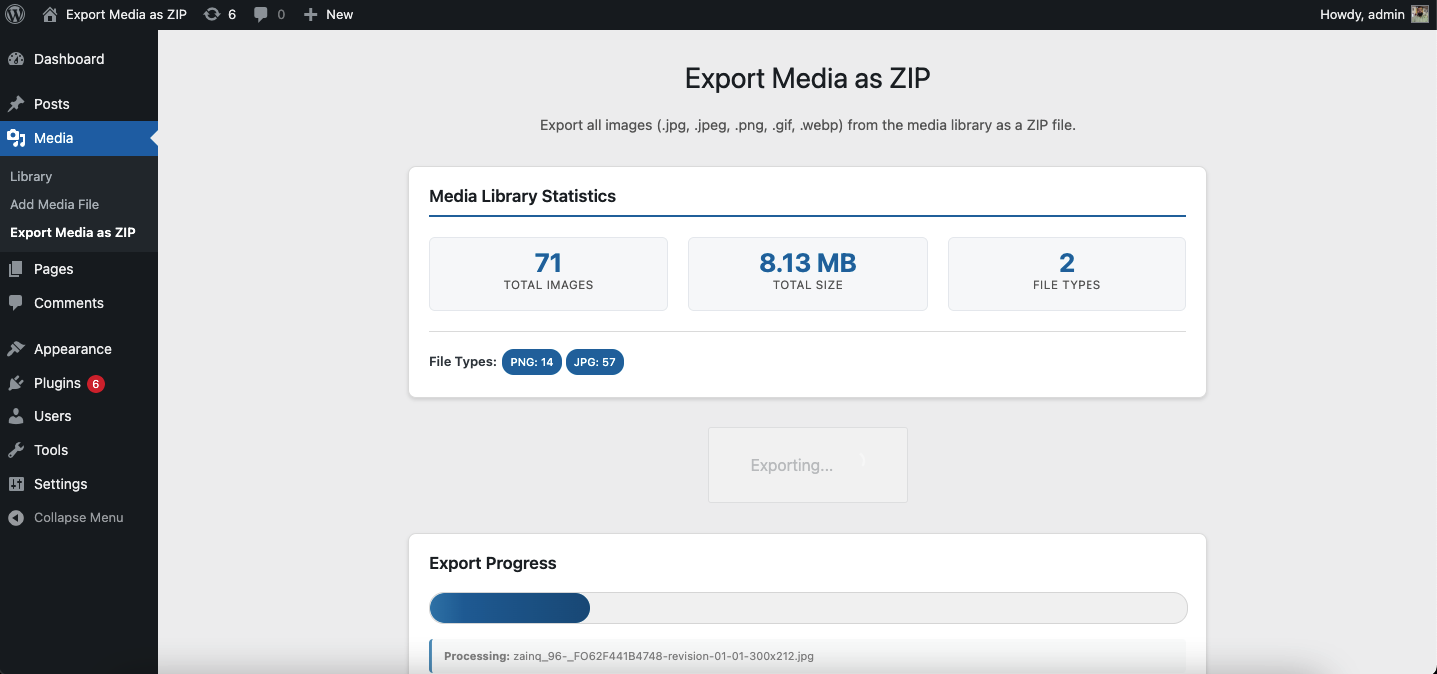
Export button page
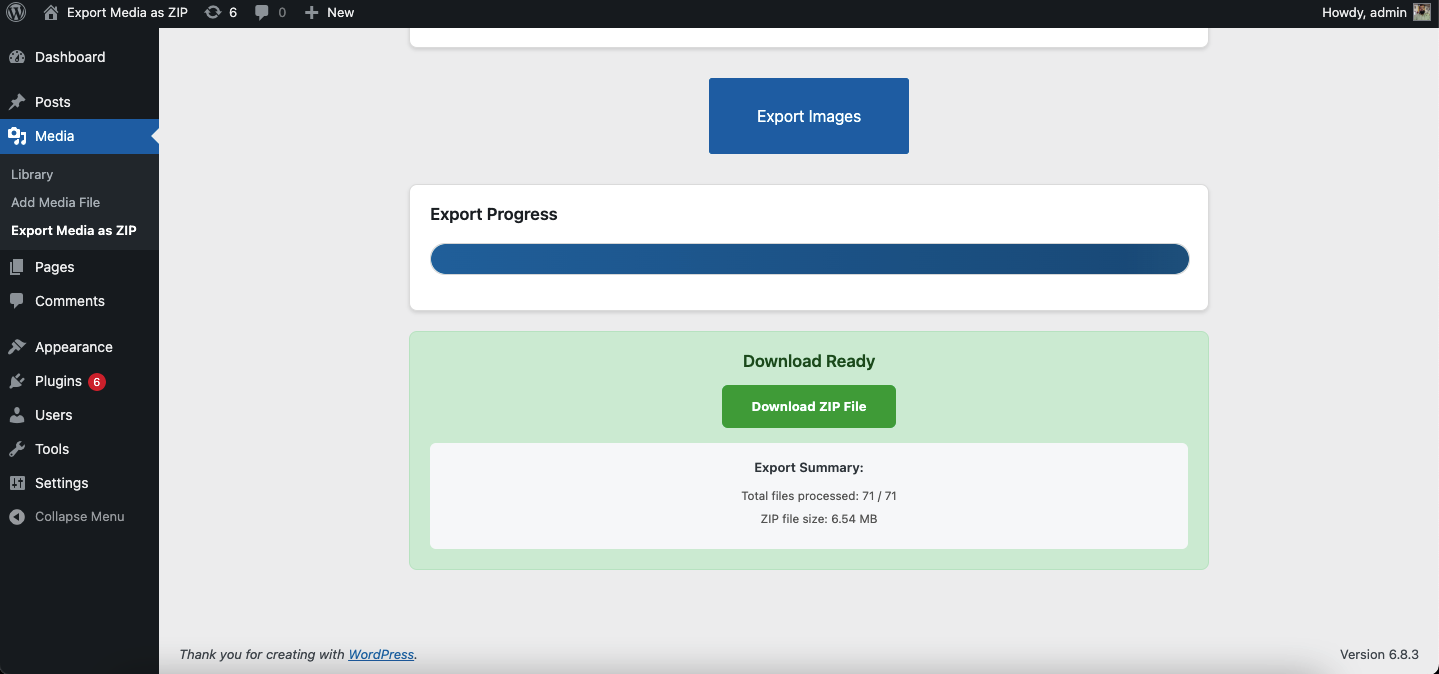
ZIP file download in progress
Changelog
1.0.0
- Initial release