

Plugin info
Maintenance & Compatibility
Maintenance score
Possibly abandoned • Last updated 628 days ago
Is ExS Widgets abandoned?
Possibly abandoned (last update 628 days ago).
Compatibility
Similar & Alternatives
Explore plugins with similar tags, and compare key metrics like downloads, ratings, updates, support, and WP/PHP compatibility.
Description
Adds four additional widgets: Posts, Category, Spacer, Meta. Also adds ExS Posts Gutenberg block
Features
ExS widgets is originally designed for working with ExS theme, but you can use in with any theme if you want.
In addition to the default WordPress Recent Posts widget you can add a posts with thumbnails, with a various layouts.
Also you can use ExS Blog Posts widget in your page as your Gutenberg Block Editor block.
Support
Use the WordPress.org forums for community support where we try to help all users.
If you need help or have any questions, please send us a note.
Installation
Automatic installation
Automatic installation is the easiest option as WordPress handles the file transfers itself and you don’t even need to leave your web browser. To do an automatic install, log in to your WordPress admin panel, navigate to the Plugins menu and click Add New.
In the search field type “ExS widgets” and click Search Plugins. Once you’ve found the plugin you can view details about it such as the point release, rating and description. Most importantly of course, you can install it by clicking Install Now.
Manual installation
The manual installation method involves downloading the plugin and uploading it to your web server via your favorite FTP application.
- Download the plugin file to your computer and unzip it
- Using an FTP program, or your hosting control panel, upload the unzipped plugin folder to your WordPress installation’s
wp-content/plugins/directory. - Activate the plugin from the Plugins menu within the WordPress admin.
Getting started
Once installed:
Go to your Appearance -> Widgets admin menu and add our widgets in your theme sidebar
Frequently Asked Questions
Review feed
Screenshots
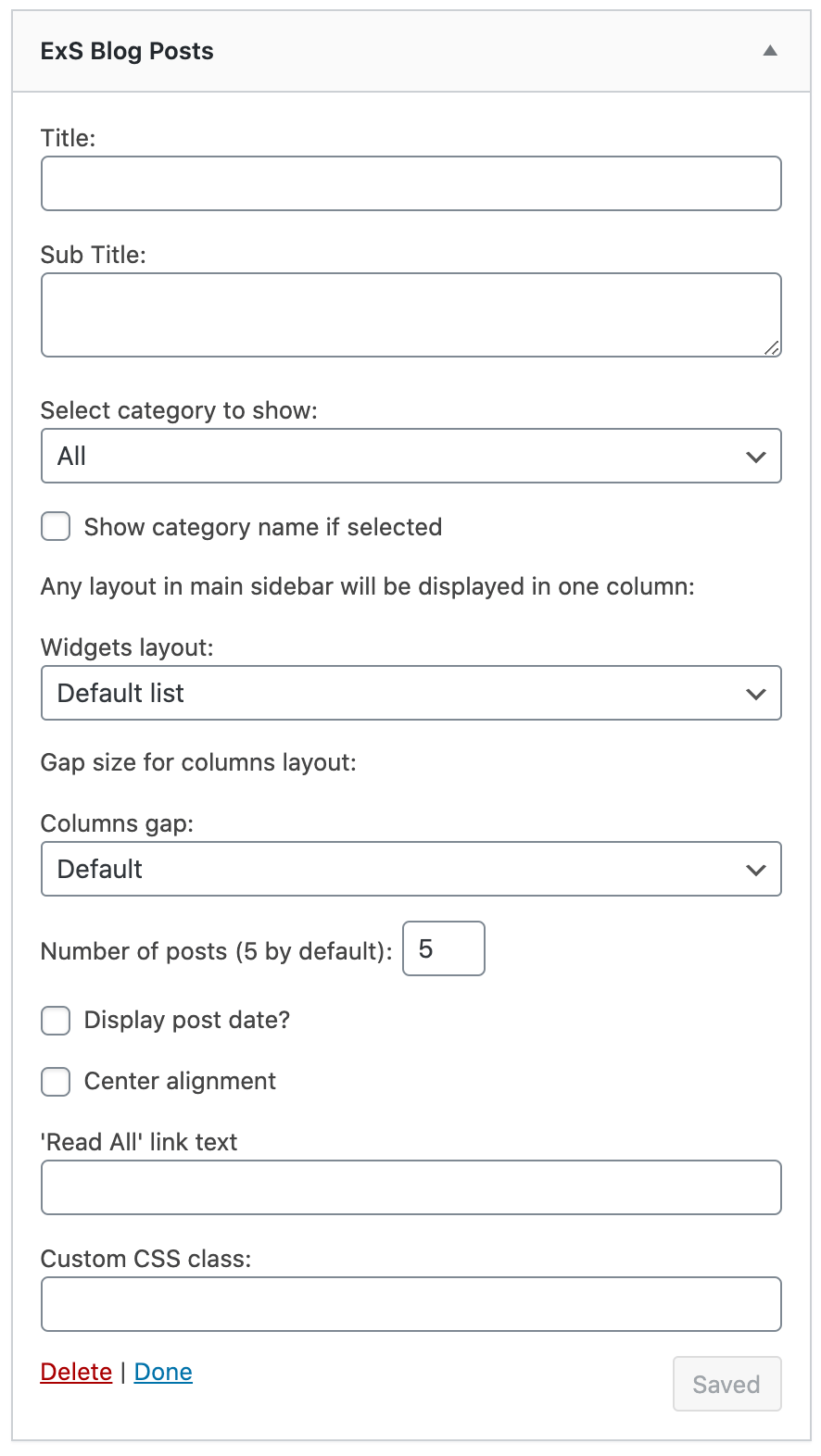
Blog posts widget options

Blog posts widget front end examples
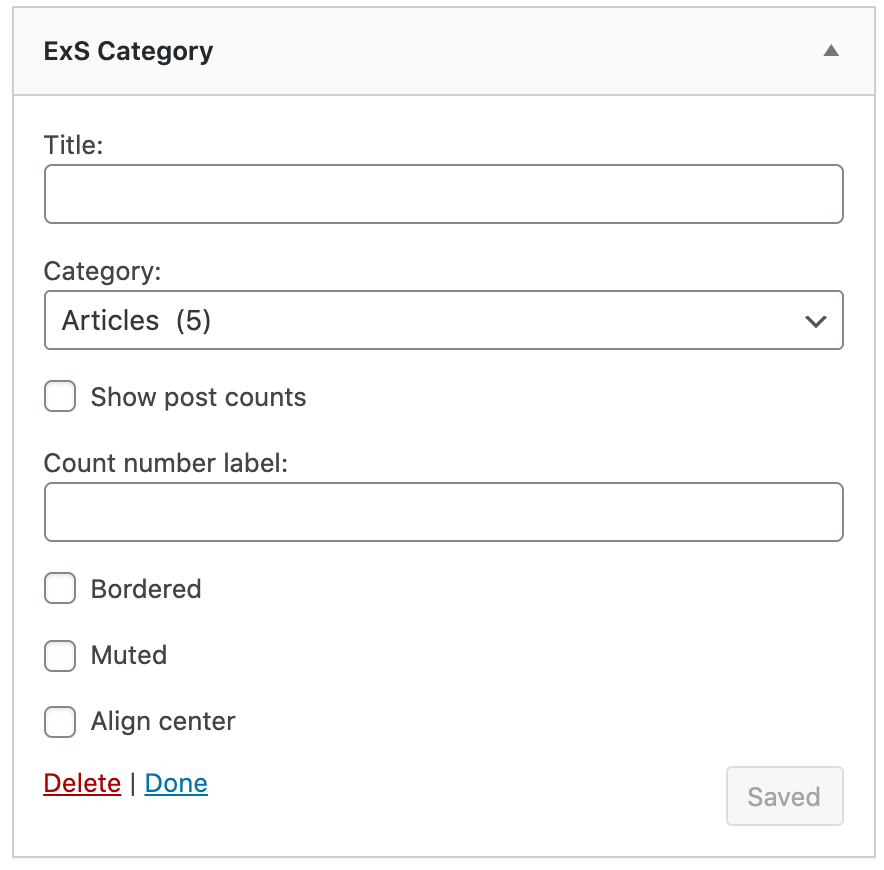
Category widget options

Category widget front end example

Spacer widget options

ExS theme meta widget options (will displayed only if ExS theme is active)

ExS theme meta front end example (will displayed only if ExS theme is active)
Changelog
0.3.2
- July, 15, 2024
- New ExS Blog Posts widget option – ‘Read More’ link text for each post
- New ExS Blog Posts widget option – images size select for grid layouts
- Whitelist available posts layout to prevent custom PHP file includes
- WordPress 6.6 support
0.3.1
- July, 19, 2022
- Fixes for ExS Posts block
- WordPress 6 support
0.3.0
- July, 21, 2021
- WordPress 5.8 support for new blocks widgets page
0.2.0
- March, 09, 2021
- New option to display post categories in posts widget and posts block
0.1.0
- November, 26, 2020
- ExS Posts block editor block added
0.0.1
- September, 7, 2020
- Initial release.