

FCC Ribbon Manager
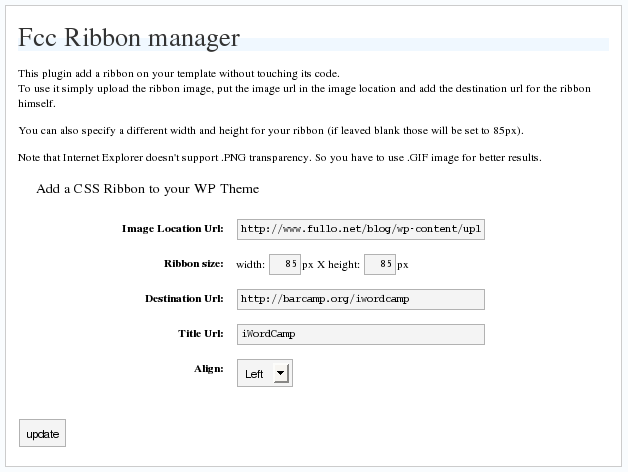
The Ribbon Manager plugin give the ability to add a side ribbon on the blog without touching the template file or the css.
Plugin info
Maintenance & Compatibility
Maintenance score
Possibly abandoned • Last updated 6769 days ago
Is FCC Ribbon Manager abandoned?
Possibly abandoned (last update 6769 days ago).
Compatibility
Similar & Alternatives
Explore plugins with similar tags, and compare key metrics like downloads, ratings, updates, support, and WP/PHP compatibility.
Description
The Ribbon Manager plugin give the ability to add a side ribbon on the blog without touching the template file or the css.
Please note that the plugin needs a theme with wp_head(); and wp_footer(); enabled.
Arbitrary section
Installation
This section describes how to install the plugin and get it working.
e.g.
- Upload
fcc_ribbon.phpto the/wp-content/plugins/directory - Activate the plugin through the ‘Plugins’ menu in WordPress
- Go in
Option->Ribbon Managerand configure it
Frequently Asked Questions
Why It doesn’t work on IE?
Maybe because you are using a PNG image, try with a GIF
I use GIF but I cannot see the ribbon!
Are you using any other plugin with add dinamically styles on wordpress? Try to disable them.
Review feed
Screenshots
Latest release