

Featured Image with URL
Featured Image with URL allows to use an external URL Images as Featured Image for your post types. Includes support for Product Gallery (WooCommerce) …
Plugin info
Maintenance & Compatibility
Maintenance score
Possibly abandoned • Last updated 482 days ago • 8 reviews
Is Featured Image with URL abandoned?
Possibly abandoned (last update 482 days ago).
Compatibility
Similar & Alternatives
Explore plugins with similar tags, and compare key metrics like downloads, ratings, updates, support, and WP/PHP compatibility.
Description
Featured Image with URL :
Featured Image with URL allows to use an external URL Images as Featured Image for your post, page & custom post types like WooCommerce Product. Includes support for Product Gallery (WooCommerce). So, using this plugin you can easily set featured image from url.
Features:
- Set Featured image by URL for all post types including custom post types.
- WooCommerce Product Gallery by URLs.
- Image from URL for WooCommerce Product variation.
- Display Resized Images as per image sizes like “thumbnail”, “medium” or any custom-size
- Lightweight & Easy to use
Credits:
This plugin based on the initial fork of Featured Image by URL plugin. Thanks to the plugin author for the awesome work.
Contributing
- You can contribute to development of the plugin on Github.
- If you have found a bug/issue or have a feature request, then create issue on Github.
- Want to add a new language to Featured Image with URL? Swell! You can contribute via translate.wordpress.org.
1.0.3 – 2024-12-09
- Changed: Bump WordPress “tested up to” version 6.7
1.0.2 – 2024-08-25
- Added: Update plugin assets GitHub action workflow.
- Changed: Bump WordPress “tested up to” version 6.6
- Changed: Bump WooCommerce “tested up to” version 9.2
1.0.1
- Added: Backward compatibility for the “Featured Image by URL” plugin.
1.0.0
- Initial Version.
Installation
This plugin can be installed directly from your site.
- Log in and navigate to Plugins & Add New.
- Type “Featured Image with URL” into the Search input and click the “Search” button.
- Locate the “Featured Image with URL” in the list of search results and click “Install Now”.
- Click the “Activate Plugin” link at the bottom of the install screen.
It can also be installed manually.
- Download the “Featured Image with URL” plugin from WordPress.org.
- Unzip the package and move to your plugins directory.
- Log into WordPress and navigate to the “Plugins” screen.
- Locate “Featured Image with URL” in the list and click the “Activate” link.
Frequently Asked Questions
Maybe Not. Plugin is works fine with most of themes but as you know Featured image is depends on themes So, This plugin may not work for some highly customized themes which are using non-extensible functions like wp_get_attachment_url.
Please feel free to create ticket Here if this plugin not working well for you. we would be happy to help you
Review feed
Screenshots

Fill the URL field with the External Image URL and click the Preview button.
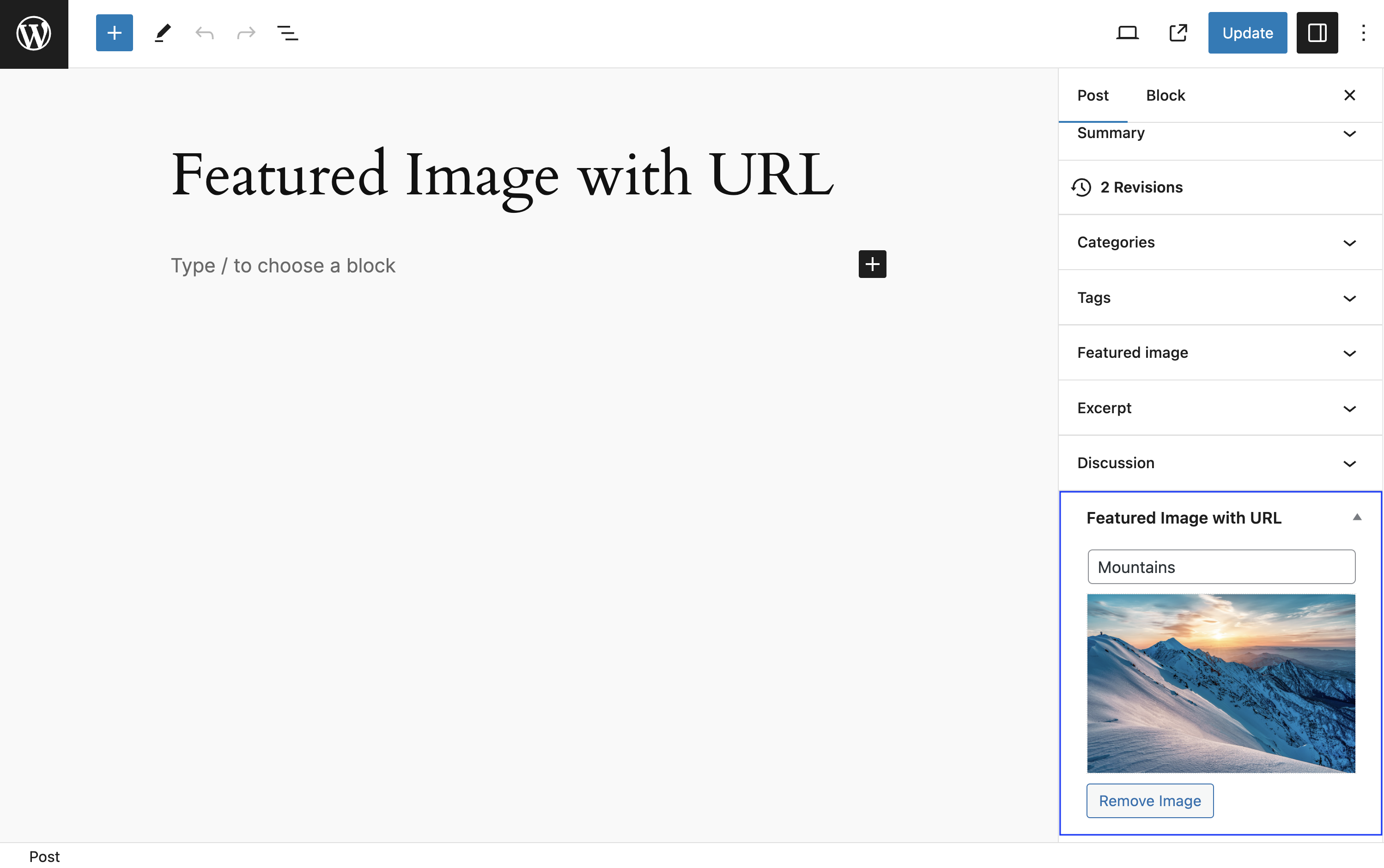
The image will be displayed there.
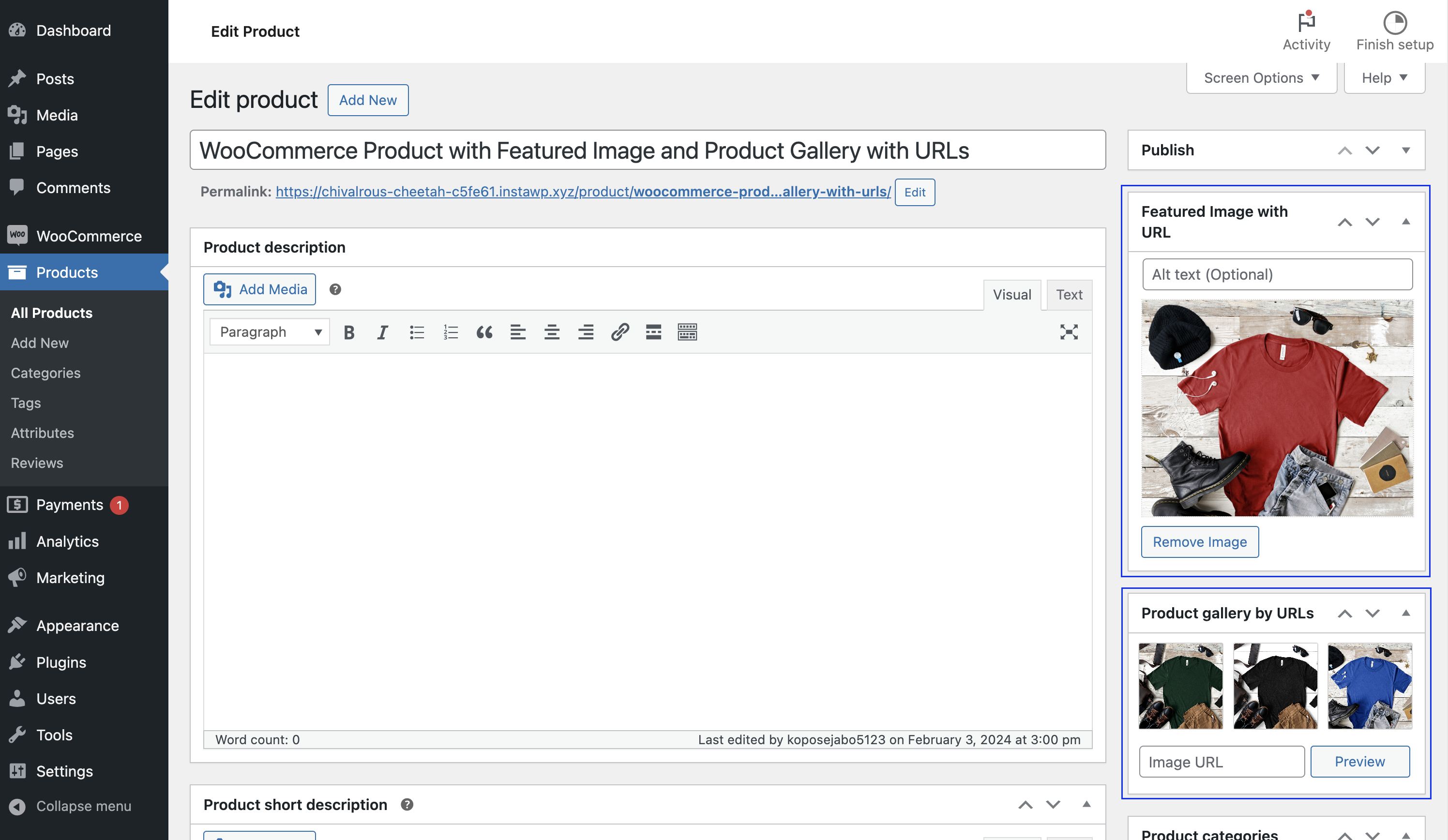
WooCommerce Product Featured Image by External URL & Product Gallery from External URLs.
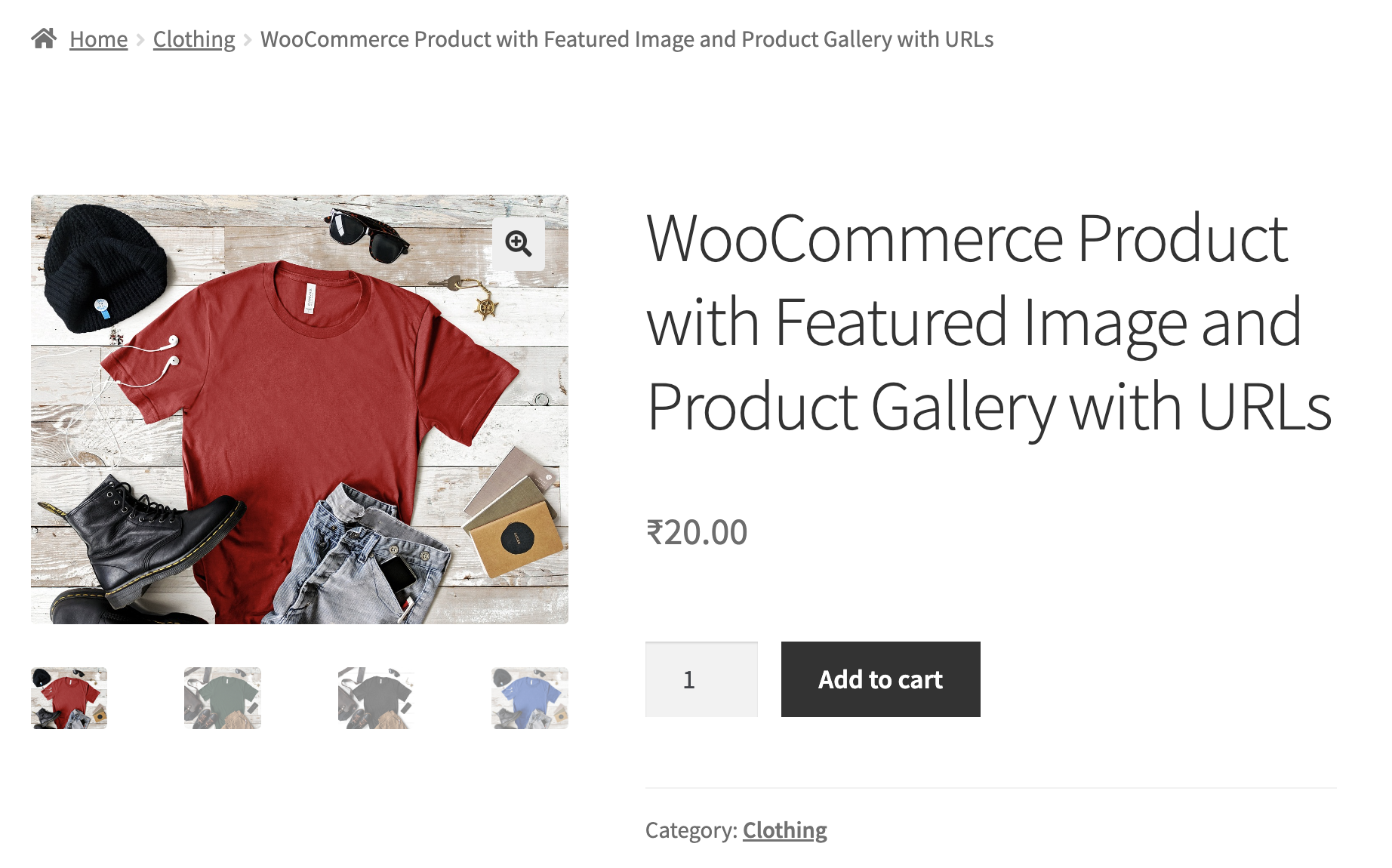
Front-end view of the WooCommerce Product page, which utilizes the Featured Image with URL.
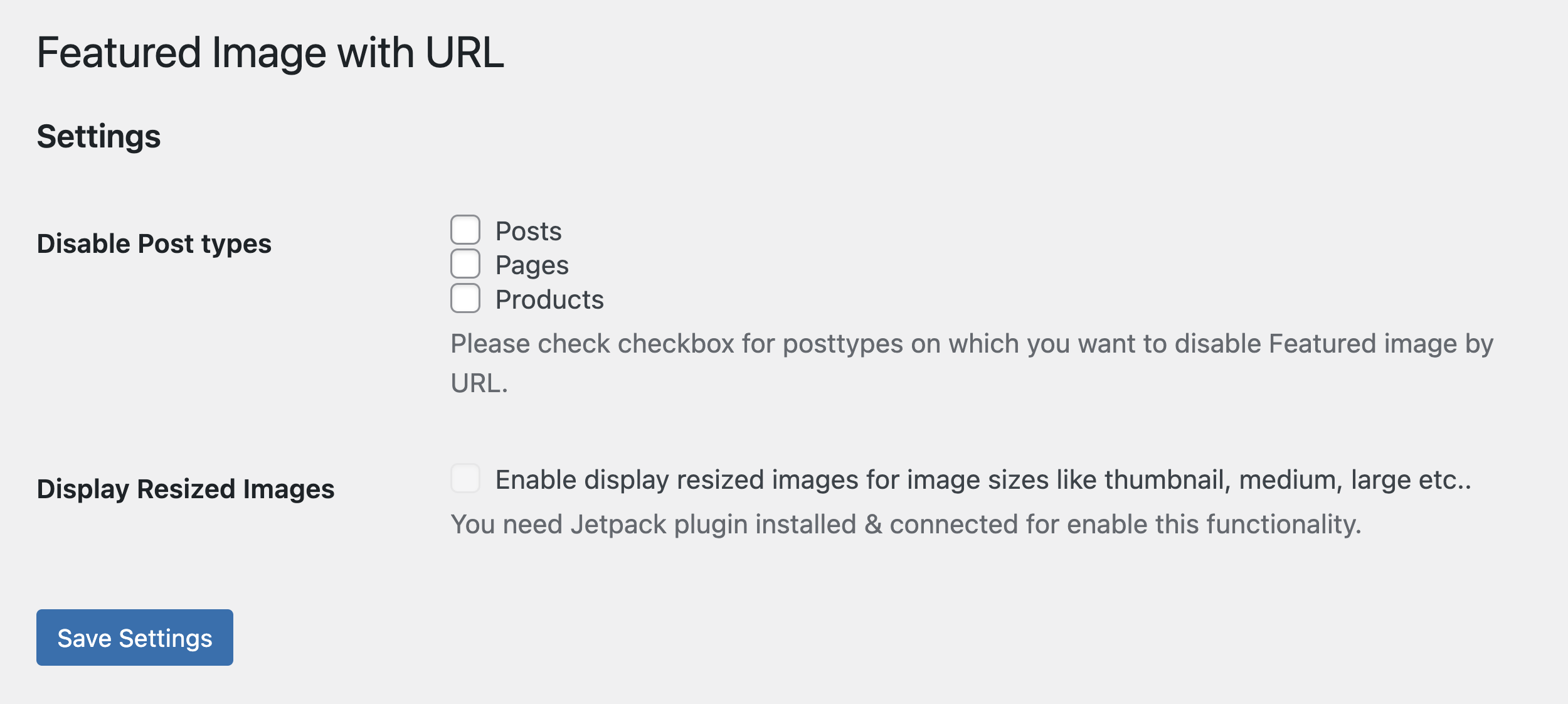
Settings page (Settings > Featured Image with URL).
Changelog
1.0.0
- Initial Version.