

Fiber Admin
Bring multiple customization features to make your own WordPress admin.
Plugin info
Maintenance & Compatibility
Maintenance score
Stale • Last updated 200 days ago
Is Fiber Admin abandoned?
Likely maintained (last update 200 days ago).
Compatibility
Similar & Alternatives
Explore plugins with similar tags, and compare key metrics like downloads, ratings, updates, support, and WP/PHP compatibility.
Description
- Use your Site Settings to white label WordPress automatically.
- Customize admin login page by multiple options.
- Set Image Metadata automatically after uploading.
- Convert plain email text into link automatically.
- Enable SVG support.
- Drag and drop post types / taxonomies order.
- Duplicate post types with single item or bulk action.
- Protect your site image by disable right click / drag image into html page (only for non-admin users).
- Protect your site content by disable these following keys: Ctrl / Cmd + S, Ctrl / Cmd + A, Ctrl / Cmd + C, Ctrl / Cmd + X, Ctrl / Cmd + Shift + I (only for non-admin users).
- Disable WordPress comments & WordPress Automatic Updates completely as default.
- Customize 503 Database Error page.
Installation
- Install either via the WordPress.org plugin directory, or by uploading the files to your server.
- Go to CMS admin plugins list and activate the plugin.
- Go to Fiber Admin setting page and update the options.
Frequently Asked Questions
At the first time using this setting, Fiber Admin will ask you to save it to create the db-error.php file. When your site has some security plugins like Sucuri or Wordfence Security…, these plugins will have an option to prevent file editor. All you need is whitelist wp-content/db-error.php from plugin setting.
Review feed
Screenshots

White Label WordPress settings.

Enable drag and drop post types / taxonomies order.

Enable duplicate post types with single item or bulk action.
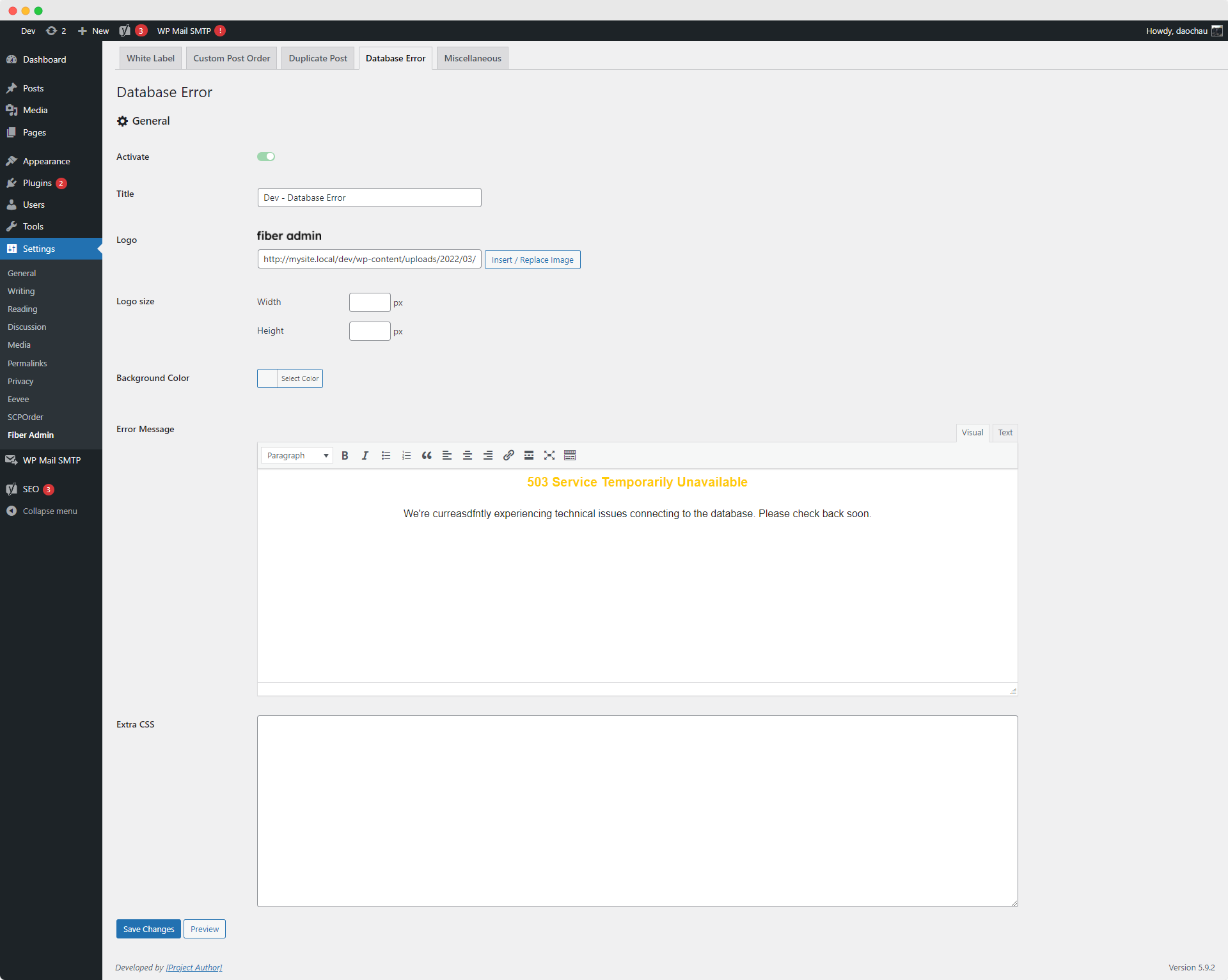
503 Database Error page settings.
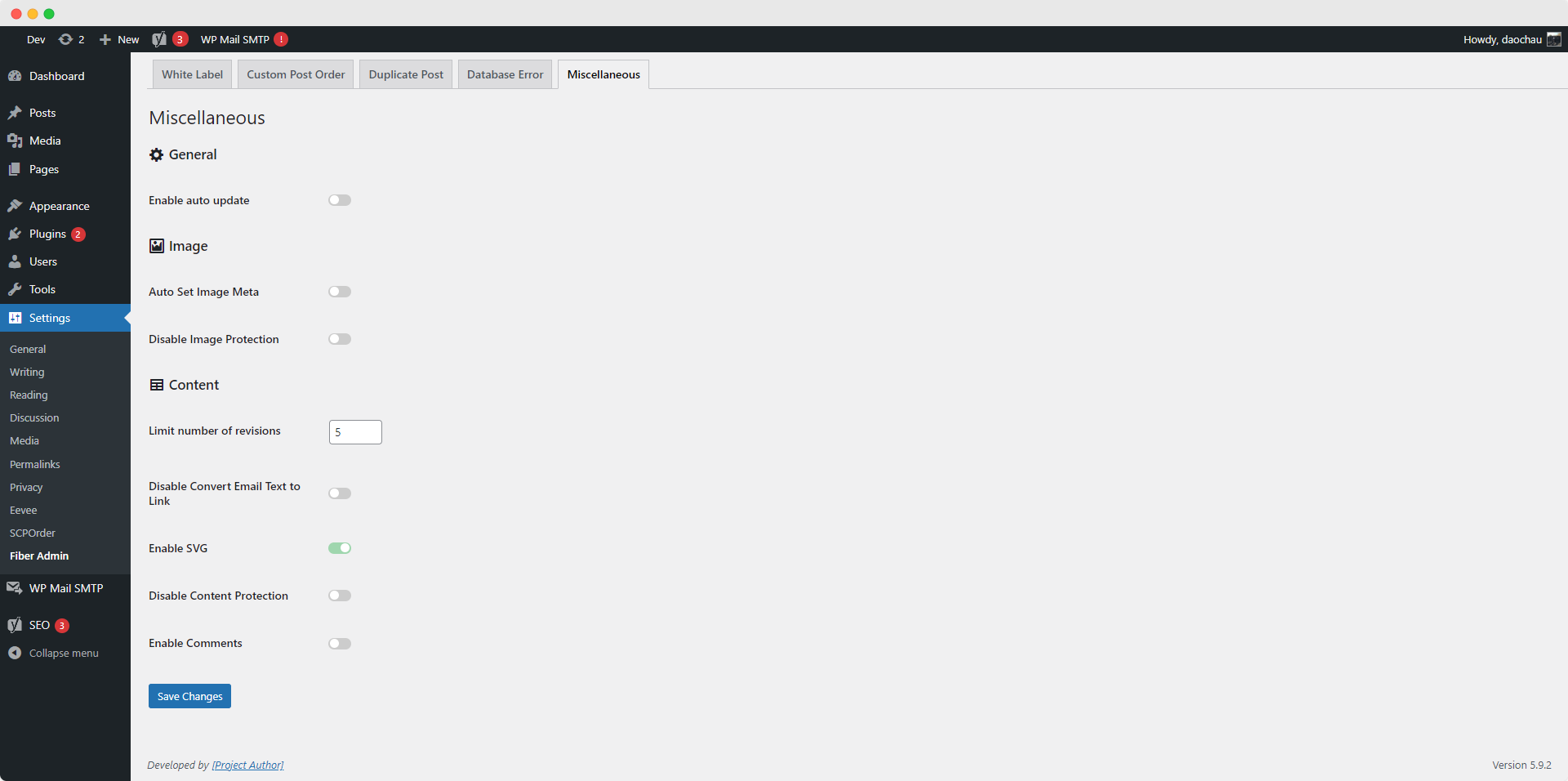
Miscellaneous settings.
Changelog
3.2.7
Release Date – 15 September 2025
- Changed: Improve Admin Login UI