

Findit Post Search and Filter
A clean, responsive AJAX-powered search plugin for WordPress posts with keyword highlighting, category/tag filtering, and load more pagination.
Plugin info
Maintenance & Compatibility
Maintenance score
Stale • Last updated 231 days ago
Is Findit Post Search and Filter abandoned?
Likely maintained (last update 231 days ago).
Compatibility
Similar & Alternatives
Explore plugins with similar tags, and compare key metrics like downloads, ratings, updates, support, and WP/PHP compatibility.
Description
Findit Post Search and Filter is a lightweight and intuitive WordPress plugin that lets users quickly search and filter posts by tags and categories, enhancing the default WordPress search experience.
Features:
– AJAX-powered search (no page reloads)
– Only searches posts (post post type)
– Filters by category and tag using AND logic
– Supports search by title and content only (not taxonomy)
– Highlights matching keywords in search results
– “Load More” button to paginate results (9 posts at a time)
– Responsive grid layout: 3 columns on desktop, 1 column on tablet/mobile
Use the shortcode [findit_post_filter_search] to place the search box and filters anywhere on your site.
License
This plugin is licensed under the GPLv2 or later.
Installation
- Upload the plugin to
/wp-content/plugins/findit-post-search-and-filterdirectory or install it via the WordPress admin dashboard. - Activate the plugin through the ‘Plugins’ menu.
- Add
[findit_post_filter_search]shortcode to any page or post.
Frequently Asked Questions
Only standard WordPress posts. It searches the title and content fields.
Not at this time. Support for custom post types may be added in a future version.
No, but you can filter results by category and tag using the dropdown filters. The plugin uses AND logic when both filters are applied.
Yes, you can override the plugin’s CSS or template markup in your theme.
Review feed
Screenshots
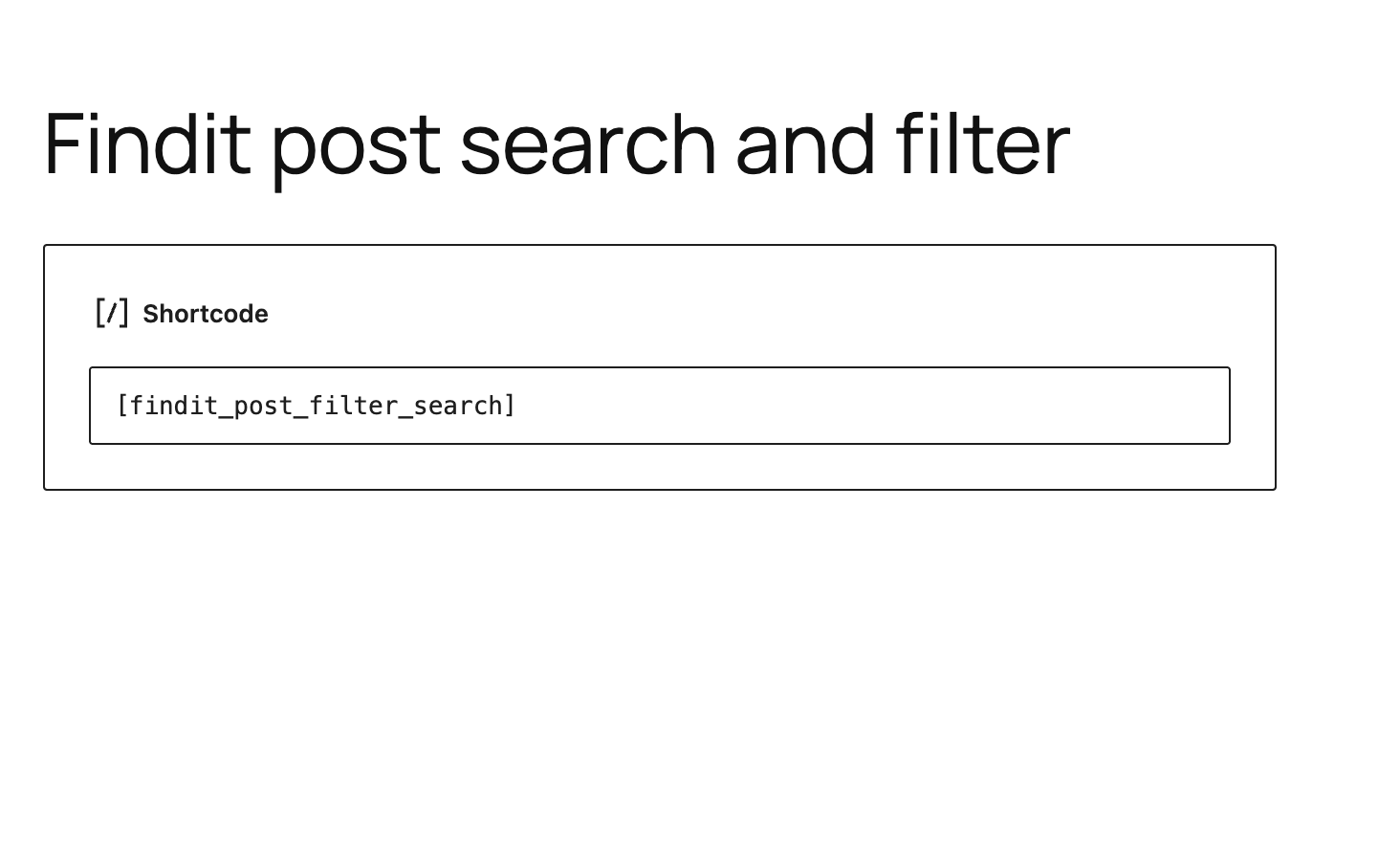
Search form with category and tag filters
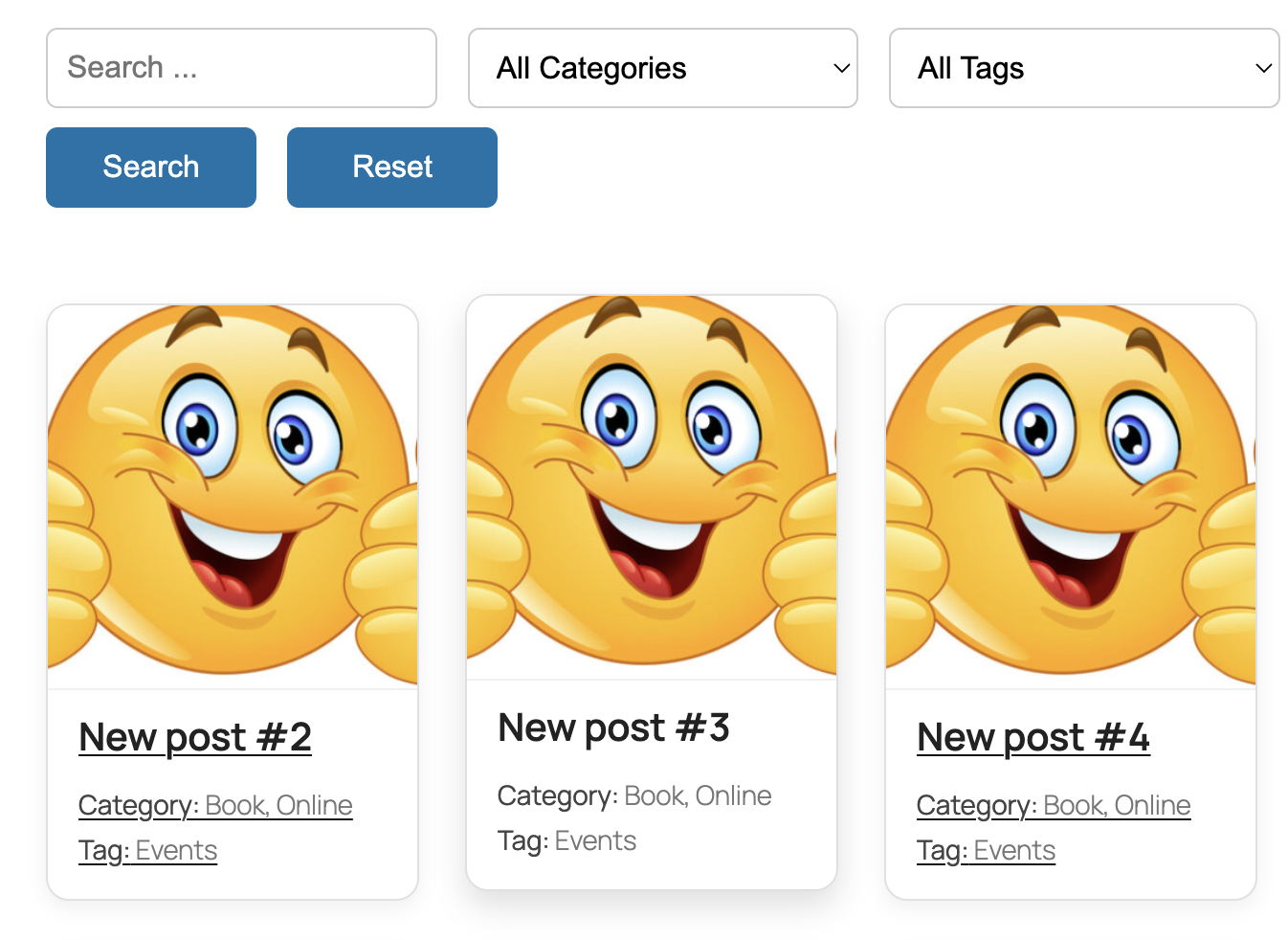
AJAX results with keyword highlights
Changelog
1.0.0
- Initial release with:
- AJAX post search
- AND-based category and tag filtering
- Keyword highlighting
- Load More button (9 posts per page)