

Firevert – Sale booster for WooCommerce
Boost your WooCommerce sales with smart, customizable promotional widgets.
Plugin info
Maintenance & Compatibility
Maintenance score
Maintained • Last updated 135 days ago
Is Firevert – Sale booster for WooCommerce abandoned?
Likely maintained (last update 135 days ago).
Compatibility
Similar & Alternatives
Explore plugins with similar tags, and compare key metrics like downloads, ratings, updates, support, and WP/PHP compatibility.
Description
Firevert is a powerful yet easy-to-use WooCommerce plugin that ignites your store’s sales with dynamic, customizable widgets. Designed for flexibility and growth, Firevert helps you showcase promotions, build trust, and boost conversions — all while keeping your store visually stunning and legally compliant.
With Firevert you can:
- Highlight promotions with dynamic, eye-catching widgets that grab attention.
- Add countdown timers and one-click coupon copy to create urgency and drive instant action.
- Show real-time views, purchases, and popularity charts to build trust and social proof.
- Customize widget design for a modern look that matches your brand.
- Guide customers through promo categories and featured products to increase cart value.
Whether you’re running a small WooCommerce shop or managing multiple international stores, Firevert gives you the firepower to increase engagement, drive conversions, and outshine the competition.
Key features:
* PowerWidget – your main promotional widget for engaging users.
* Promo Product Widget Eruption – showcase your hottest deals with a dynamic product list.
* Omnibus Directive Integration – fully compliant and transparent under EU law.
* One-Click Coupon Copy – ignite conversions with frictionless coupon sharing.
* Promo Categories on Fire – highlight categories loaded with discounted products.
* Designer-Level Flexible Widget – crafted for beauty and adaptability.
* Conversion Booster – turn every limited-time promo into a sales eruption.
* Countdown Timer Integration – create urgency with ticking clocks that drive conversions.
* SpectatorViews – build trust with real-time view counters and social proof.
Need help or found a bug?
Contact us at [email protected]
Documentation: https://firevert.com/documentation/
Installation
- Download the plugin ZIP file from the WordPress.org repository.
- In your WordPress admin panel, go to Plugins > Add New > Upload Plugin.
- Upload the ZIP file and activate the plugin.
- Go to Firevert Settings in the admin menu to configure modules and widgets.
Frequently Asked Questions
Yes, Firevert comes with a free version that includes core features. You can upgrade to premium plans to unlock more advanced widgets, design options, and unlimited usage. Premium upgrades are available at firevert.com.
Yes, Firevert is built specifically for WooCommerce stores running on WordPress.
Yes. Firevert includes basic customization options in the free version, and premium plans unlock advanced design flexibility to match your store’s branding.
You can set up a timer for promotions, flash sales, or discounts. The timer automatically counts down and creates urgency for customers to act before the deal ends.
In the free version, SpectatorViews shows how many people are currently viewing a product. In the premium version, you also unlock real-time data such as total product views, purchases, and popularity charts — helping you build stronger trust and social proof.
Customers can copy coupon codes with a single click and apply them at checkout, reducing friction and boosting conversions.
The free version can be installed on as many sites as you like. Premium plans may include site-based licensing (single-site, multi-site, or unlimited).
No. Firevert is optimized for performance and designed to run smoothly on WooCommerce stores. Clean, high-quality code ensures stability, speed, and long-term reliability.
Yes. Firevert integrates with the most popular Omnibus plugins and is designed with compliance in mind.
Free users can access documentation and community support. Premium users get priority support at firevert.com or via email at [email protected].
Review feed
Screenshots
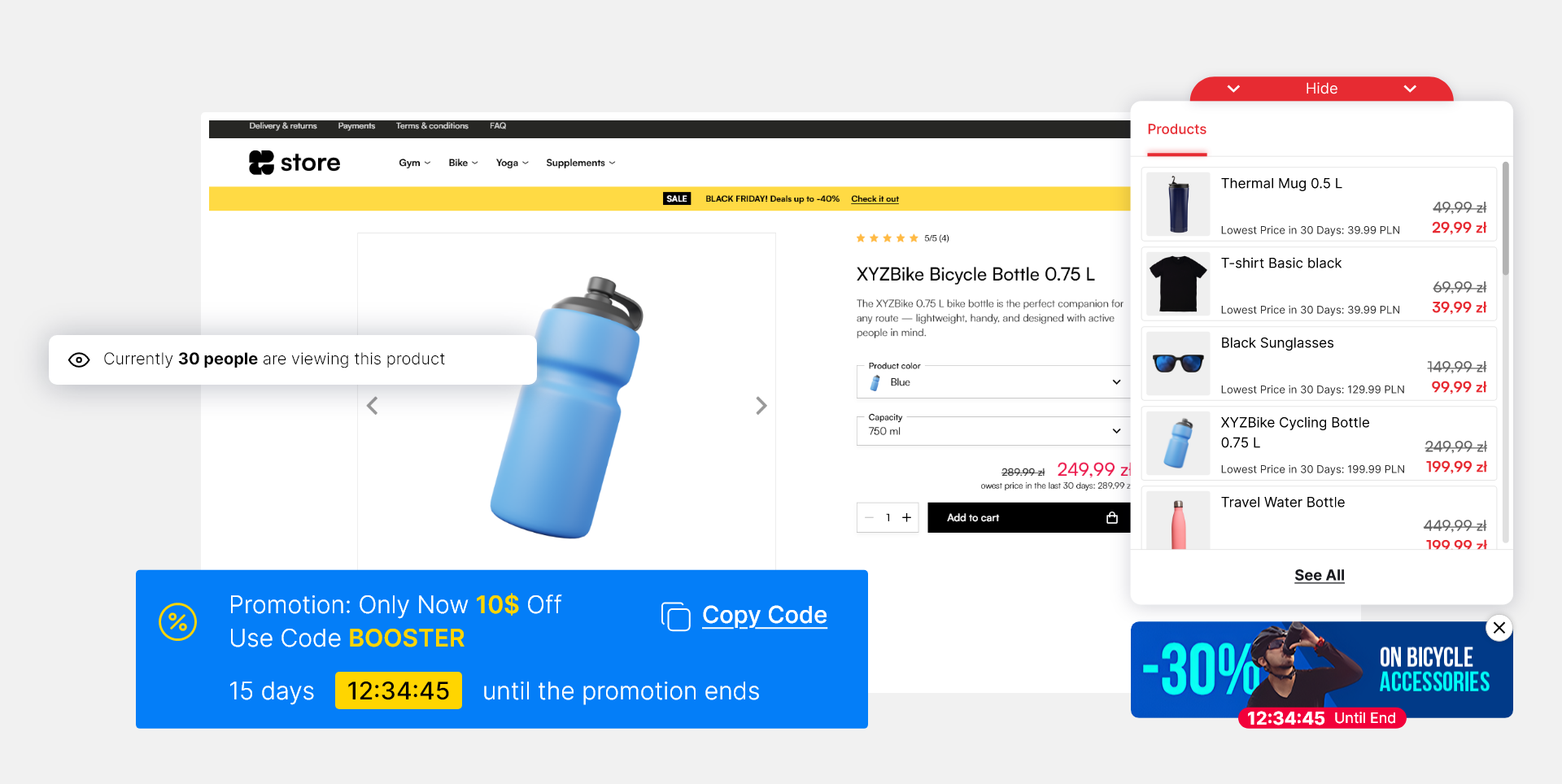
Overview of all Firevert widgets in action.
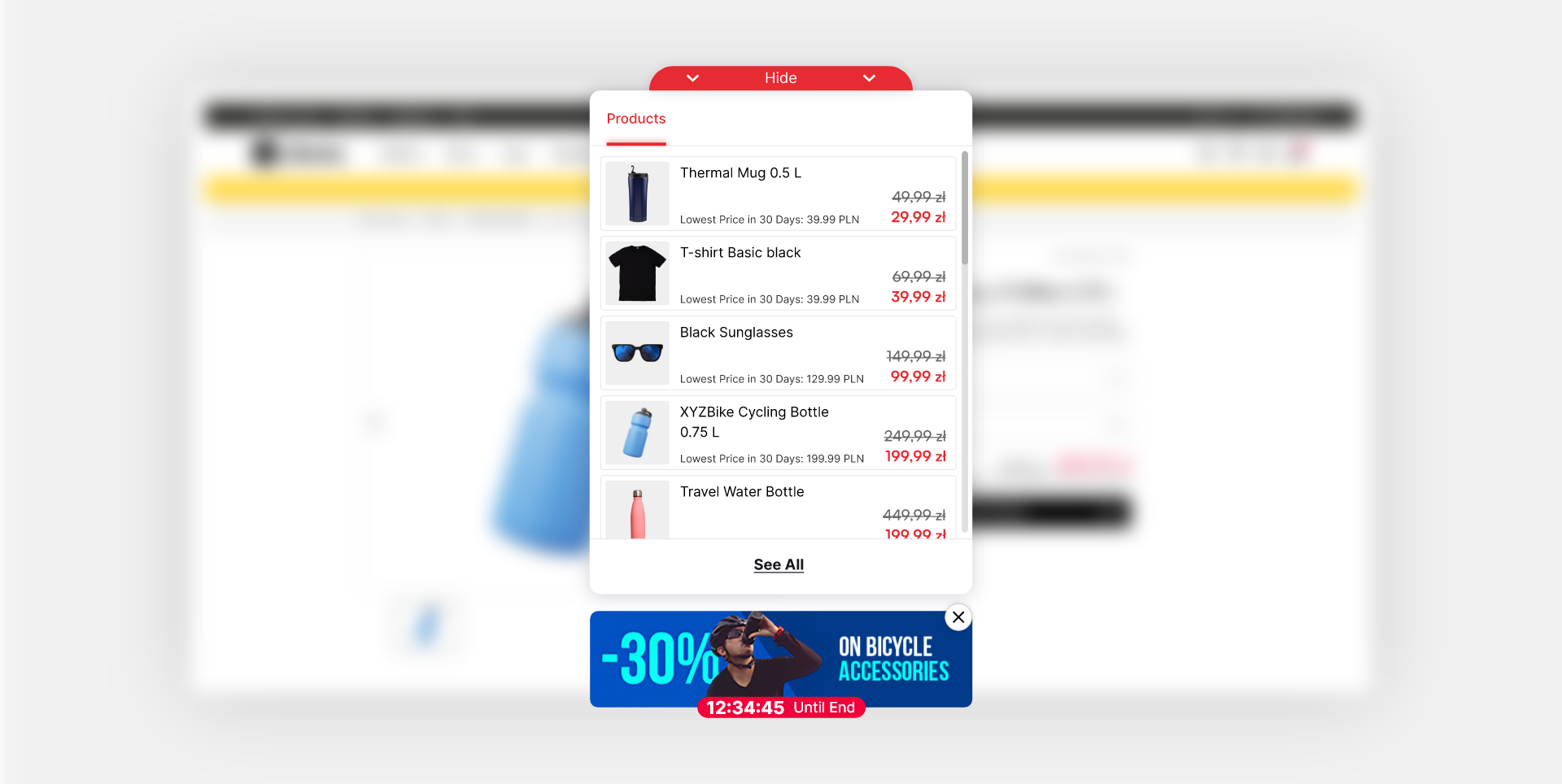
Example PowerWidget on a product page.
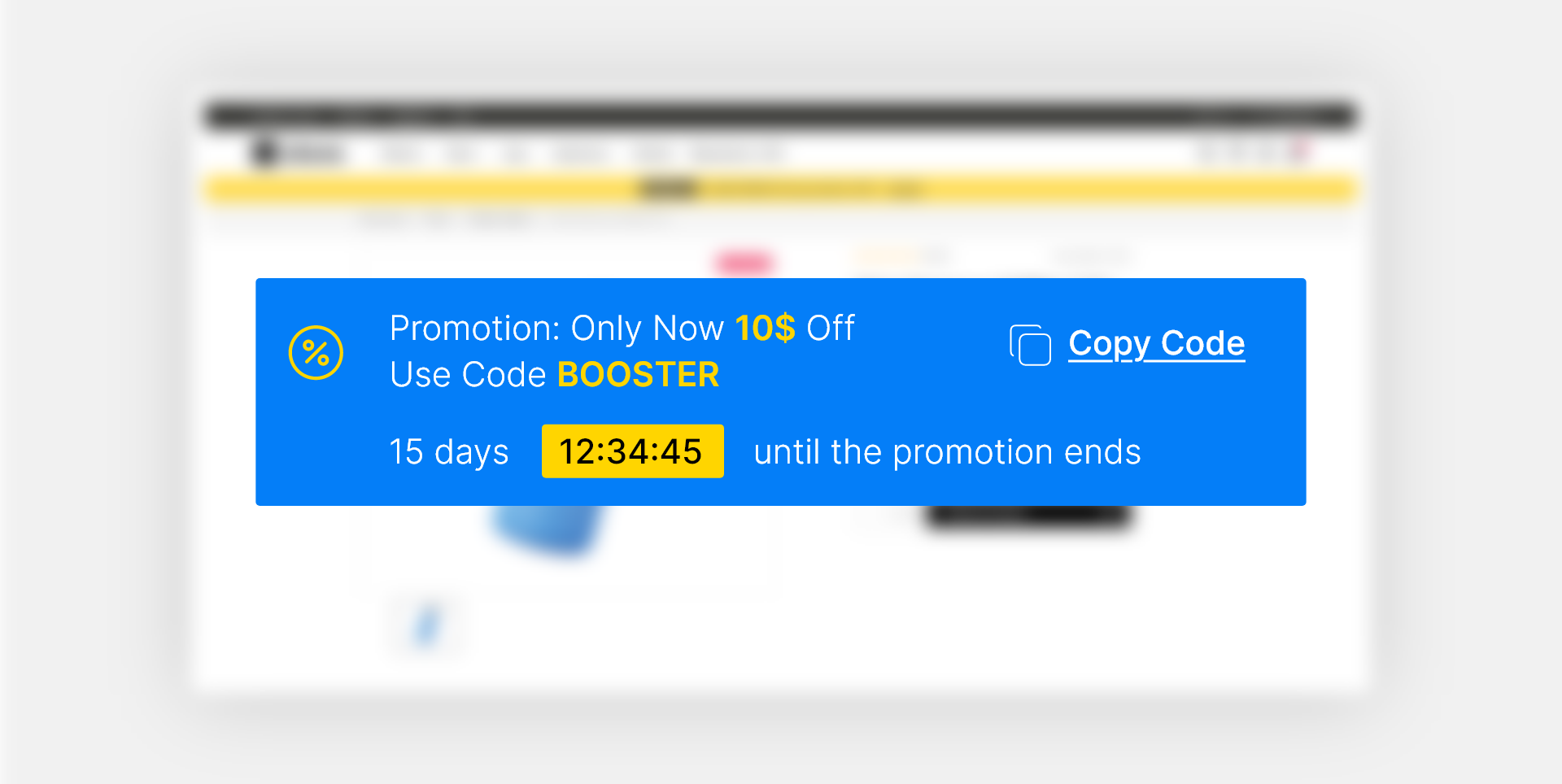
PromoTimeWidget in action.
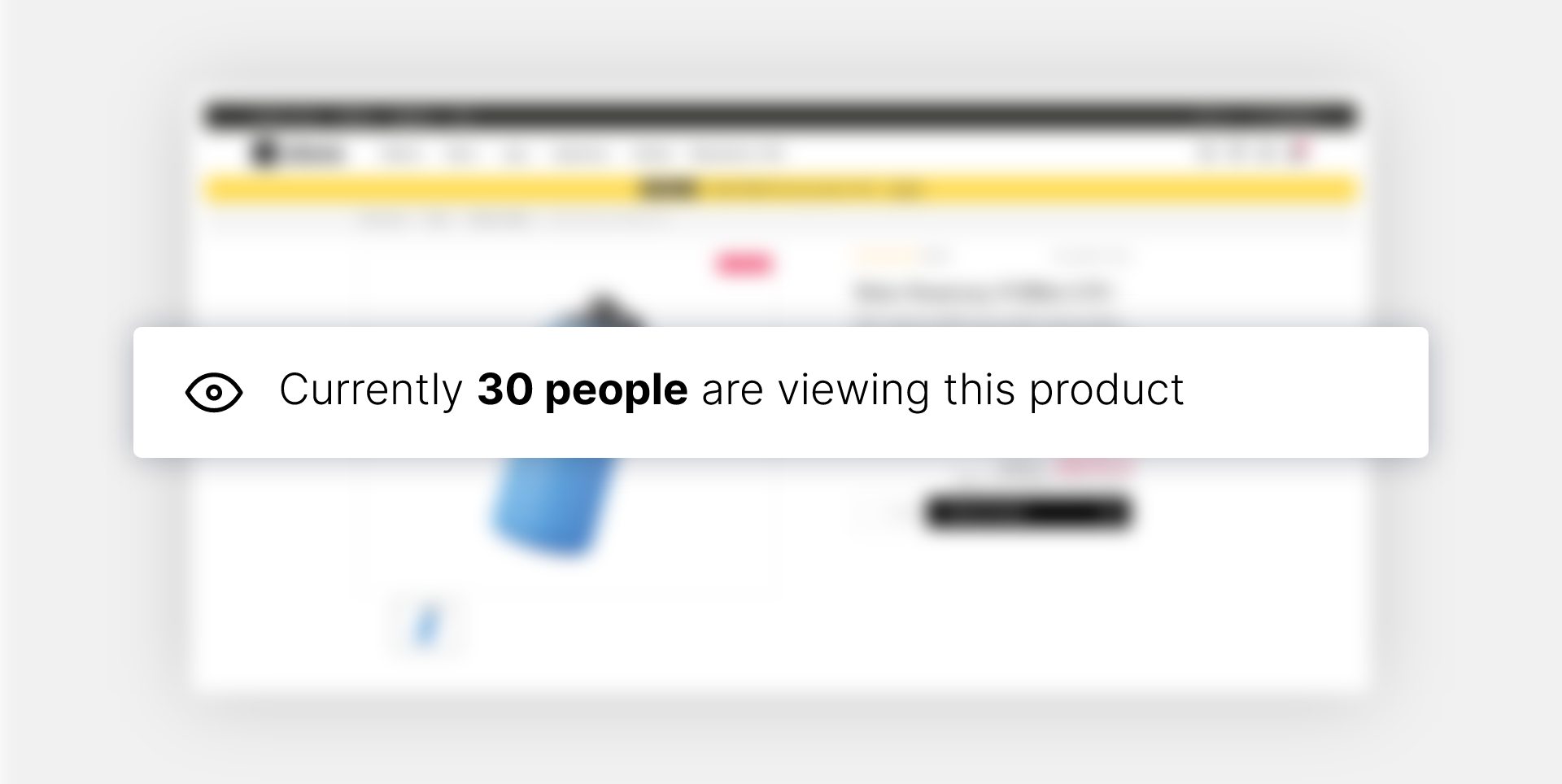
SpectatorViews showing real-time visitors.
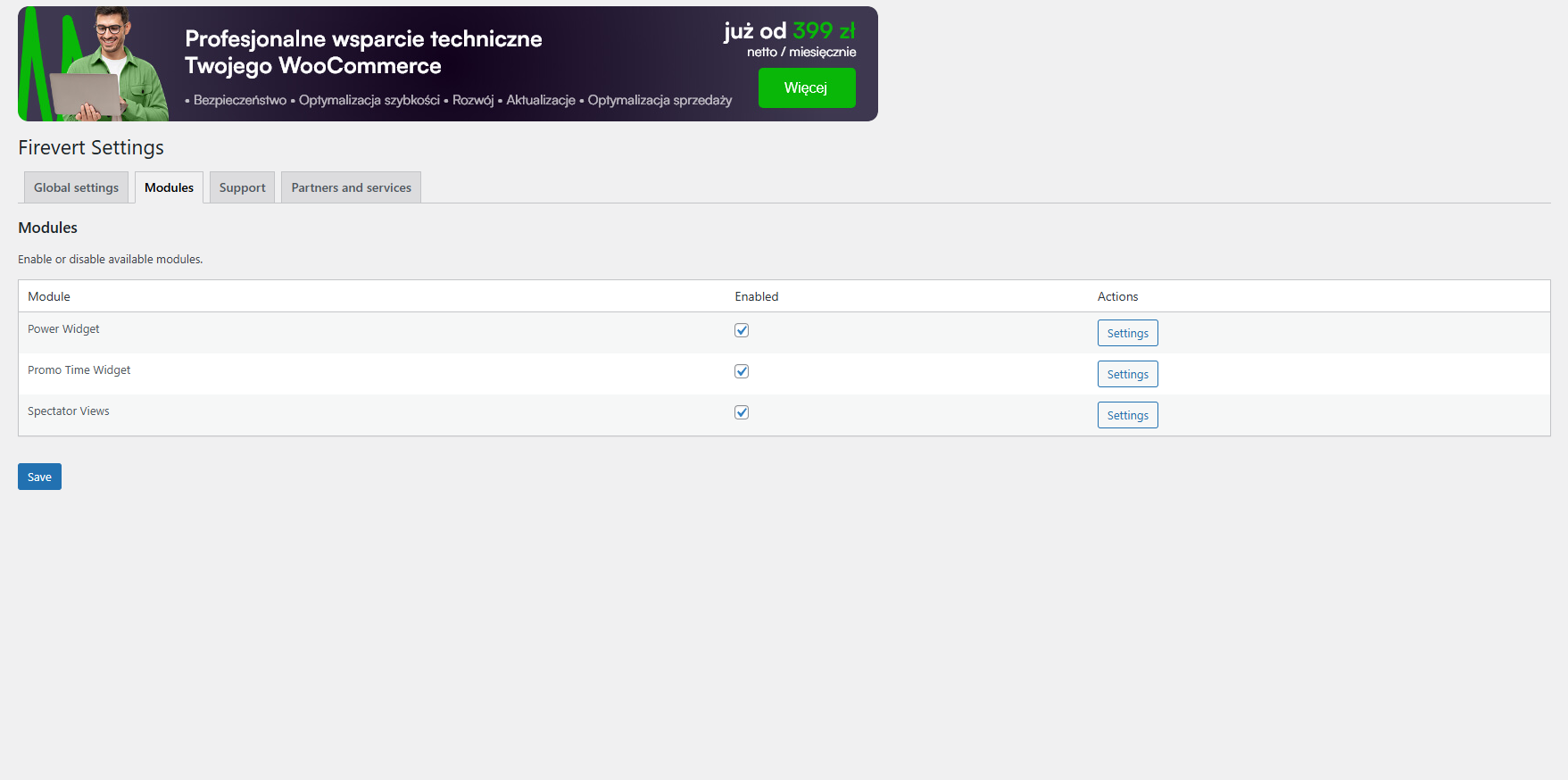
Module settings overview screen.
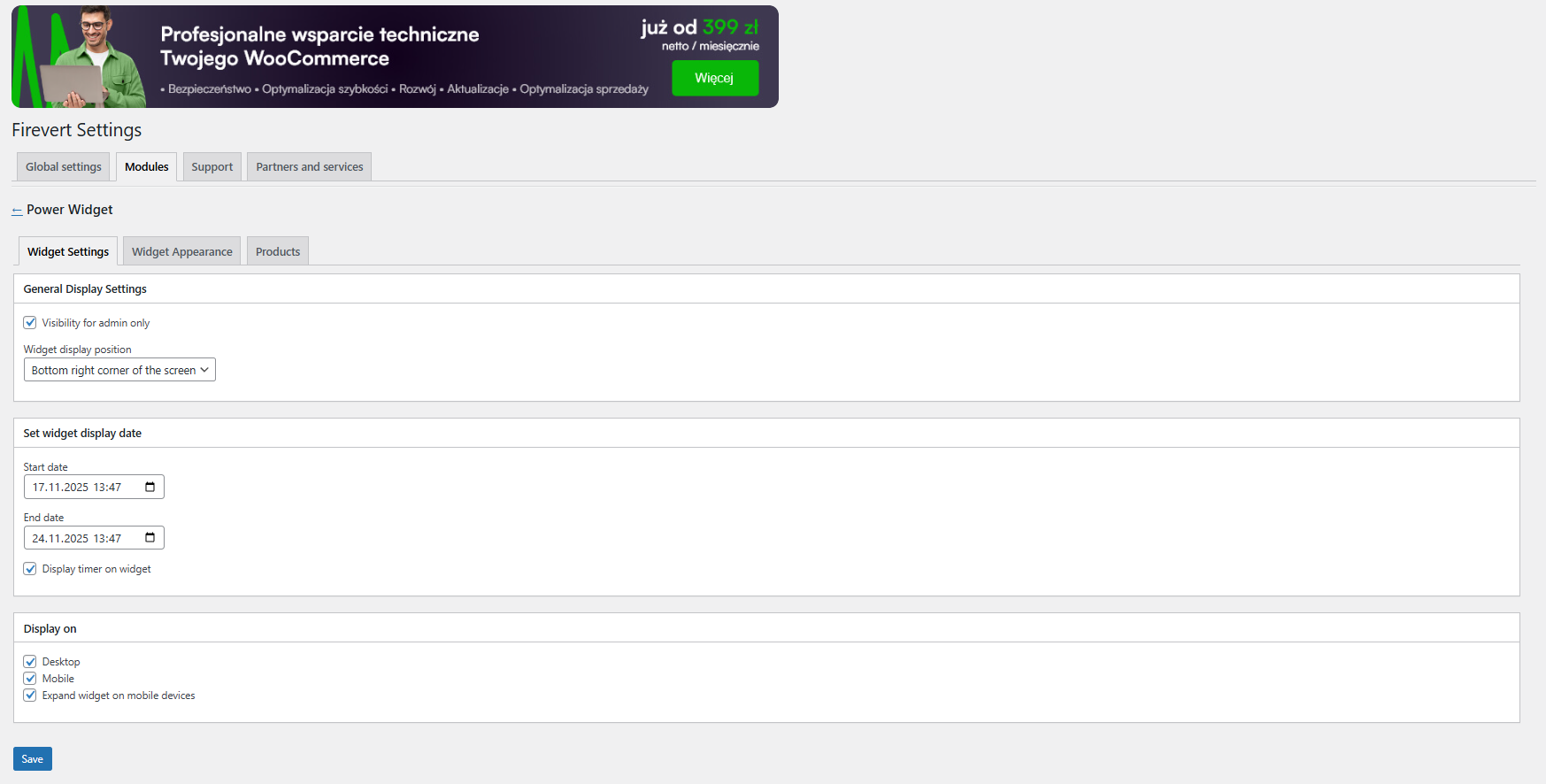
PowerWidget settings panel.
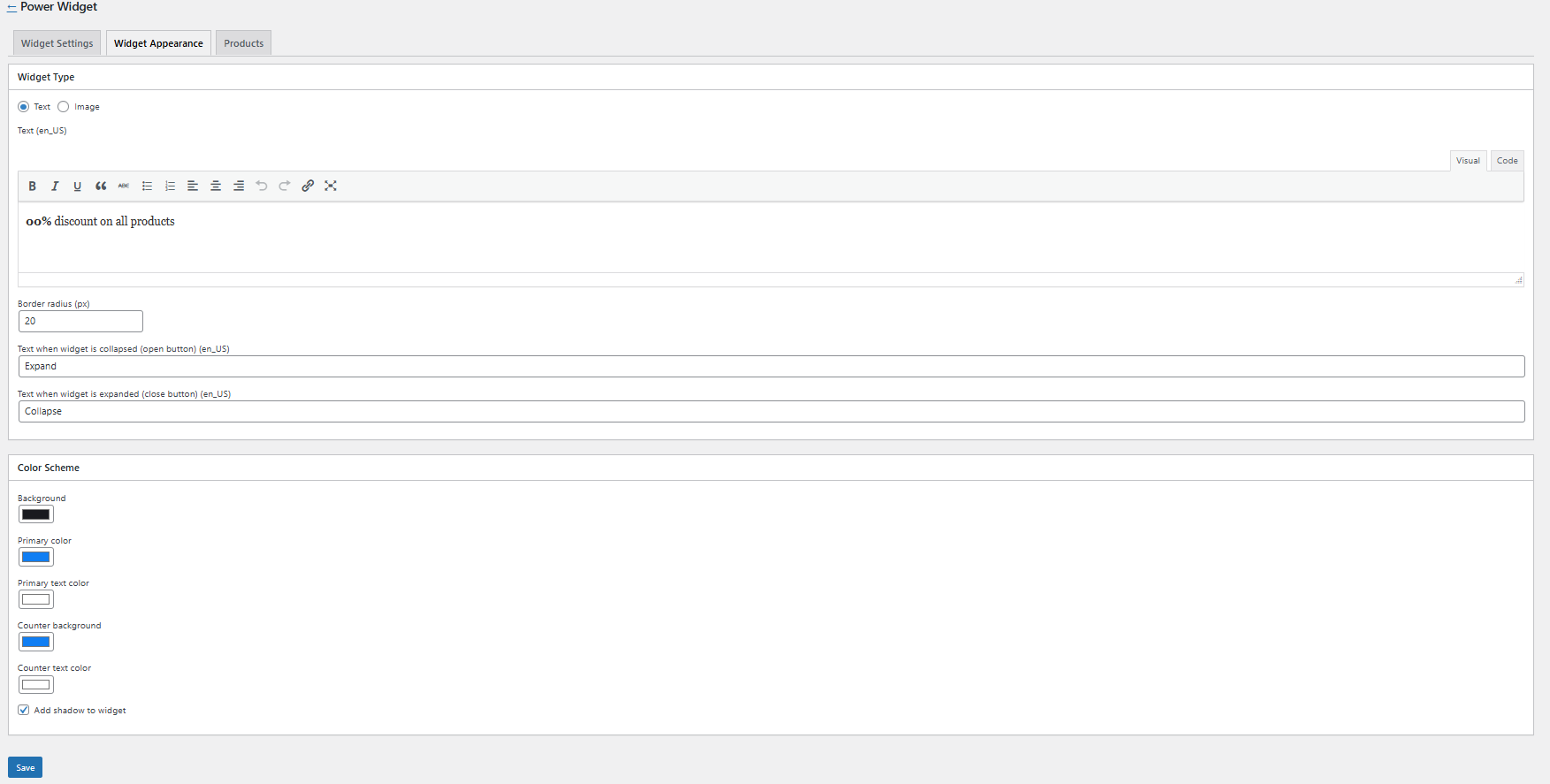
Customizing the appearance of the PowerWidget.
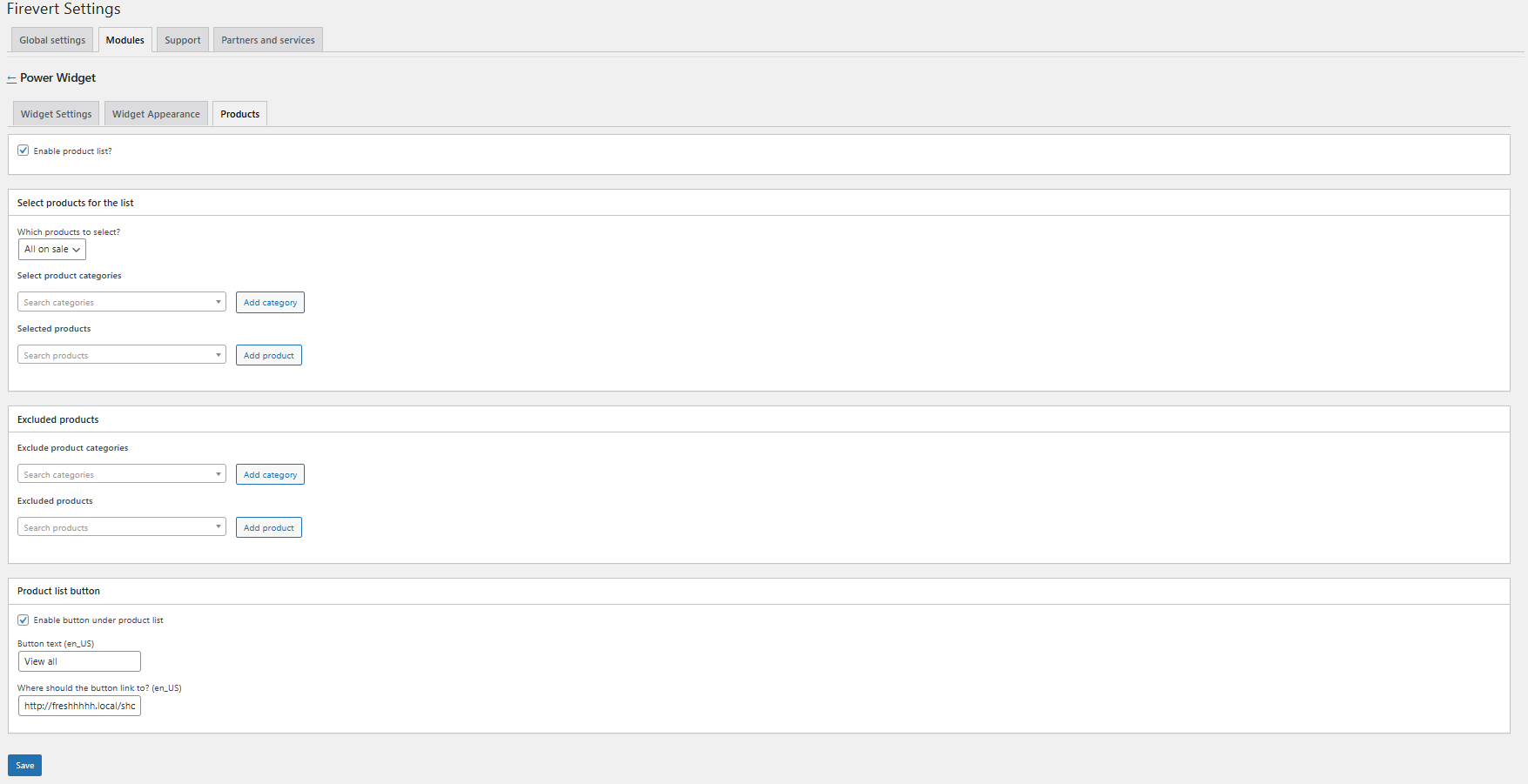
Display rules for PowerWidget, allowing you to either select specific categories and products or show it everywhere with optional exclusions.
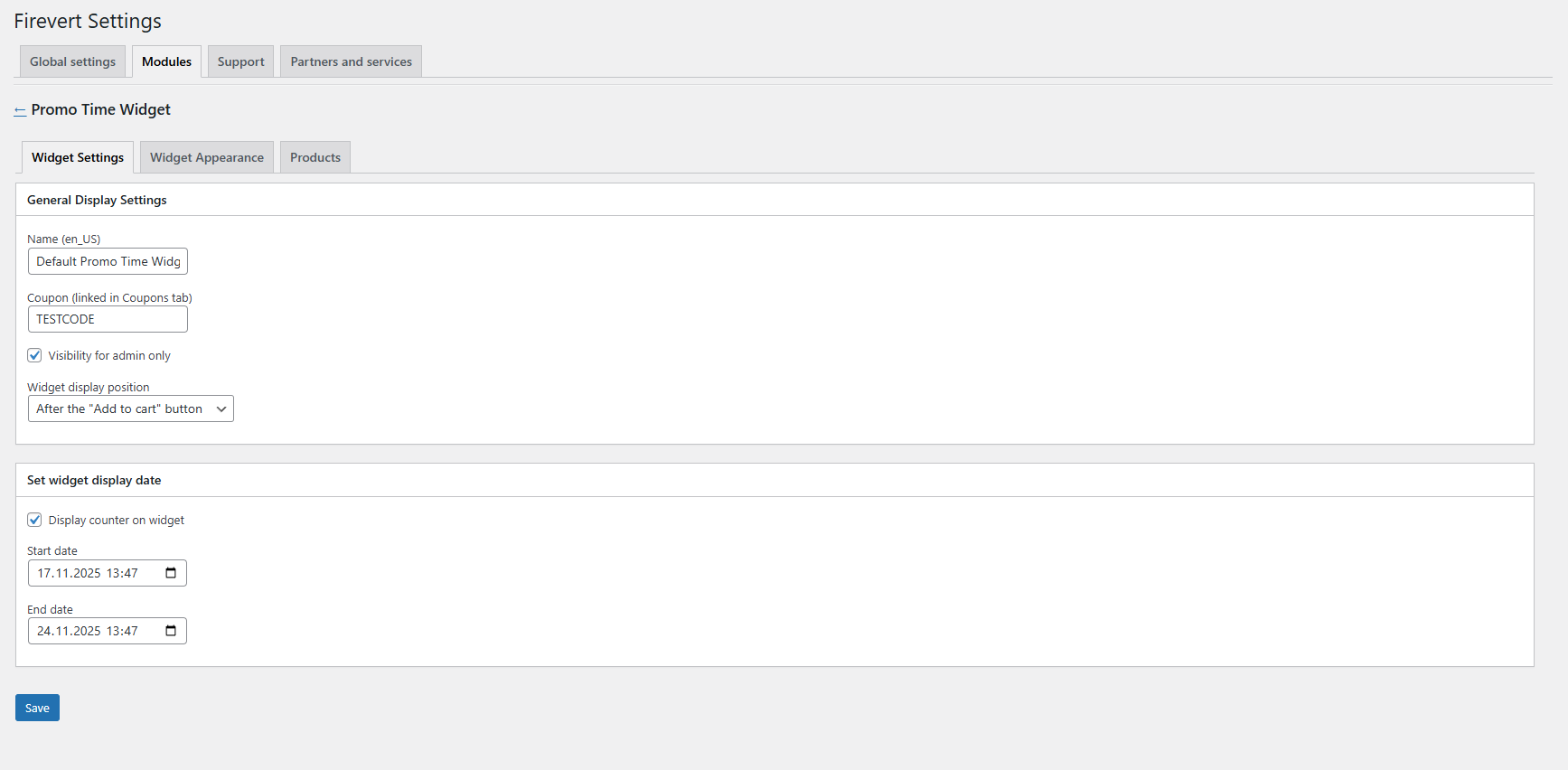
PromoTimeWidget settings panel.
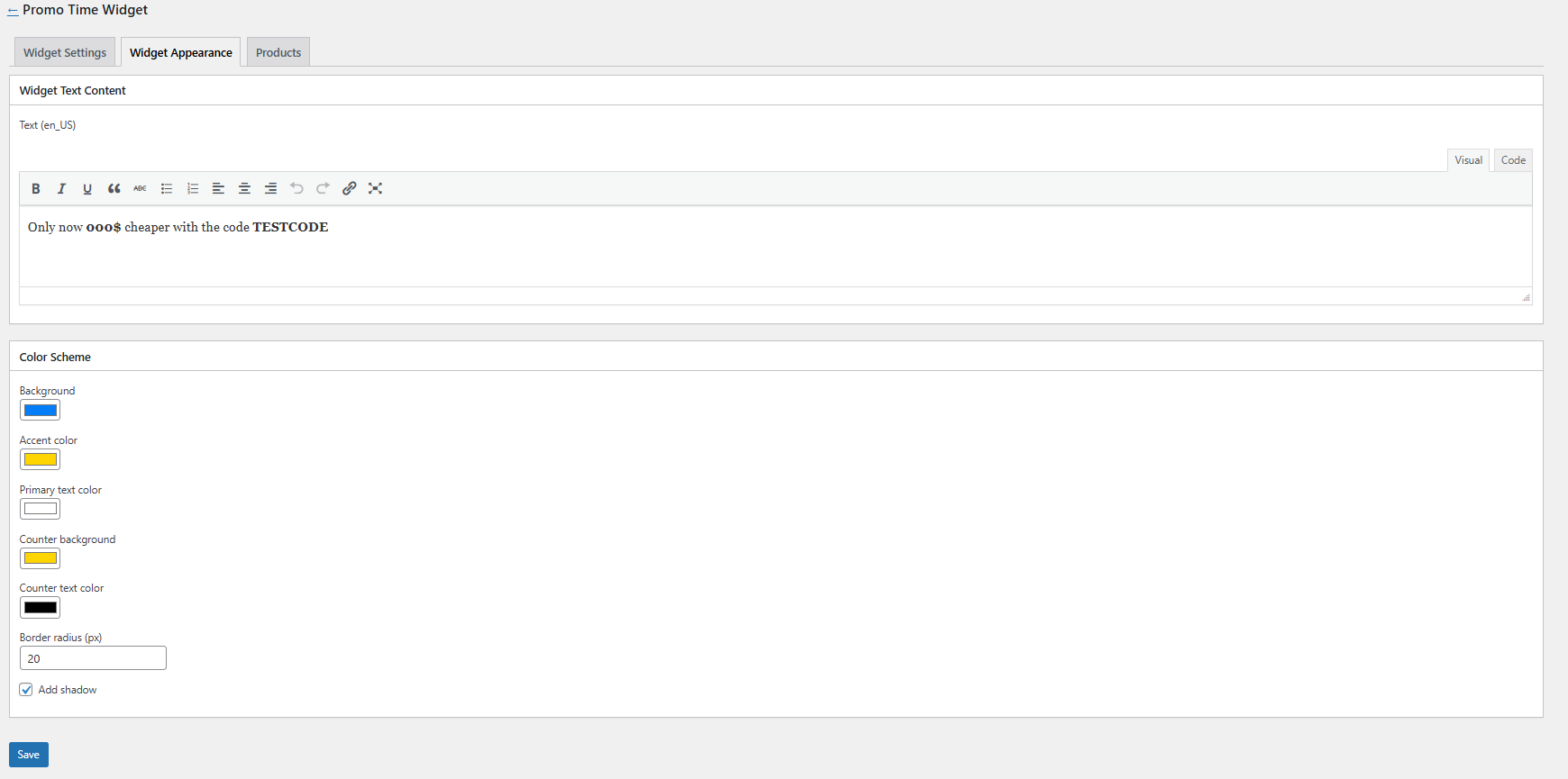
Customizing the appearance of the PromoTimeWidget.
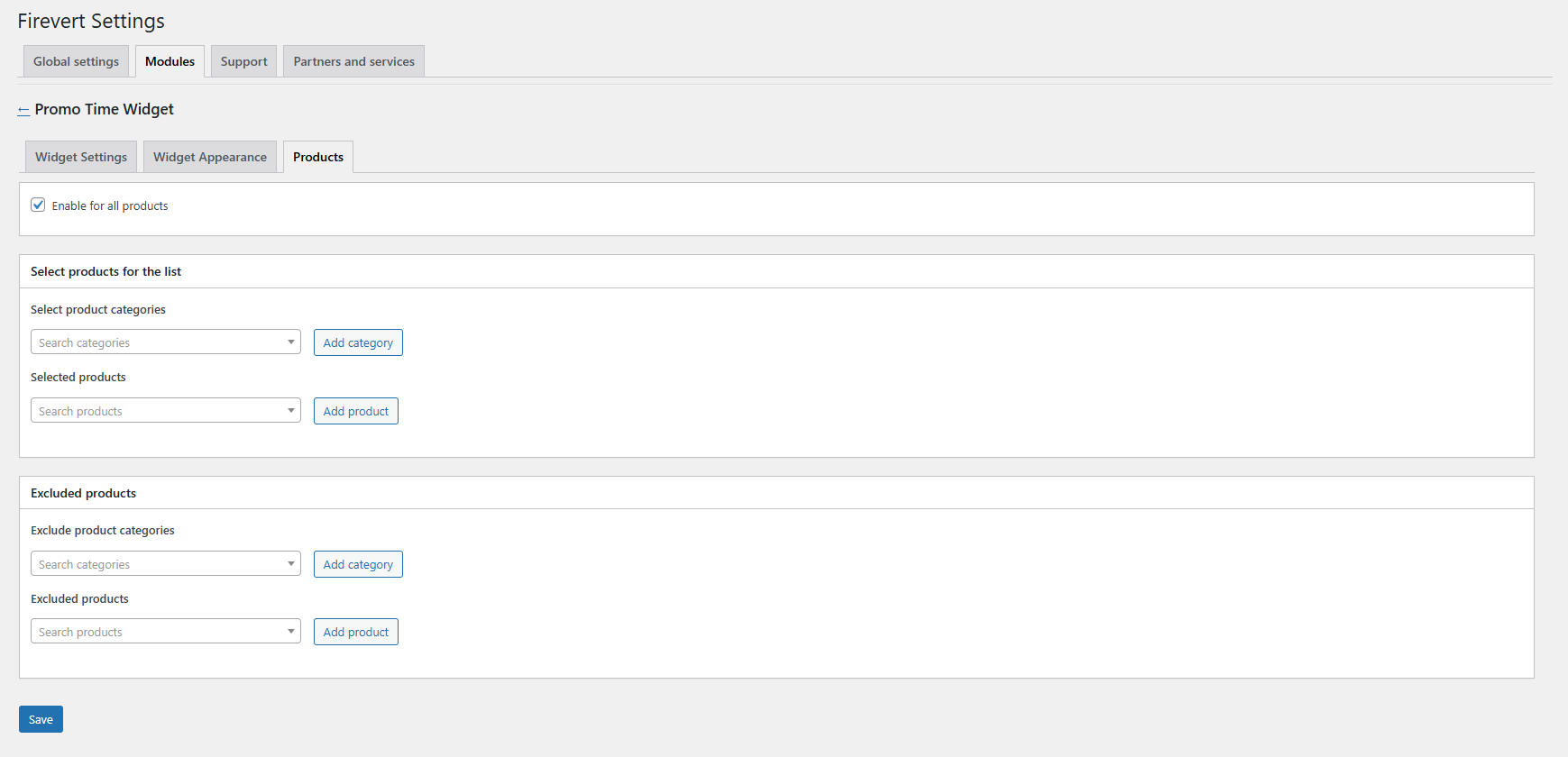
Display rules for PromoTime Widget, allowing you to either select specific categories and products or show it everywhere with optional exclusions.
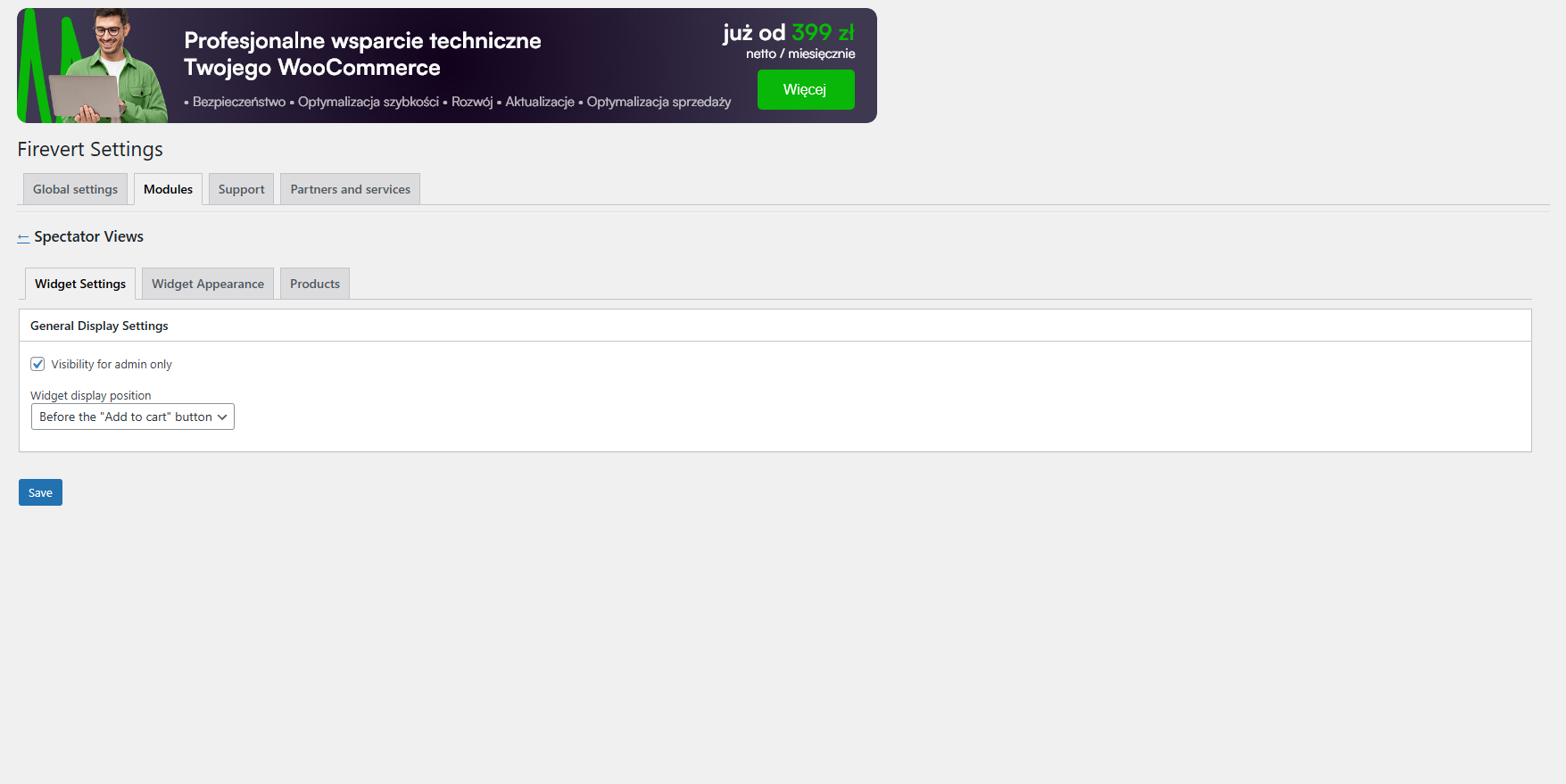
SpectatorViews widget settings panel.
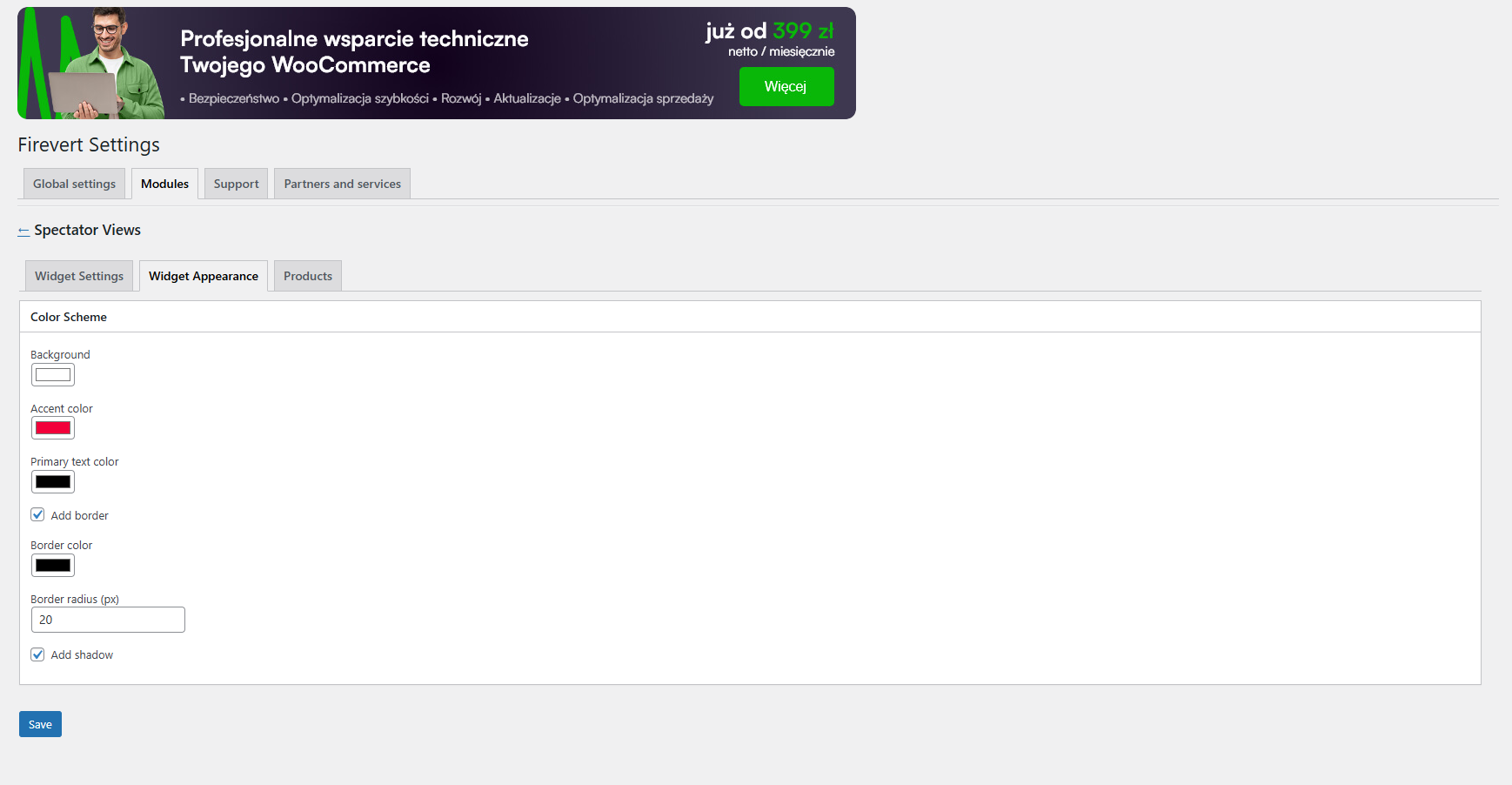
Customizing the appearance of SpectatorViews.
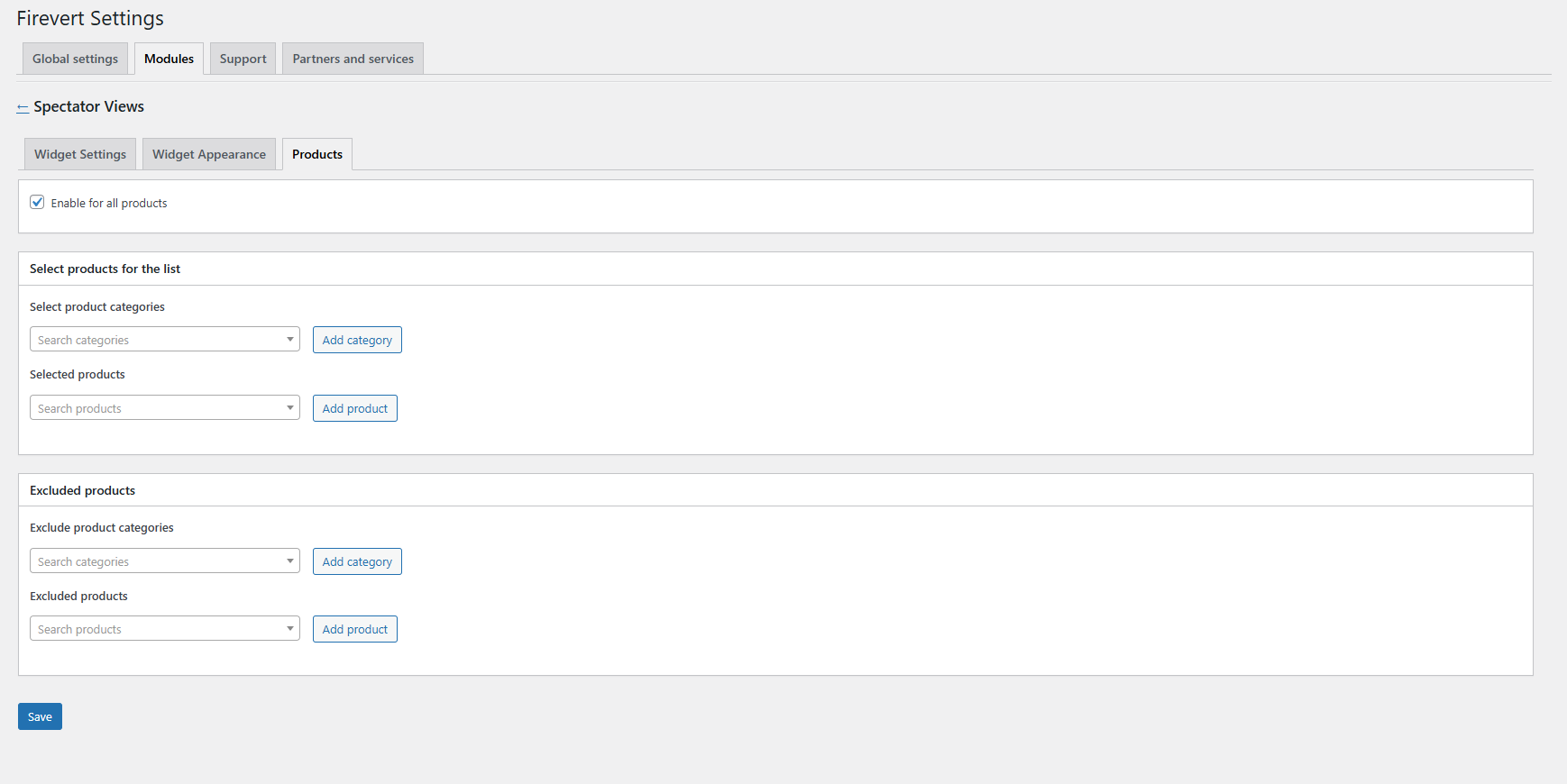
Display rules for SpectatorViews, allowing you to either select specific categories and products or show it everywhere with optional exclusions.
Changelog
1.0.0
- Initial release.
1.0.1
- Fixed: Some colors didn’t load correctly in the Power Widget.
- Fixed: Default settings issue in the Spectator Views widget.
- Improved: Updated default widget settings.
- Updated: description, documentation link, and contact email.
1.0.2
- Fixed: Incorrect widget image dimensions in the Power Widget.
- Fixed: Product hover border color not displaying properly.
- Fixed: Timer display issue in the Power Widget.
- Fixed: Image border radius style inconsistencies.
- Fixed: Incorrect styles when closing the Power Widget by clicking.
- Refactored: Improved Power Widget UI logic for better performance and maintainability.
- Feature: Days display in the Power Widget timer.
1.0.3
- Feature: Integration with the “PerfectWP – WC Omnibus” plugin (v1.1.0).